
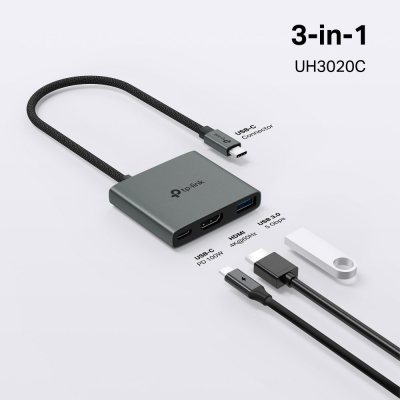
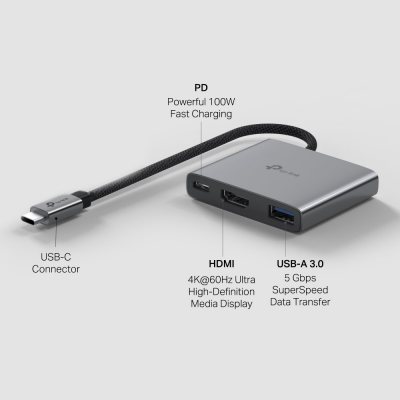
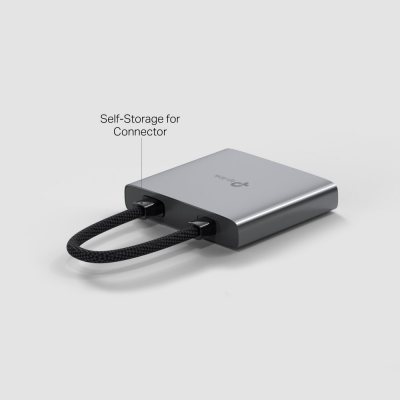


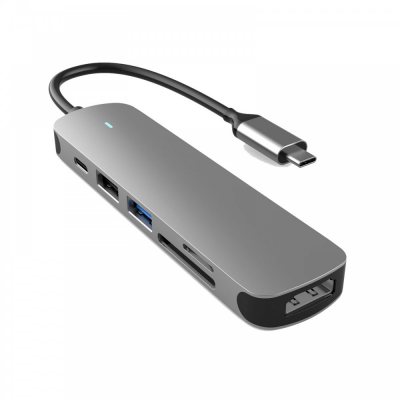
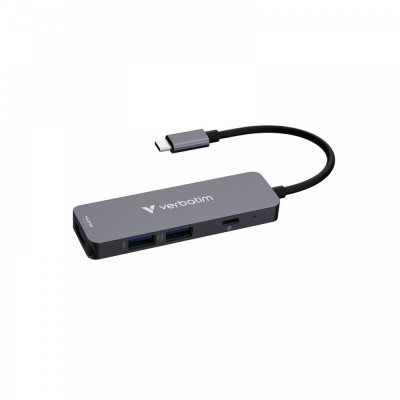
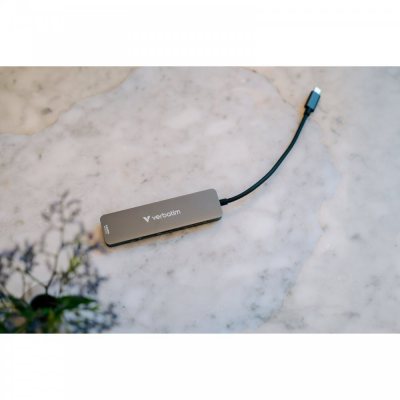
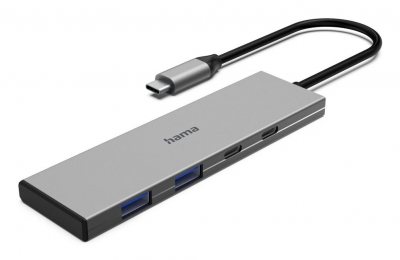
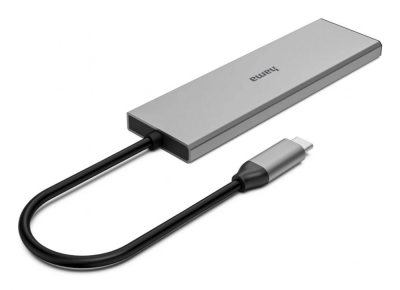
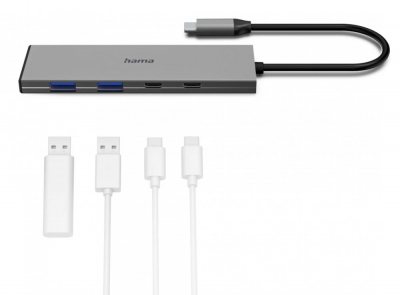
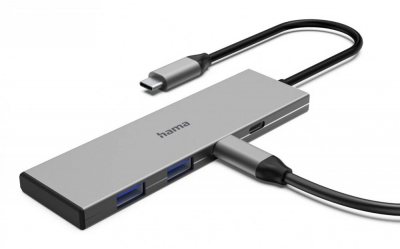
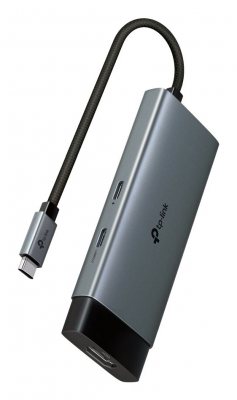
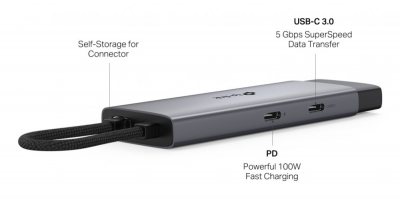
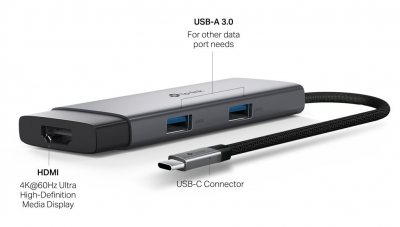
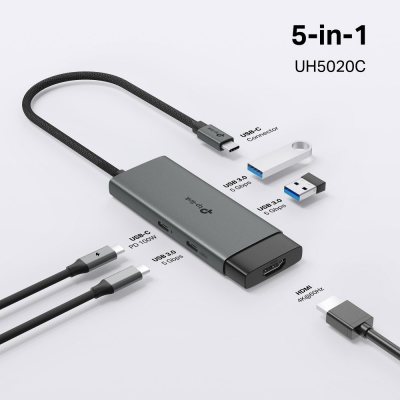
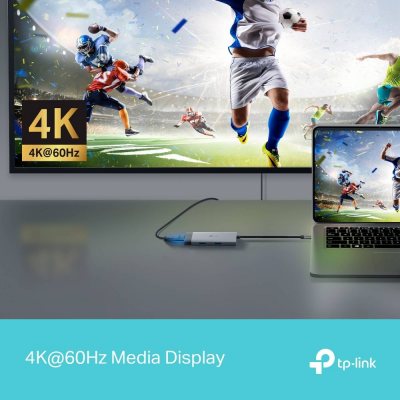
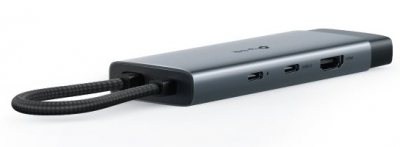
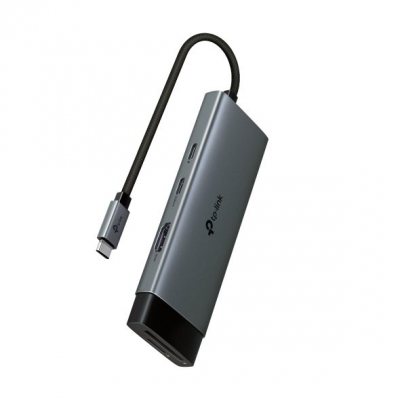
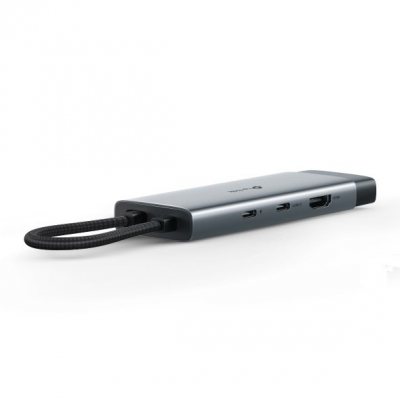
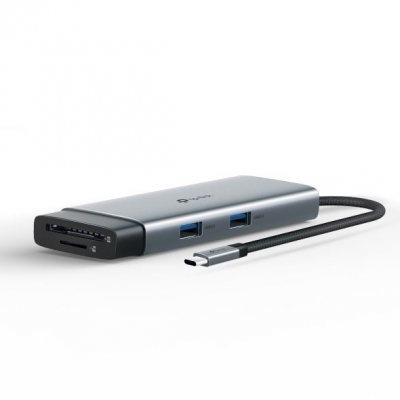
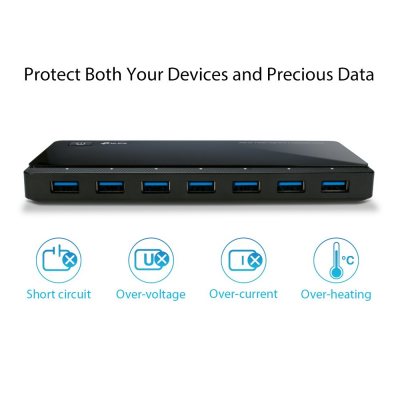
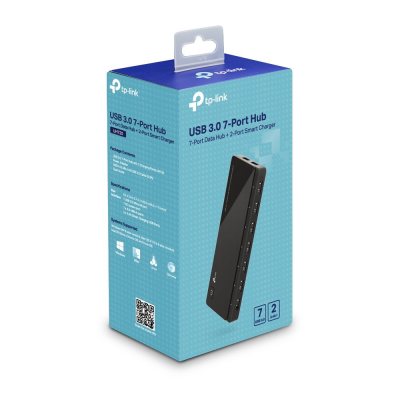
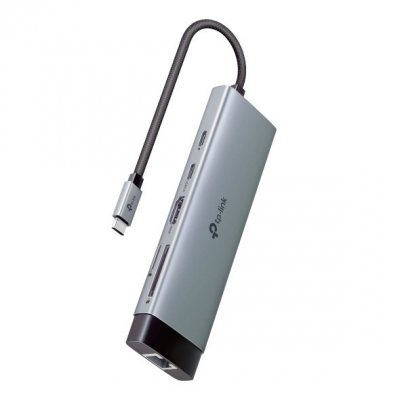
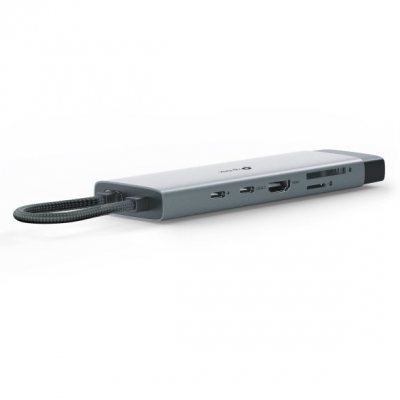
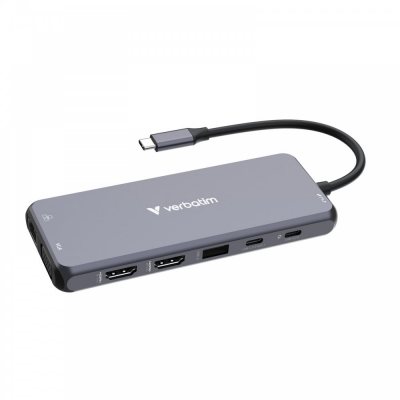
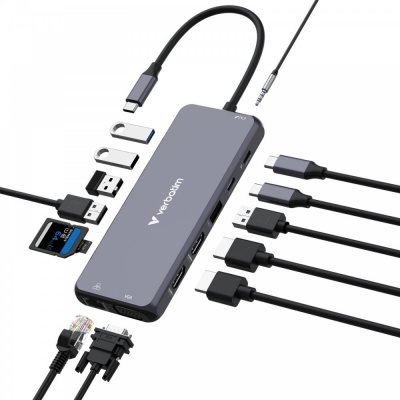
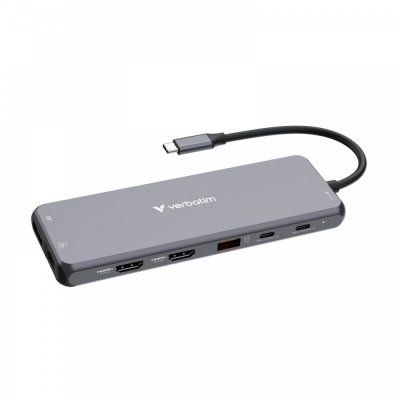
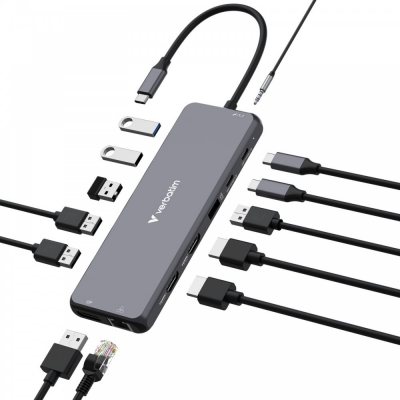
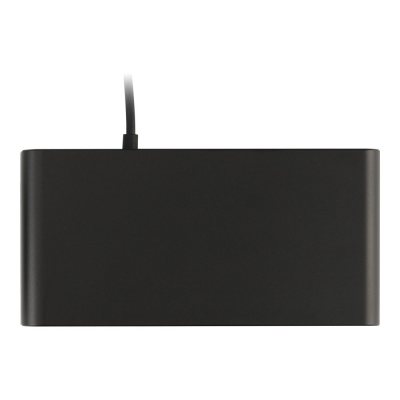
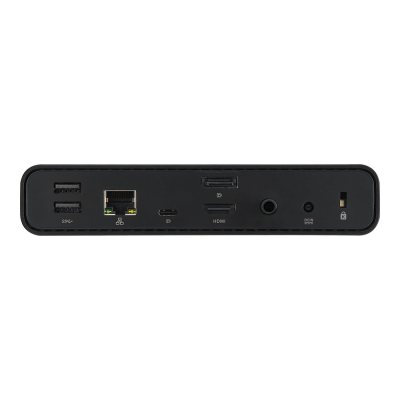
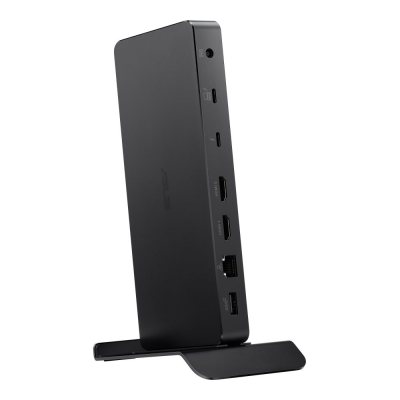
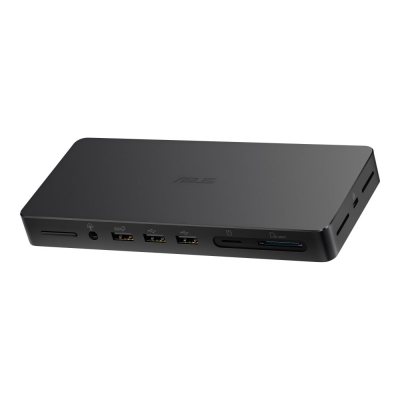
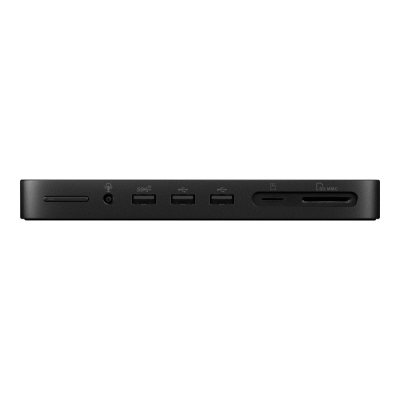
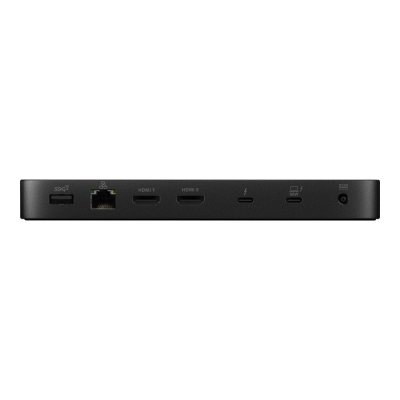
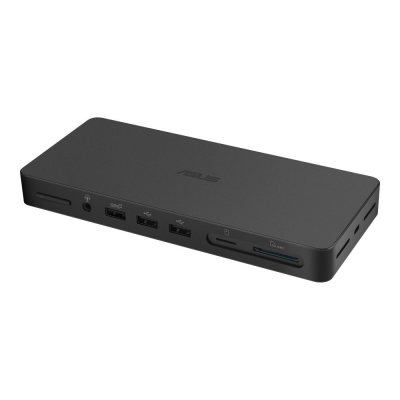
TP-Link TP-Link USB hub USB Type-C 5000 Mbit/s Grey (UH3020C) Multiport adapter · USB-C · HDMI In stock· Online only
£29.99inc VAT£34.98 delivered
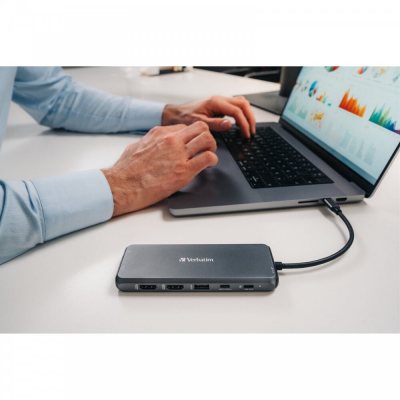
One cable from your laptop to everything on your desk. We stock USB-C and Thunderbolt docking stations for one, two or three monitors, small multiport adapters with HDMI, USB and card readers for travel, and simple USB hubs that add more ports. Before you choose, check which port your laptop has, how many screens you want to run, and whether you want the dock to charge your laptop too.
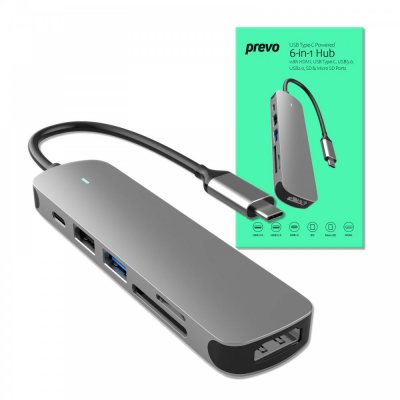




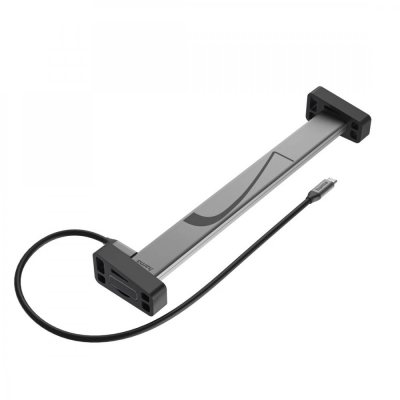
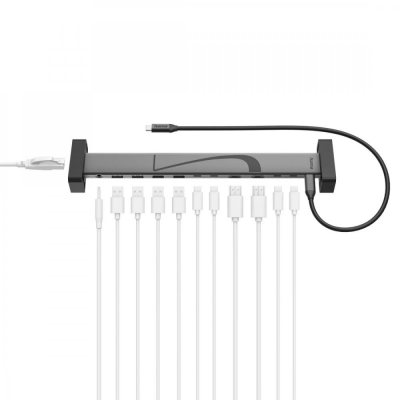
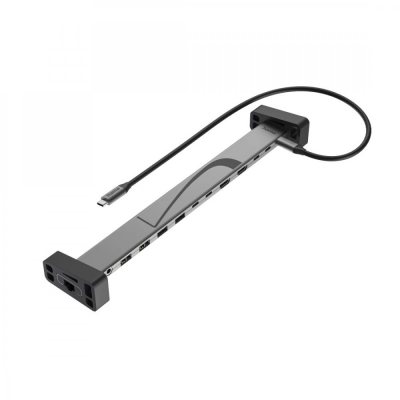

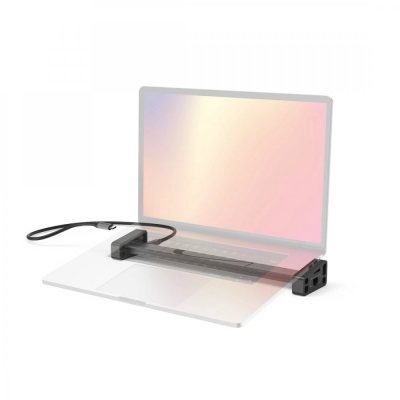































Nothing matches those filters. Try removing one.
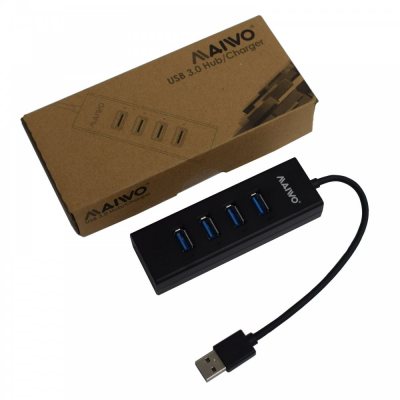
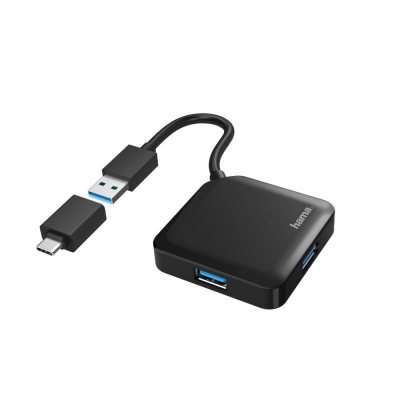
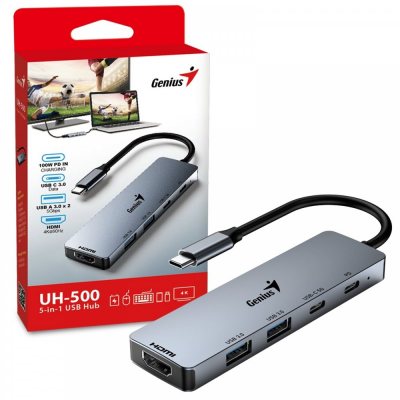
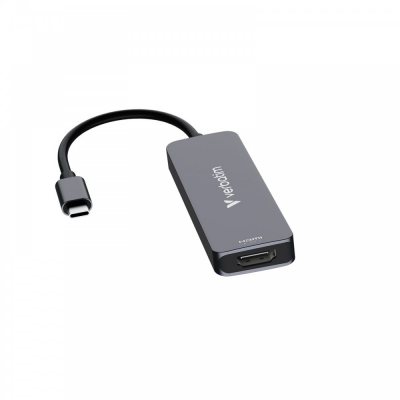
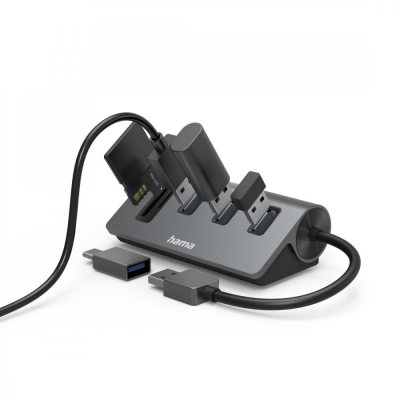
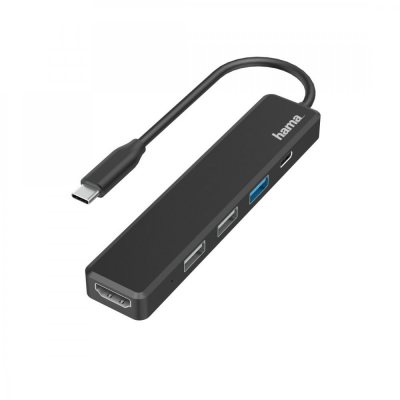
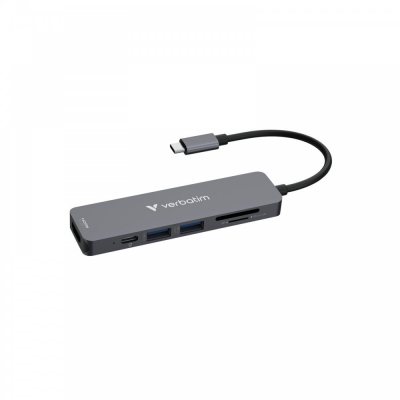
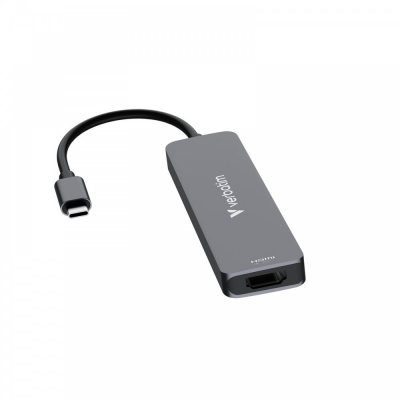
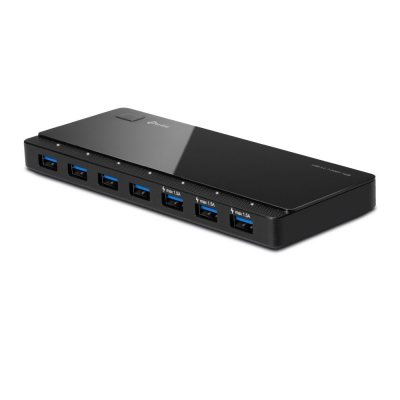
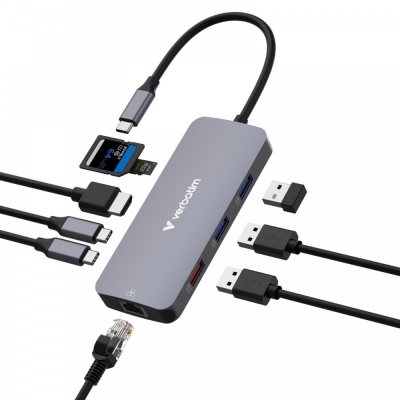
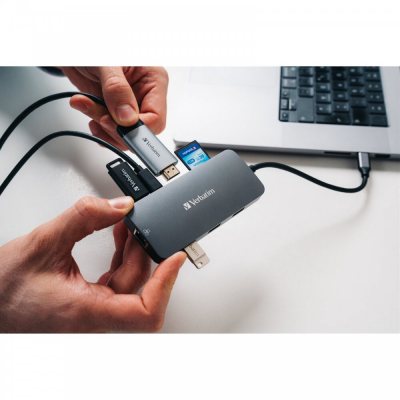
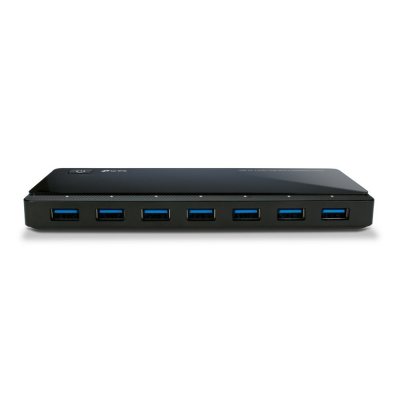
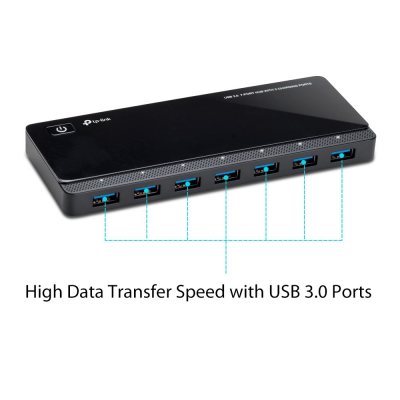
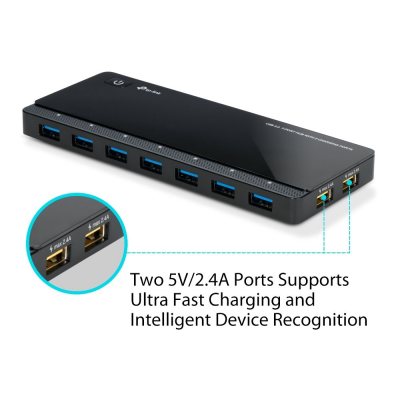
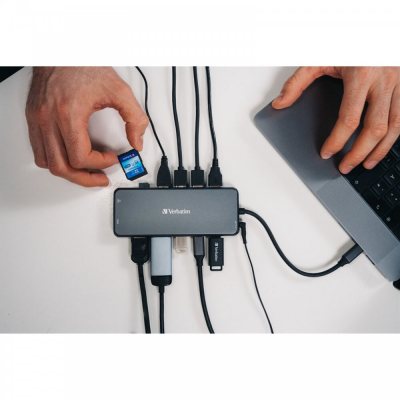
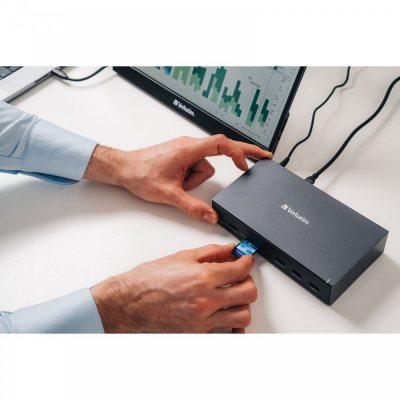
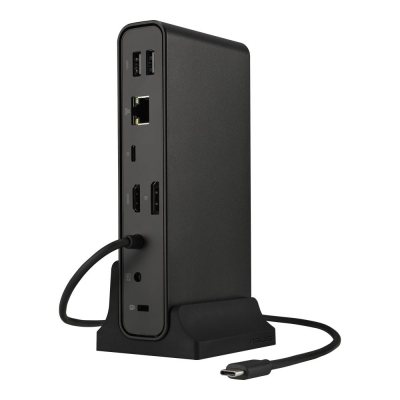
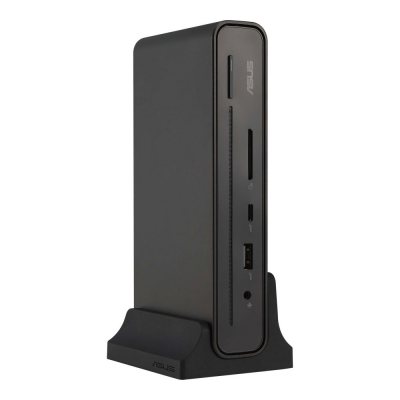
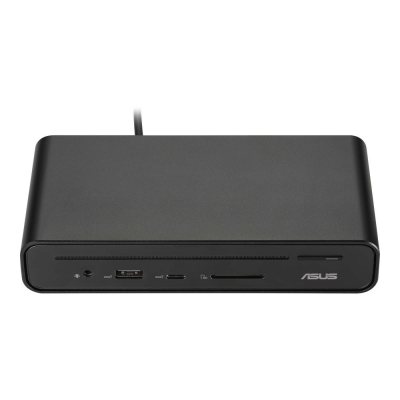
A USB hub only adds more USB ports. A multiport adapter adds a mix, usually HDMI, USB, a card reader and sometimes Ethernet, and is small enough to carry. A docking station stays on your desk, often has its own power supply, and connects monitors, keyboard, mouse, network and charging through one cable, so your laptop is ready to work the moment you plug it in.
A USB-C port does not always carry video or charging. Look for a small display or lightning symbol next to the port, or check your laptop's specifications. Thunderbolt 4 and USB4 ports support the most screens and the highest speeds. Some docks use DisplayLink, which needs a small driver but lets laptops run more screens than their port would normally allow.
Count the screens you want and the ports on them, usually HDMI or DisplayPort. MacBooks with the base M1 or M2 chip only run one external screen natively, so a DisplayLink dock is the way to add a second. For charging, the dock's Power Delivery figure should meet or beat your laptop charger's wattage, for example 65W or 100W.
Want suggestions based on what you look at? (stays in your browser, switch off any time).