
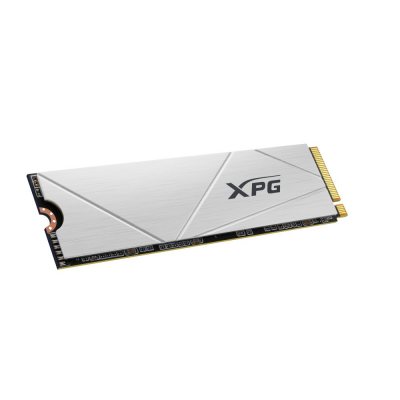
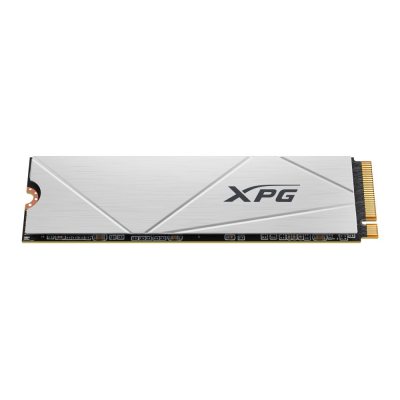
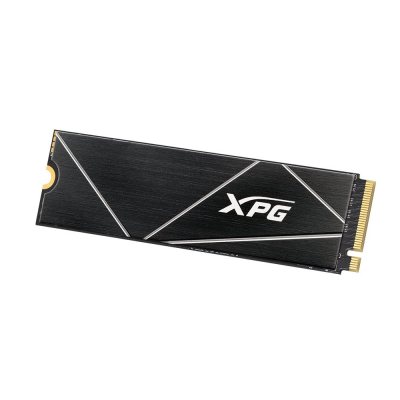
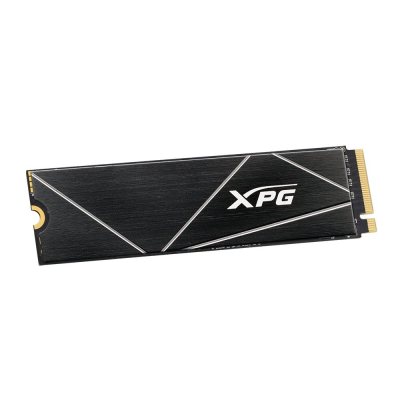
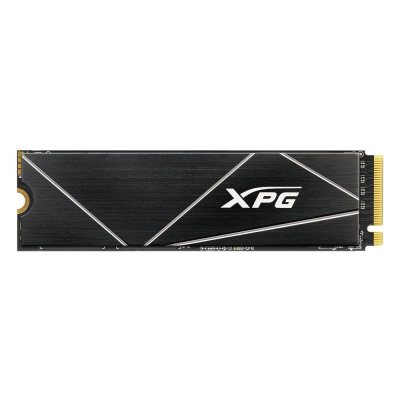
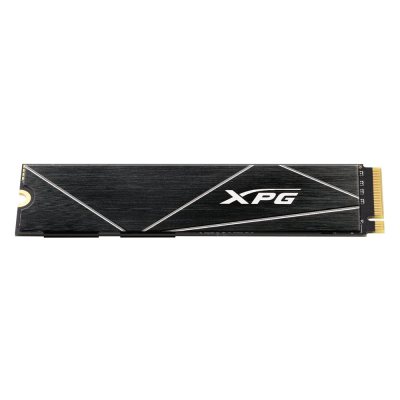
ADATA Adata XPG MARS 980 BLADE 2TB NVMe SSD 2TB · M.2 · M.2 NVMe PCie 5.0 In stock· Online only
£362.99inc VATFree delivery
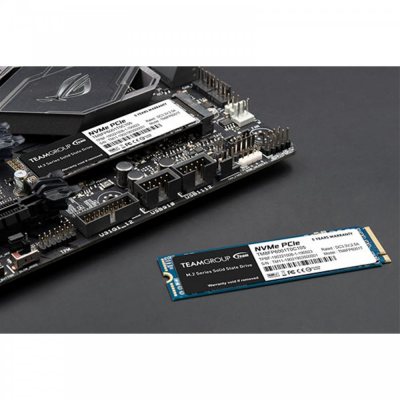
An NVMe SSD is a small M.2 stick that plugs straight into the motherboard and reads data many times faster than a hard drive or SATA SSD. It is the normal boot drive for any PC built in the last few years. Most of our NVMe drives are PCIe 4.0, which suits almost every current board, with PCIe 3.0 options for older PCs and PCIe 5.0 drives for the latest boards. Capacities run from 250GB to 4TB, with 1TB and 2TB the most popular.


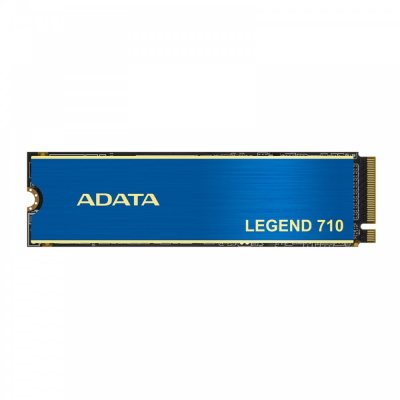


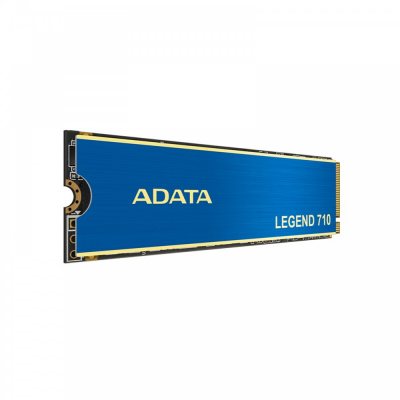

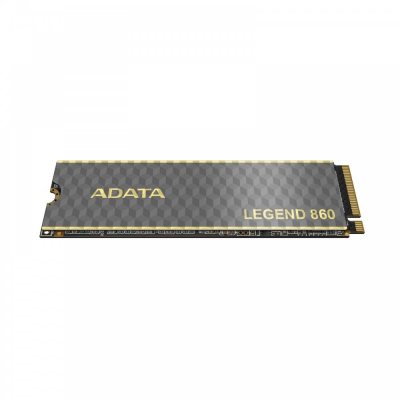

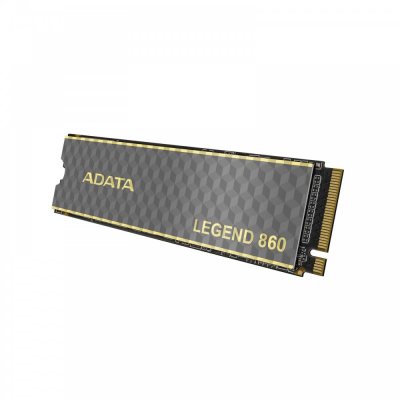
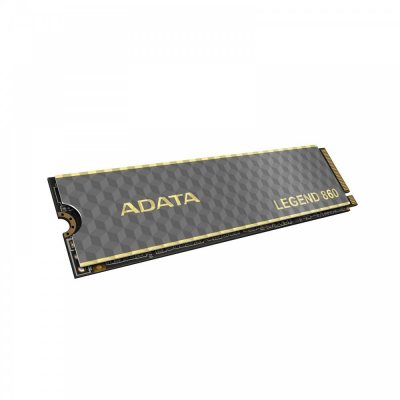
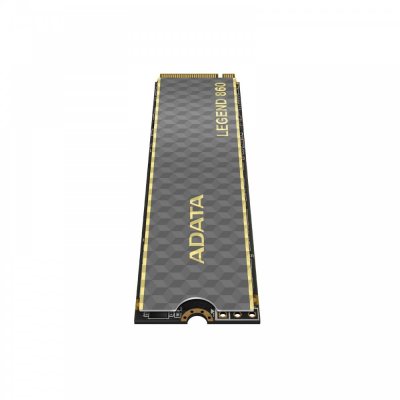

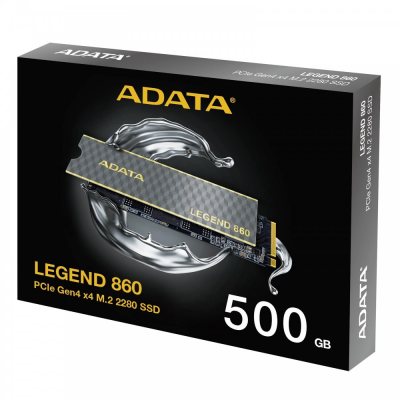




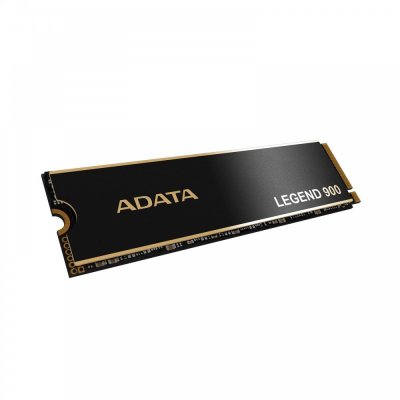
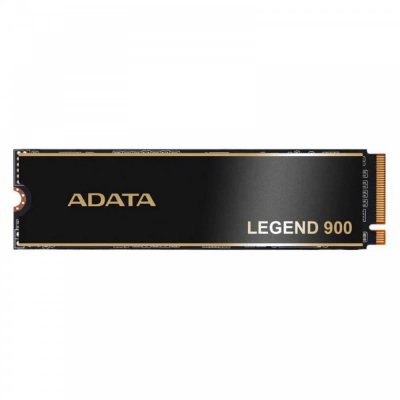


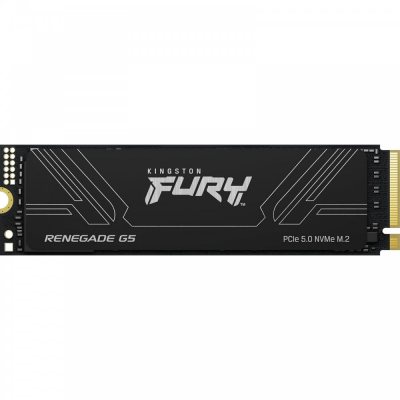
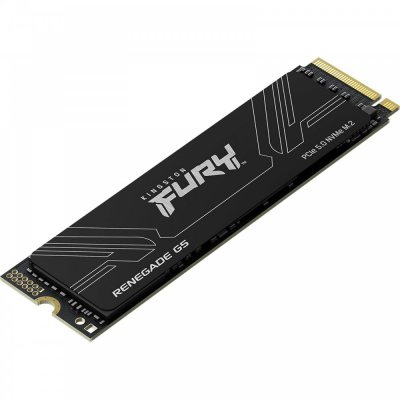

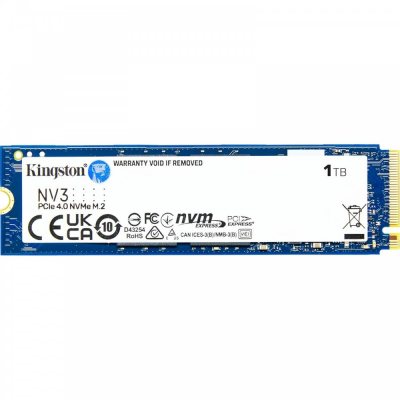


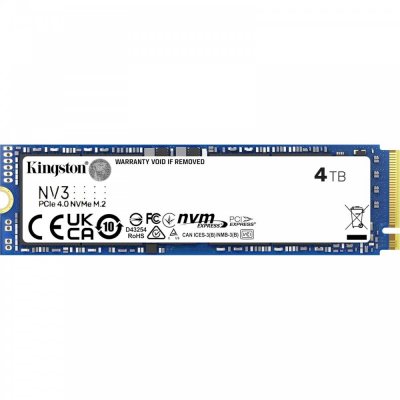

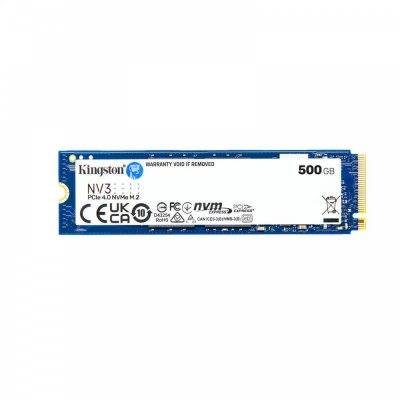


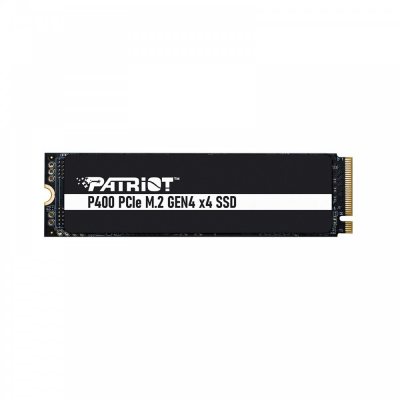

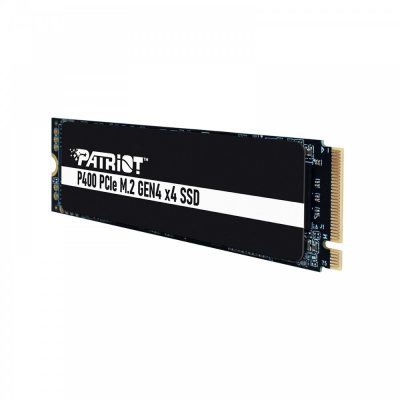


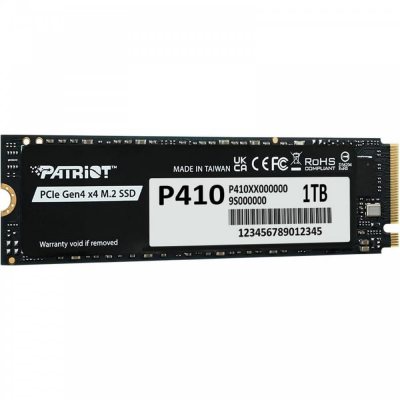


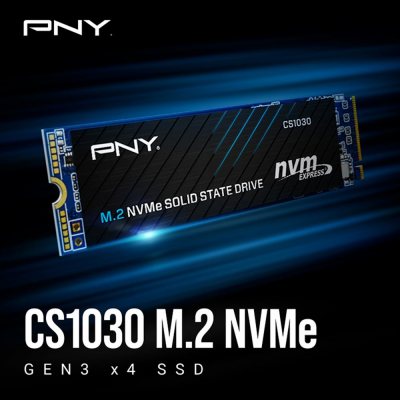





























Nothing matches those filters. Try removing one.
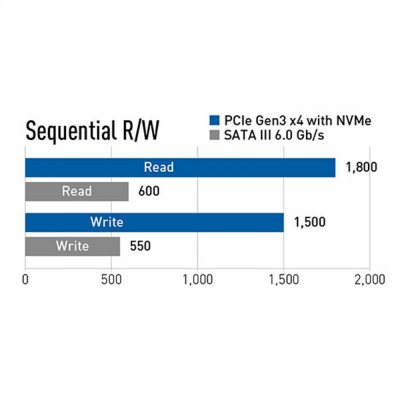
Each generation roughly doubles the top speed. PCIe 4.0 is the sensible middle: up to around 7,000MB/s, and it works in any NVMe M.2 slot, at the slot's own speed in older ones. PCIe 5.0 drives need a board with a Gen5 M.2 slot to go any faster, and they run warm. PCIe 3.0 is fine for older PCs or a second drive. In games, loading times differ far less than the headline numbers suggest.
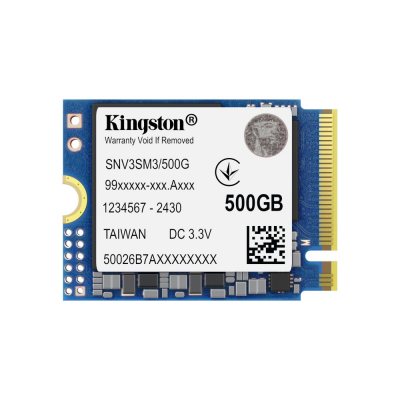
Most desktop boards and many laptops have an M.2 slot for 2280 size drives (22mm wide, 80mm long). Check whether yours supports NVMe or only SATA, and how many slots it has. Some boards share bandwidth between an M.2 slot and SATA ports, so look at the manual. Fit the drive under the board's M.2 heatsink if there is one.
Cloning software can copy your existing Windows install to a new NVMe drive, or you can do a clean install. If you are building new, our first PC guide covers fitting an M.2 drive. Choosing a size? See 1TB SSDs or 2TB SSDs.