Season's greetings from Manchester PC Christmas gift ideas
Manchester PC Shop

SATA SSDs

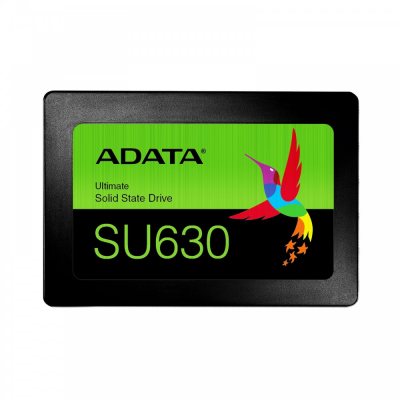
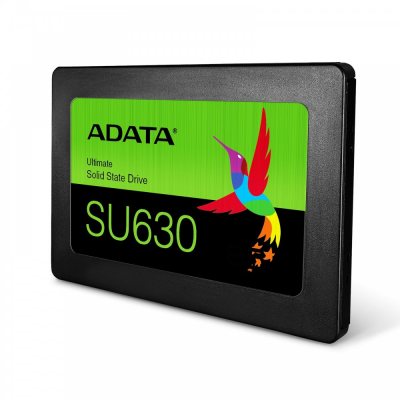
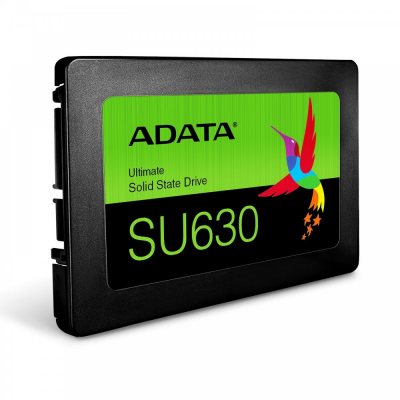
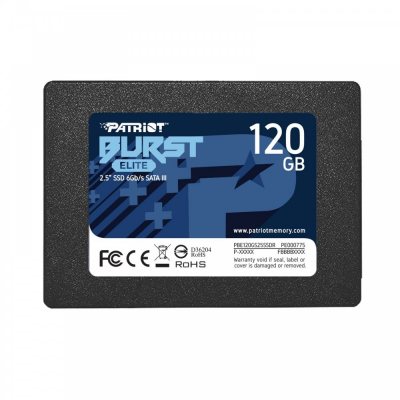
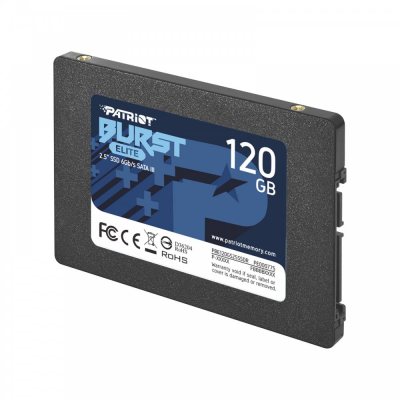
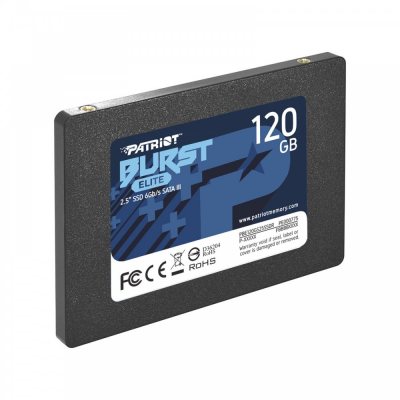
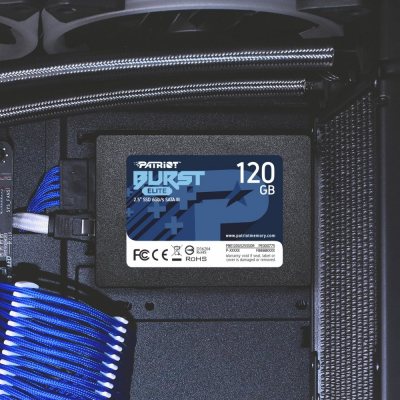
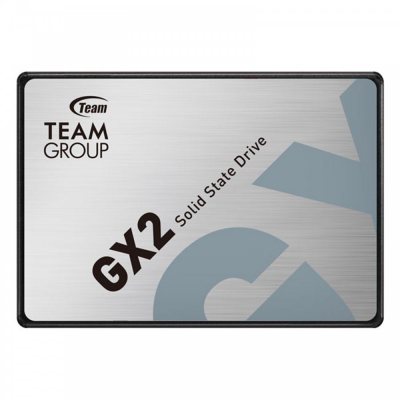
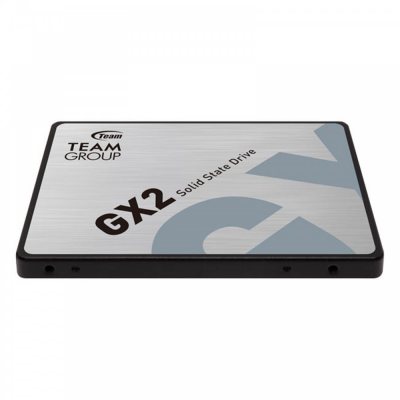
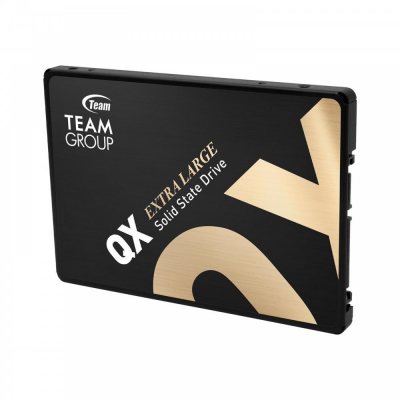
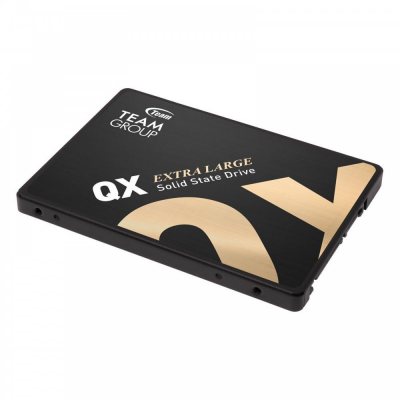
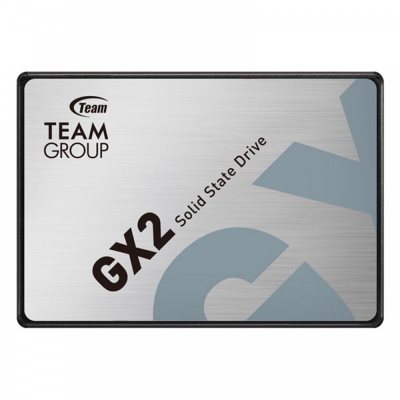
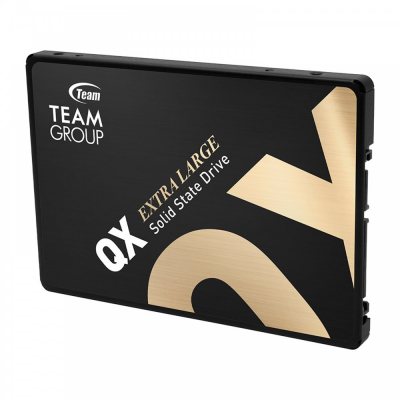
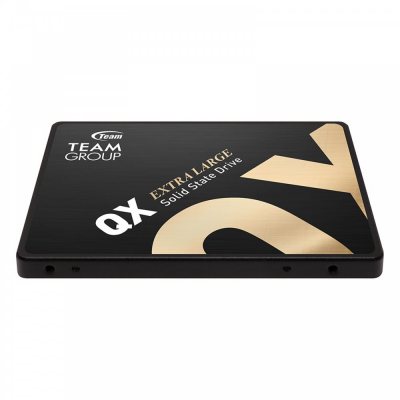
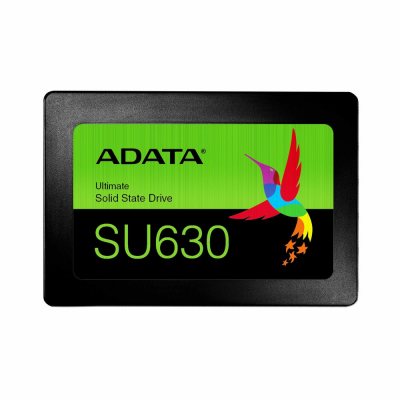
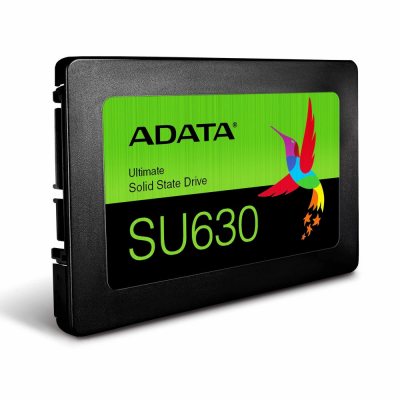
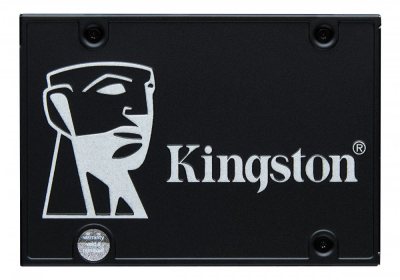
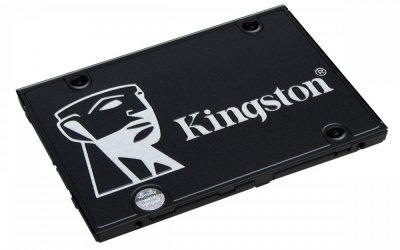
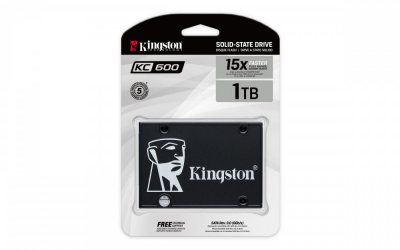
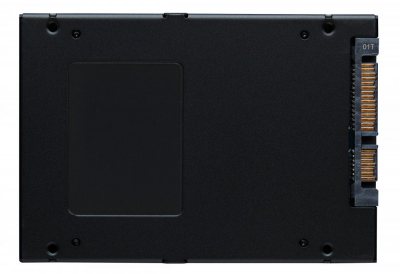
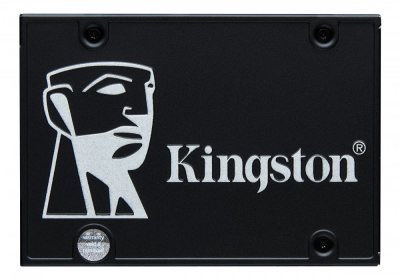
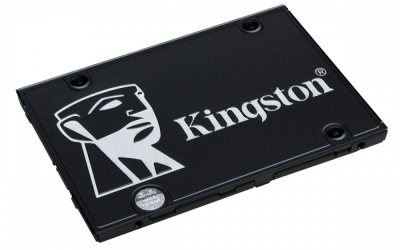
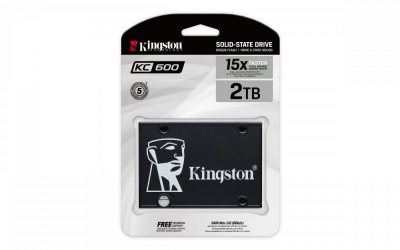
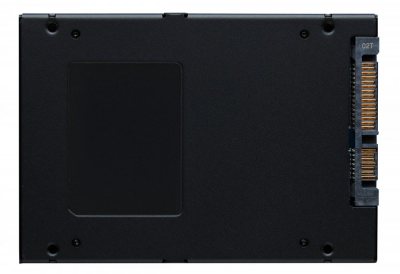
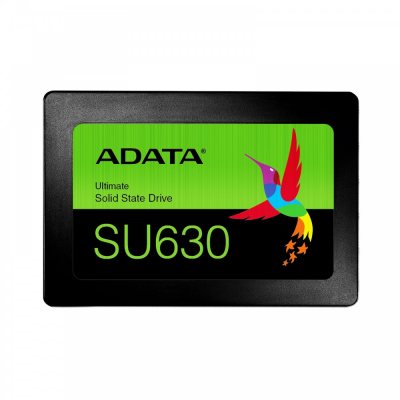
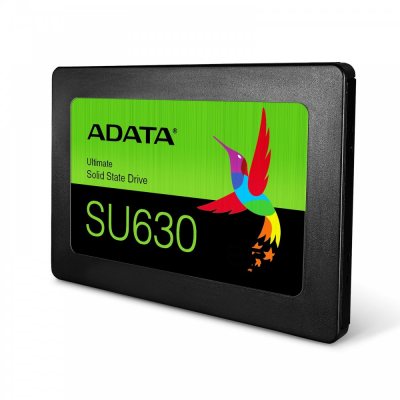
A 2.5-inch SATA SSD is the simplest upgrade for a slow PC or laptop that still has a spinning hard drive. It is the same size and connection as a laptop hard drive, so it fits the same bay and uses the same cables. Start-up and loading times usually drop dramatically. We list SATA SSDs from small 120GB to 256GB boot drives up to 4TB, from Samsung, Kingston, Team, Patriot, Adata and PNY.

24 in stock
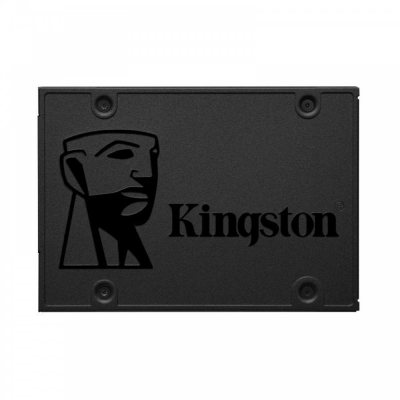
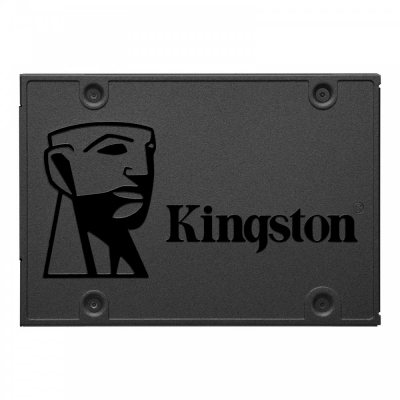
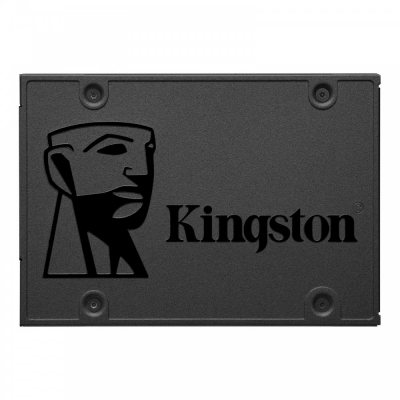
Kingston Kingston A400 960GB 960GB · 2.5 Inch · SATA III In stock· Online only
£168.99inc VATFree delivery
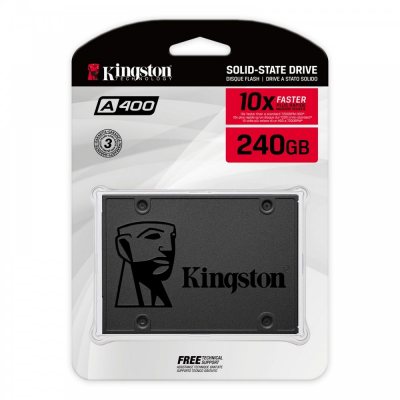
Kingston Kingston A400 240GB 240GB · 2.5 Inch · SATA III In stock· Online only
£72.99inc VAT£77.98 delivered
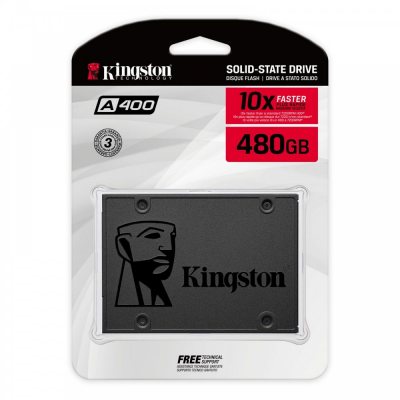
Kingston Kingston A400 480GB 480GB · 2.5 Inch · SATA III In stock· Online only
£110.99inc VAT£115.98 delivered
£4.99 tracked deliveryFree on orders over £150. One charge per order.
Secure checkoutCard payments are handled by Stripe.
14-day returnsChange your mind within 14 days of delivery.
Rated 4.9 by customersFrom 150 Google reviews of our repair service.

Choosing sATA SSDs

When SATA is the right choice

Choose SATA if your laptop or PC has a 2.5-inch drive bay but no M.2 slot, or if every M.2 slot is already used. That covers most laptops and desktops from before about 2016, and many budget PCs since. If you do have a spare M.2 NVMe slot, an NVMe SSD is faster and often costs about the same.

Fitting it in a desktop

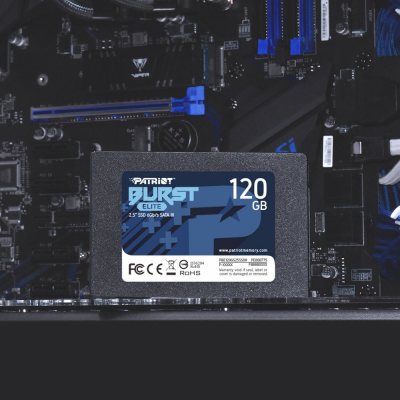
A desktop needs a SATA data cable to the motherboard and a SATA power lead from the power supply. Some boards include a data cable, and many cases have 2.5-inch mounts. If yours only has 3.5-inch bays, a simple adapter bracket holds the drive. Laptops just need the drive swapped into the existing caddy or bay.

Moving Windows across

You can clone your old hard drive to the new SSD with free cloning software and a USB to SATA adapter, or reinstall Windows fresh. A clean install often feels faster on an older machine. Keep the old drive as a backup until you are happy everything has moved across.

Frequently Asked Questions

Is a SATA SSD worth it over a hard drive?
Yes. Even the slowest SATA SSD starts Windows and opens programs far faster than a hard drive, because there are no moving parts to wait for. It is often the biggest single speed-up for an older PC.
What is the difference between M.2 and SATA SSDs?
A SATA SSD connects with a cable and is limited to about 550MB/s. An M.2 NVMe SSD plugs directly into the board and can be many times faster. M.2 needs a compatible slot, SATA works almost anywhere.
Will a 2.5-inch SSD fit my laptop?
If your laptop has a 2.5-inch hard drive now, almost certainly. Most 2.5-inch SSDs are the standard 7mm height used in most laptops. Some very old laptops used 9.5mm drives, and the thinner SSD still fits with a spacer.
What size SATA SSD do I need?
For a laptop used for browsing and office work, 500GB is comfortable. Choose 1TB or more if you keep photos, music or games on the same machine.

Before you add this to your basket

This does not include:

    Not sure? Call us on 0161 820 1992 before you order.

    ☎ Call Now Basket