
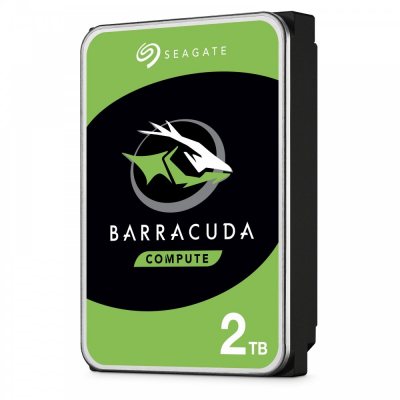

Seagate Seagate BarraCuda 2TB 3.5" 7200RPM 256MB Cache SATA III 2TB · HDD · SATA III In stock· Online only
£126.99inc VAT£131.98 delivered
Hard drives still cost the least per terabyte for storing a lot of data: photo archives, backups, media libraries and CCTV footage. They are slower than SSDs, so use one alongside an SSD rather than as your Windows drive. Most of ours are 3.5-inch desktop drives from 1TB up to 24TB, from Seagate, WD and Toshiba. They fall into three families: desktop drives for PCs, NAS drives for always-on storage boxes, and surveillance drives for CCTV recorders. Pick the family that matches where the drive will live.











Nothing matches those filters. Try removing one.
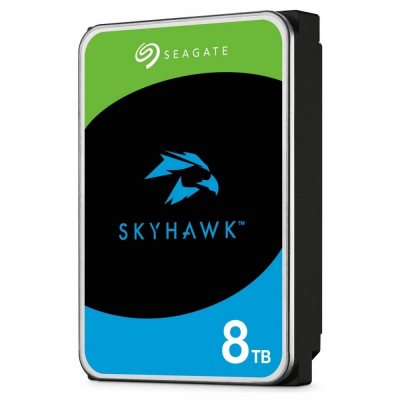
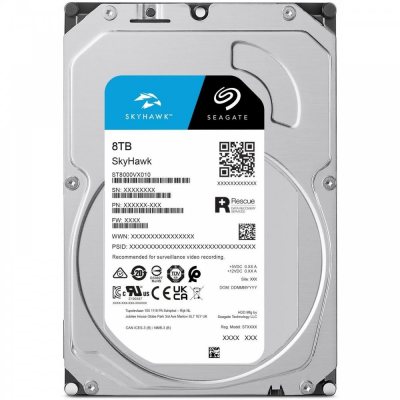
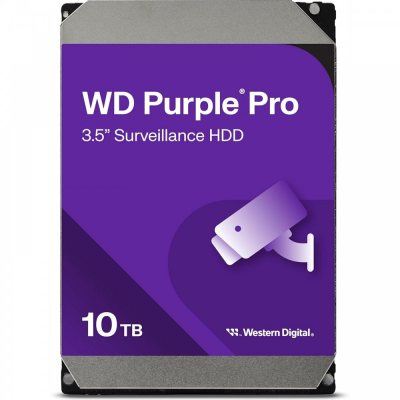
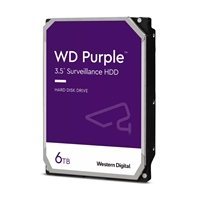
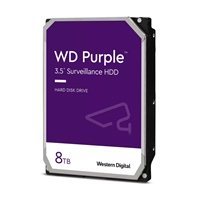
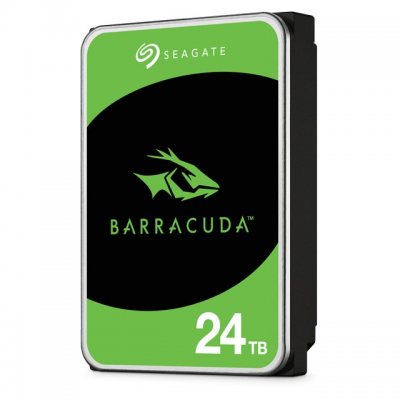
Desktop drives such as Seagate BarraCuda are for storage inside a normal PC. NAS drives (Seagate IronWolf, WD Red Plus) are built to run all day in multi-drive network storage boxes. Surveillance drives (Seagate SkyHawk, WD Purple) are made for CCTV recorders that write video around the clock. Any of them works in a PC, but a NAS or recorder should get the matching type.
Many internal hard drives are sold as bare drives, with no screws and no cables. In a desktop you need a SATA data cable to the motherboard and a SATA power lead from the power supply. Check the product page for what is included, and that your case has a free 3.5-inch bay. A 2.5-inch drive is for laptops and small cases.
If speed matters, for Windows, programs and games, use an SSD. Hard drives make sense when you need several terabytes for the price, and for backups. A common setup is an SSD for the system and a hard drive for files. See 2TB SSDs for a faster large drive.