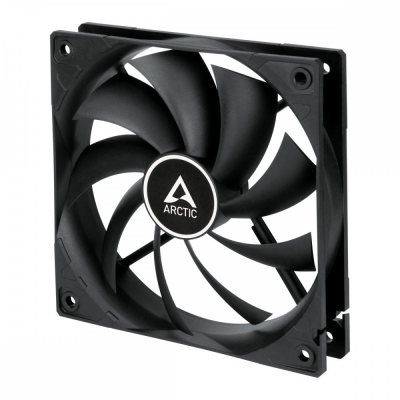
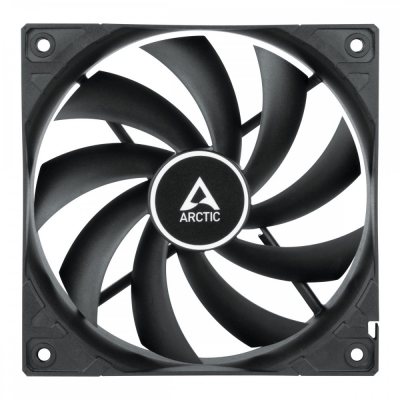


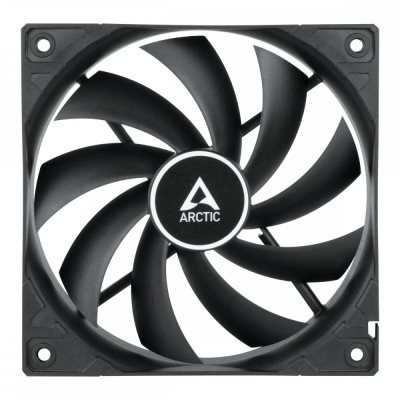
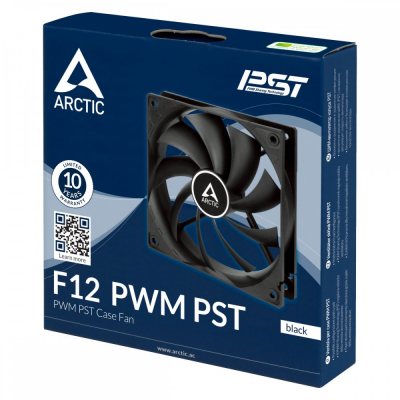
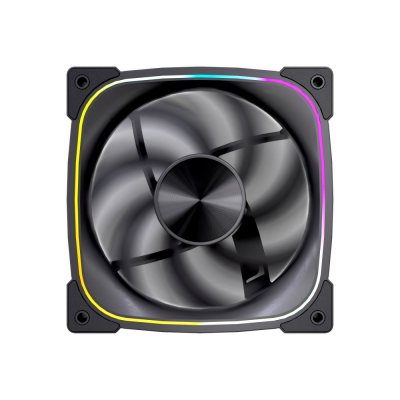
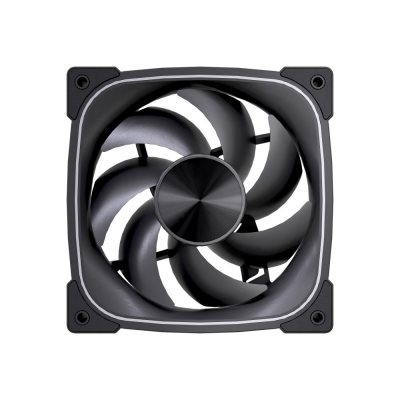
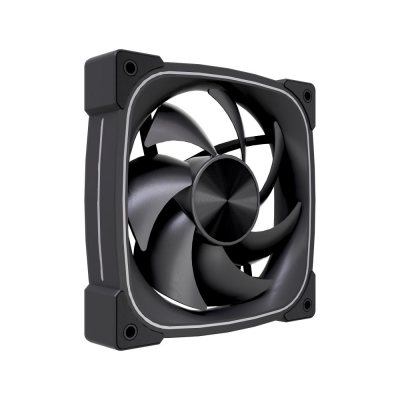
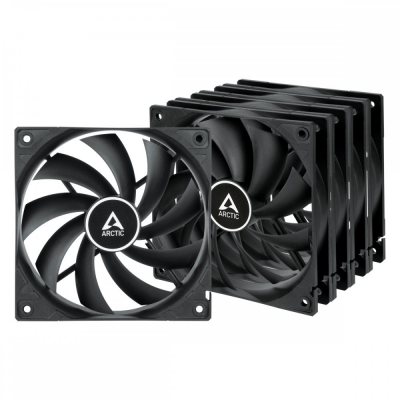
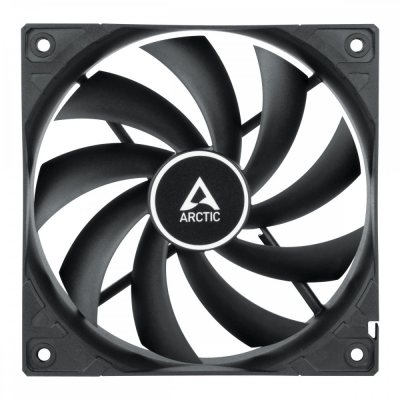
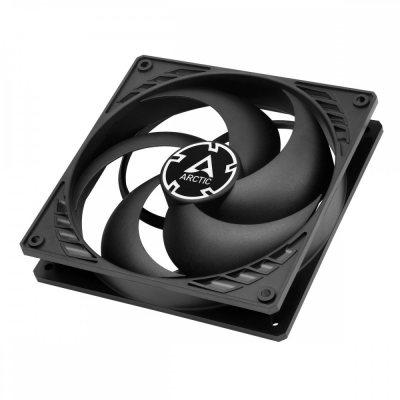
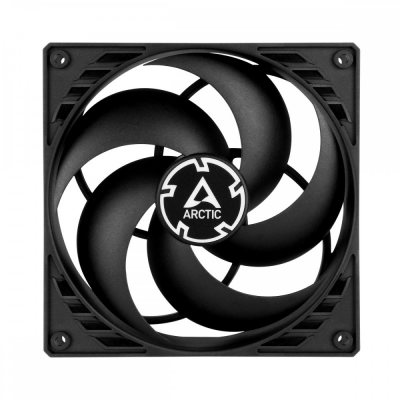
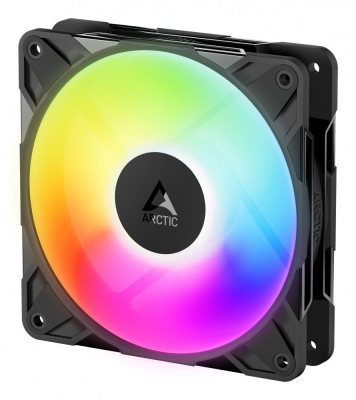
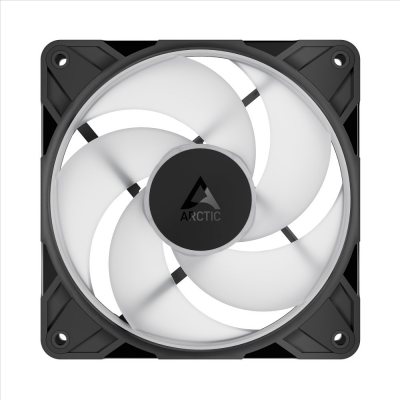
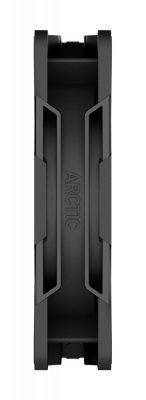
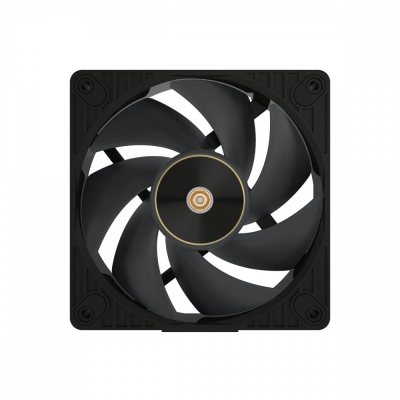
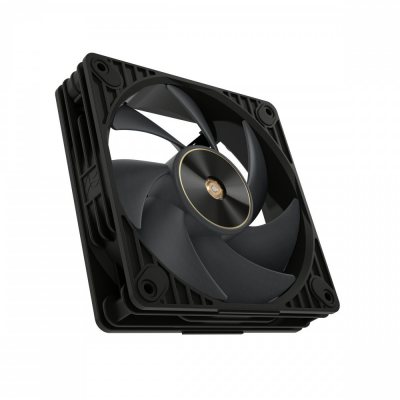
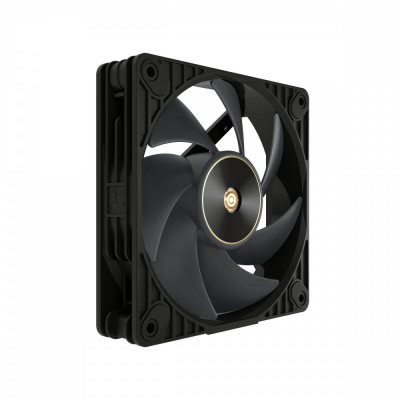
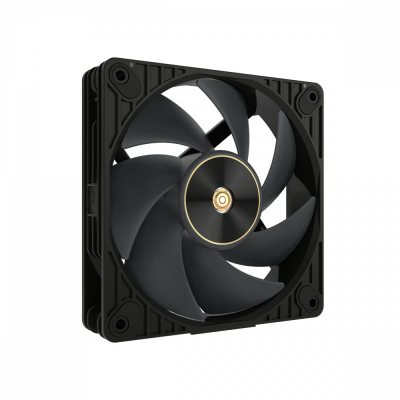
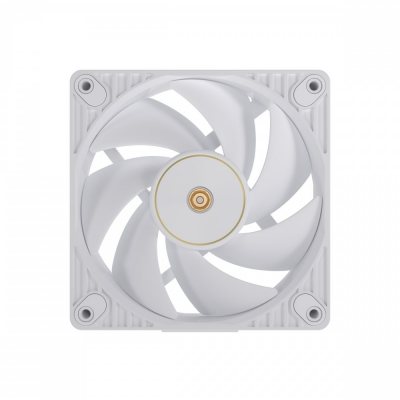
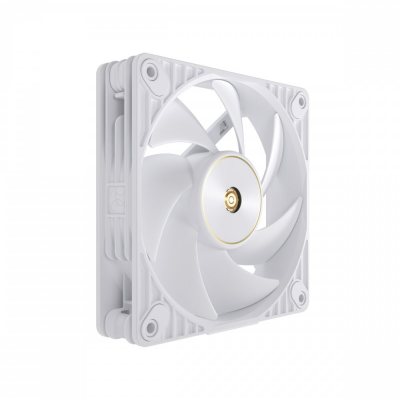
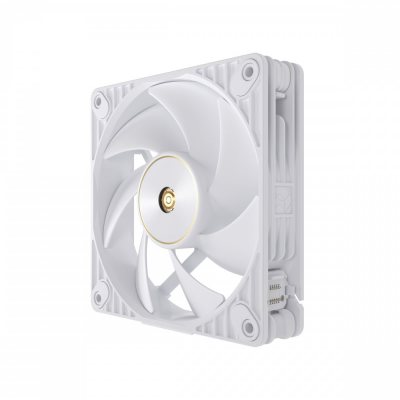
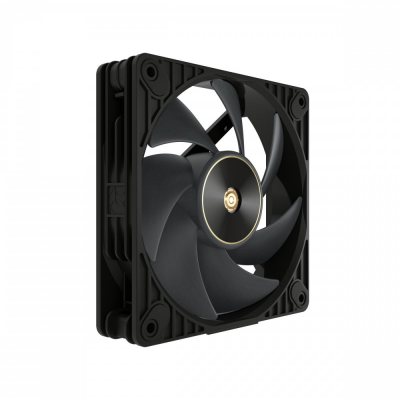
Arctic ARCTIC F12 - 120 mm Standard Case Fan (ACFAN00201A) 120mm · 1350RPM · None In stock· Online only
£6.99inc VAT£11.98 delivered
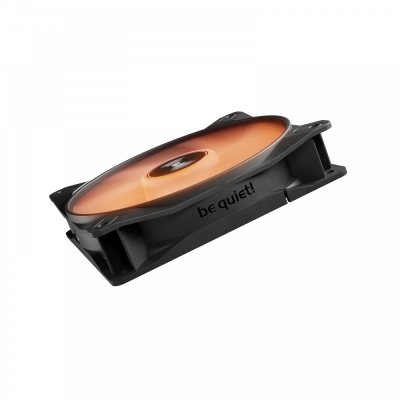
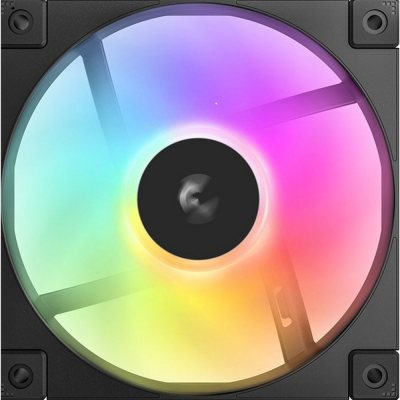
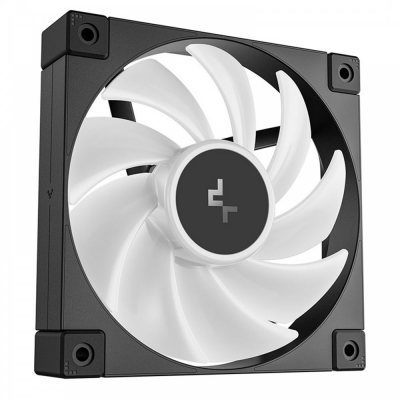
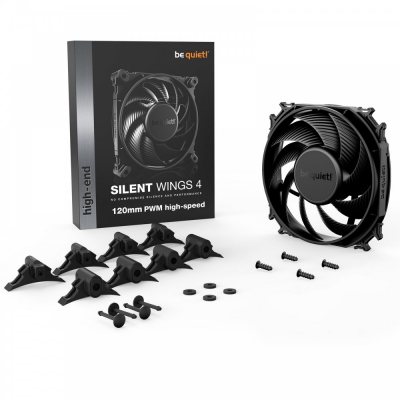
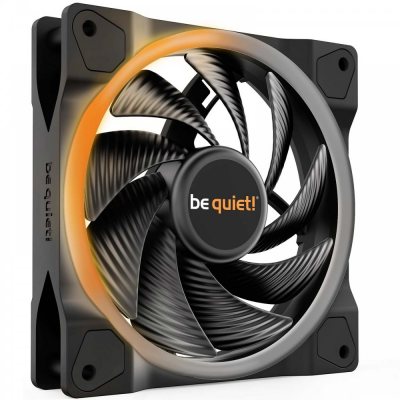
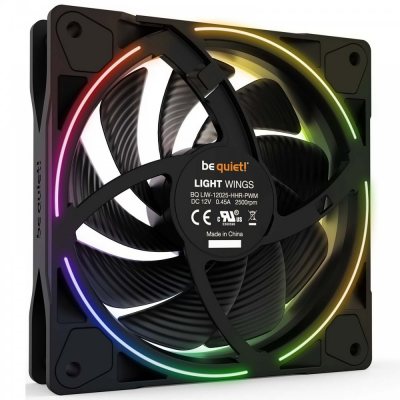
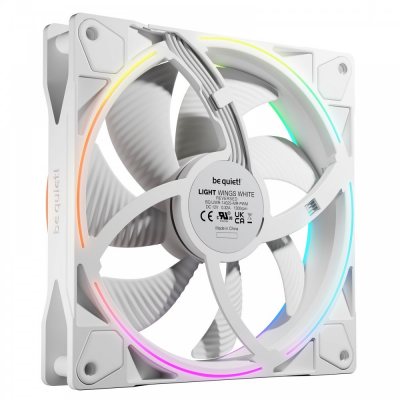
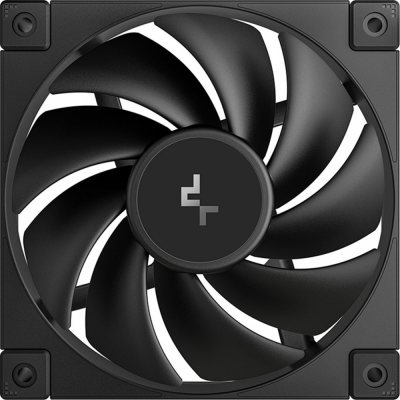
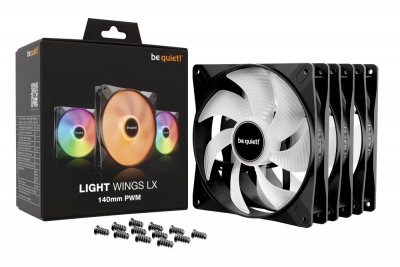
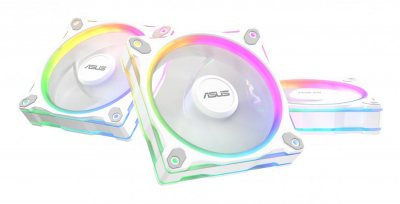
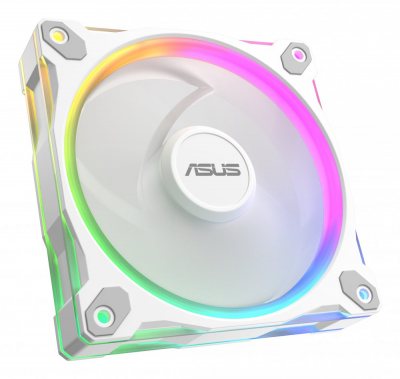
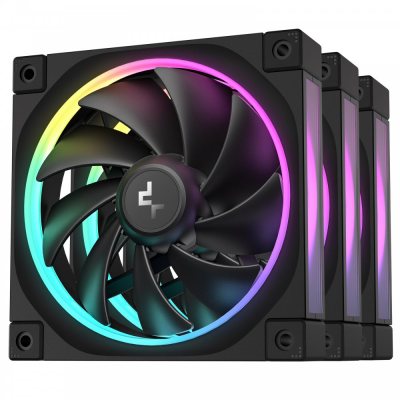
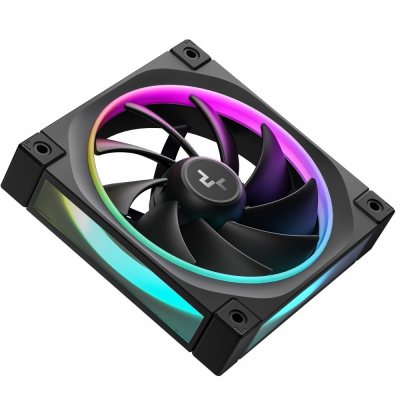
Case fans pull cool air in and push warm air out, keeping your graphics card and processor cooler and often quieter. We stock 120mm and 140mm fans, with or without ARGB lighting, from be quiet!, ASUS, Deepcool, Arctic and Antec. Check which fan size your case takes at each mount, which headers your motherboard has, and whether you want lighting. For a quiet PC, larger fans turning slowly beat small fans turning fast.






















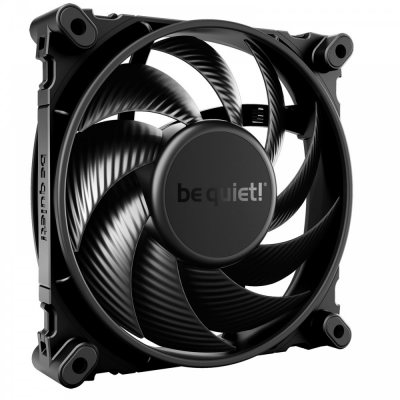
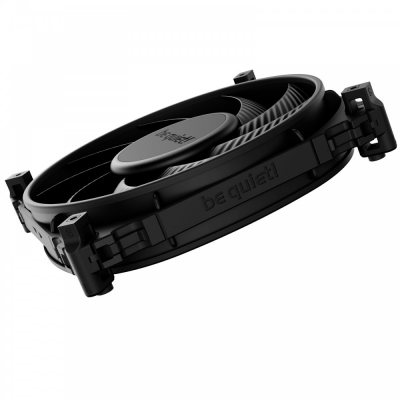
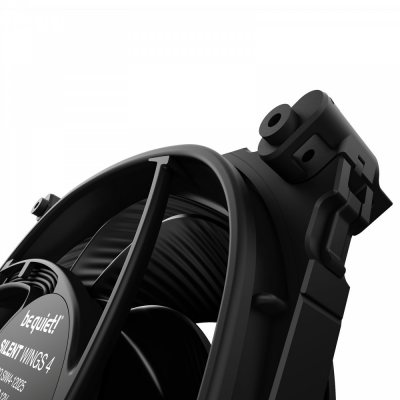





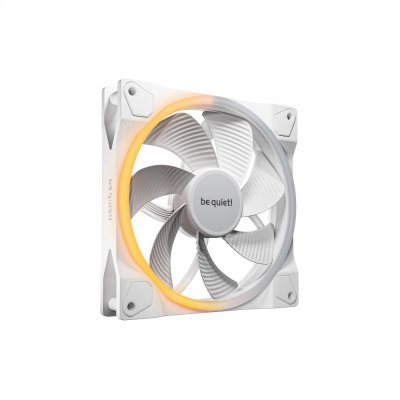
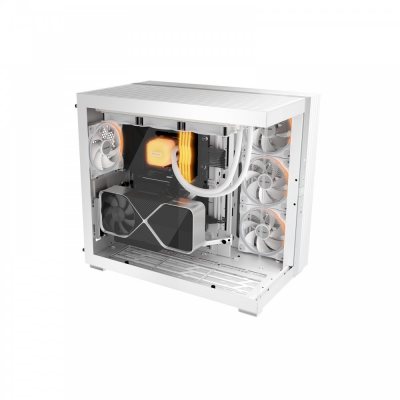

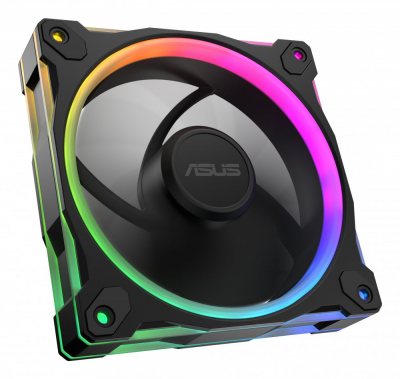
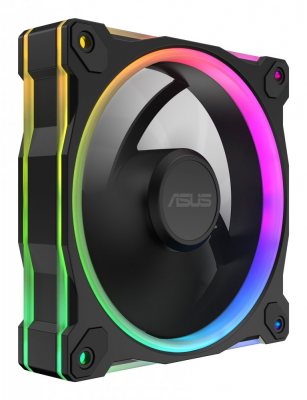
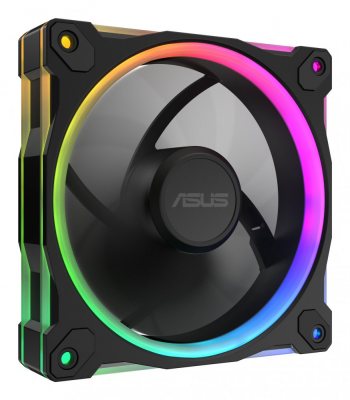

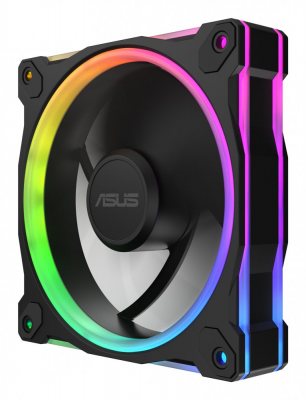

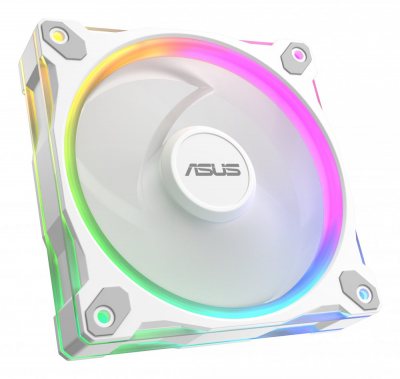


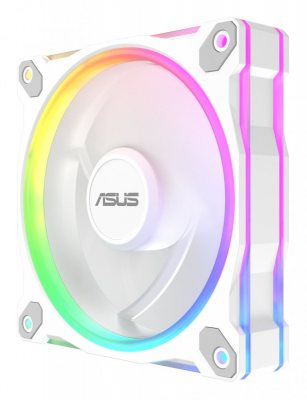

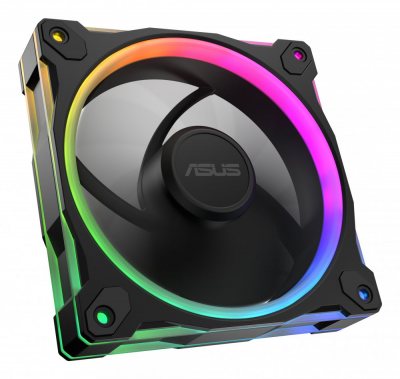
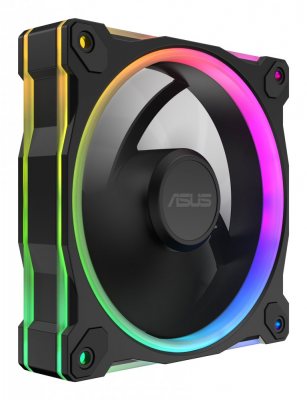
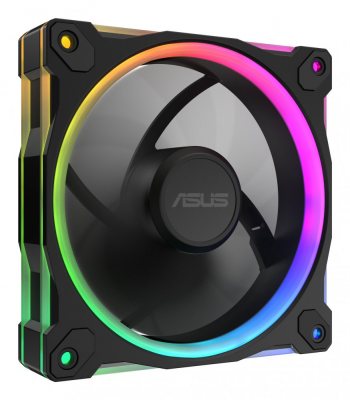
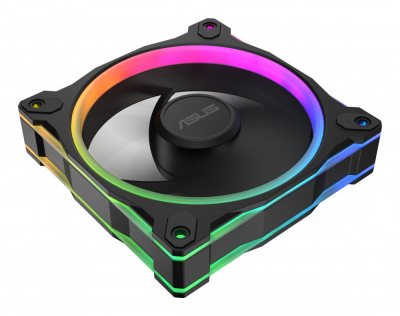


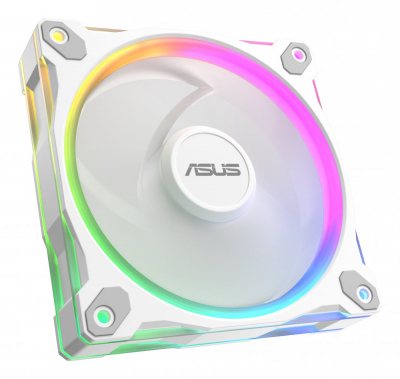


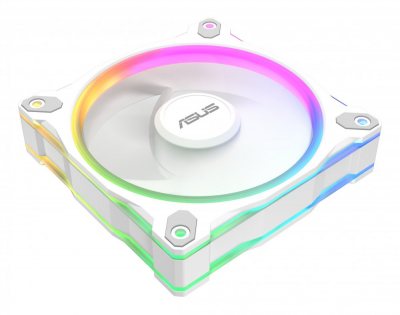


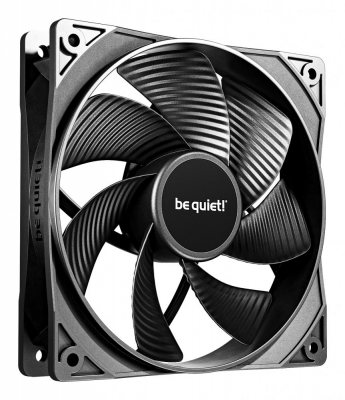






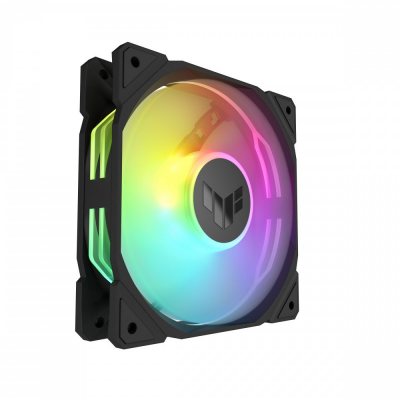
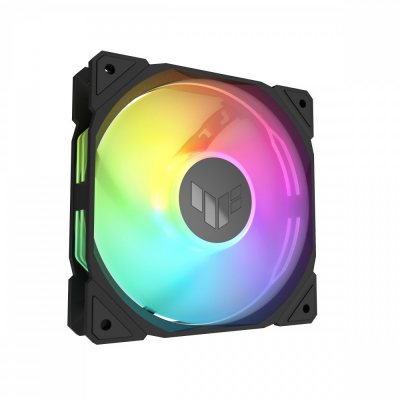
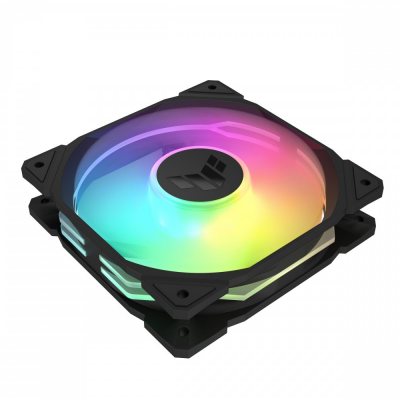


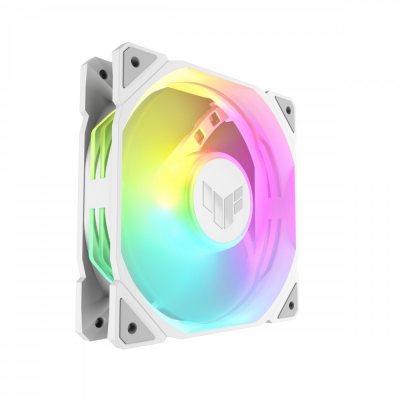
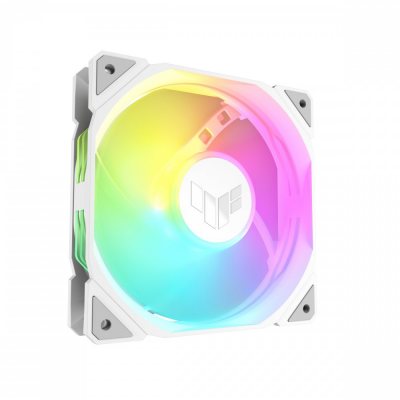

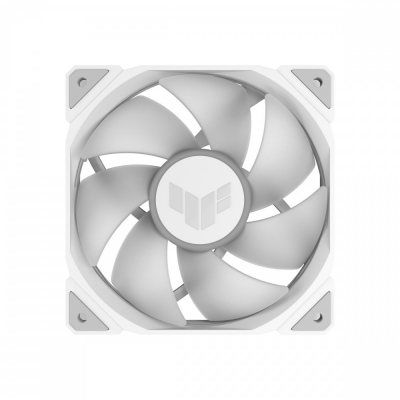


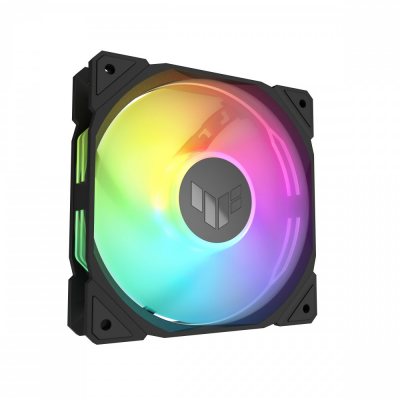
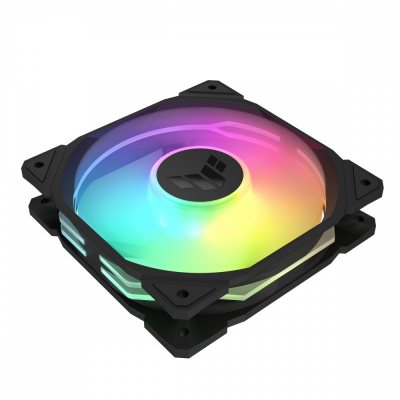
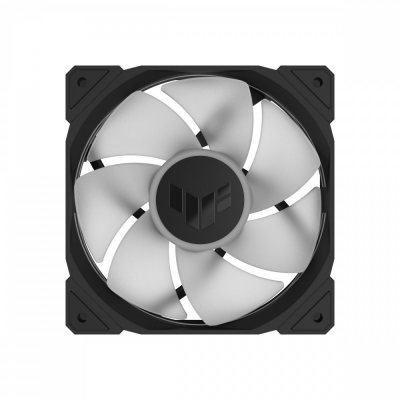

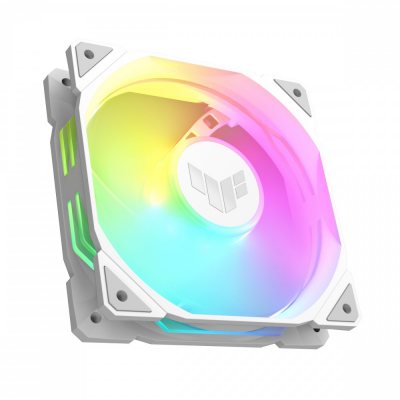


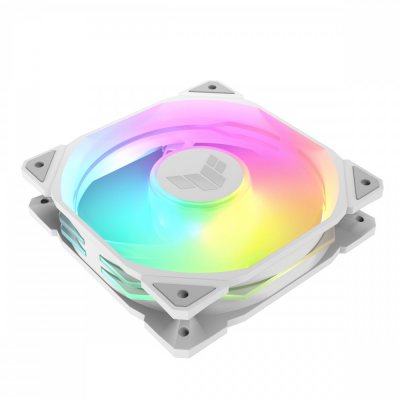


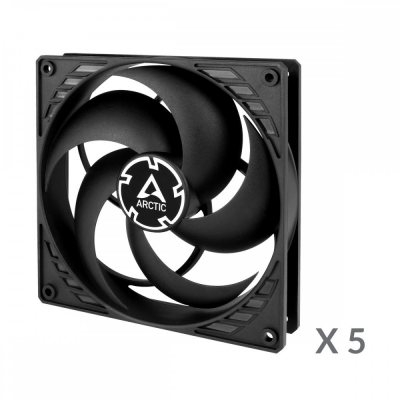






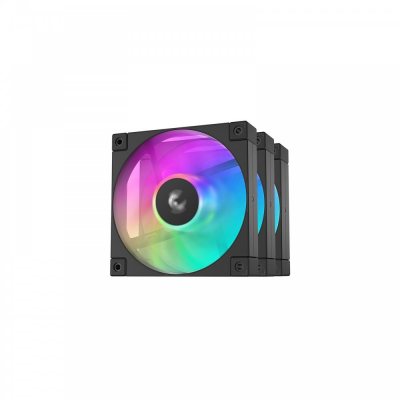

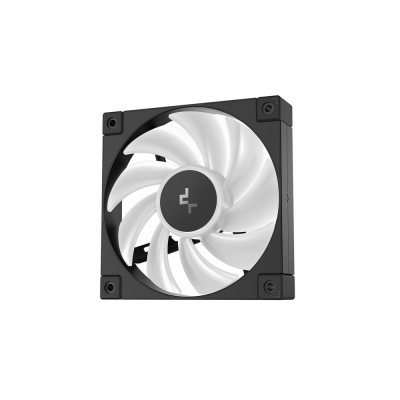

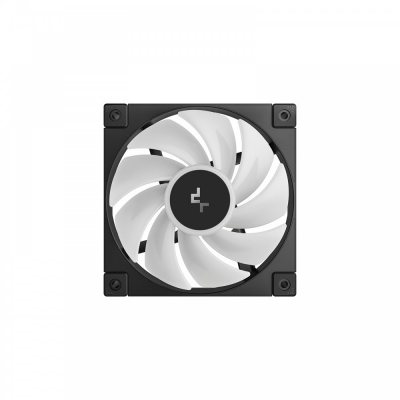


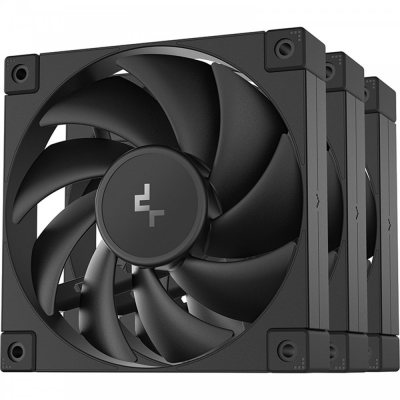









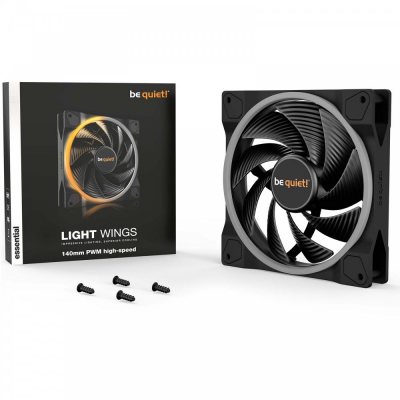

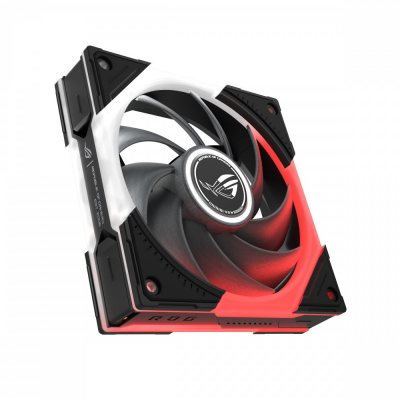
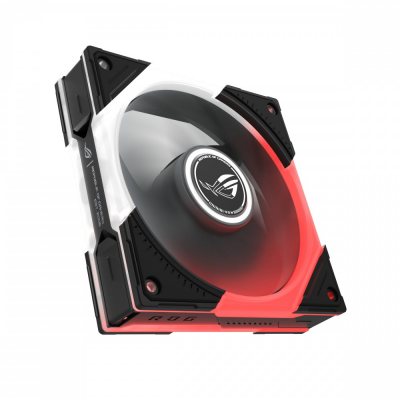
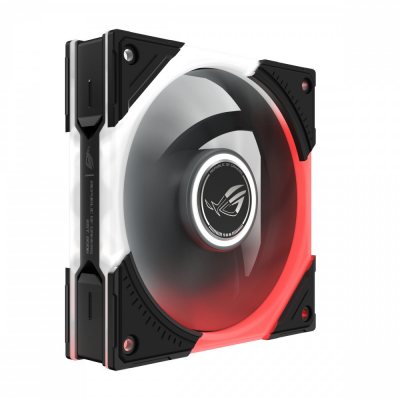


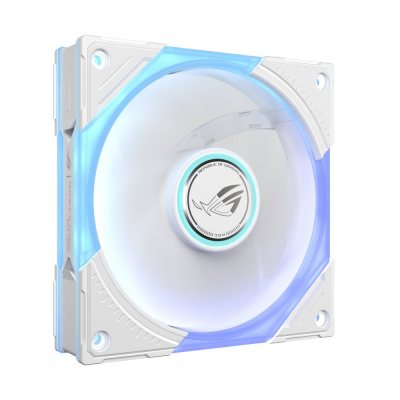


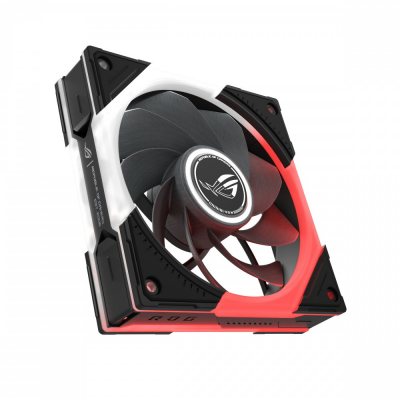
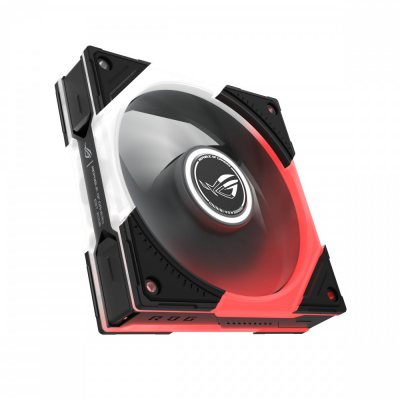
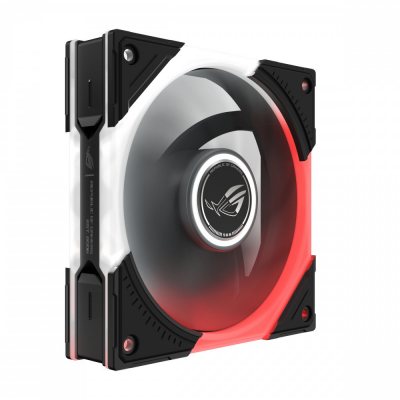
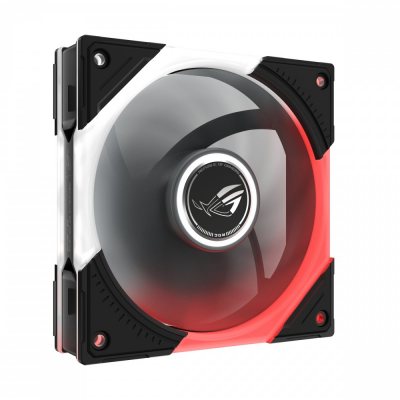
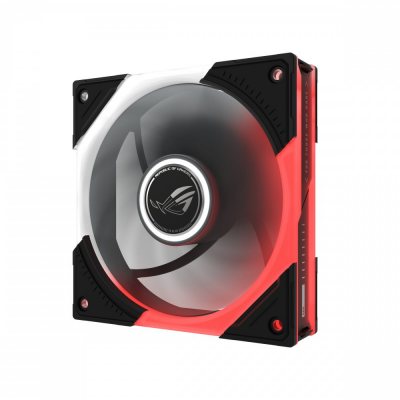


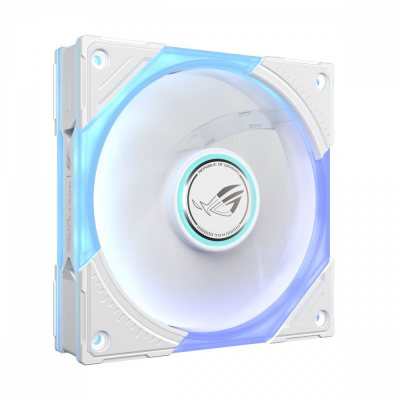


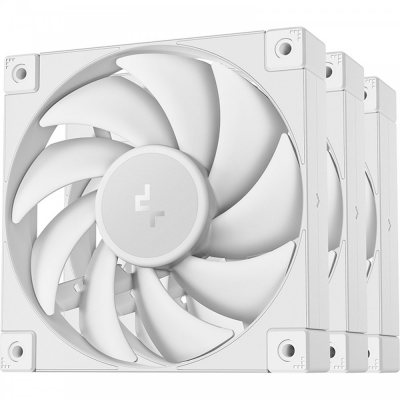
















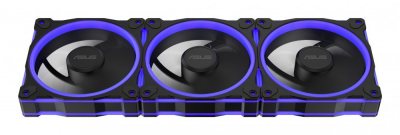
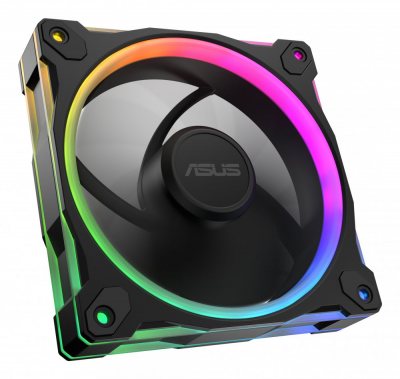
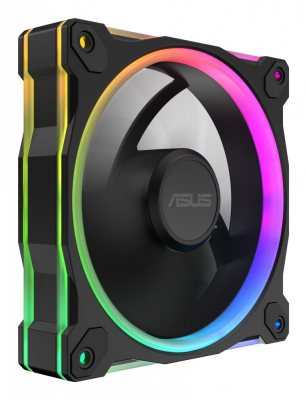


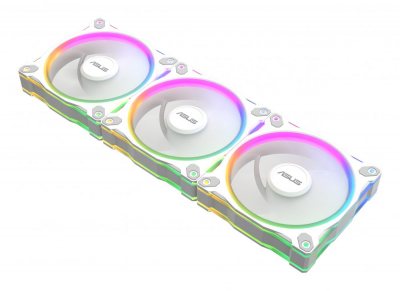













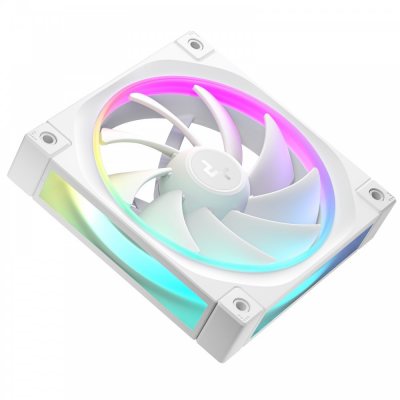


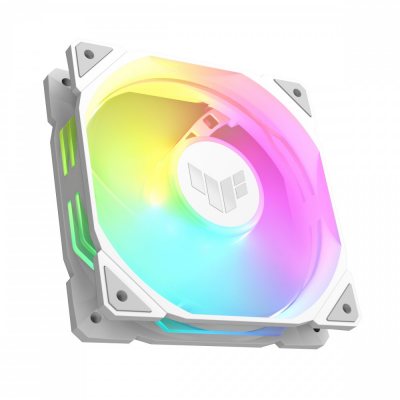


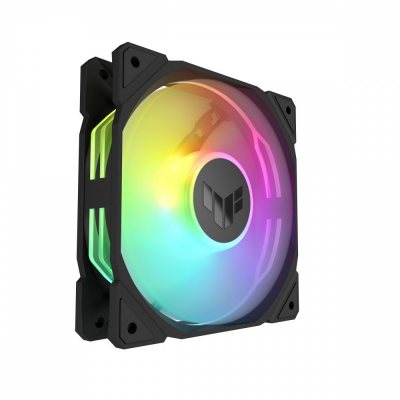


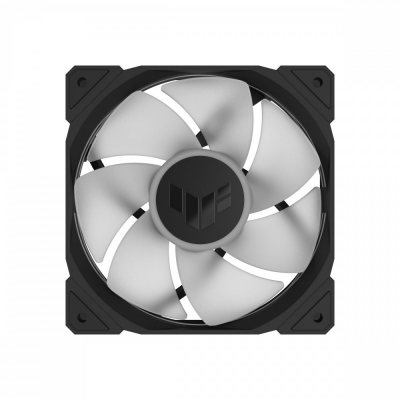


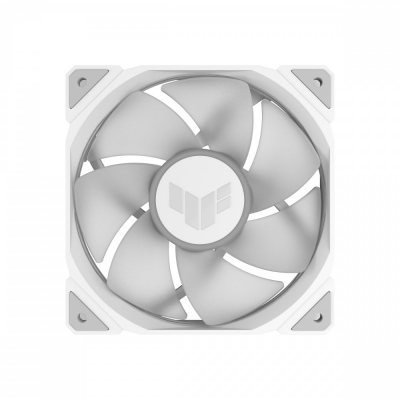

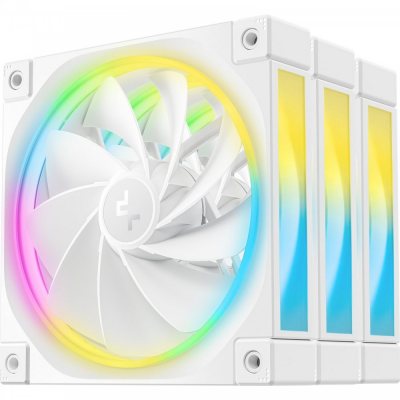
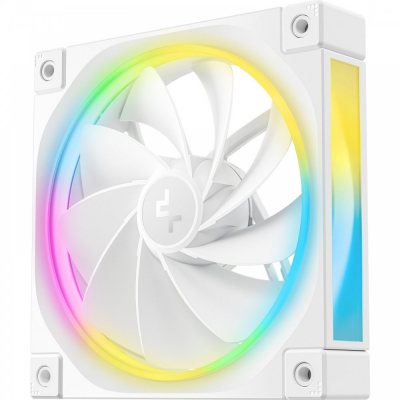


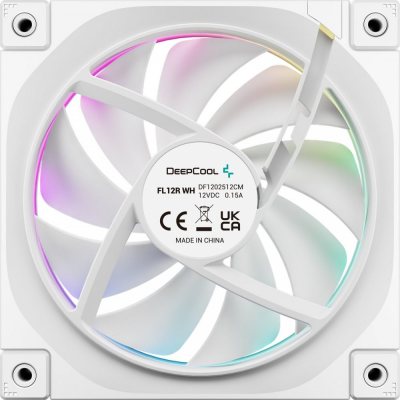







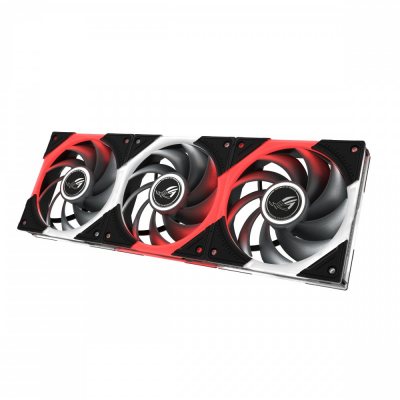
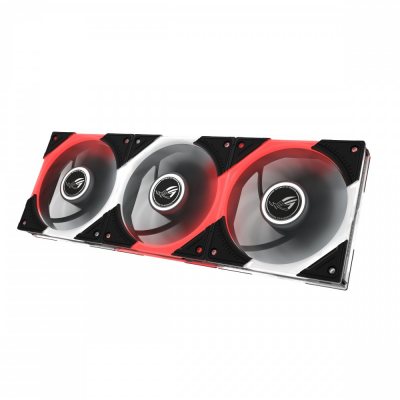


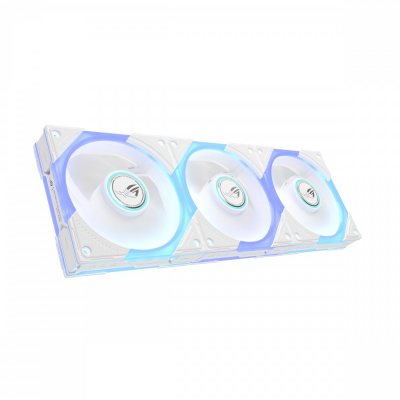


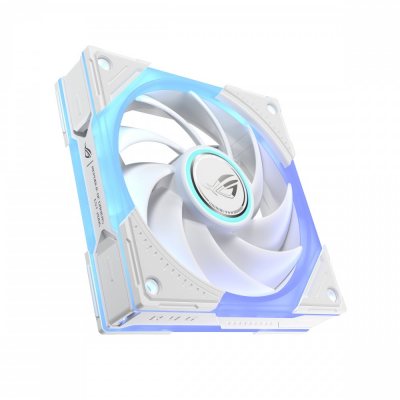




Nothing matches those filters. Try removing one.
Your case's specification lists which sizes fit at the front, top and rear. Where both fit, 140mm fans move the same air at a lower speed, which usually means less noise. 120mm is the most common size and fits almost every case and radiator. Mixing sizes in one case is fine, as long as each fan suits its mount.
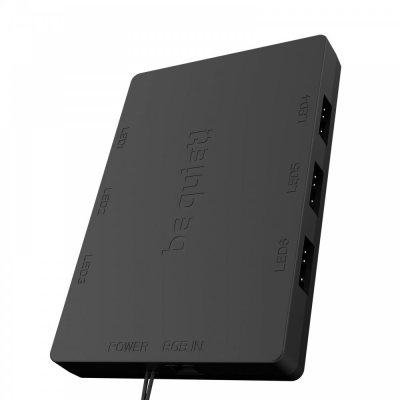
4-pin PWM fans let your motherboard adjust their speed smoothly as temperatures change. 3-pin fans can be controlled on most boards too, but less finely. ARGB lighting uses a 3-pin 5V header. Never plug a 5V ARGB connector into a 4-pin 12V RGB header, as it can damage the LEDs. Count your board's fan headers, or use a fan hub.
A simple layout that works is intake at the front and exhaust at the rear and top. Aim for slightly more intake than exhaust. That keeps dust down, because air leaks out through gaps instead of being sucked in. Check the direction before you fit a fan: air usually flows in on the open side and out on the side with the frame struts.
Fan noise rises quickly with speed, so several fans at low speed are quieter than one at full speed. Check the maximum speed and noise figures on the product page, and set a gentler fan curve in the BIOS. be quiet! designs its fans with low noise in mind: see our be quiet! case fans, or our quiet PC upgrade ideas.