
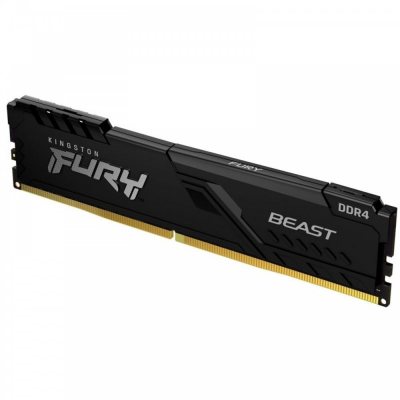
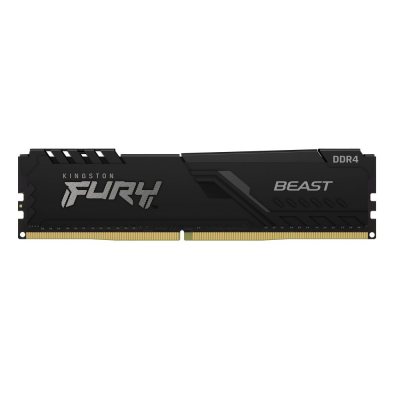
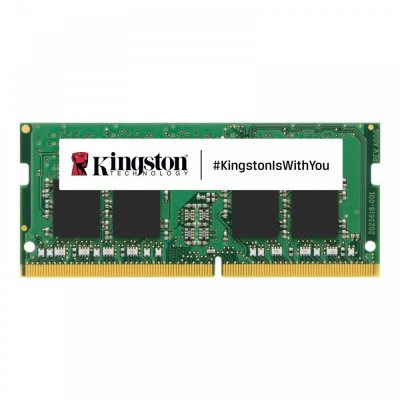
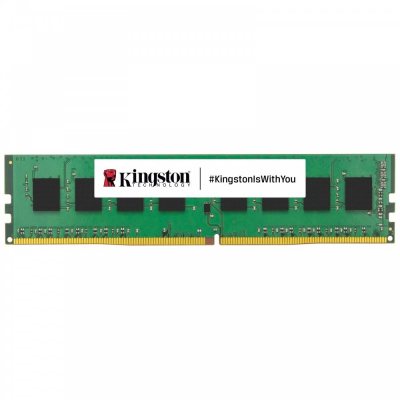
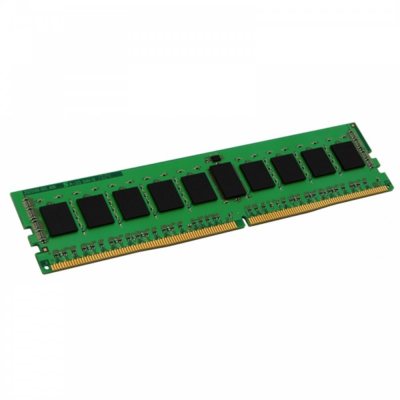
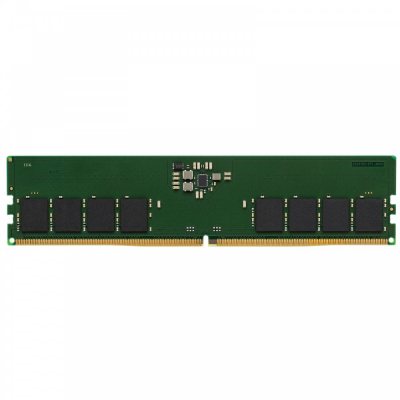
Kingston Kingston Technology ValueRAM memory 4GB DDR4 2666MHz RAM 4GB (1x 4GB) · DDR4 · 2666MHz In stock· Online only
£37.99inc VAT£42.98 delivered
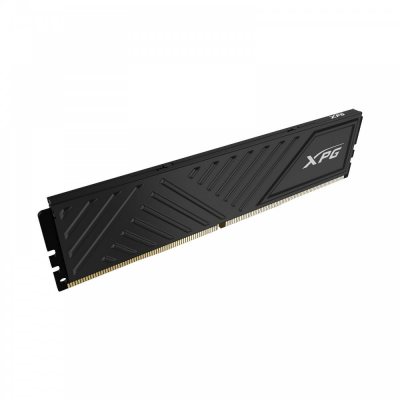
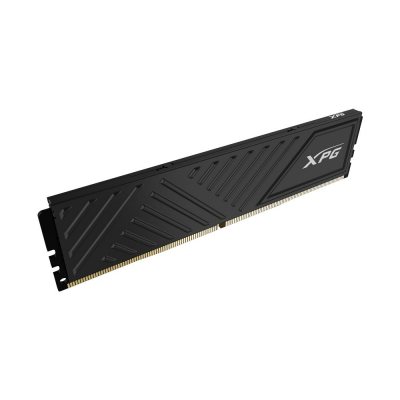
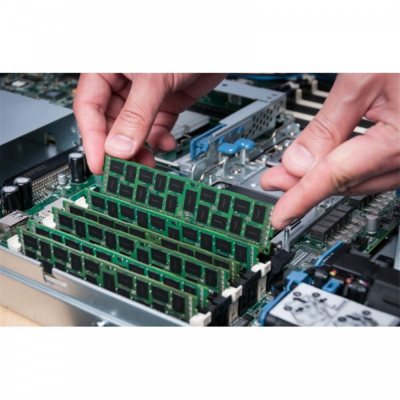
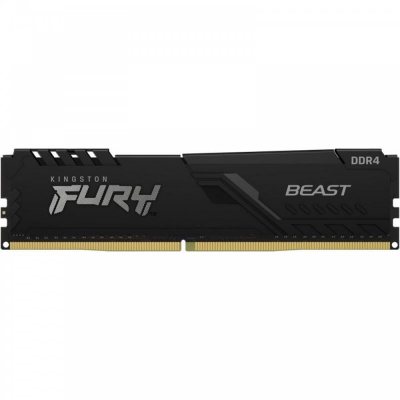
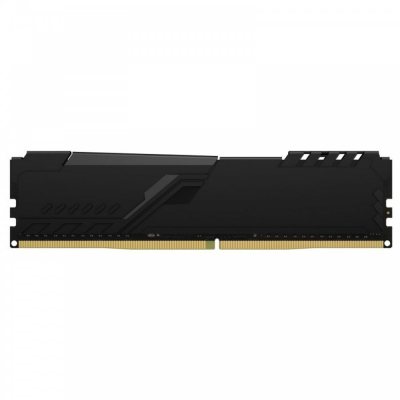
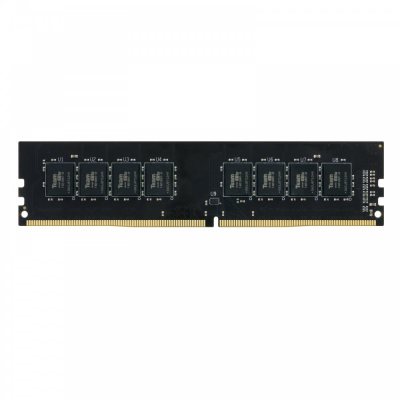
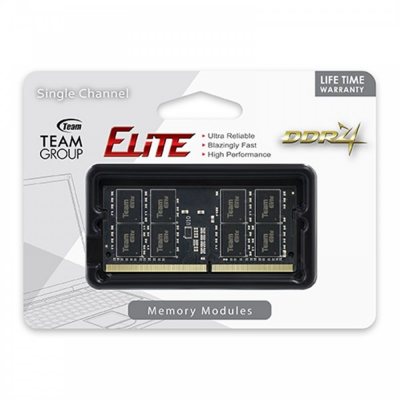
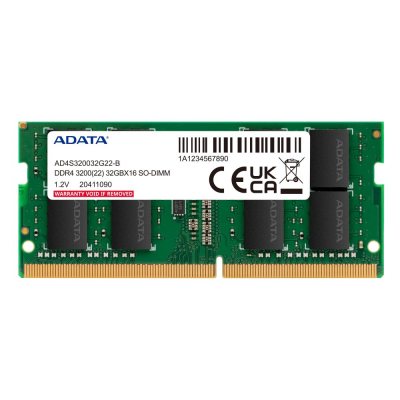
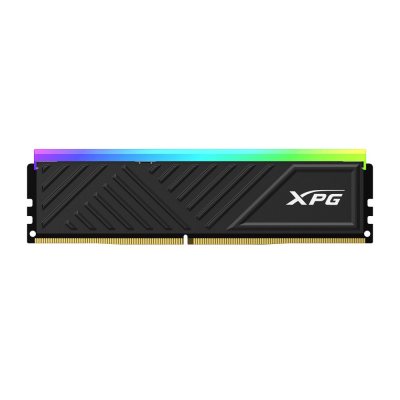
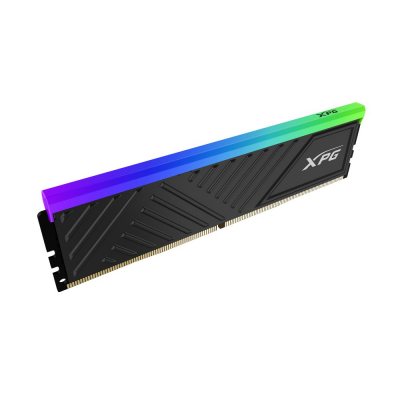
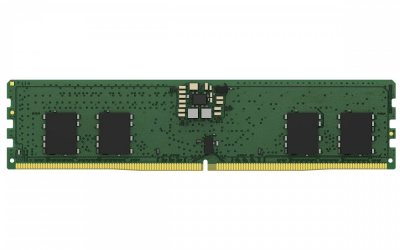
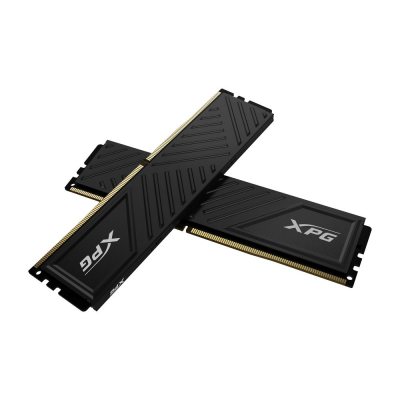
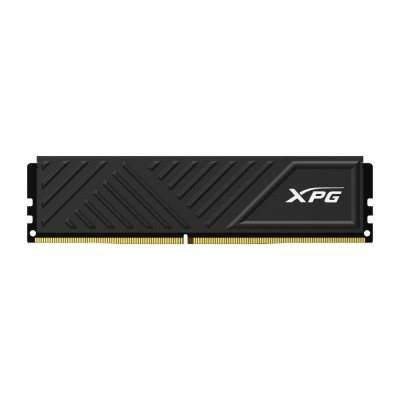
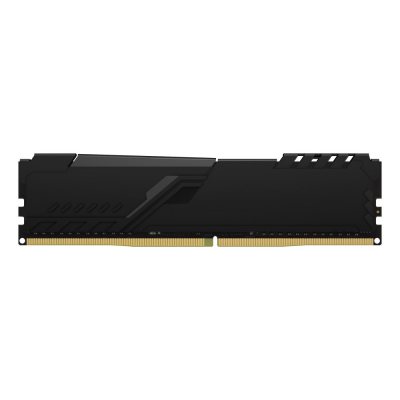
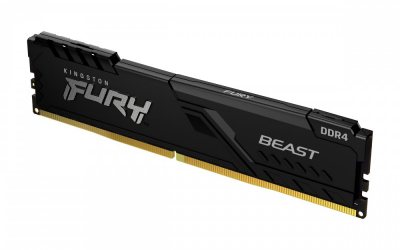
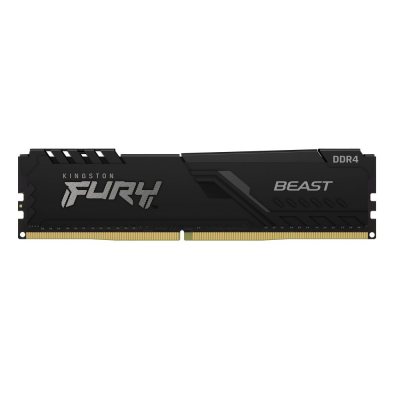
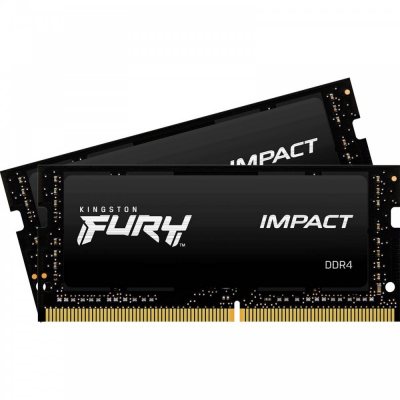
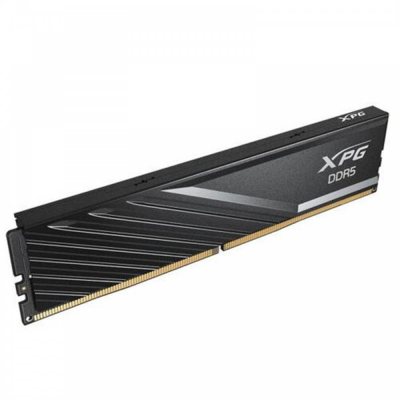
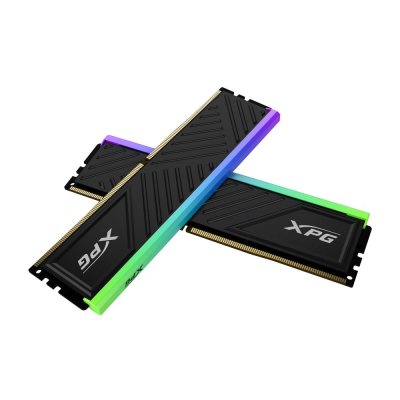
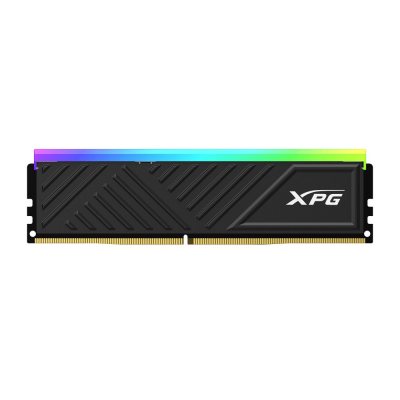
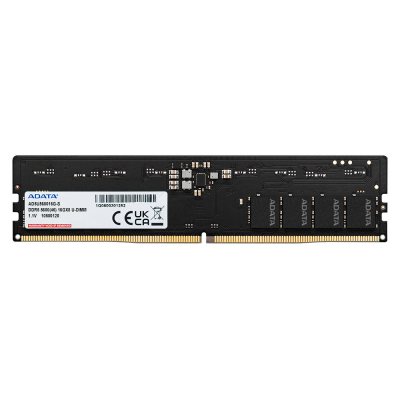
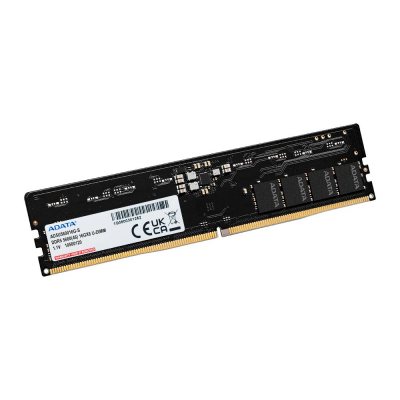
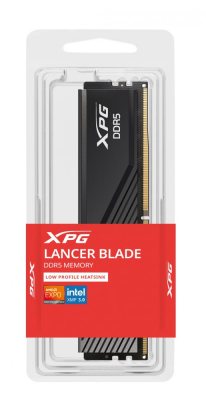
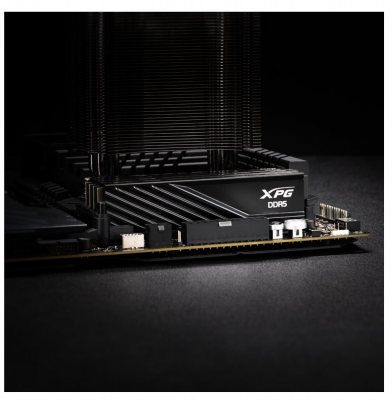
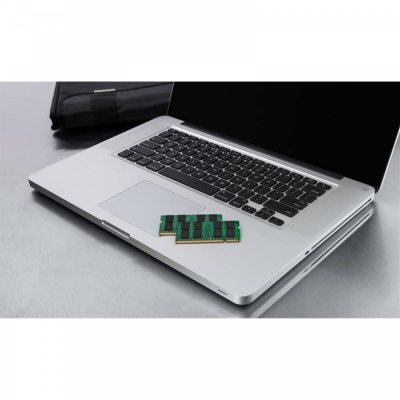
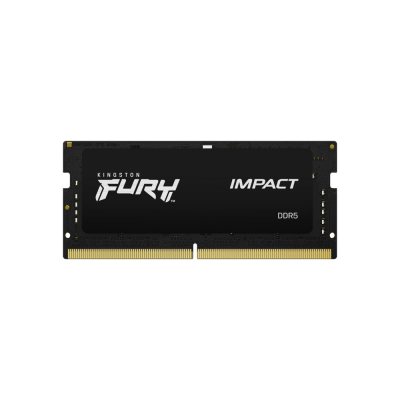
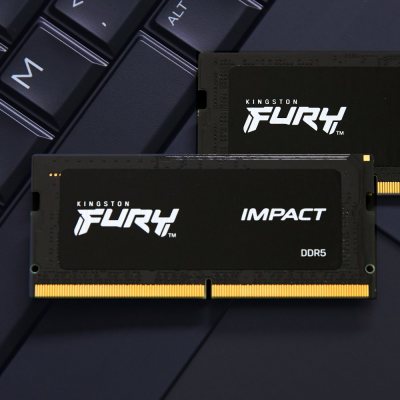
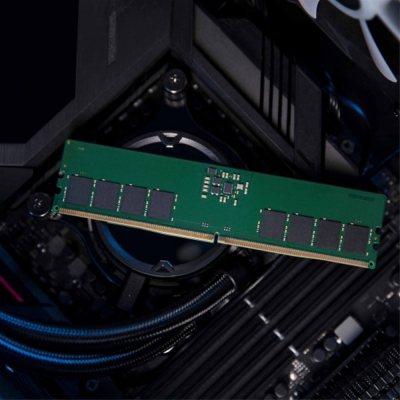
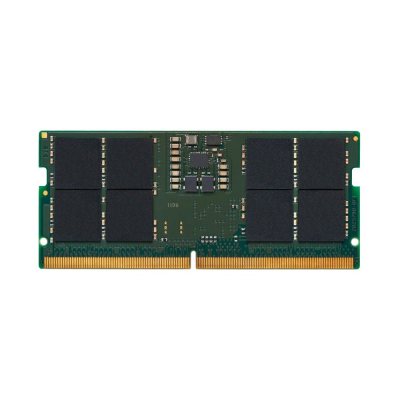
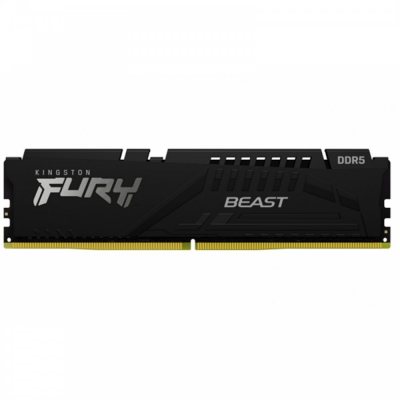
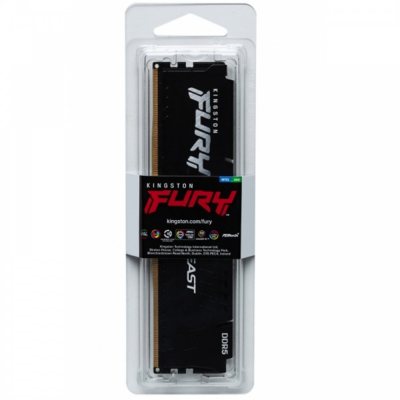
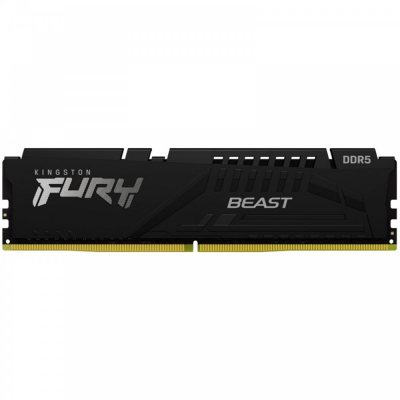
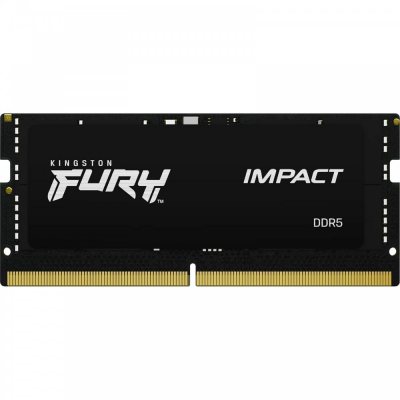
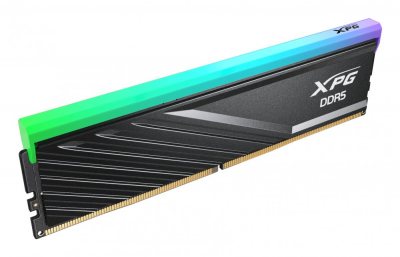
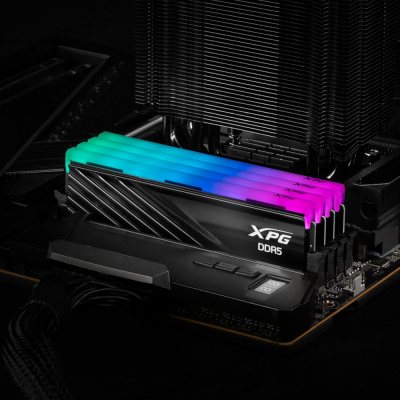
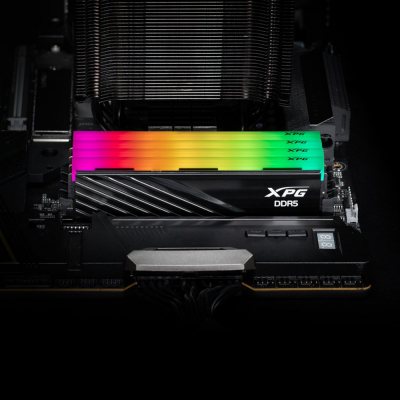
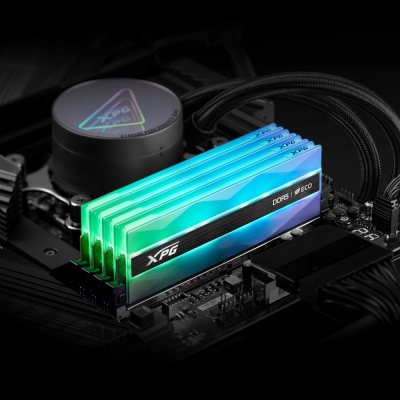
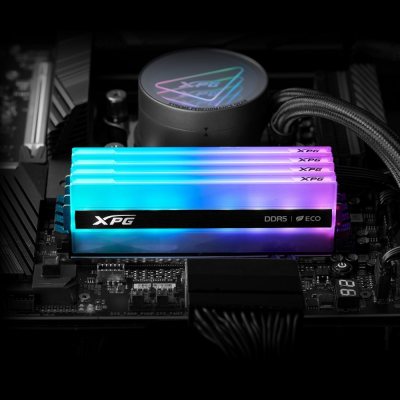
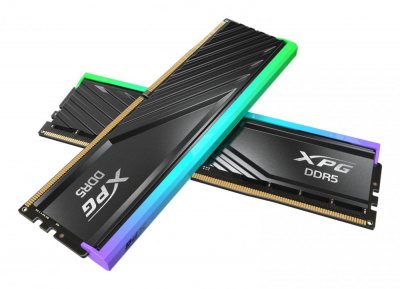
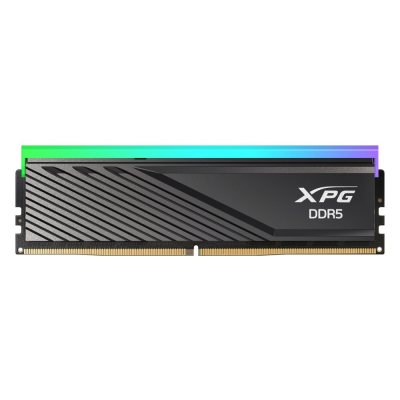
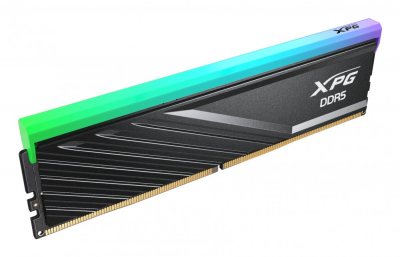
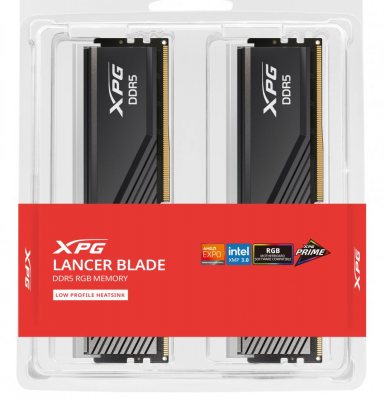
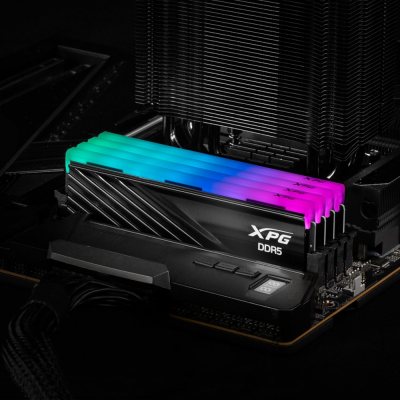
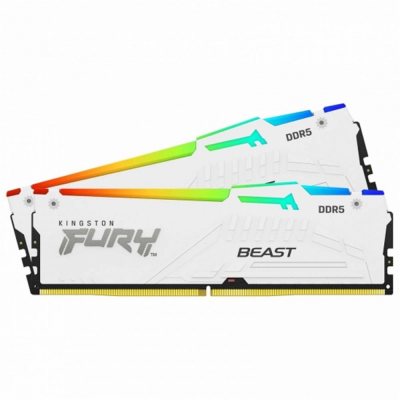
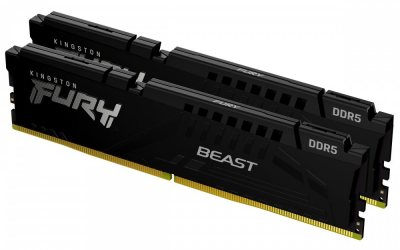
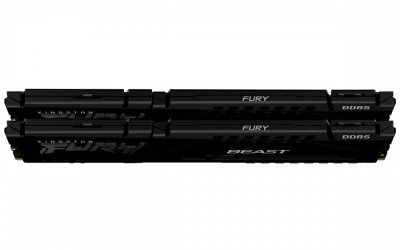
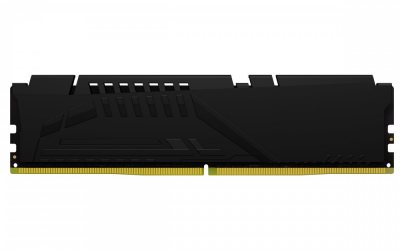
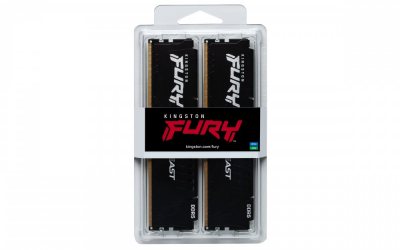
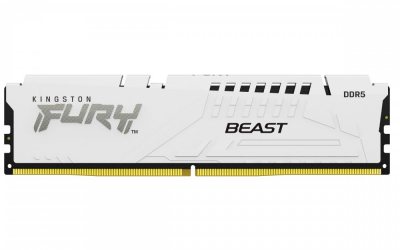
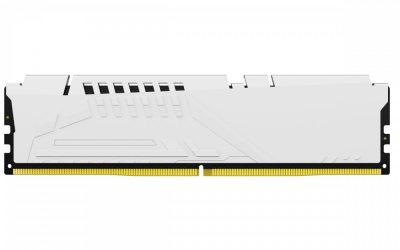
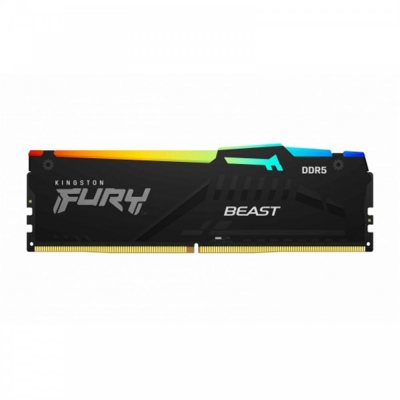
More memory lets your computer keep more programs and browser tabs open without slowing down. We stock desktop RAM (UDIMM) and laptop RAM (SODIMM) in DDR4 and DDR5, from brands including Kingston, ADATA, Patriot and Team. The one thing you must get right is the type: DDR4 and DDR5 are not interchangeable, and laptop sticks are shorter than desktop ones. After that, choose how much you need, then a speed your board or laptop supports.































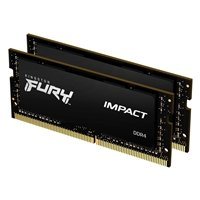

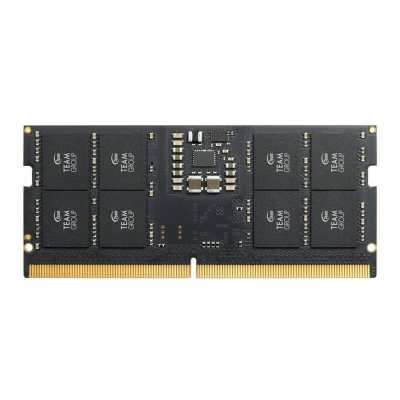


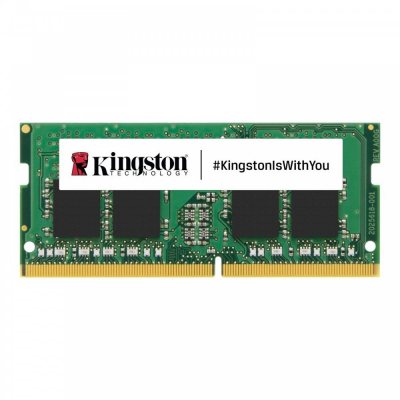


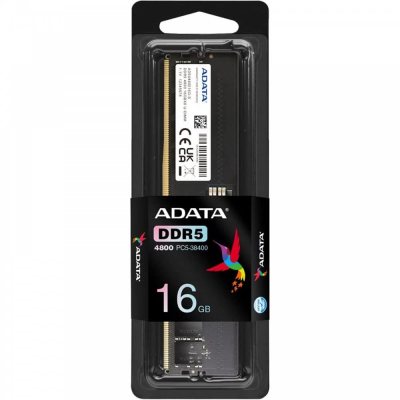


































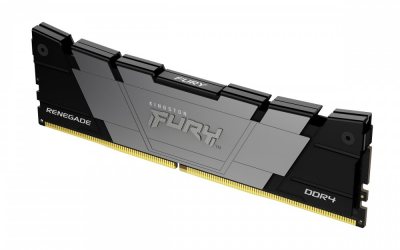
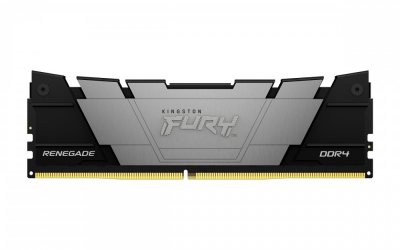



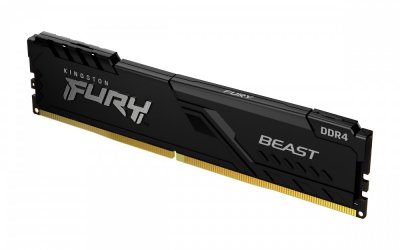













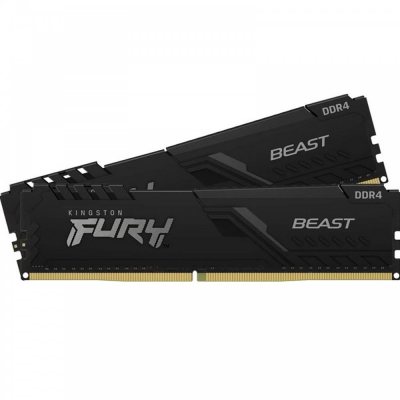


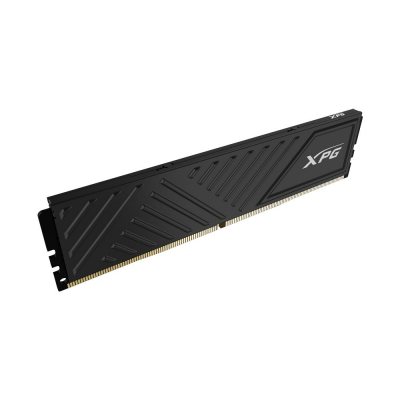
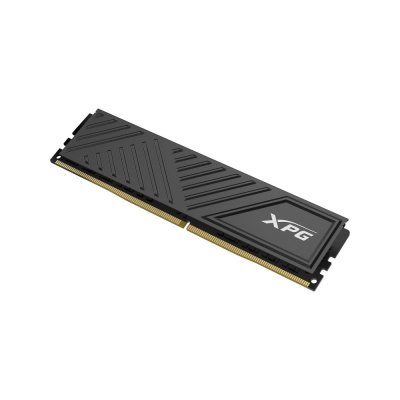























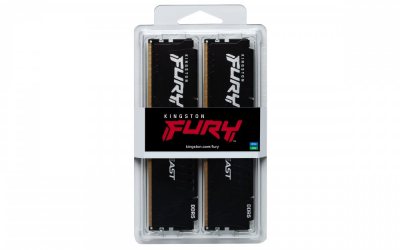


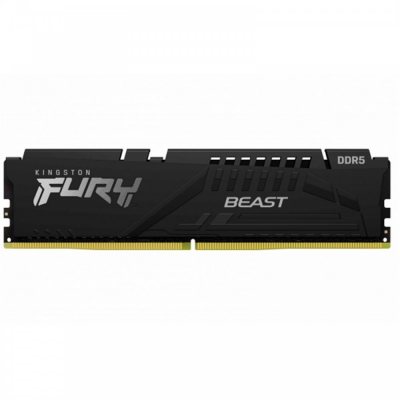
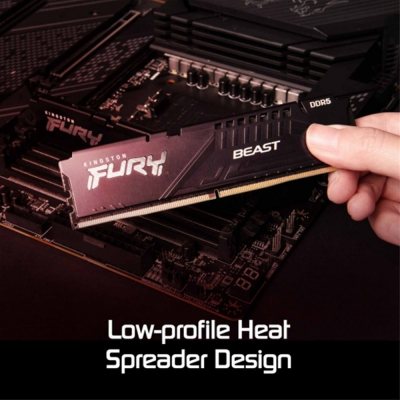













Nothing matches those filters. Try removing one.
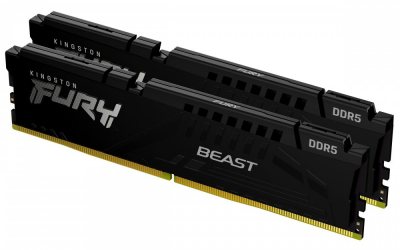
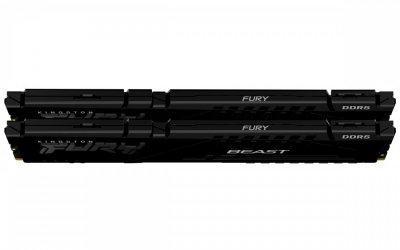
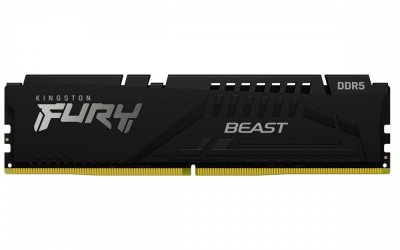
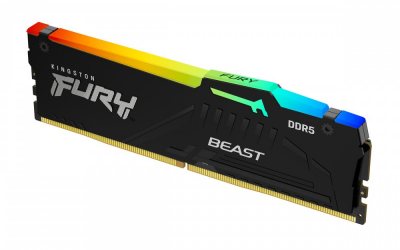
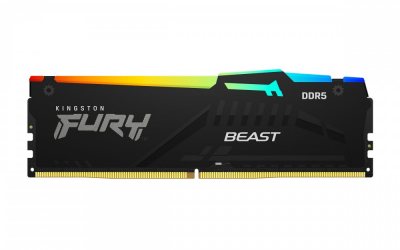
Your motherboard or laptop decides this, not you. AM5 and Intel LGA1851 boards take DDR5 only, AM4 boards take DDR4, and Intel LGA1700 boards come in both versions. The notch sits in a different place on each type, so the wrong one will not go in. On a new build, DDR5 is the current standard: see our DDR5 RAM. Upgrading an older PC usually means DDR4 RAM.
8GB runs Windows 11 but feels tight once a browser has a few tabs open. 16GB suits everyday use and most games. 32GB gives headroom for newer games, streaming, photo and video editing, or lots of programs at once, and it is a popular size for new builds: look at our 32GB RAM kits. 64GB is for heavy video work, 3D or virtual machines.
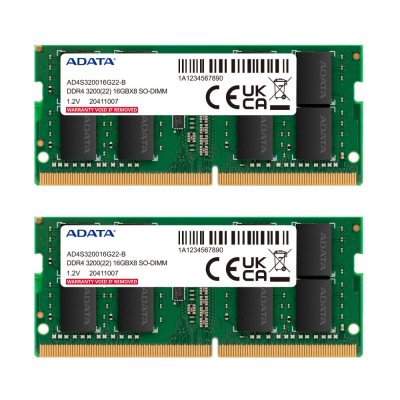
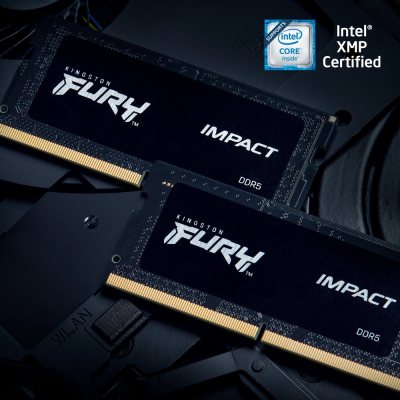
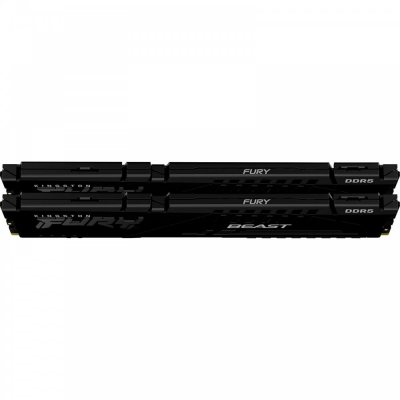
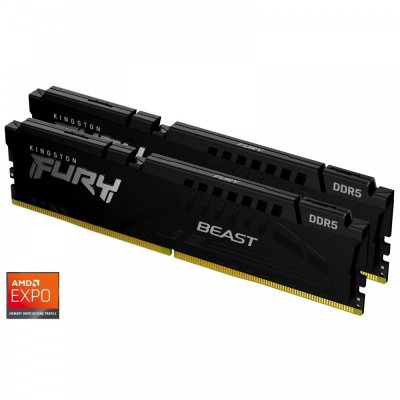
Two matched sticks run in dual channel, which is quicker than one stick of the same total size. That is why kits come as 2x 8GB or 2x 16GB. For speed, DDR5 at 6000MHz is a common match for AM5, while 3200 or 3600MHz suits most DDR4 boards. Memory runs at a slower default speed until you turn on XMP or EXPO in the BIOS.
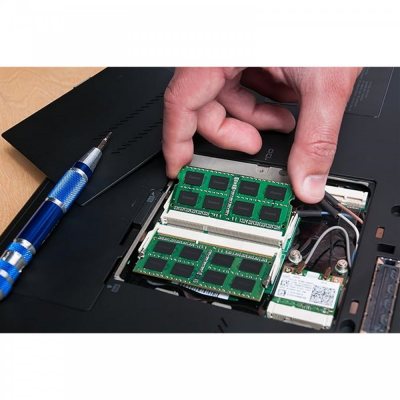
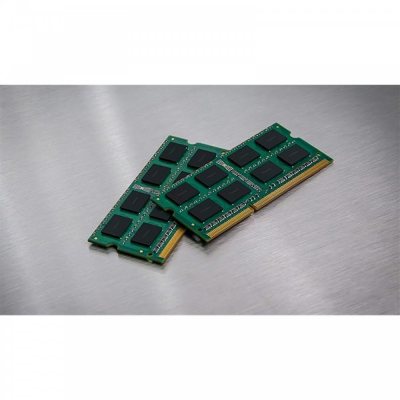
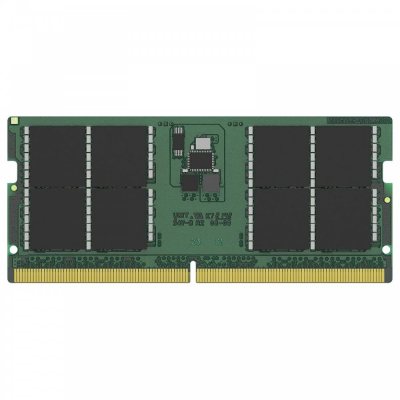
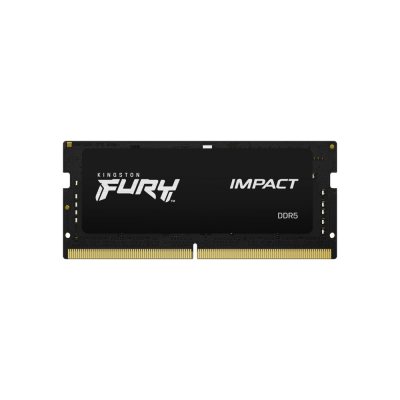
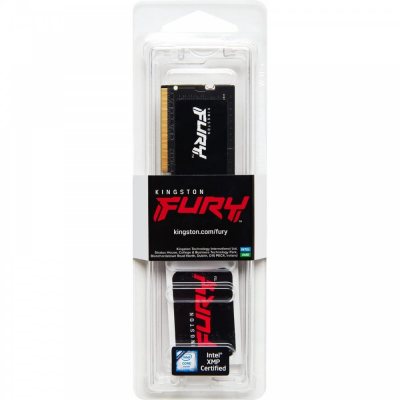
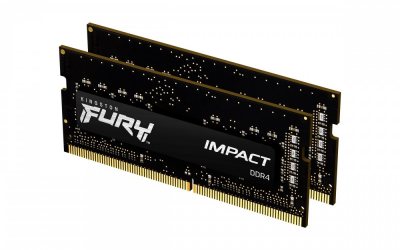
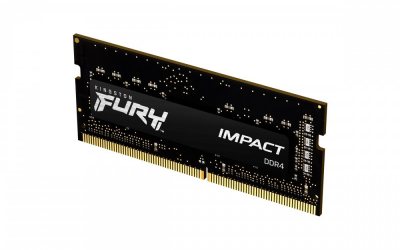
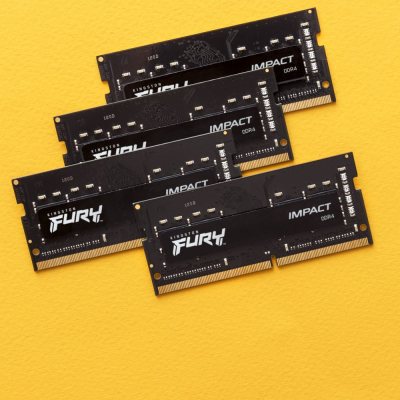
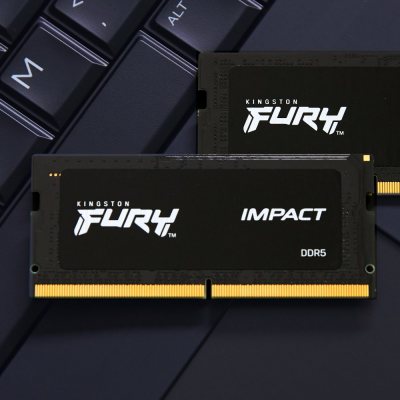
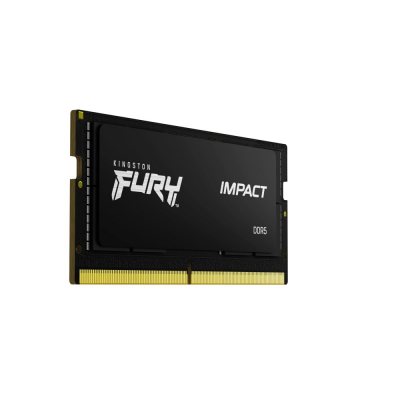
Laptops use smaller SODIMM sticks. Many thin laptops have memory soldered to the board, so it cannot be upgraded. Check your model's manual or ask us first. If yours has a free slot, matching the type and speed of the stick already fitted is the safest route. Browse our laptop RAM.