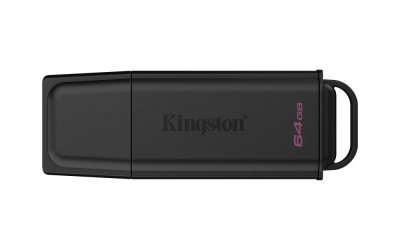

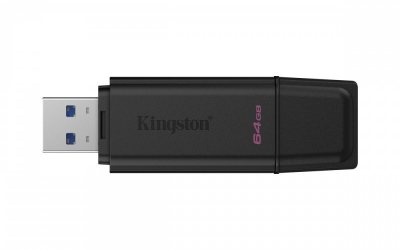
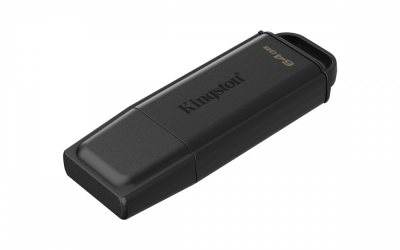
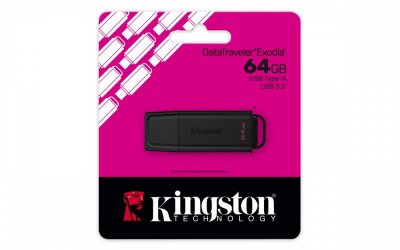

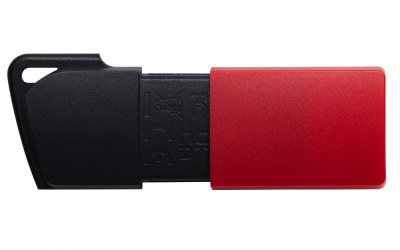
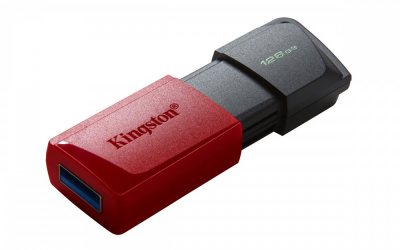
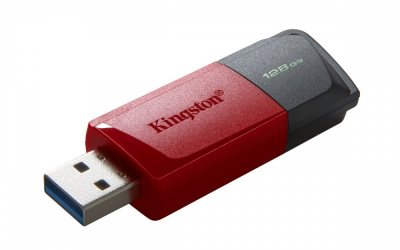
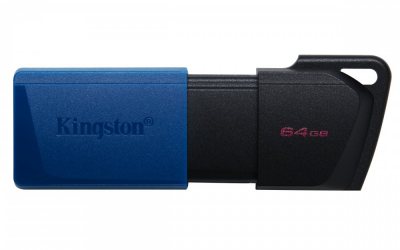
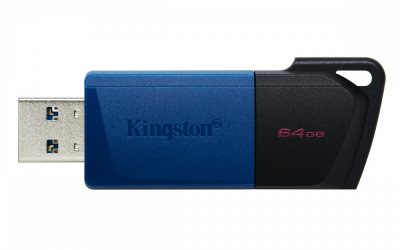
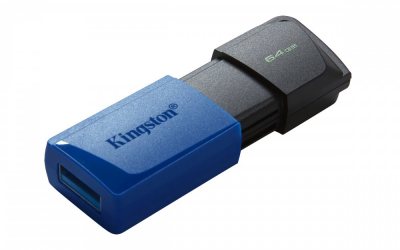
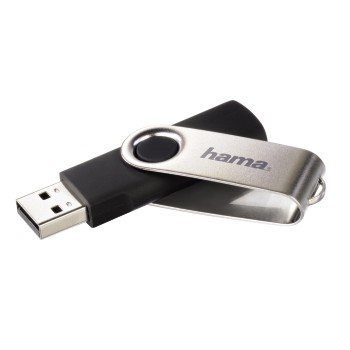
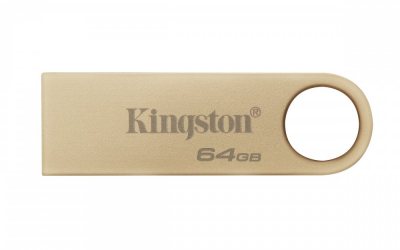
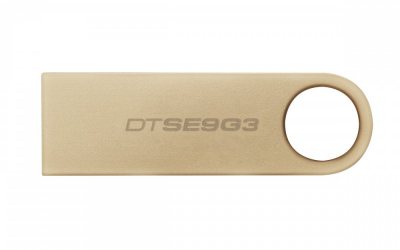
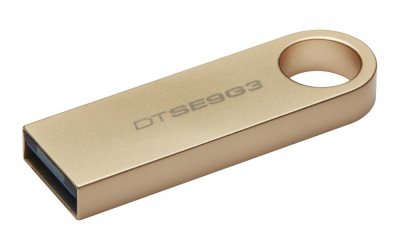
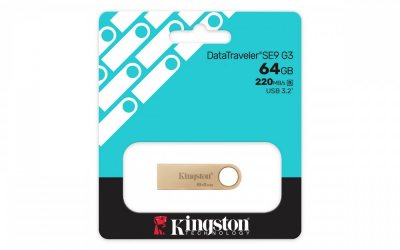
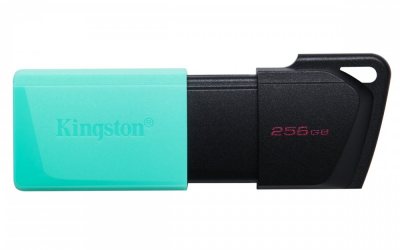
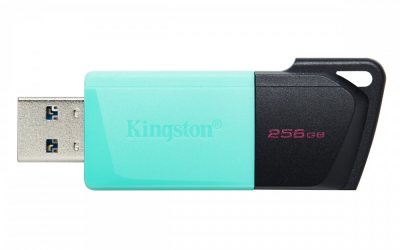
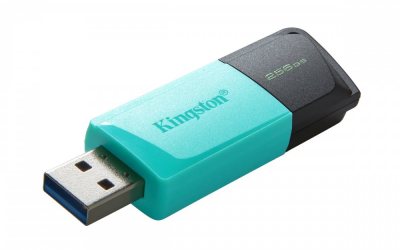
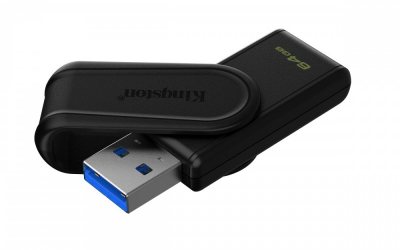
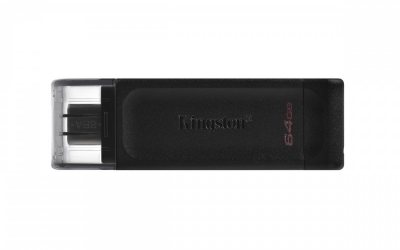
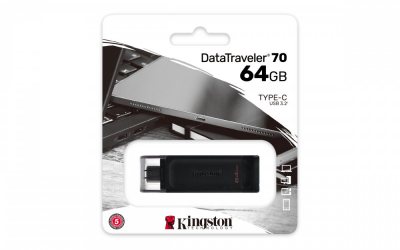
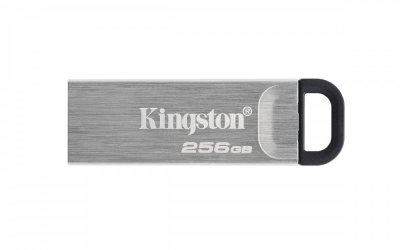
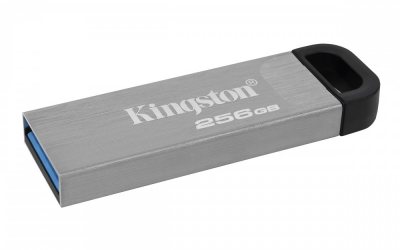
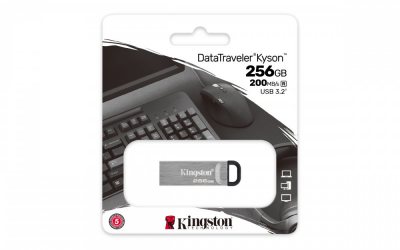
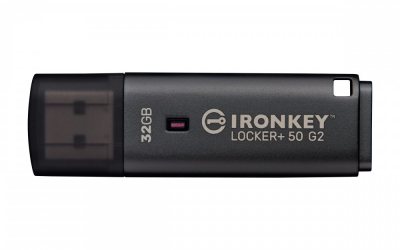
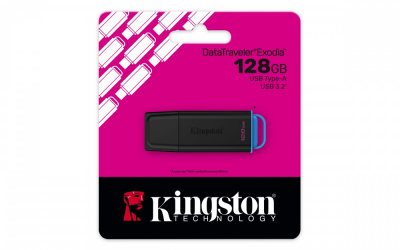
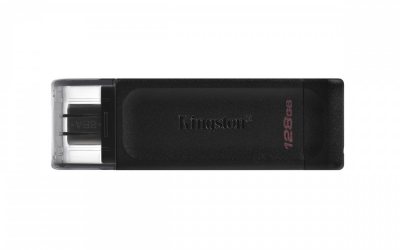
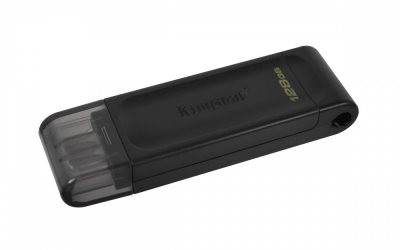
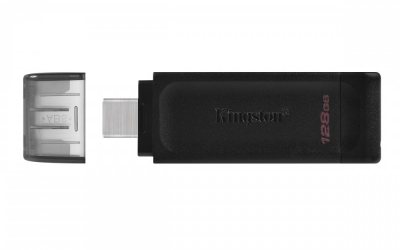
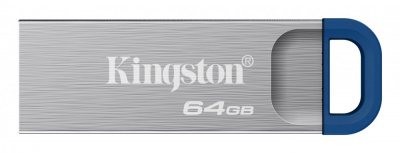
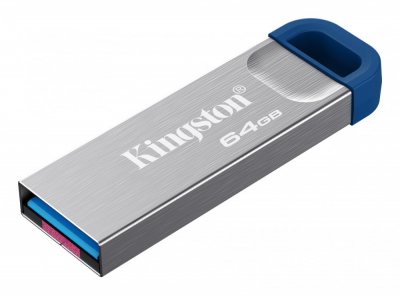
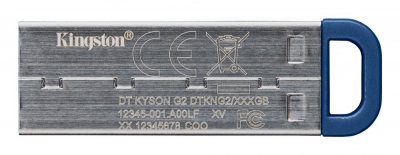
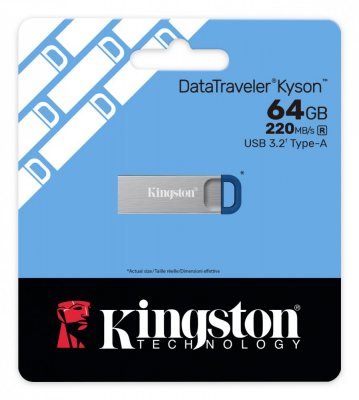
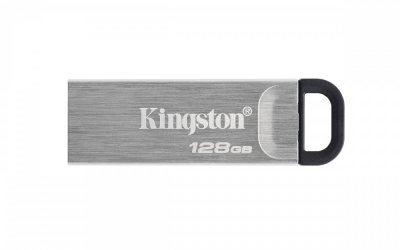
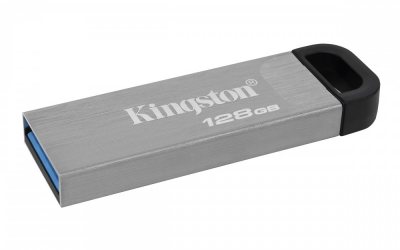
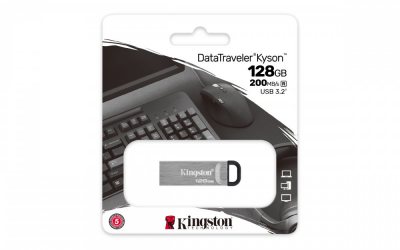
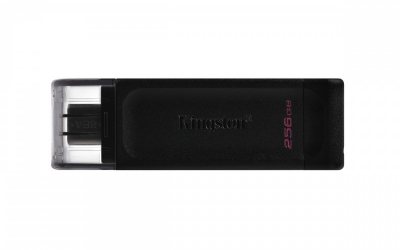
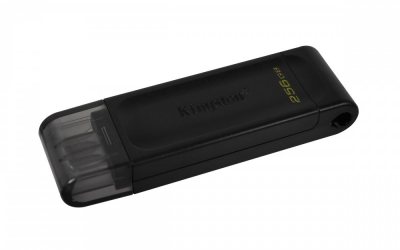
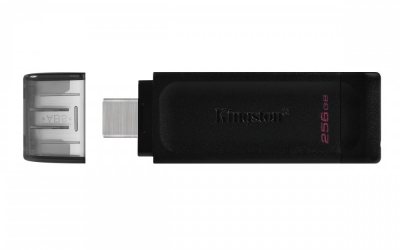
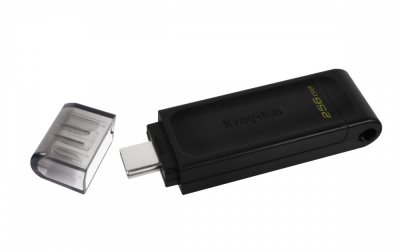
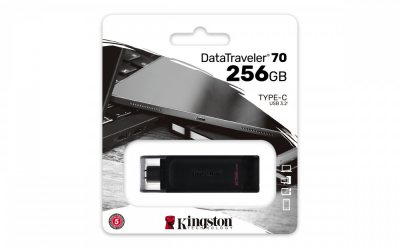
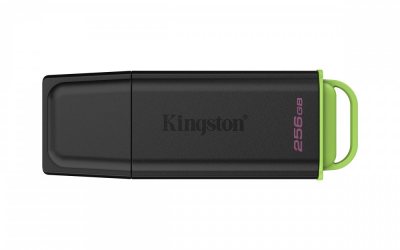
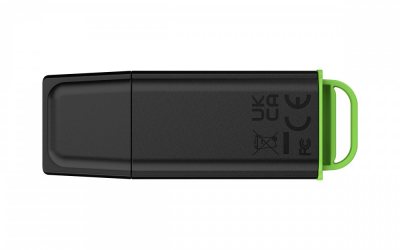
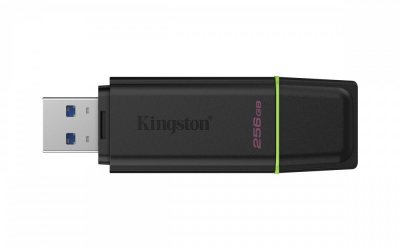
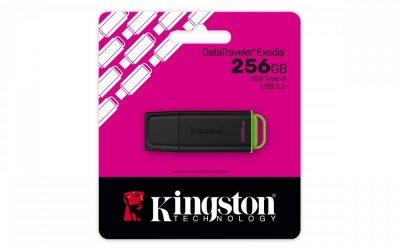
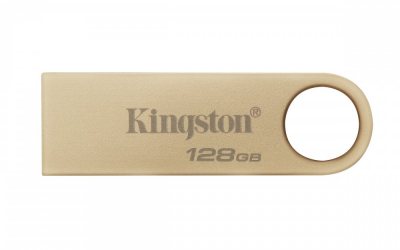
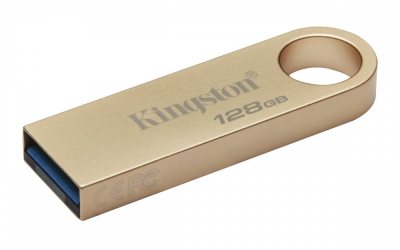
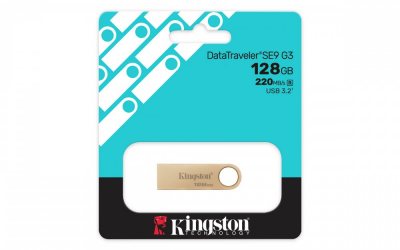
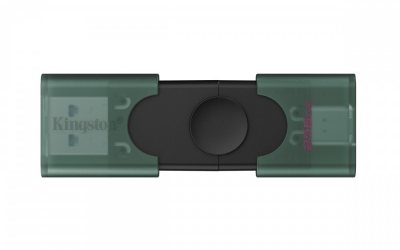
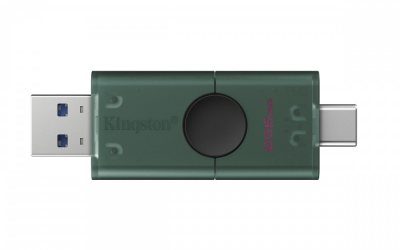
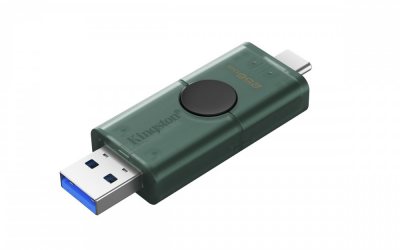
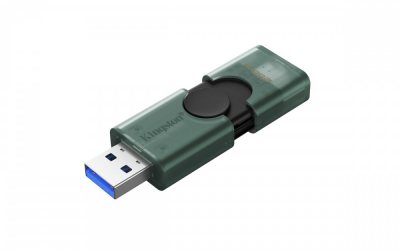
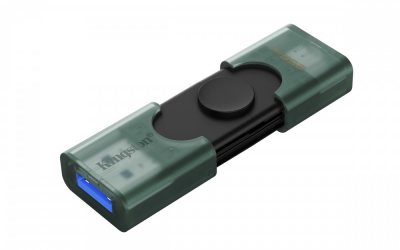
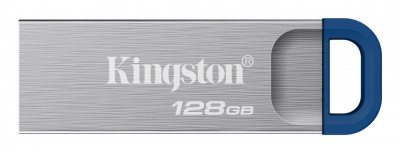
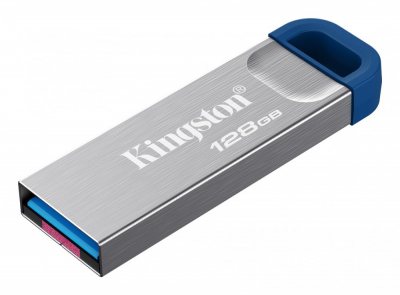
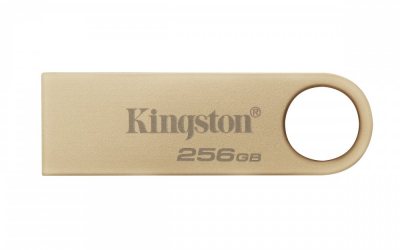
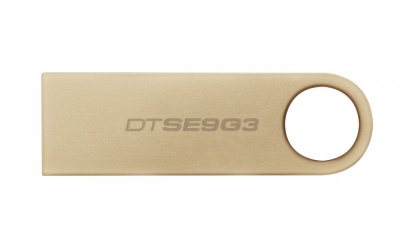
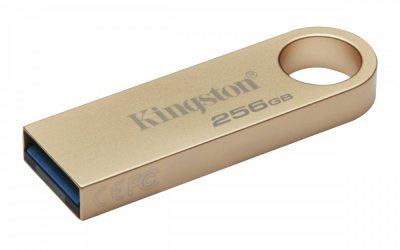
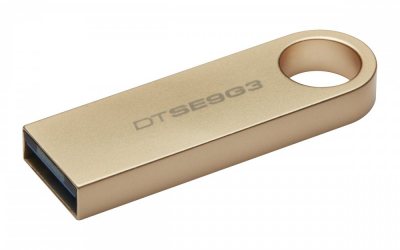
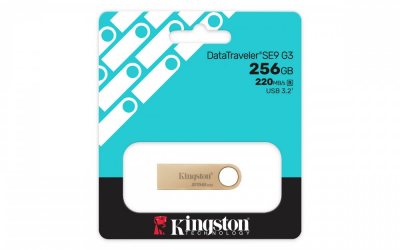
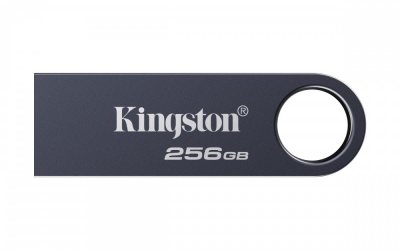
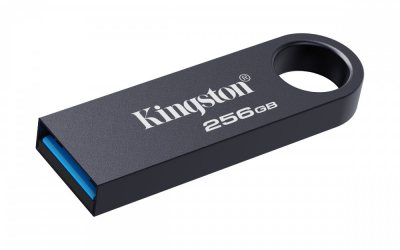
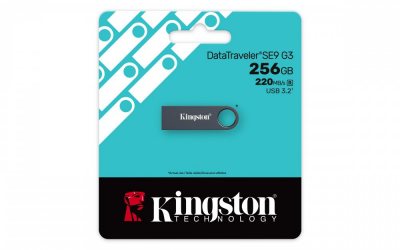
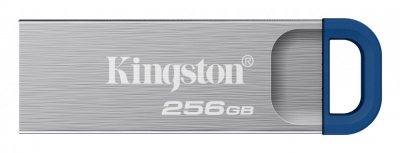
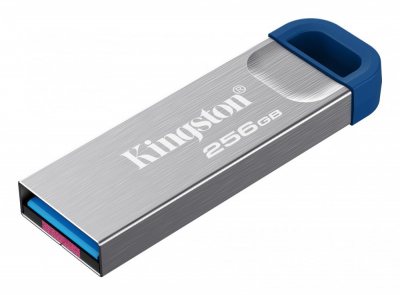
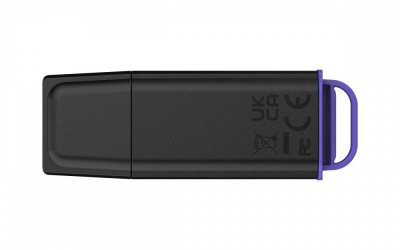
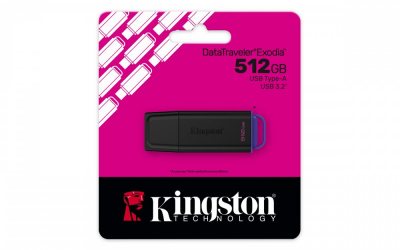
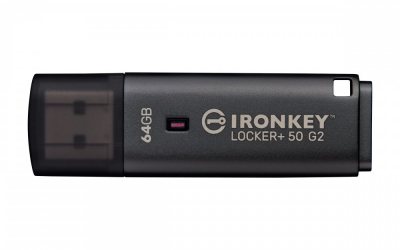
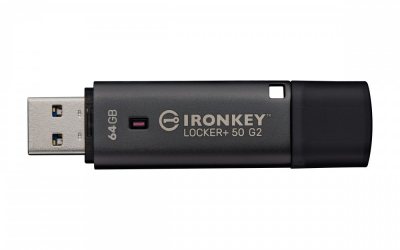
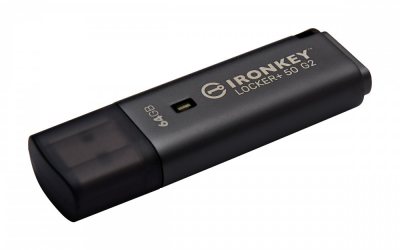
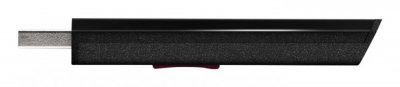
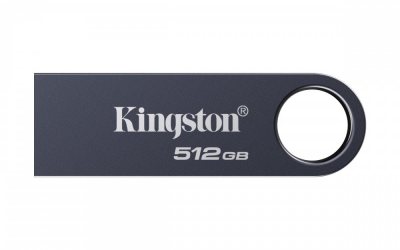
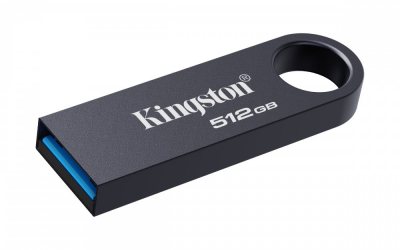
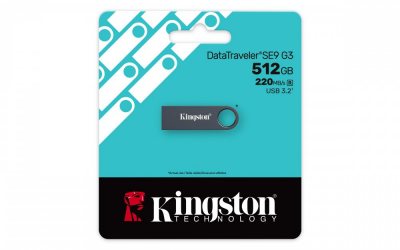
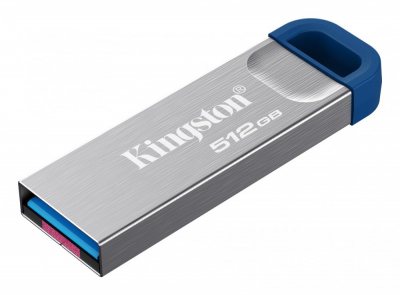
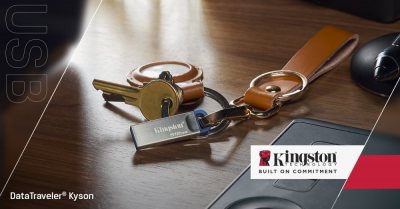
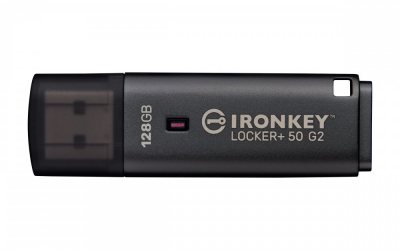
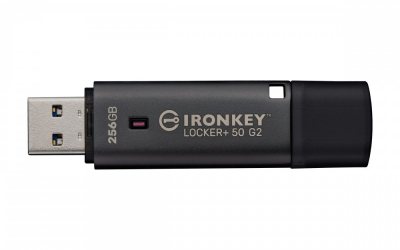
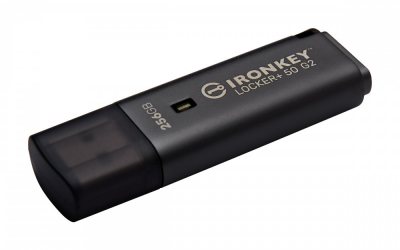
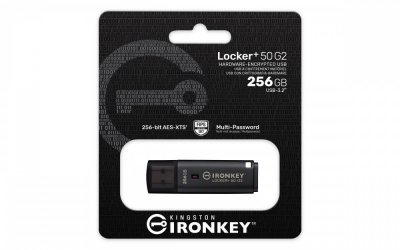
Kingston Kingston DataTraveler 64GB Portable USB 3.2 Gen 1 Exodia Black USB flash drive · 64GB · USB-A In stock· Online only
£10.99inc VAT£15.98 delivered
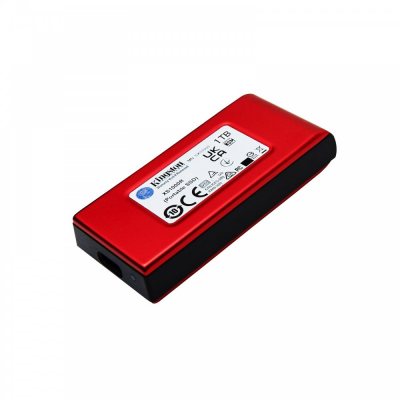
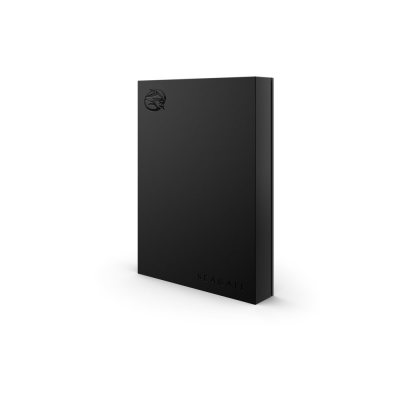
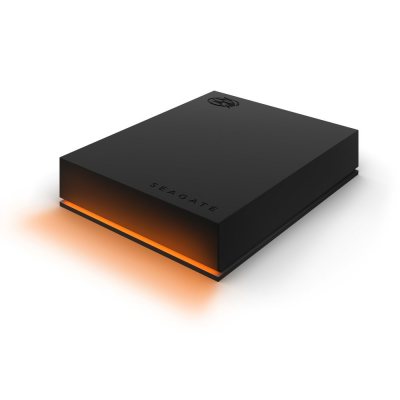
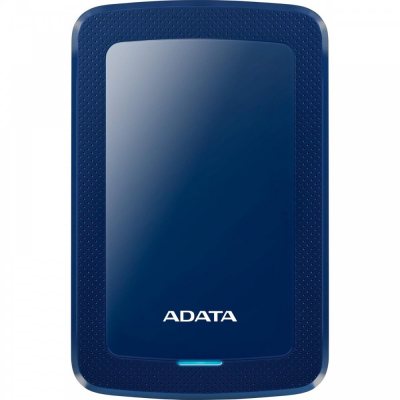
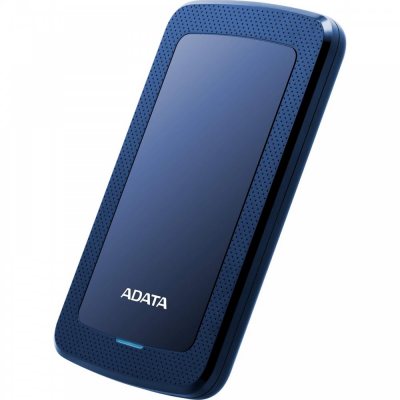
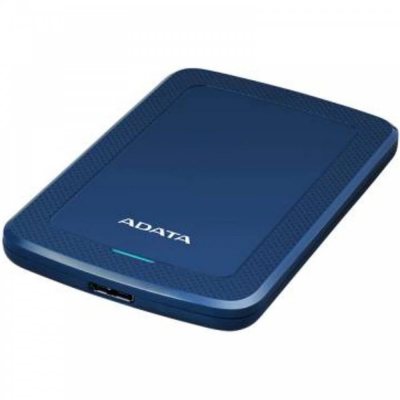
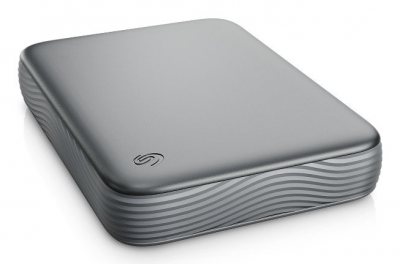
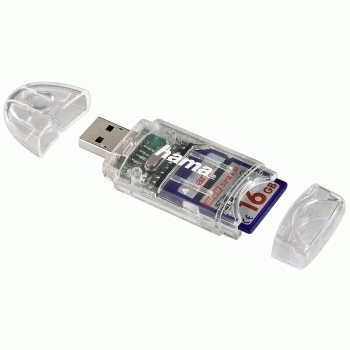
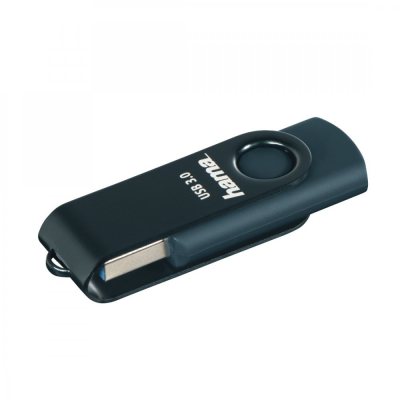
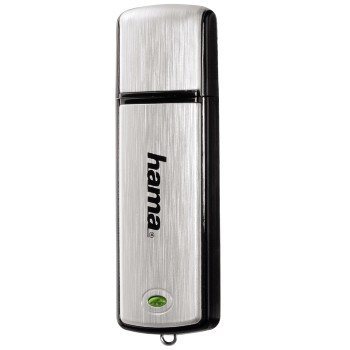
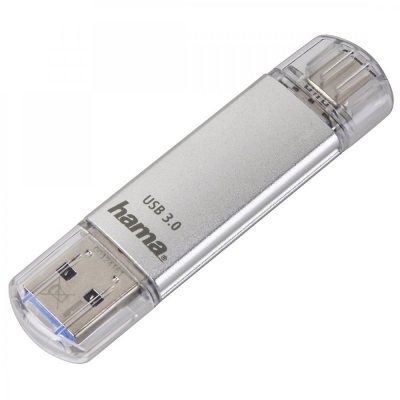
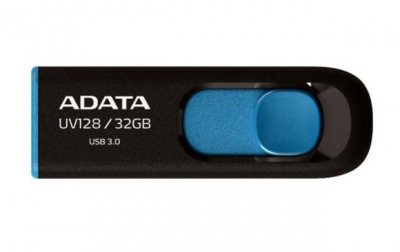
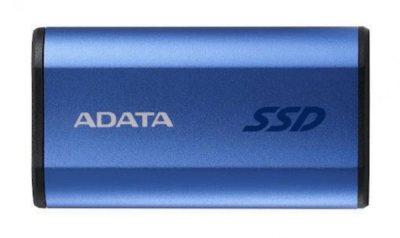
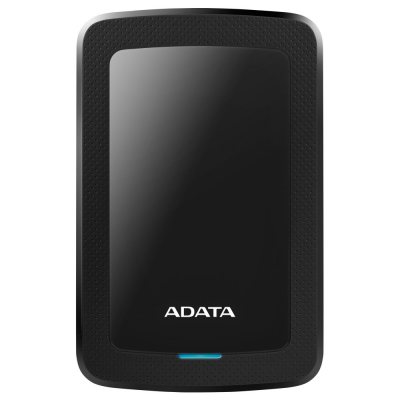
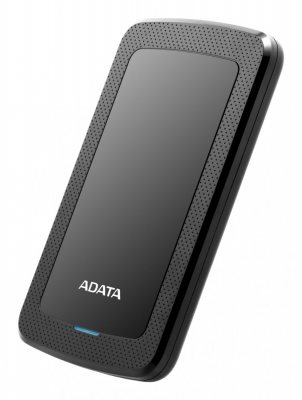
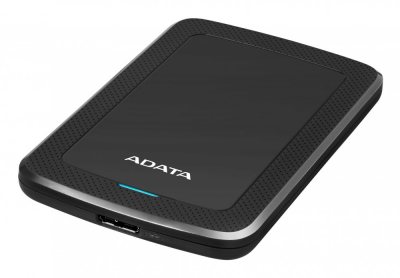
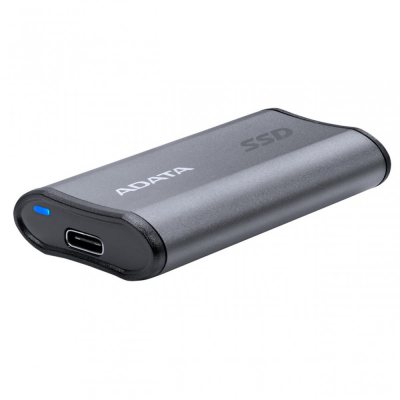
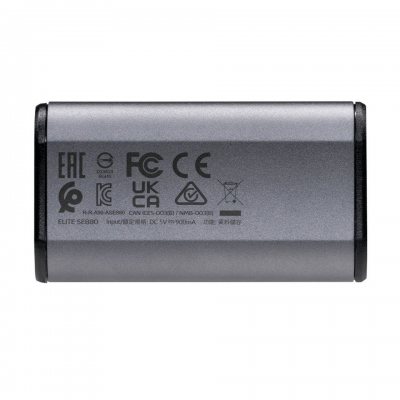
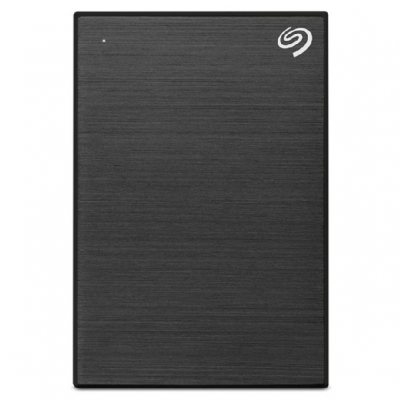
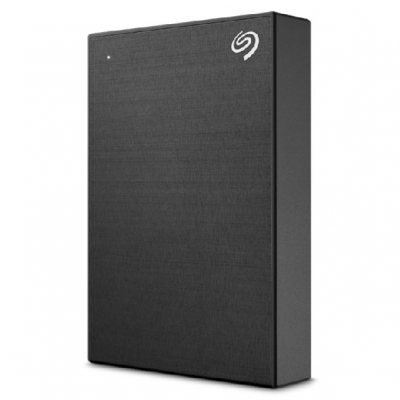
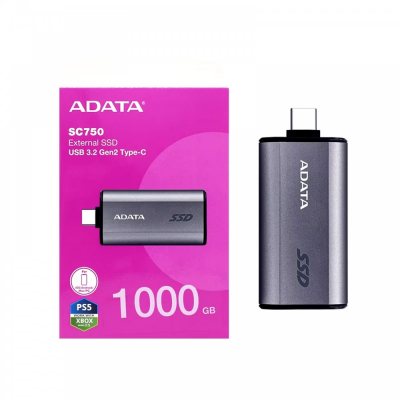
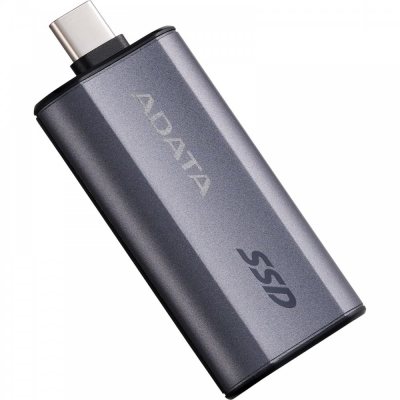
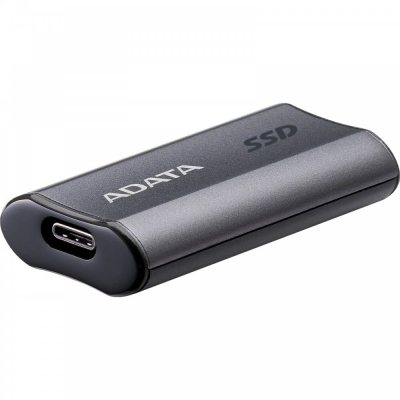
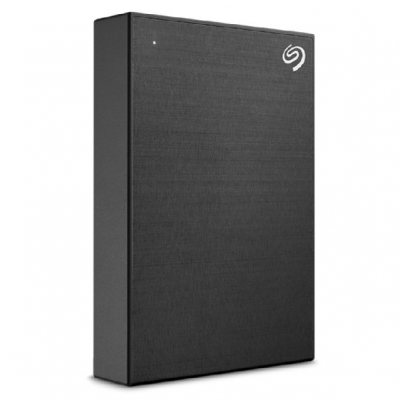
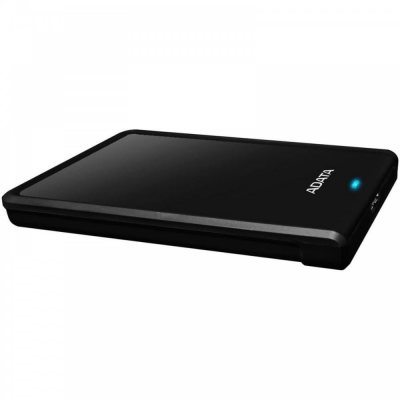
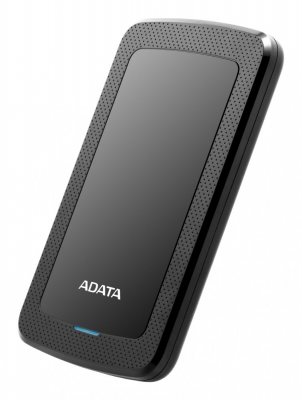
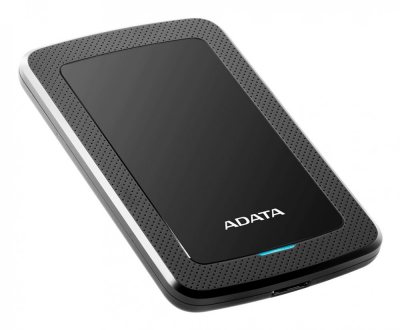
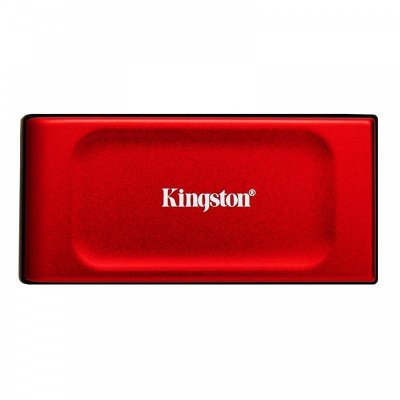
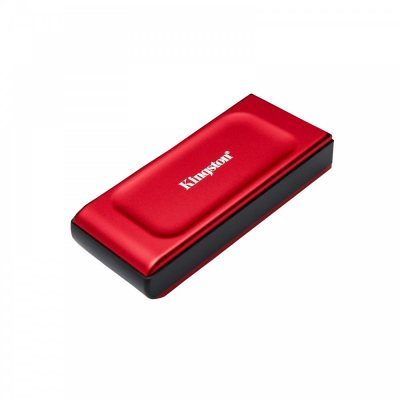
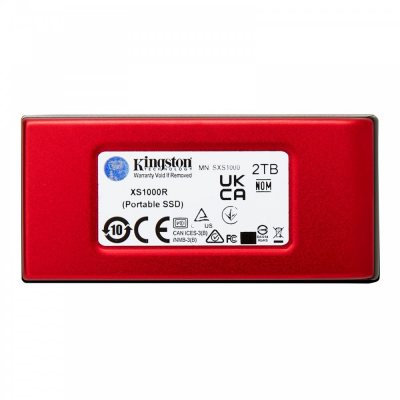
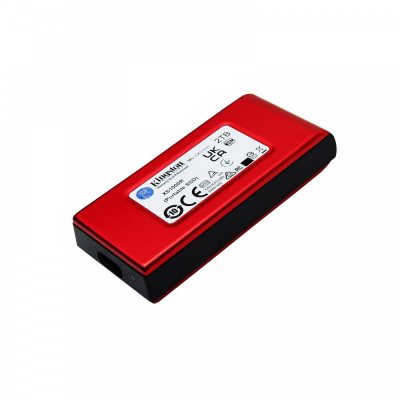
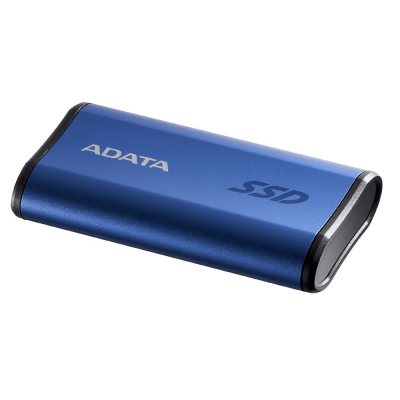
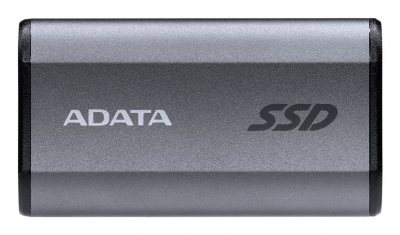
Storage you can carry, plug in and take away. We stock portable hard drives for backups and big photo libraries, faster external SSDs, USB flash drives, SD and microSD cards for cameras, phones and consoles, card readers, and enclosures that turn a spare SSD into a USB drive. Use the Type filter to pick the kind you need, then check the capacity and the plug on the cable.

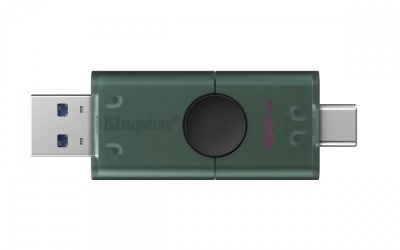


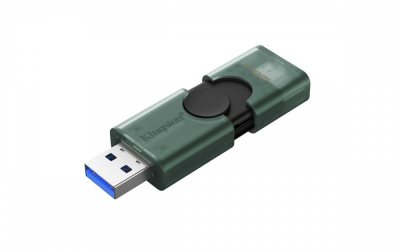


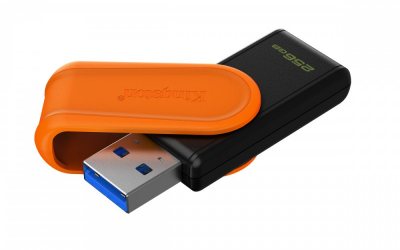


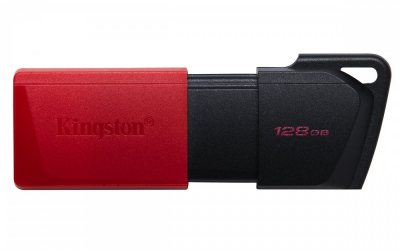




















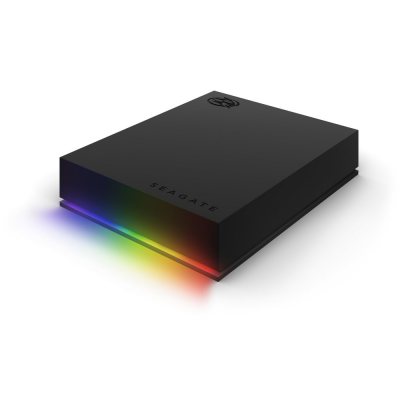
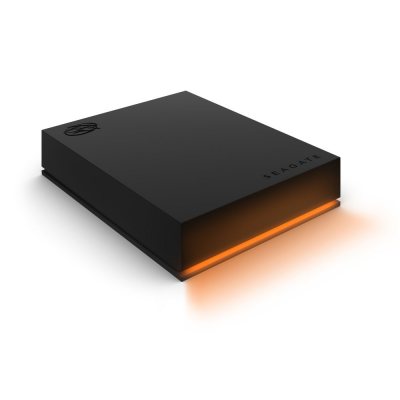

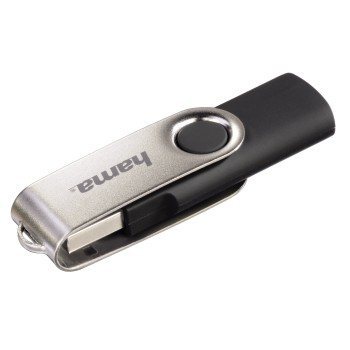
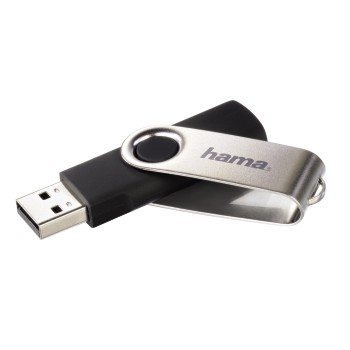














































































































































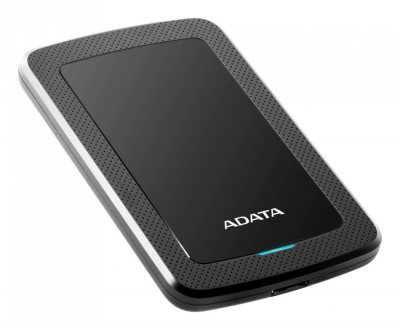


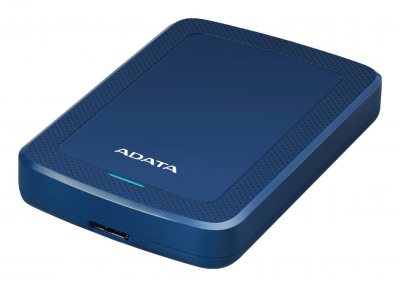







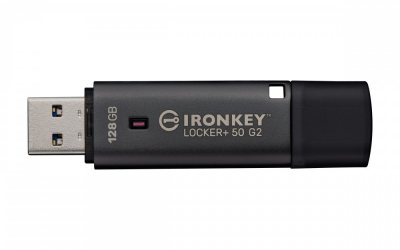
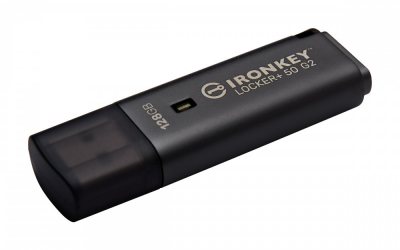
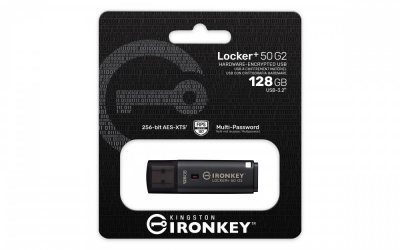


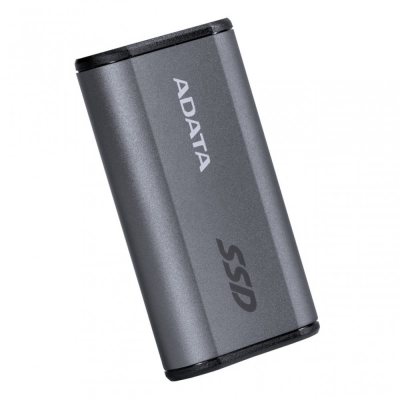








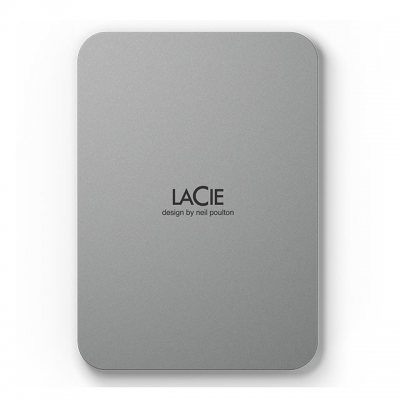
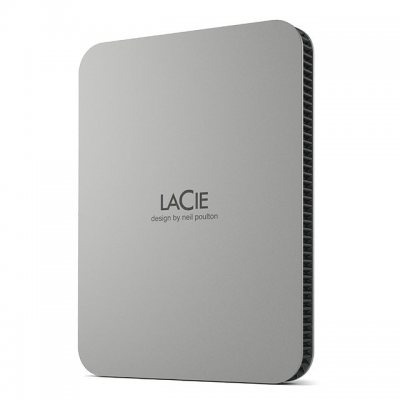
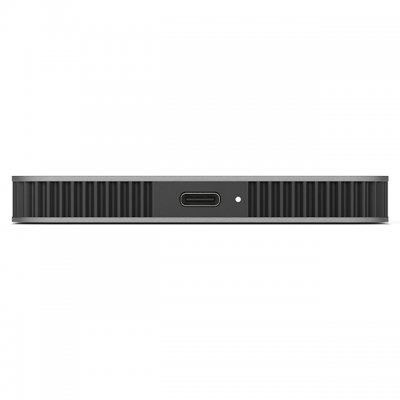
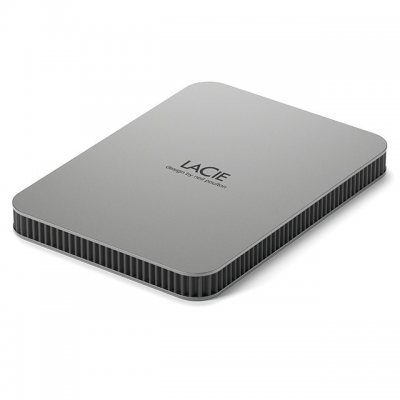



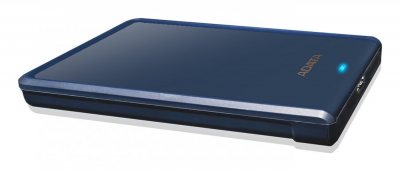



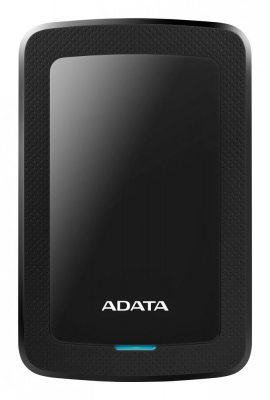
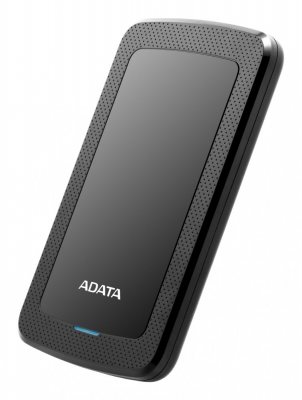
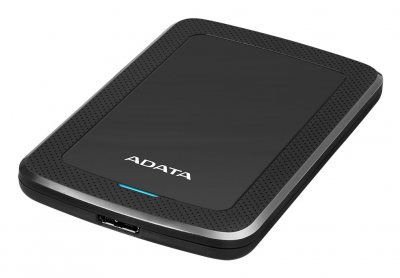


































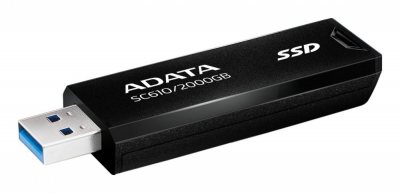
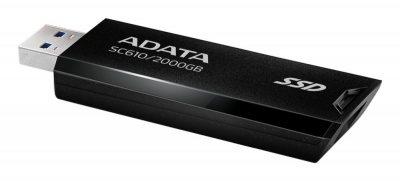

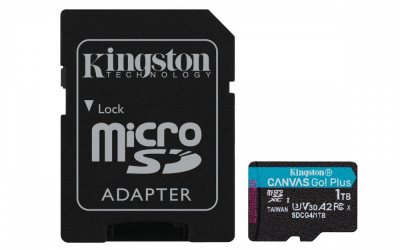












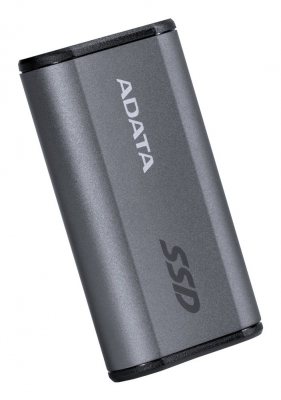


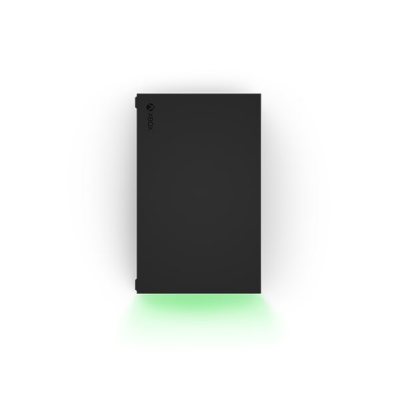

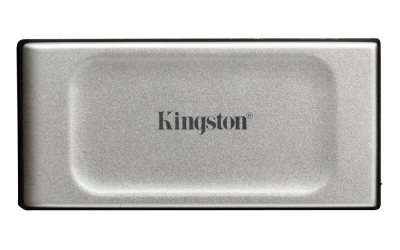
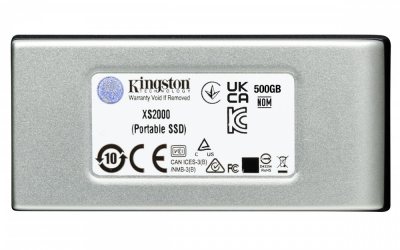

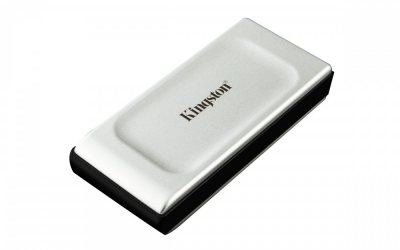








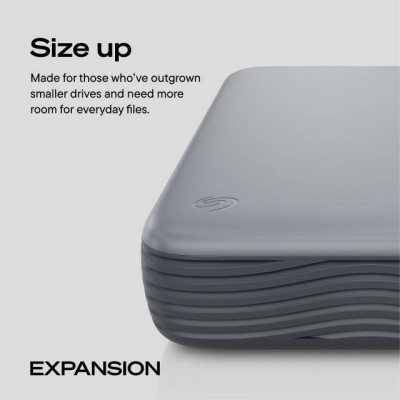

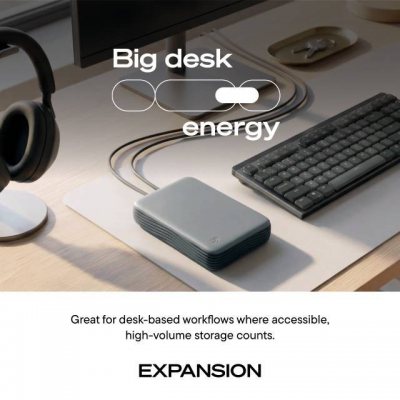

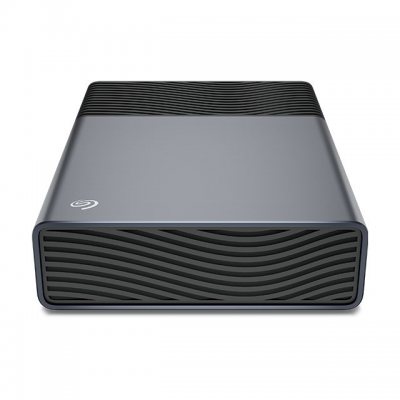
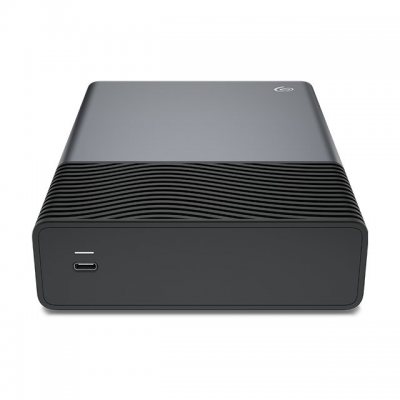


Nothing matches those filters. Try removing one.
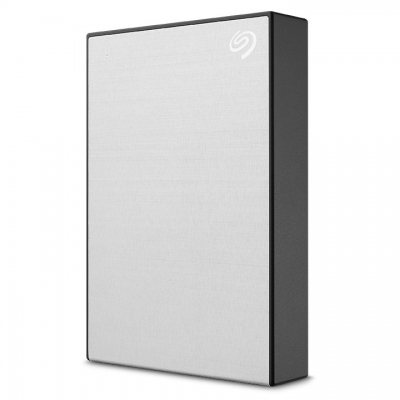
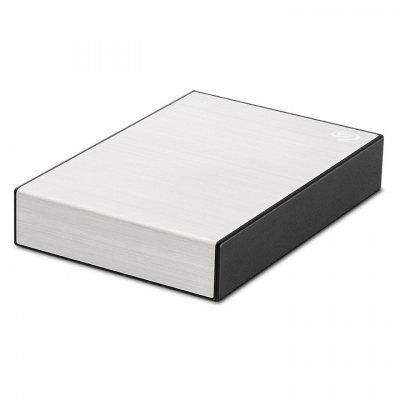
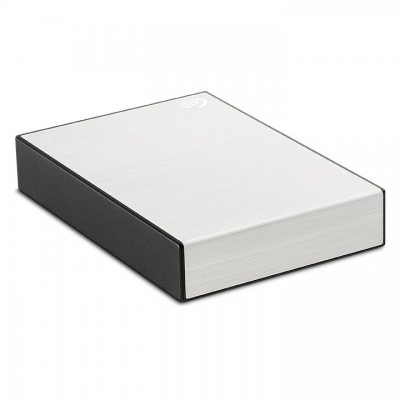
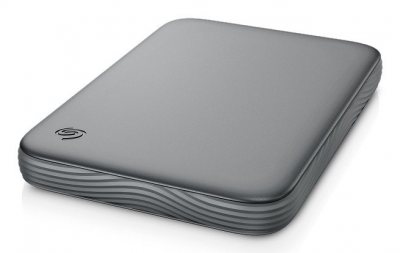
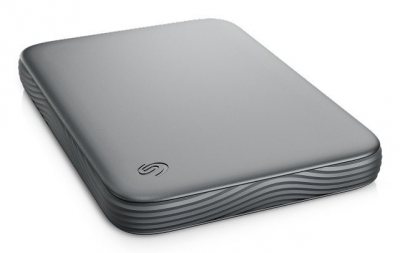
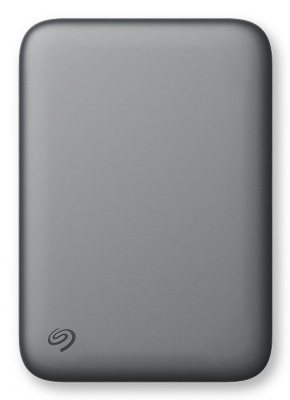
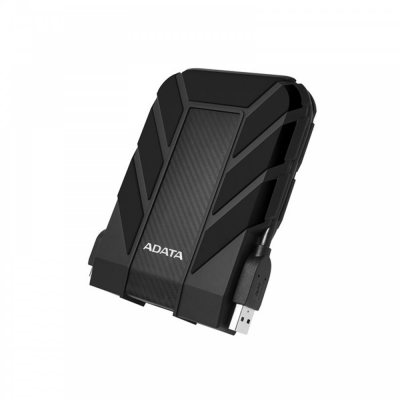
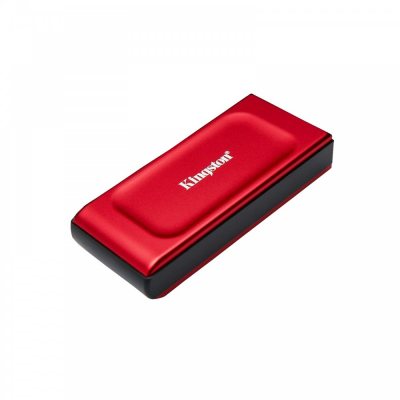
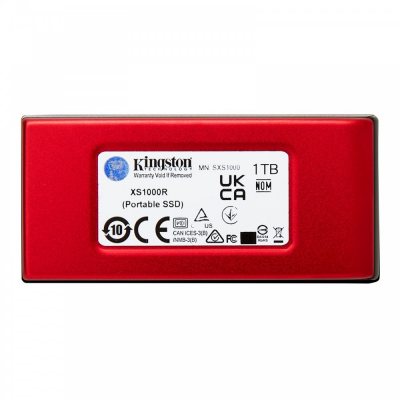
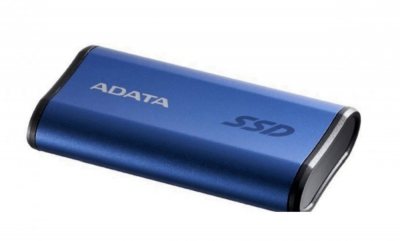
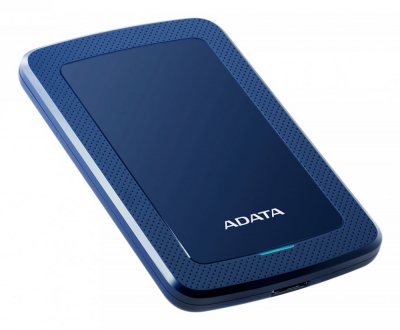
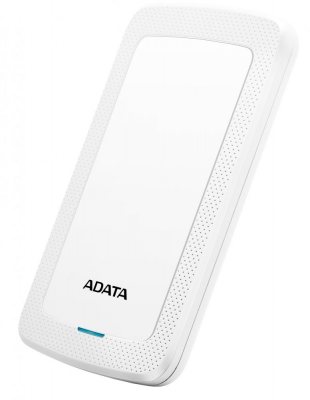
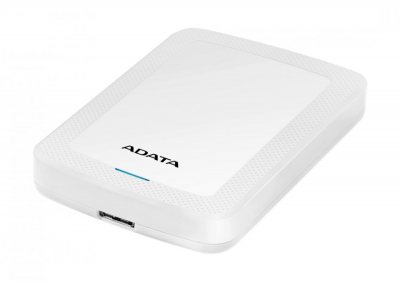
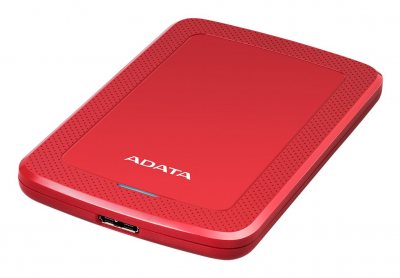
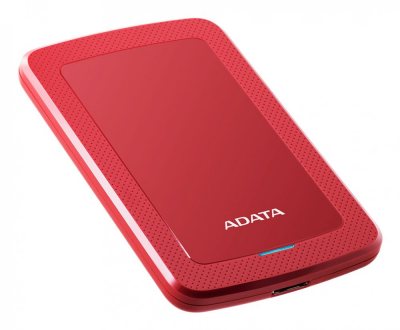
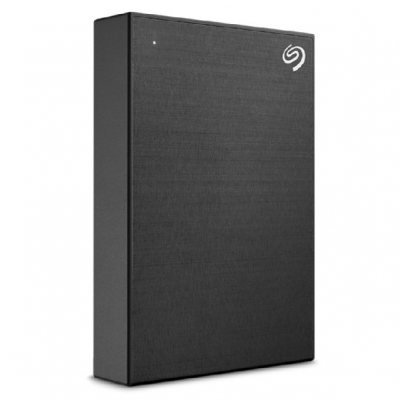
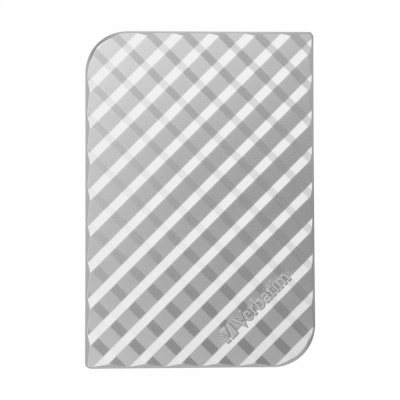
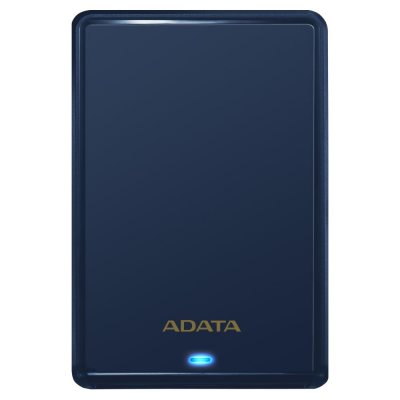
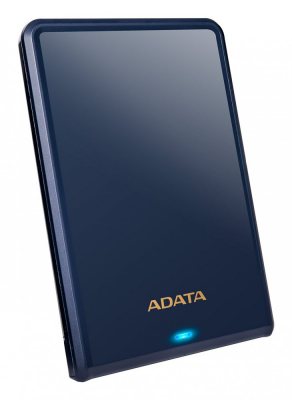
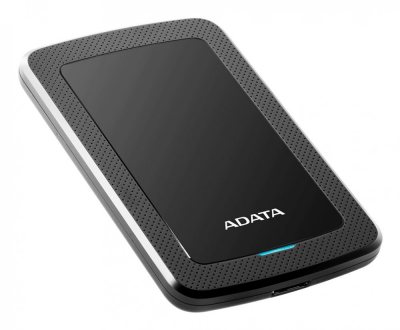
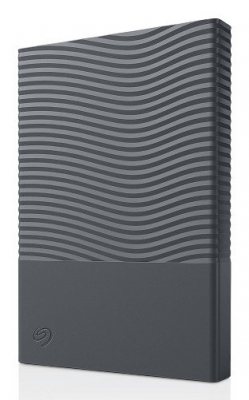
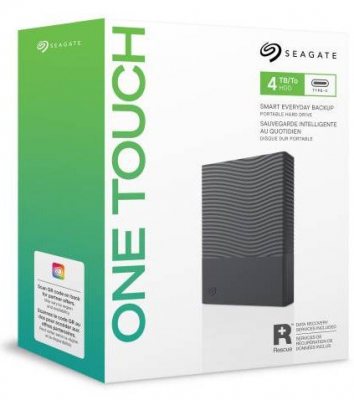
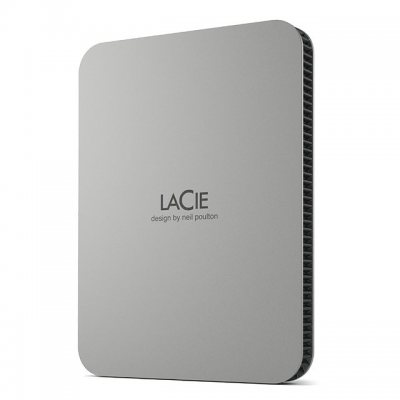
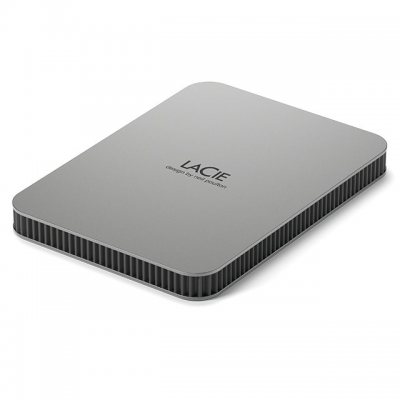
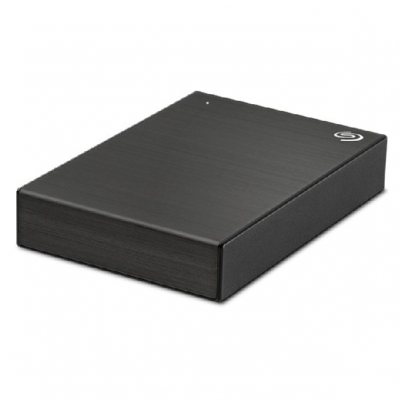
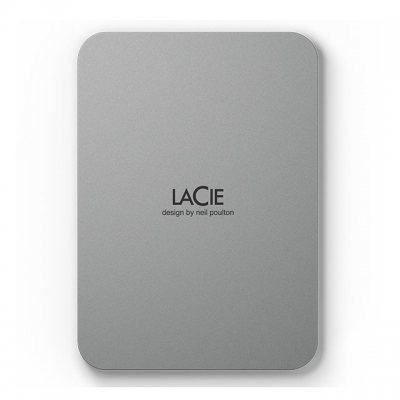
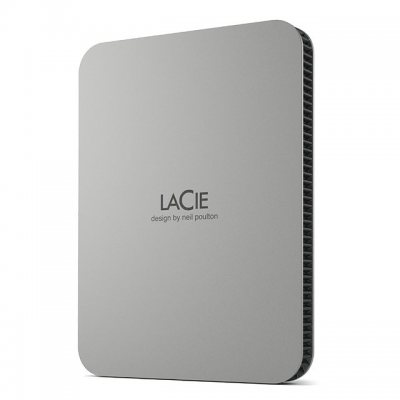
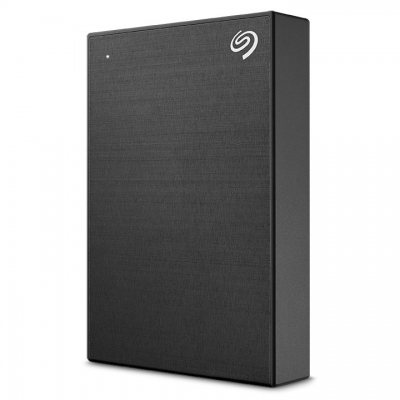
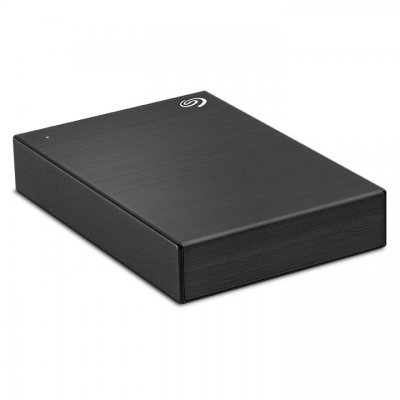
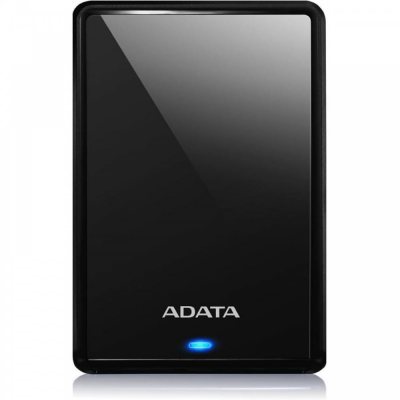
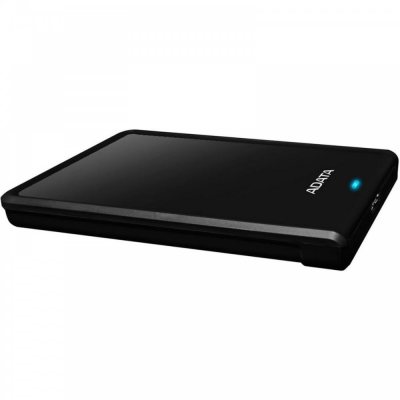
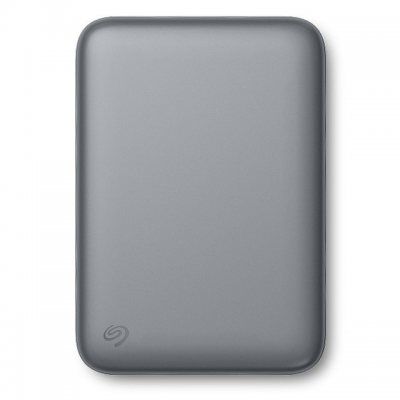
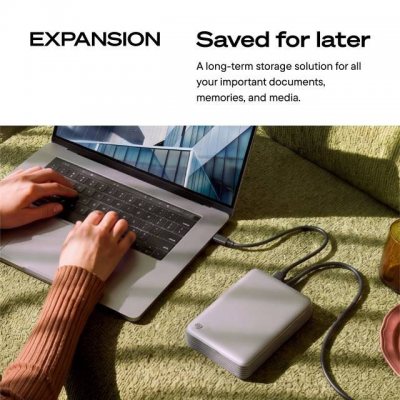
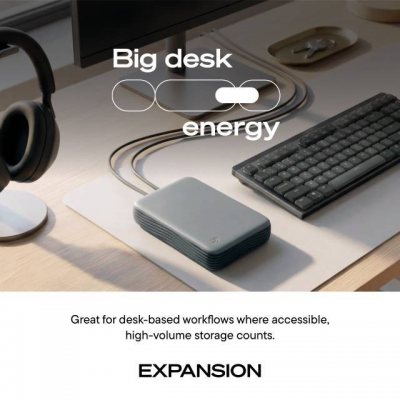
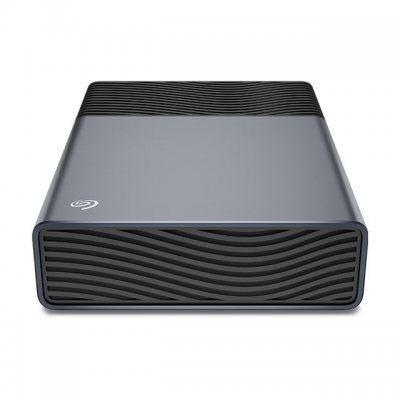
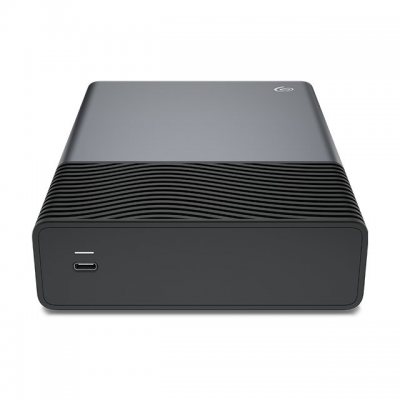
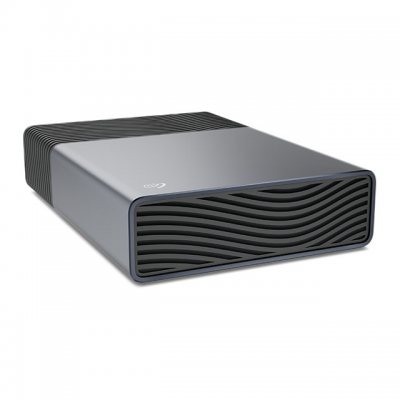
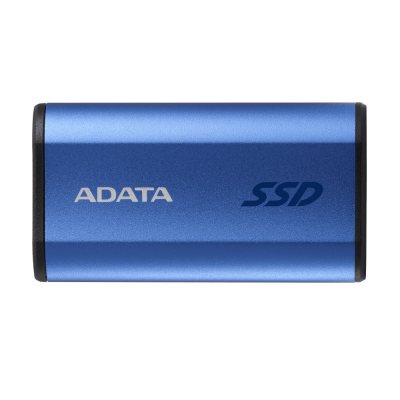
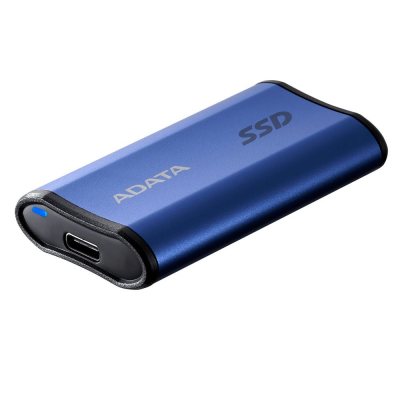
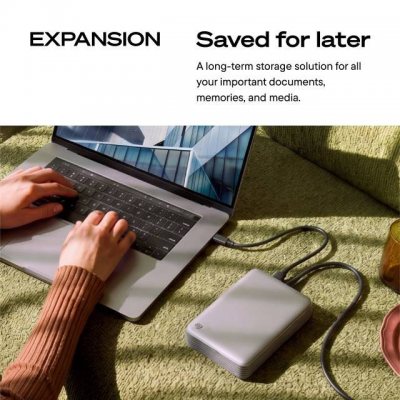
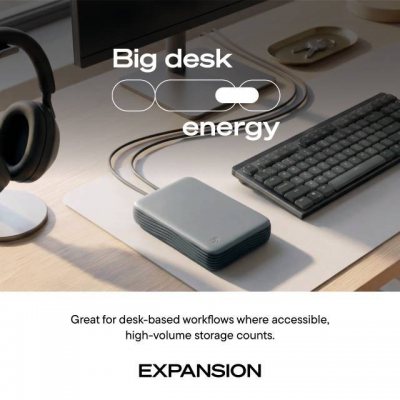
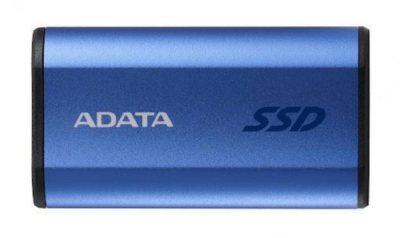
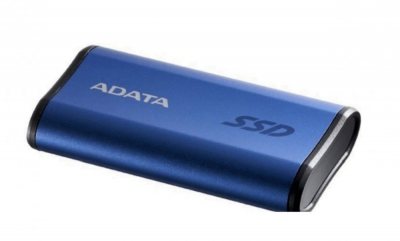
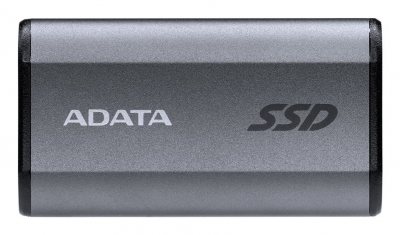
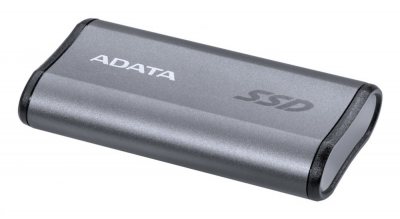
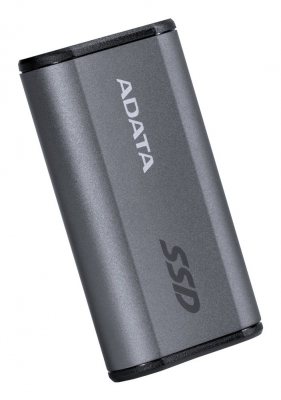
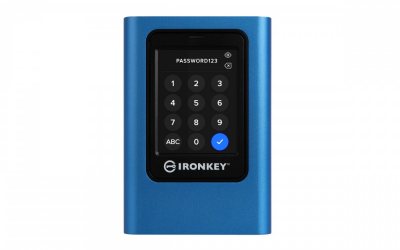
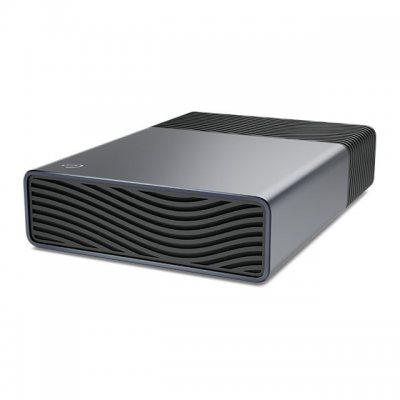
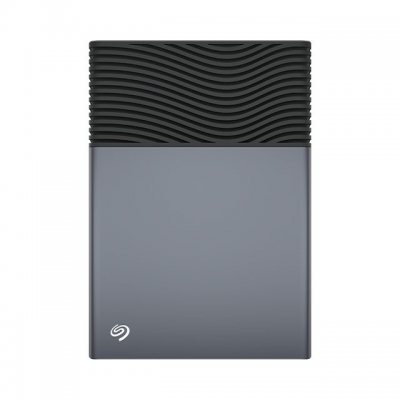
A portable hard drive gives you the most space for the money, which makes it the usual choice for backups and large photo or video libraries. An external SSD costs more per terabyte but is several times faster, much lighter and copes better with knocks, because it has no moving parts. If you move files around every day, the SSD is worth it. For a backup that sits in a drawer, a hard drive is fine.
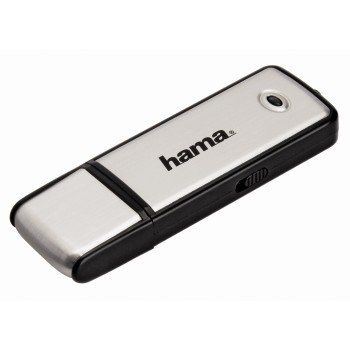
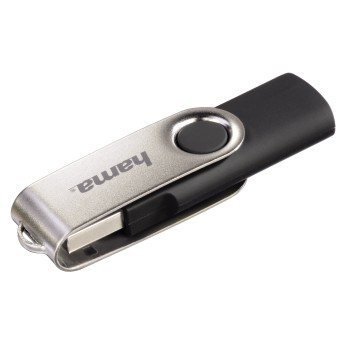
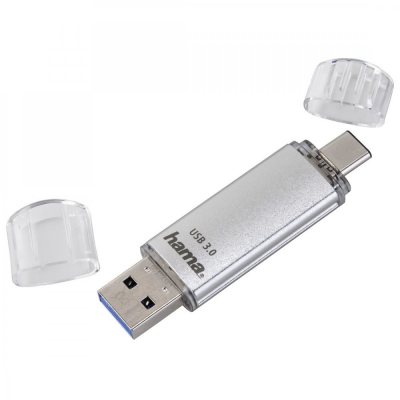
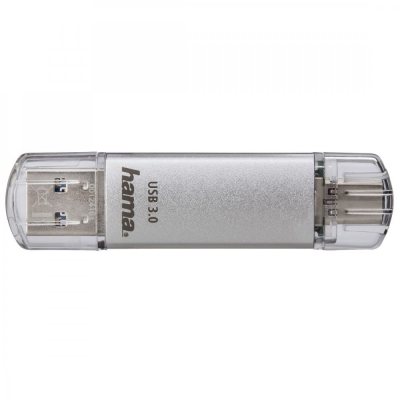
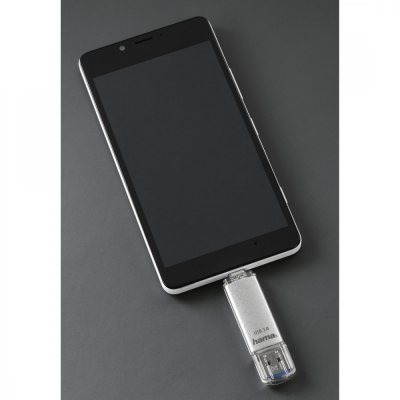
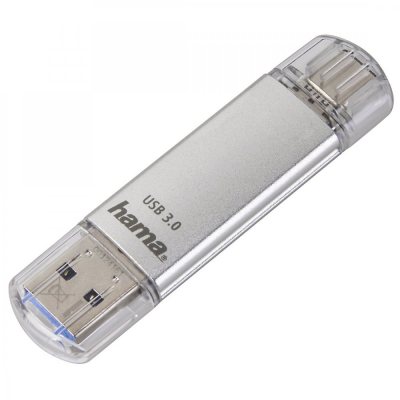
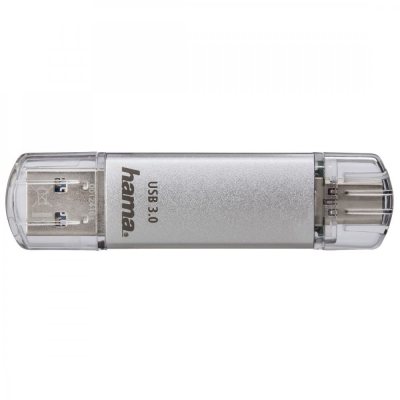
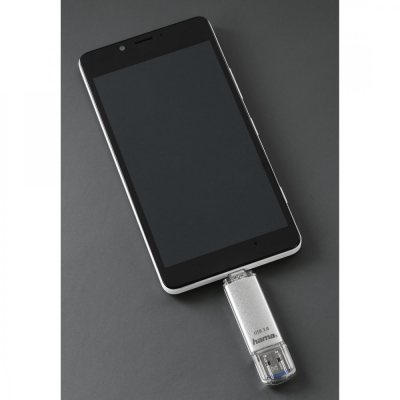
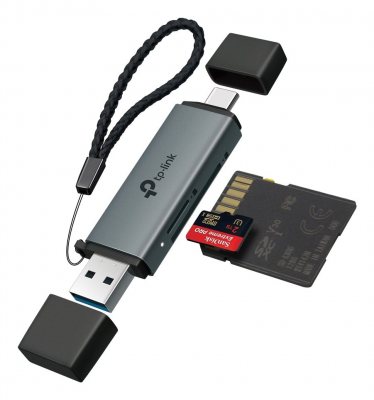
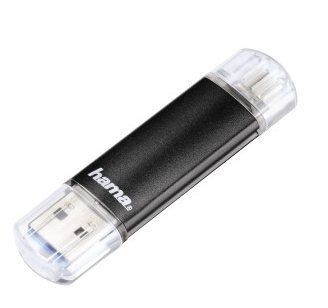
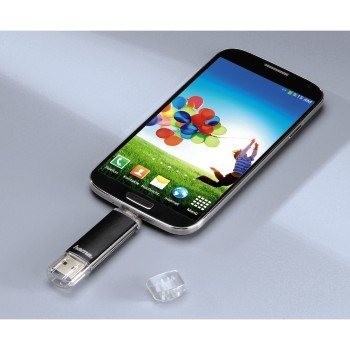
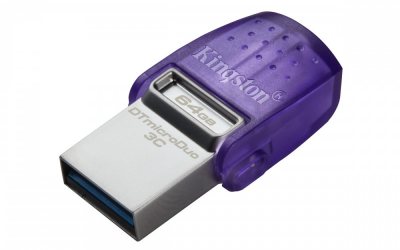
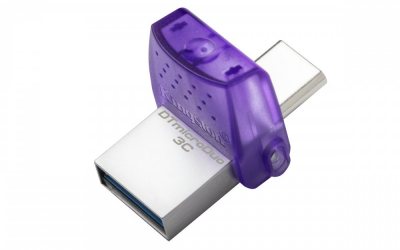
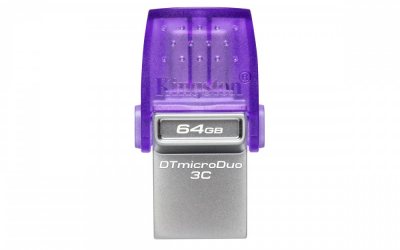
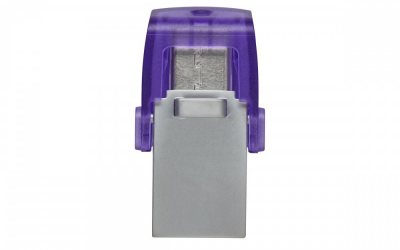
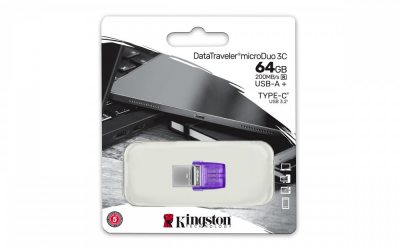
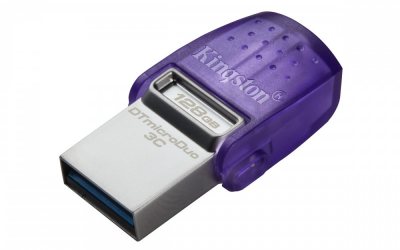
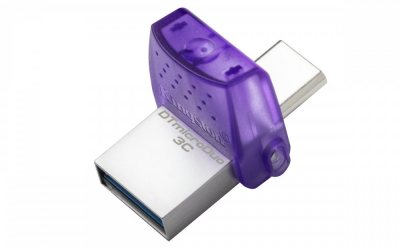
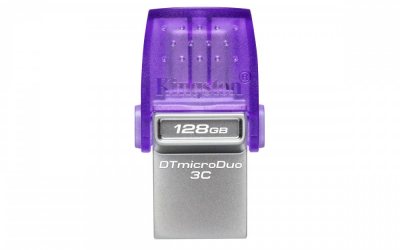
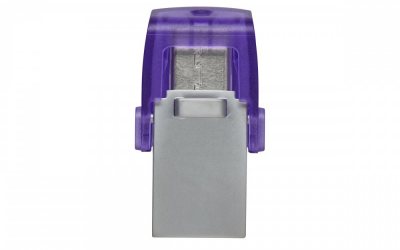
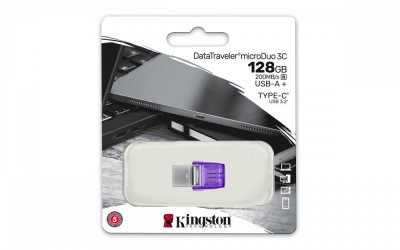
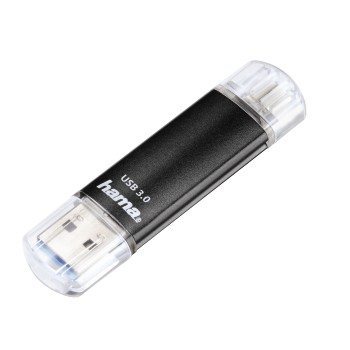
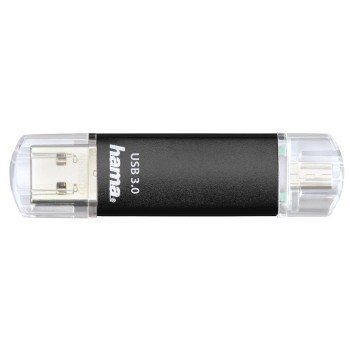
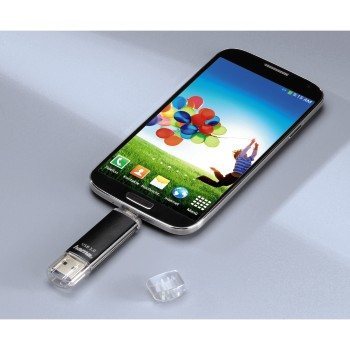
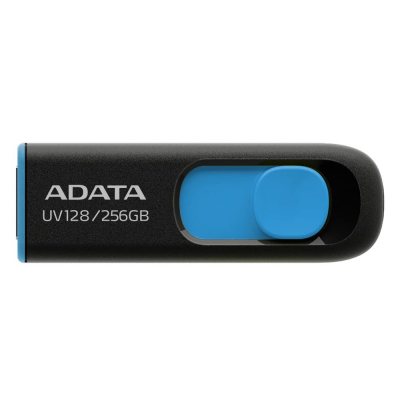
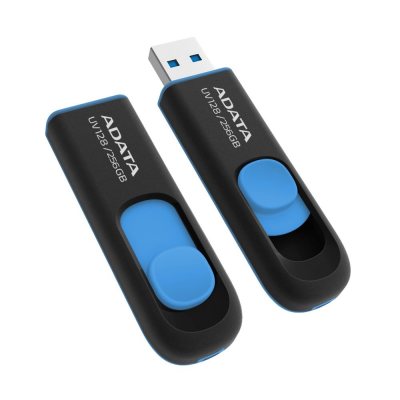
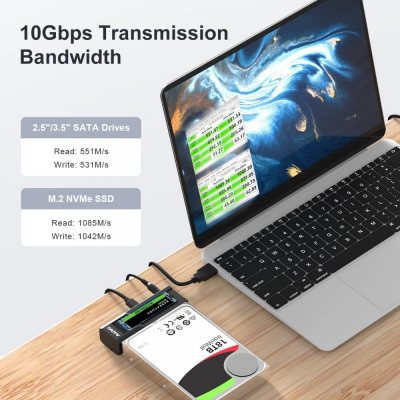
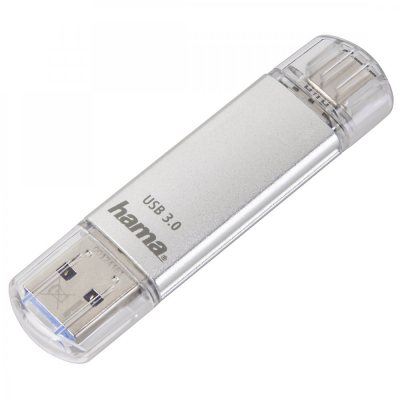
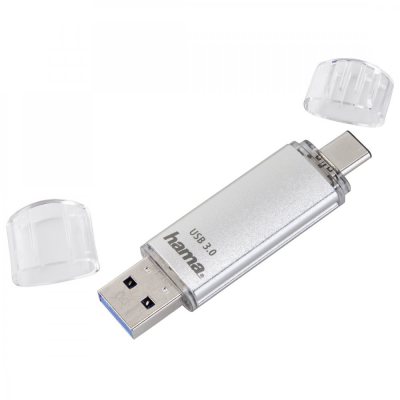
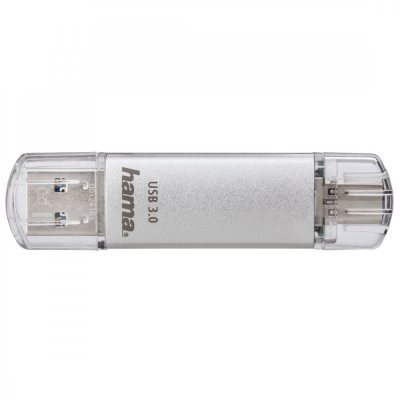
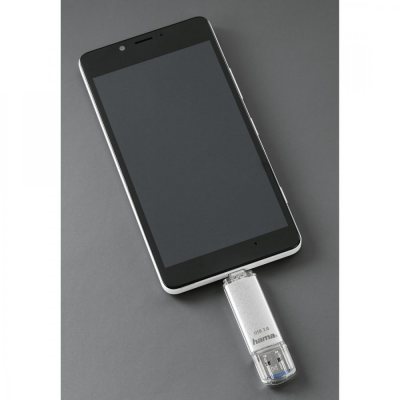
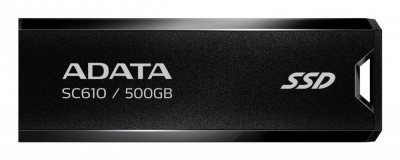
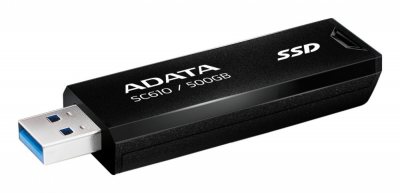
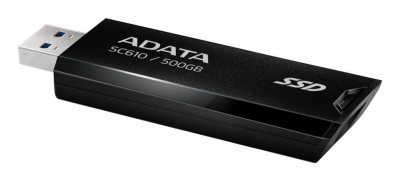
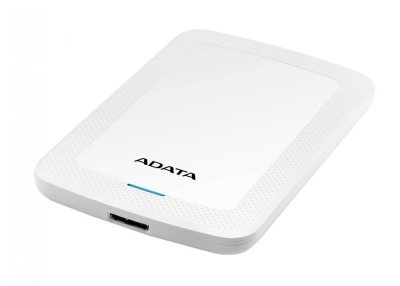
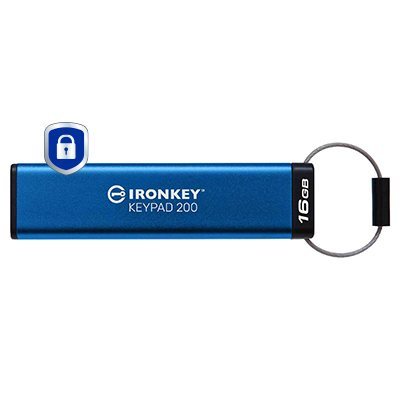
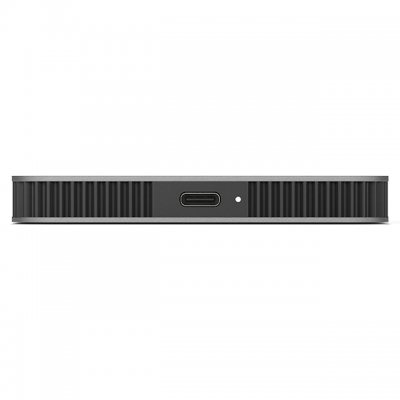
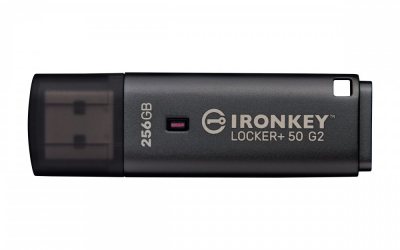
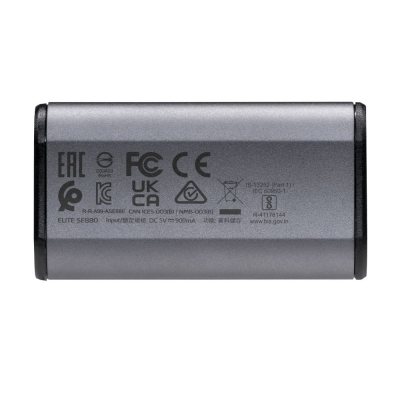
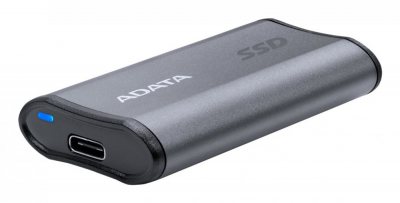
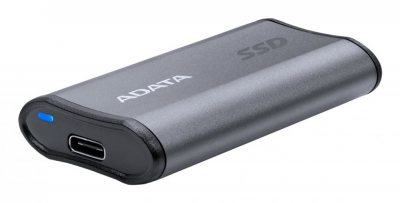
Check the ports on your computer first. Many newer laptops only have USB-C, so a drive or stick with a USB-C plug, or both plugs, saves you an adapter. Speed depends on the USB version: USB 2.0 sticks are fine for documents but slow for large files, while USB 3.2 drives copy far quicker. The connection is shown in each product's details.
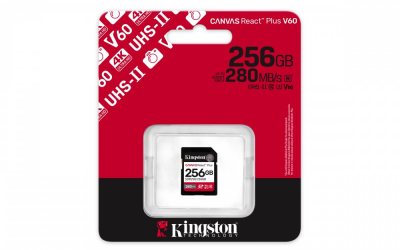
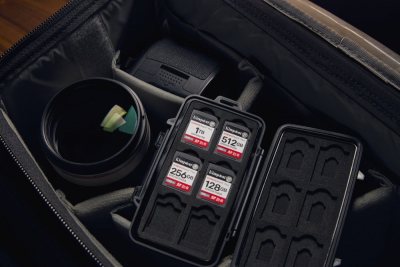
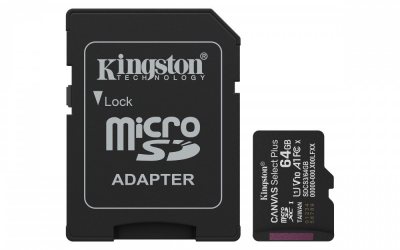
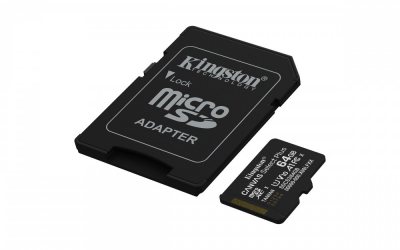
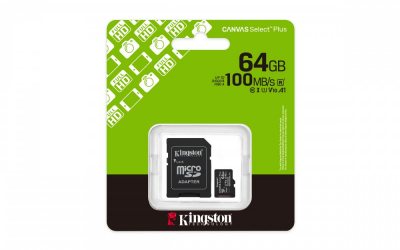
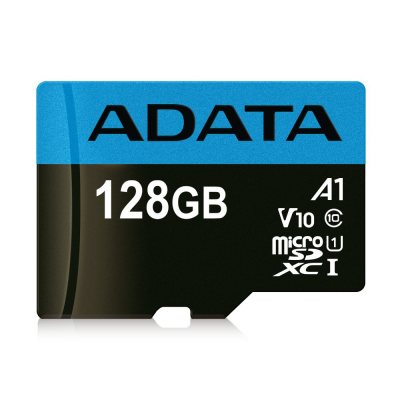
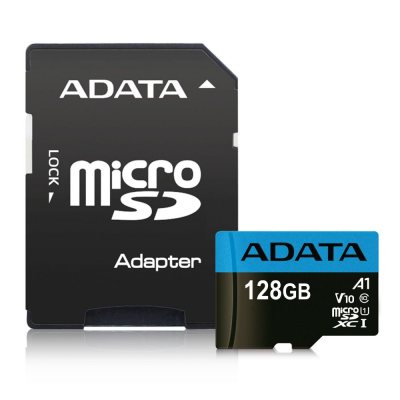
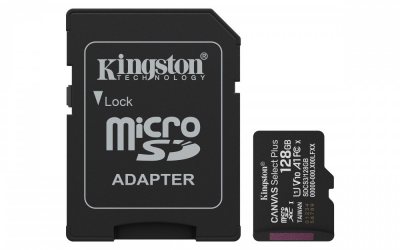
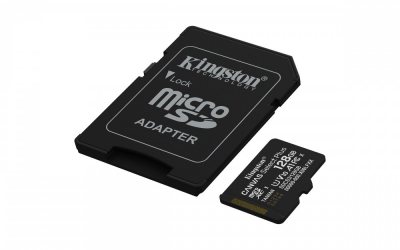
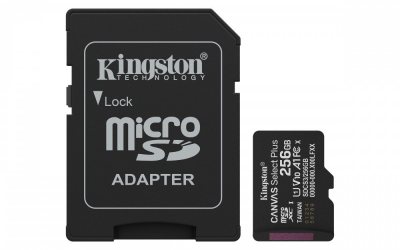
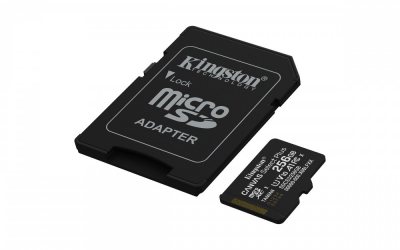
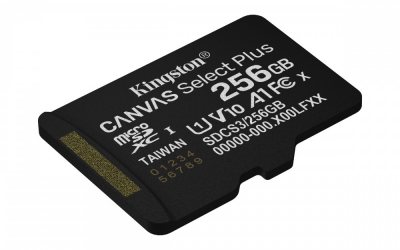
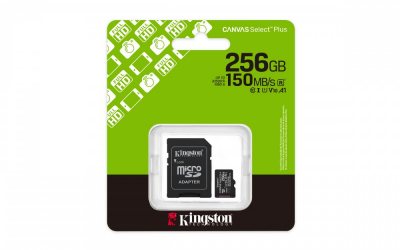
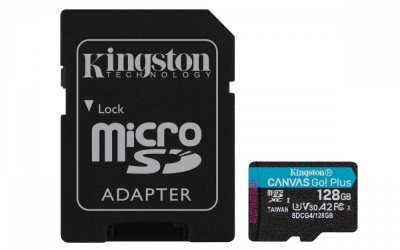
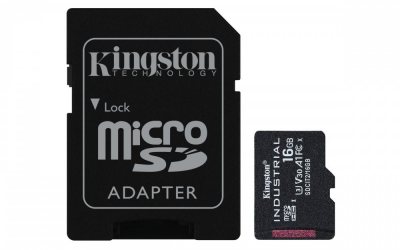
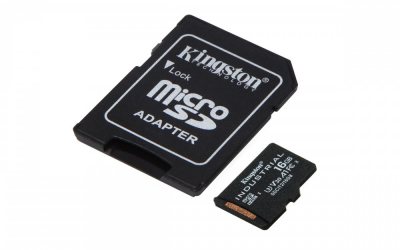
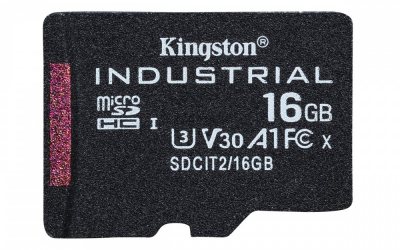
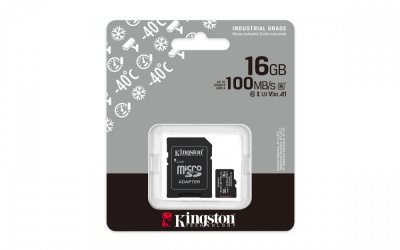
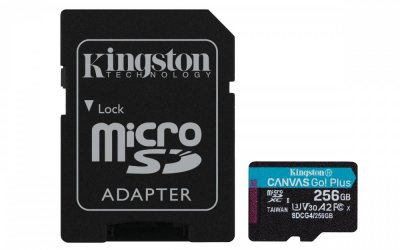
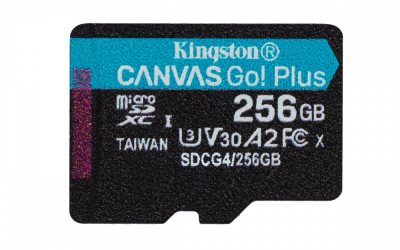
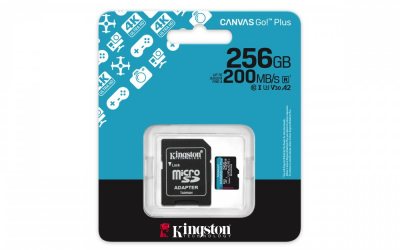
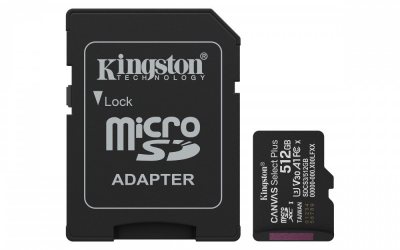
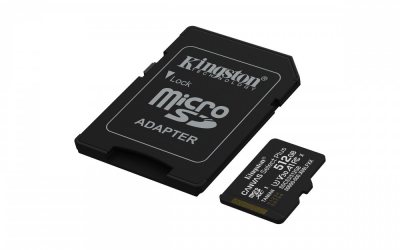
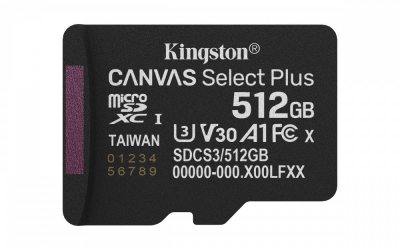
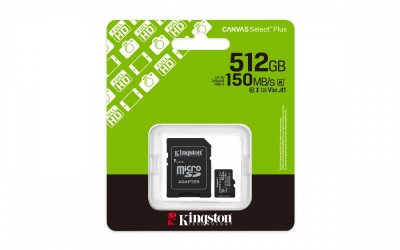
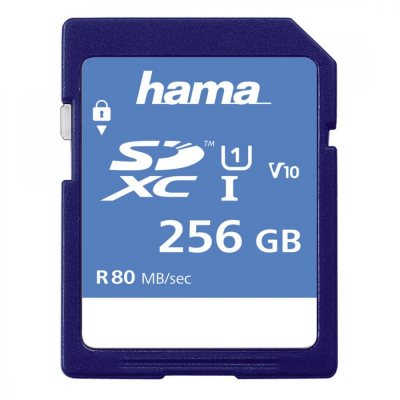
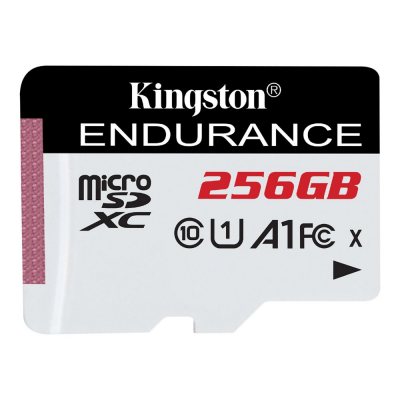
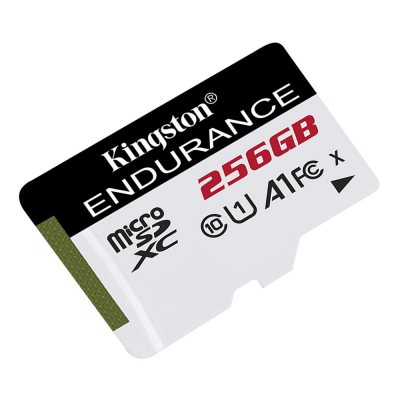
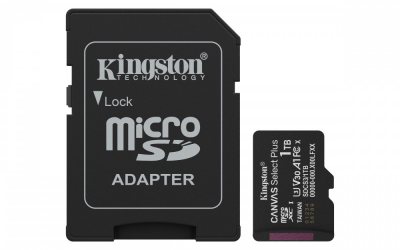
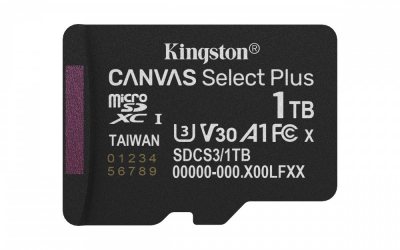
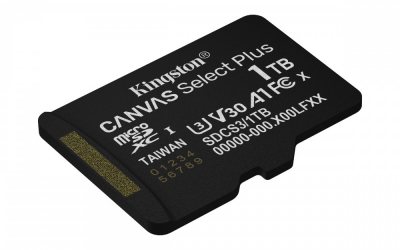
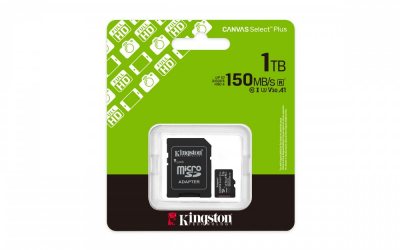
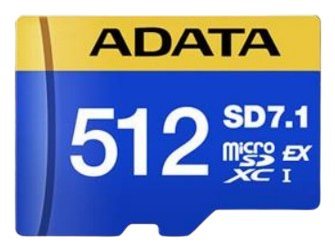
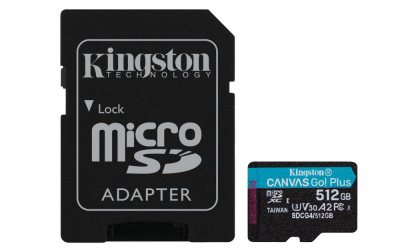
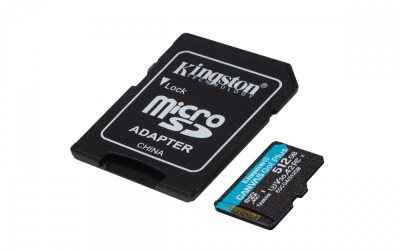
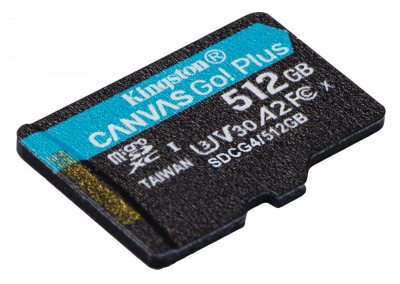
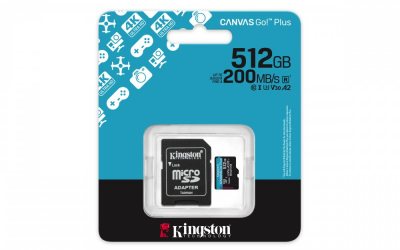
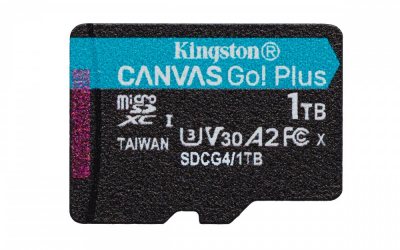
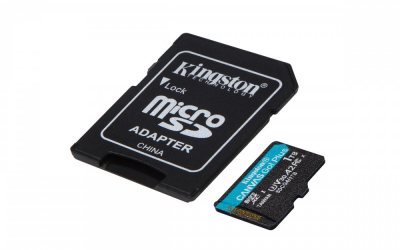
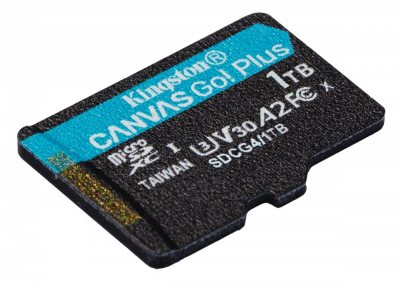
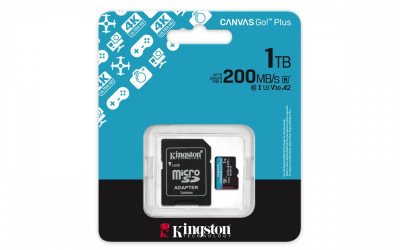
Most phones, drones, action cameras and the Nintendo Switch take microSD cards, while many cameras take full size SD cards. Some microSD cards come with an SD adapter. For 4K video, look for U3 or V30 on the card. Security cameras record onto microSD too, so check the largest card size your camera supports before you buy.
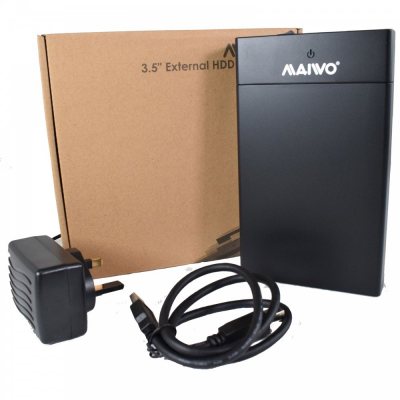
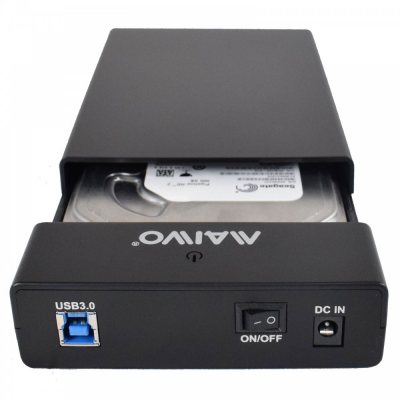
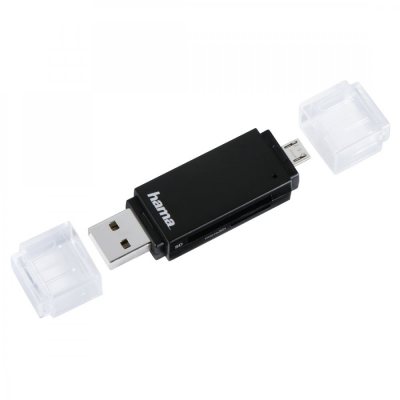
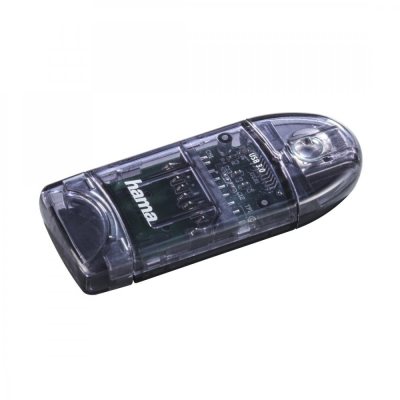
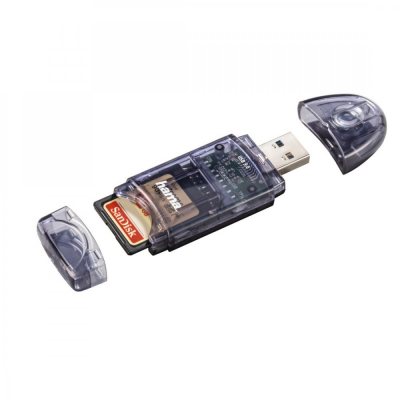
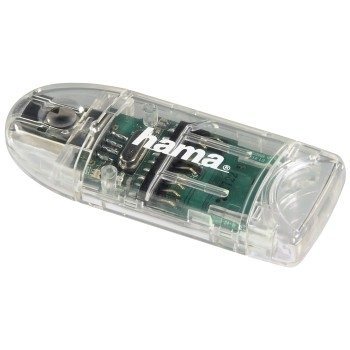
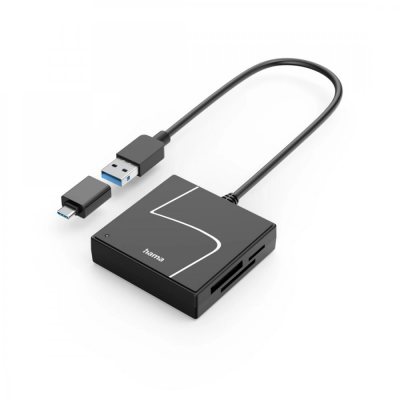
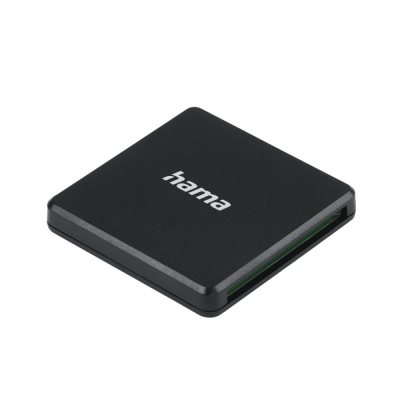
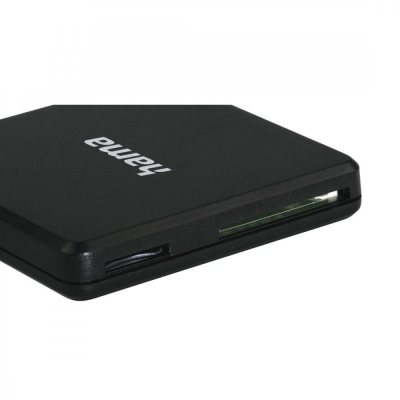
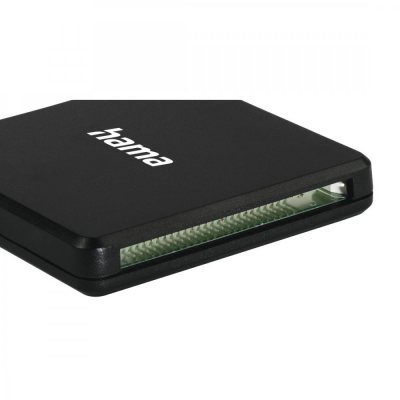
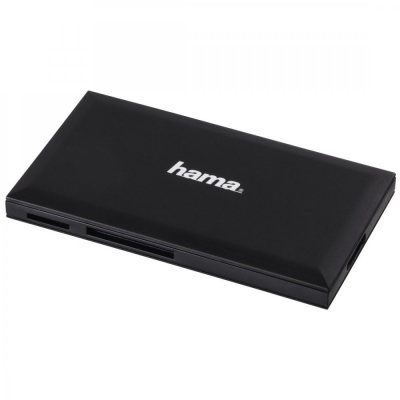
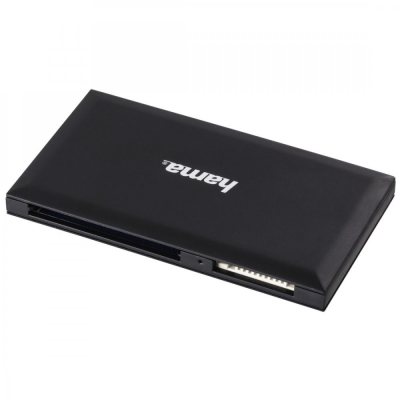
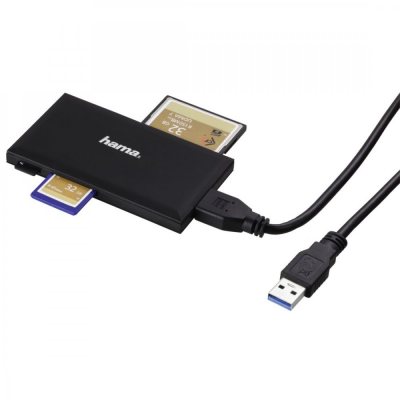
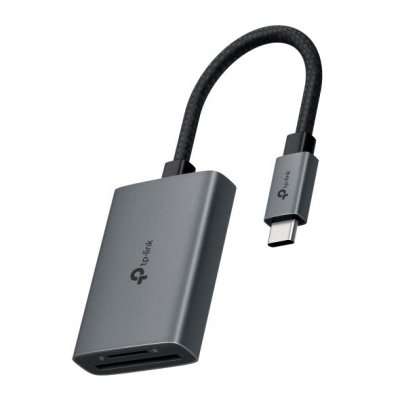
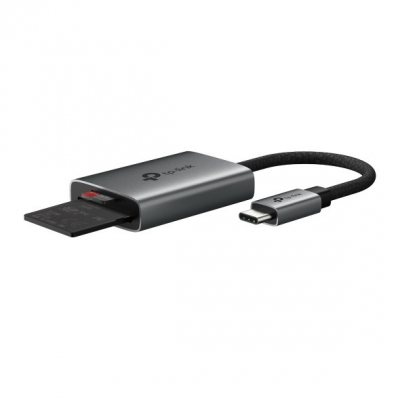
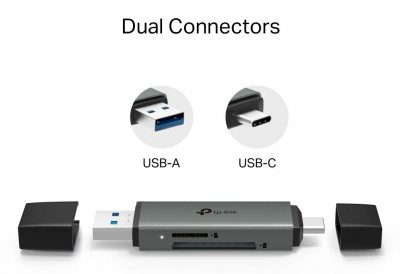
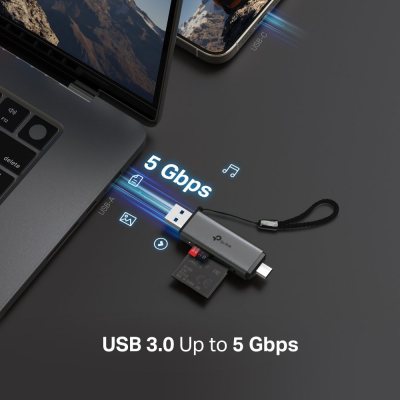
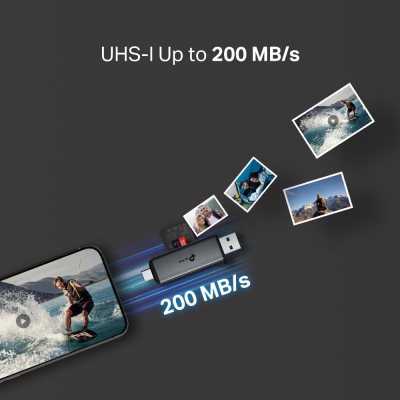
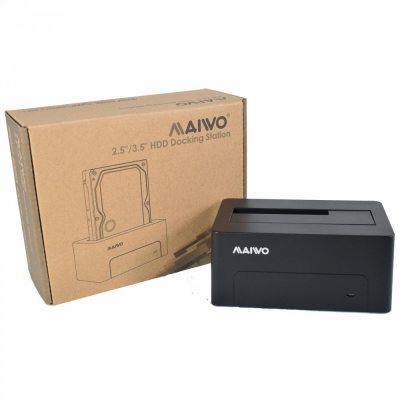
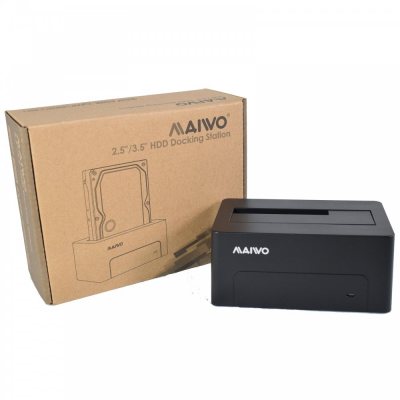
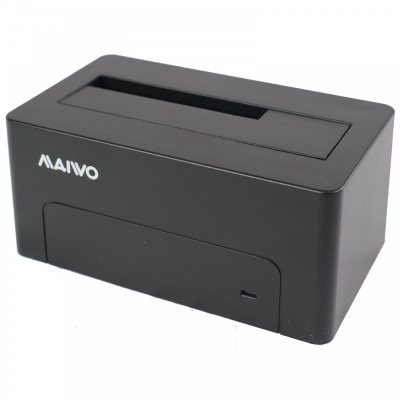
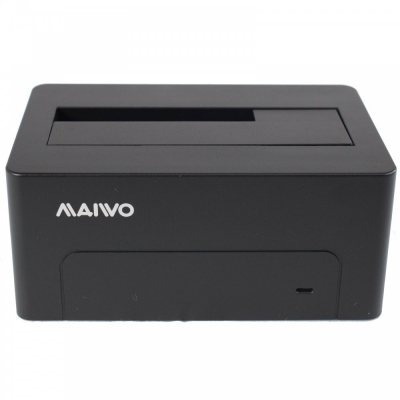
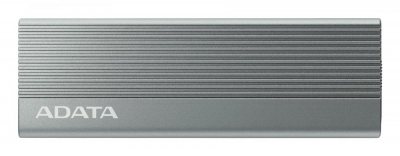
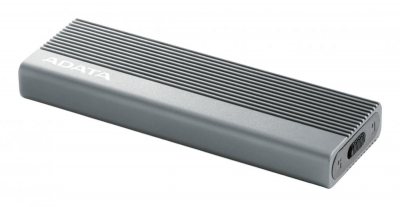
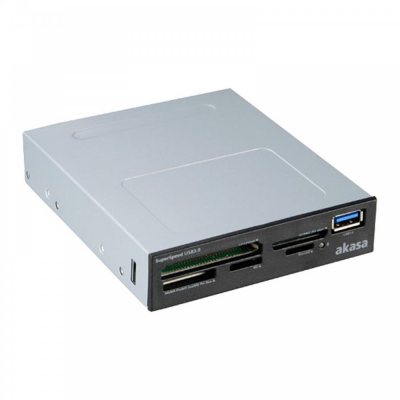
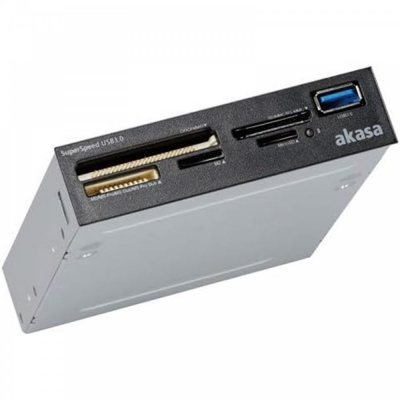
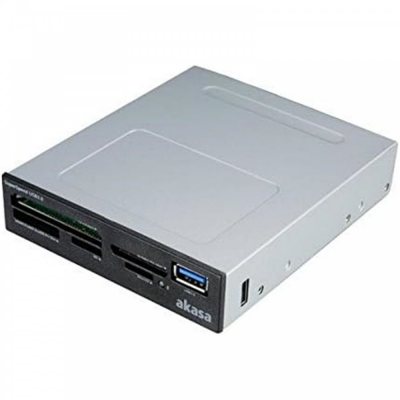
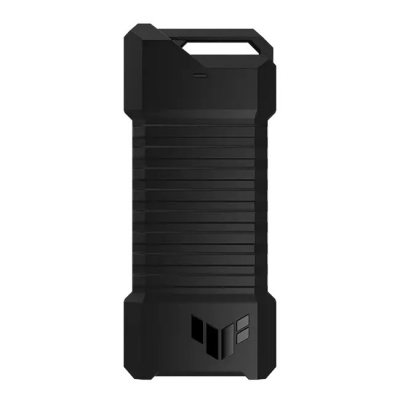
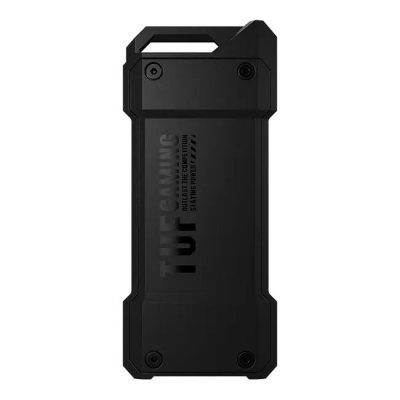
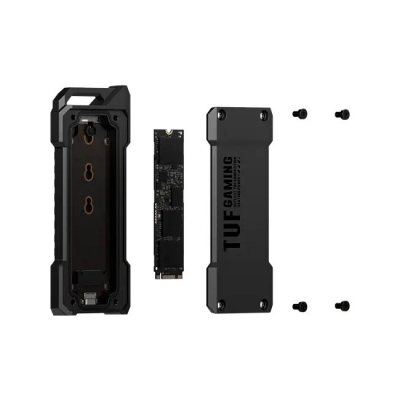
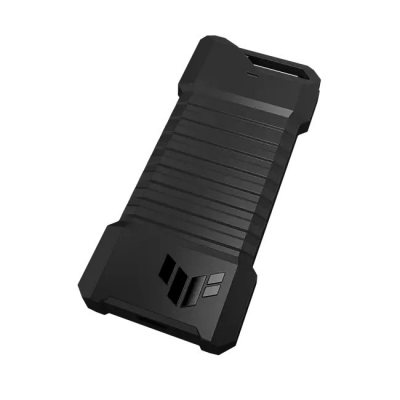
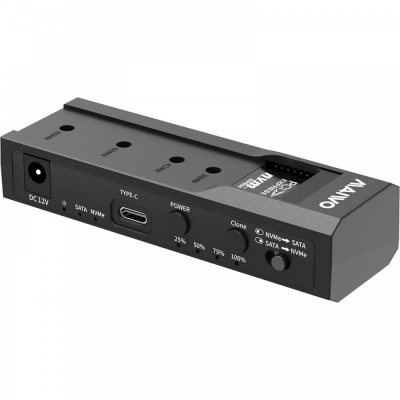
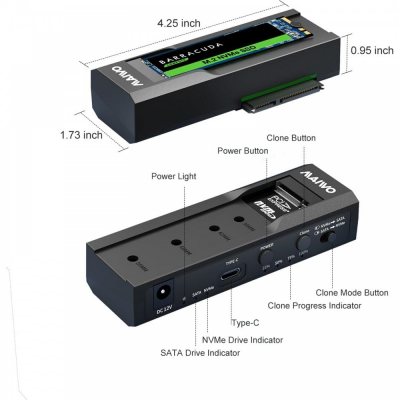
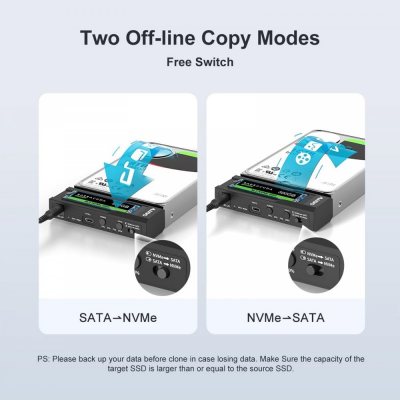
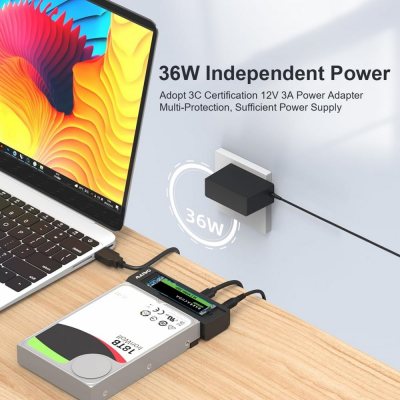
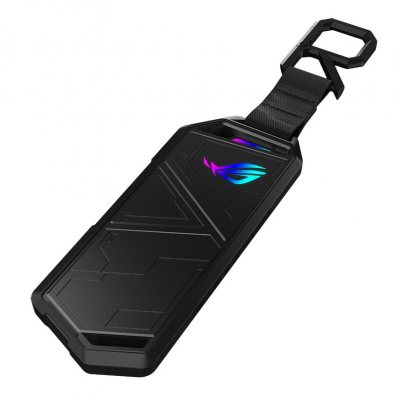
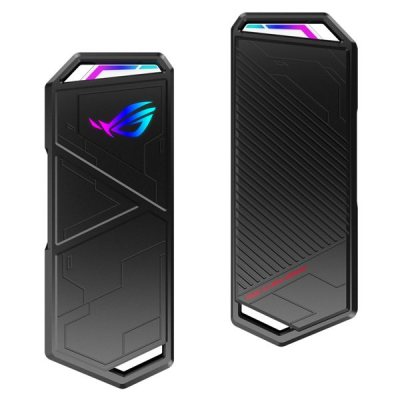
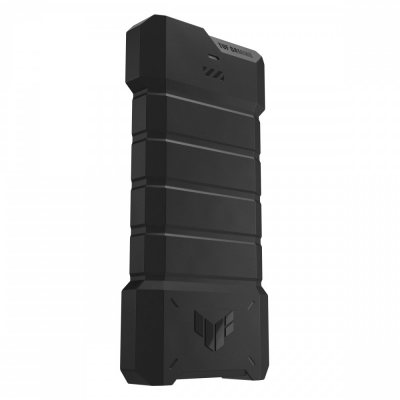
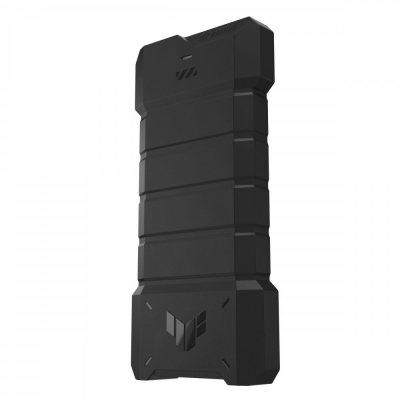
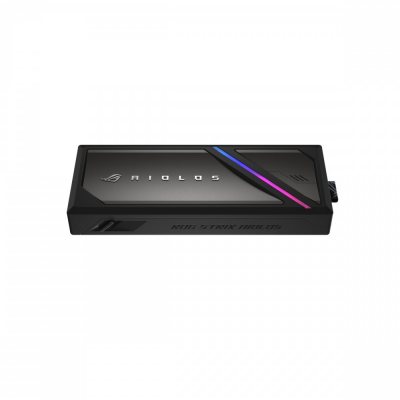
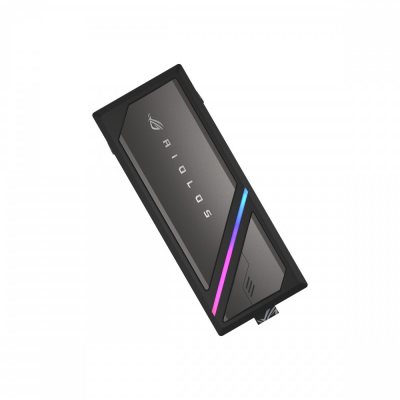
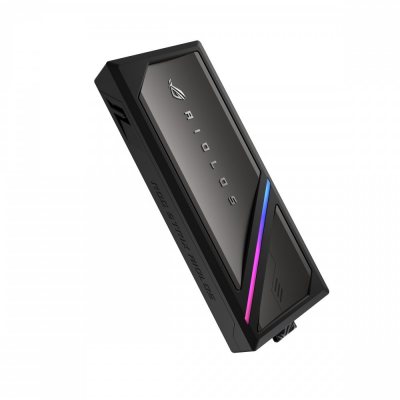
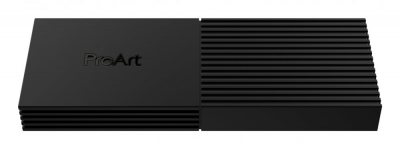
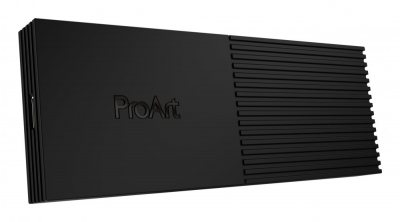
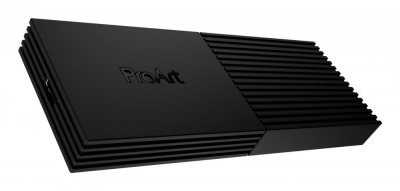
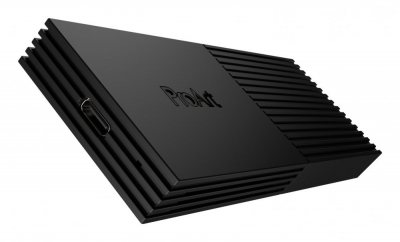
A drive enclosure is a small case that turns a bare SSD or hard drive into a USB drive, which is handy after an upgrade leaves an old drive spare. Check whether it takes M.2 NVMe, M.2 SATA or 2.5 inch drives, as they are not all the same. A card reader lets a computer without a card slot read SD and microSD cards. For drives that go inside a PC, see our internal SSDs and hard drives.
Want suggestions based on what you look at? (stays in your browser, switch off any time).