The short answer
Yes, you can run a video doorbell in the UK with no monthly fee. The trick is to pick one that saves its recordings at home, on a microSD card inside the doorbell or on a small hub indoors, instead of only in the maker's cloud.
Almost every video doorbell lets you see who is at the door, get an alert on your phone and talk to the visitor for free. The difference between brands is what happens to the video afterwards. Some only save clips if you pay a subscription. Others save them to a card you own, and the subscription is an optional extra.
This guide explains how local storage works, how big a card you need, what you genuinely give up without the cloud and how to cover those gaps. If you're weighing up a Ring doorbell, its current UK plan prices are on Ring's plans page.
What "no subscription" really means
"No subscription" is used loosely in adverts. These are the features to check, and where each one usually sits:
| Feature | Usually free? | What to check |
|---|---|---|
| Live view on your phone | Yes | Works on all the main brands |
| Doorbell press and motion alerts | Yes | Some brands only describe the event in words unless you pay |
| Two-way talk | Yes | Talk to a courier from work or the sofa |
| Saved video clips | Depends | Free only if the doorbell or a hub has local storage |
| Person, parcel or vehicle detection | Depends | Some makers include it free, others put it behind a plan |
| Photo snapshot in the alert | Often paid | Nice to have, not essential |
| Copy of video kept off site | Paid | The one thing local storage can't do on its own |
So the question to ask before you buy is simple: where does the video go if I never pay anything? If the answer is "nowhere", you'll only ever see live video and alerts.
How local storage works
There are three common ways a doorbell keeps video without the cloud:
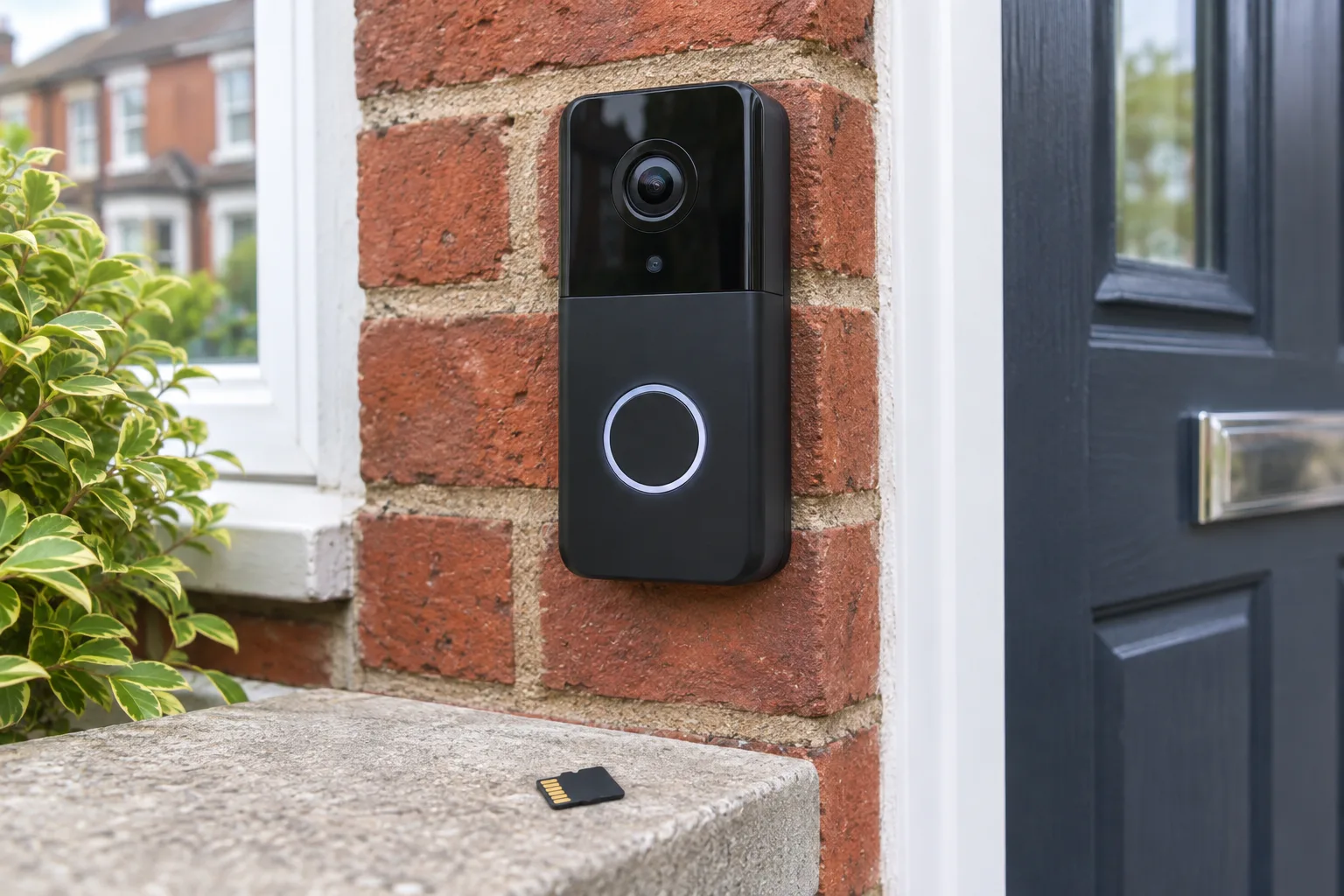
- A microSD card in the doorbell. The simplest. You buy a card, push it into a slot in the doorbell, and clips are saved there. You watch them back through the app, at home or away, because the app streams them from the card over your internet connection.
- A card or drive in a hub indoors. Some battery doorbells send their video to a small base station or hub plugged in near your router, which holds the card. The upside is that the recordings stay safely inside the house.
- A home base or recorder for several cameras. If you also have cameras on the garden and the drive, one box with a larger drive can record them all. This costs more up front but suits bigger set ups.
All three avoid a monthly fee. The trade offs are covered below.
Shop ups (battery backup) (16 in stock)
What size microSD card do you need?
A doorbell usually records short clips when something happens, not all day, so it needs far less space than people expect. Maker figures give a feel for it: TP-Link says a 128GB card holds about 384 hours (16 days) of continuous 1080p footage on its Tapo C200 camera, and a 512GB card about 840 hours of 2K footage on the Tapo C510W. A front door that records clips only when someone calls will last much longer than that before the oldest clips are overwritten.
- Quiet house or flat: 32GB to 64GB is fine.
- Busy street, lots of deliveries: 128GB gives you weeks of clips.
- Recording all day, every day: go for the largest card the doorbell supports (often 256GB or 512GB).
Buy a card made for constant recording if you can (often sold as "high endurance" or "surveillance"), and check the doorbell's maximum supported size. Cards are in our memory cards and external storage range.
What you lose without the cloud, and how to cover it
Local storage is the right choice for most homes, but it's honest to say what you give up:
- Theft of the doorbell. If someone pulls the doorbell off the wall, the card goes with it. A doorbell that records to a hub indoors avoids this, and so does a second camera inside the hallway window.
- Snapshots in alerts. Many brands only add a picture to the notification with a paid plan. You still get the alert and can open live view.
- Cards wear out. Constant recording wears a card down over a few years. If the app reports a card error, replace it rather than formatting it again and again.
- Power and internet cuts. A mains powered doorbell stops when the power goes. A battery doorbell keeps running, but you won't get alerts while the router is off. See the power cut section below.
Most makers offer an optional cloud plan you can switch on for a month, for example while you're on holiday, and then cancel. That's a sensible middle ground.
Battery or wired doorbell?
| Battery | Wired | |
|---|---|---|
| Fitting | Screws or sticks on. No wiring. | Uses your old doorbell wires and transformer |
| Charging | Every few months, more in winter and on busy doors | Never |
| Recording | Clips when motion starts. Can miss the first second. | Can record more often, sometimes all day |
| Chime indoors | Usually a plug-in chime or the phone | Can often ring your existing chime |
| Best for | Renters, flats, homes with no bell wiring | Homes with an existing wired bell |
Cold weather shortens battery life, so a battery doorbell on a busy Manchester street in January needs charging more often than the box suggests. Some take a small solar panel to top them up.
Renting? A battery doorbell held with adhesive or a bracket on the door frame is usually the easiest to get past a landlord. Ask first, and point the camera at your own door, not the neighbour's.
Shop ups (battery backup) (16 in stock)
Privacy and your neighbours
If your doorbell or camera records beyond your own property, for example the street or a neighbour's garden, the Information Commissioner's Office says data protection law applies. Its guidance on home CCTV and smart doorbells covers what to do. In short: use the app's privacy zones to mask areas you don't need, put up a small sign, keep footage only as long as you need it, and be ready to share a copy if someone asks for footage of themselves.
Power cuts and Wi-Fi drops
A doorbell is only as good as the Wi-Fi behind it. Two things help:
- Wi-Fi at the door. Most doorbells and cameras use 2.4GHz Wi-Fi, which travels further through walls than 5GHz. Stand at the front door with your phone on 2.4GHz: if the signal is weak there, a mesh system or extender will fix it. See our networking range.
- Battery backup for the router. A small UPS (uninterruptible power supply) keeps the router, and any mains cameras plugged into it, running through short power cuts, so alerts keep coming.
Need more sockets for a hub, a camera and the broadband box? The VIDA Armour 1000VA has six outlets at £87.99 (£92.98 delivered). See all UPS units.
Just want to watch the front of the house?
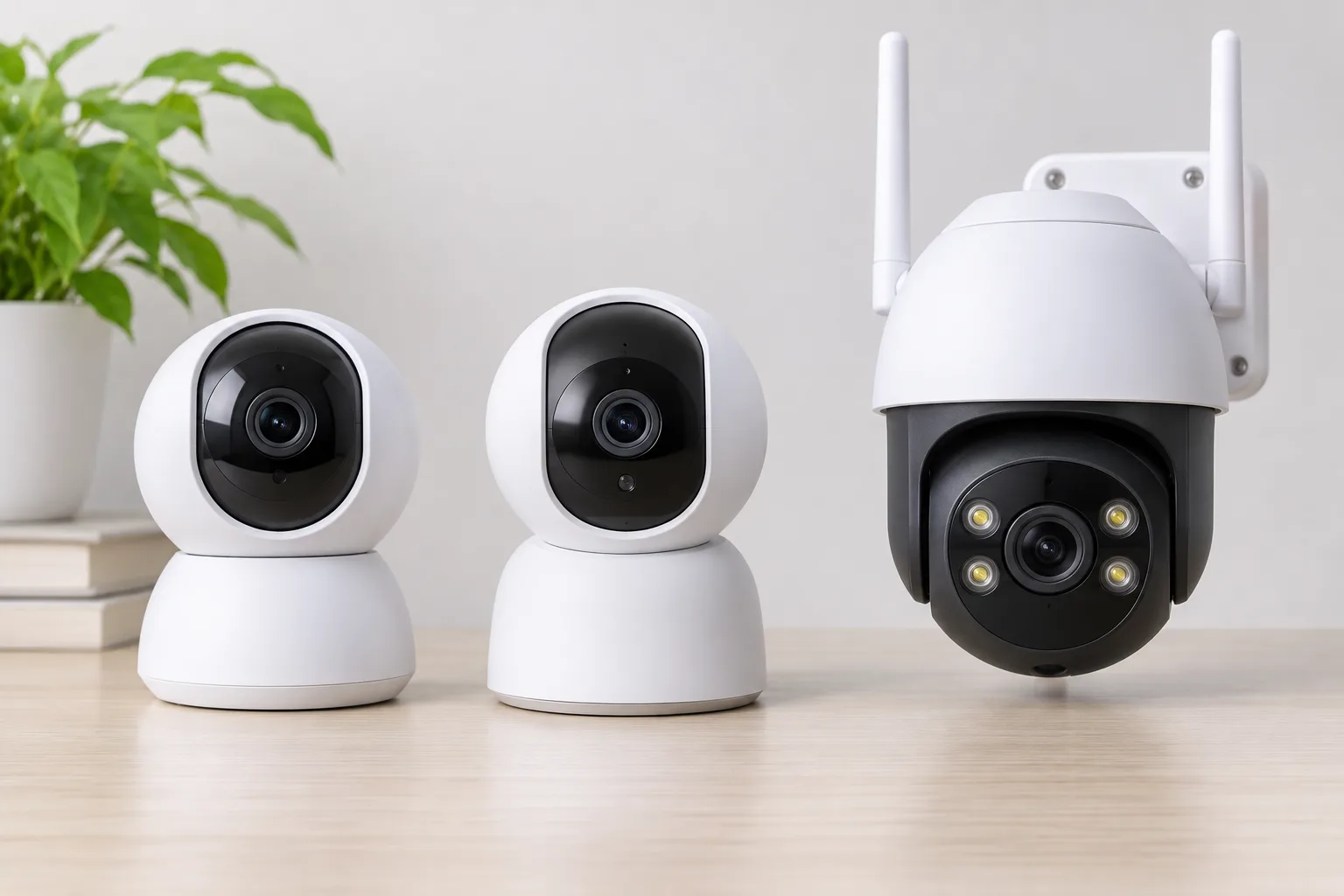
If you don't need a bell, a small camera pointed at the path or the porch does the same recording job, often for less. It won't ring when someone presses a button, but it records everyone who walks up, and many can live indoors behind a window or outdoors under the porch.
No Wi-Fi at the gate, garage or allotment? The Tapo C501GW uses a 4G SIM card instead, records to its own microSD card and turns 360°. More cameras and doorbells are on our smart cameras page.
Before you buy: a checklist
- Where does video go with no plan? Look for a microSD slot, or a hub with one.
- Is the card included? Usually not. Budget for one.
- Battery or wired? Battery for renters and no wiring; wired for an existing bell.
- Chime: do you want it to ring indoors as well as on your phone?
- Wi-Fi: check your 2.4GHz signal at the front door.
- Works with: Alexa or Google Home if you want it on a smart display or speaker.
Building a smart home bit by bit? Start at our smart home hub, which groups cameras, plugs, lighting and sensors by room.
How we chose
We only put product cards in this guide where our delivered price was within 15% of the lowest delivered price we found at other UK shops on 26 November 2026. Several doorbells we stock weren't close enough on price that day, so we've explained what to look for instead of pushing a model. Product details come from the manufacturers' own specifications; we haven't tested these doorbells hands on for this guide. Subscription prices were checked on the makers' websites on the same day and can change.
Frequently asked questions
Can you use a video doorbell without a subscription?
Yes. Live view, doorbell and motion alerts and two-way talk work without a plan on all the main brands. To keep recordings without paying, choose a doorbell that saves video to a microSD card or to a hub in your home.
Do doorbell cameras record all the time?
Battery doorbells usually record short clips when they detect motion or someone presses the bell, to save battery. Some wired doorbells and cameras can record all day to a card, which needs a larger card.
How long does a microSD card last in a doorbell?
The doorbell overwrites the oldest clips when the card is full, so it never simply stops. Cards do wear out with constant writing over a few years. Replace one that the app reports as faulty.
What happens if someone steals my doorbell?
If the recordings are on a card inside the doorbell, they go with it. A doorbell that records to an indoor hub, a second camera inside, or a cloud plan turned on while you are away all protect against this.
Does a video doorbell work without Wi-Fi?
Most need Wi-Fi to send alerts and live video, usually on 2.4GHz. Some can keep recording to their card while the internet is down. For places with no Wi-Fi, a 4G camera with a SIM card is an alternative.
Do I need permission to fit a video doorbell?
Owners generally don't, but renters should ask the landlord, especially for wired doorbells. If the camera records beyond your property, follow the ICO guidance on domestic CCTV.