The short answer: which quiet keyboard should you buy?
A silent mechanical keyboard gives you the feel of mechanical keys without the clatter that annoys whoever is in the next room, or on the other end of your call. If you don't need mechanical keys at all, a silent membrane keyboard costs a fraction of the price. Here are our picks. Every one is in stock and the price shown includes delivery.
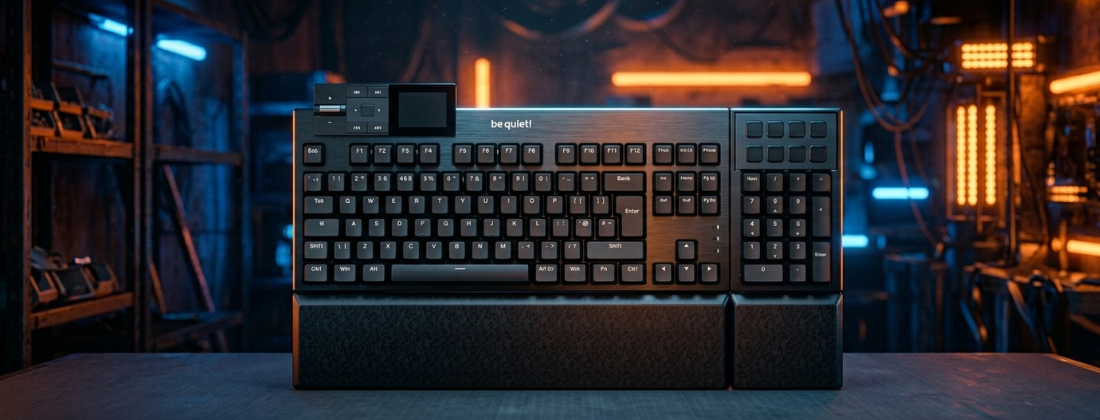
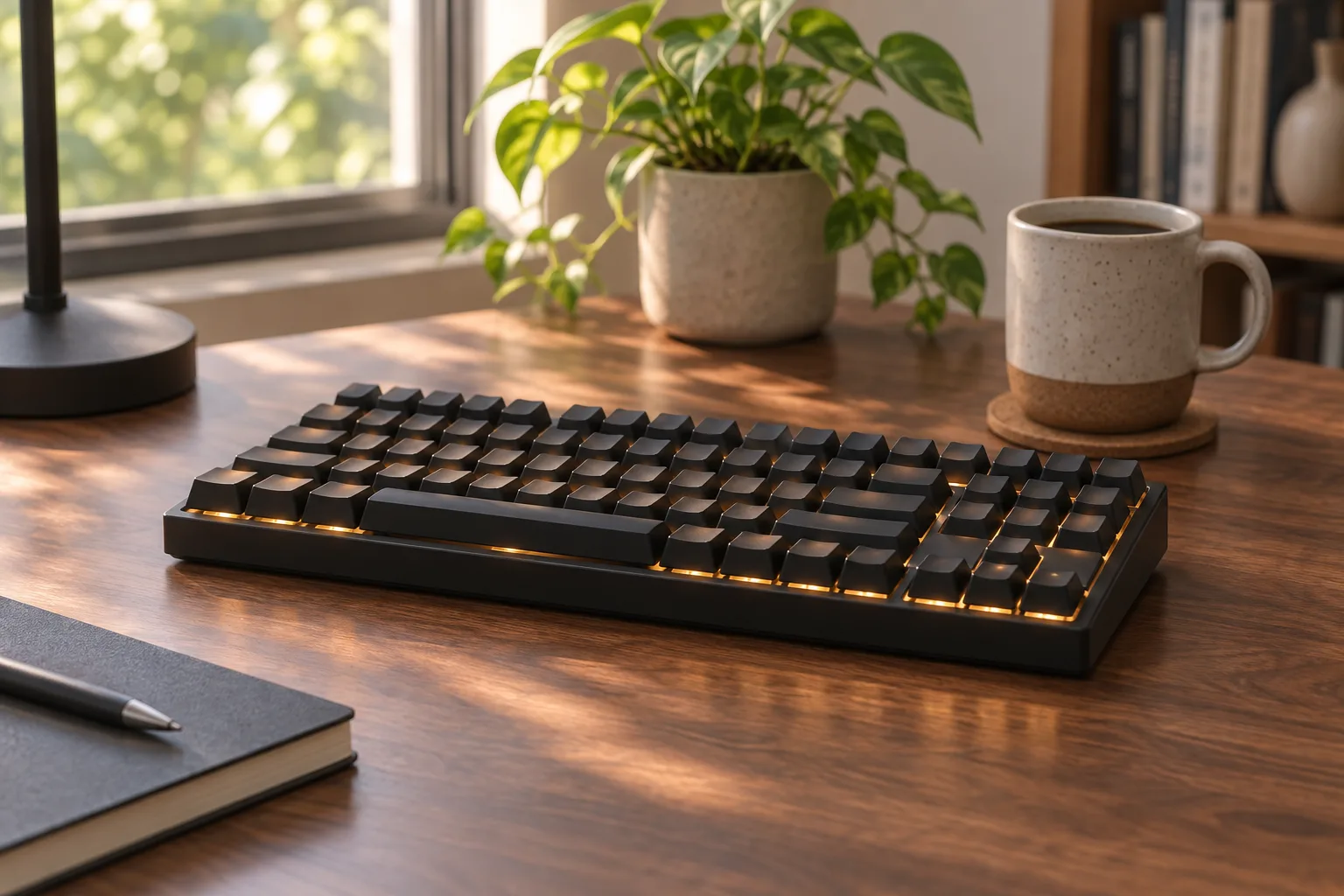
- Quiet gaming keyboard, smaller desk: the be quiet! Light Mount TKL Silent Tactile at £102.99 (£107.98 delivered).
- Silent full size with a number pad: the be quiet! Light Mount Silent Linear at £122.99 (£127.98 delivered).
- Everything, modular: the be quiet! Dark Mount Silent Linear at £218.99 with free delivery.
- Quiet computer keyboard on a budget: the Genius KB-117S at £9.99 (£14.98 delivered).
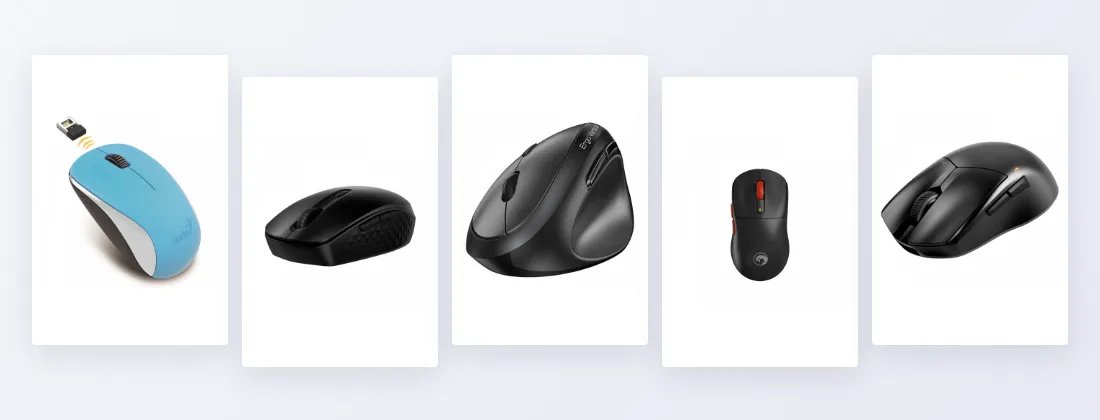
- Quiet and wireless, with a mouse: the Logitech MK330 at £43.99 (£48.98 delivered).
Buying for Christmas? Order by 3pm Tuesday 22 December for delivery on Wednesday 23 December. The last cut-off is 3pm Wednesday 23 December for Christmas Eve. See our Christmas delivery dates.
Why are mechanical keyboards so loud?
A mechanical keyboard has a separate switch under every key. The noise comes from a few places, and a quiet keyboard has to deal with all of them:
- Bottoming out: the plastic stem hits the bottom of the switch when you press the key all the way down. This is the main "clack".
- Returning: the stem snaps back up and hits the top of the switch housing when you let go.
- The click itself: clicky switches (often blue) have a part inside designed to make a click. Great for feedback, bad for a shared room.
- Stabilisers: the long keys (space bar, Enter, Shift) sit on wire stabilisers that can rattle.
- The case: a hollow case acts like a drum and makes every sound echo.
A membrane keyboard, the kind that comes with most office PCs, uses a rubber sheet instead of switches. It's naturally quieter, but feels softer and less precise.
Silent linear vs silent tactile switches
Silent switches add small dampers inside the switch, so the stem lands softly at the bottom and the top. That takes away most of the clack. You then choose how the key should feel:
| Silent linear | Silent tactile | |
|---|---|---|
| How it feels | Smooth from top to bottom, no bump | A small bump part way down tells you the key has registered |
| Noise | Very quiet | Very quiet; the bump makes no click |
| Who it suits | Gamers who want fast, even presses | Typists, and people who game and work on the same PC |
| Our examples | Light Mount and Dark Mount (orange switches) | Light Mount TKL (black Silent V2 switches) |
Not sure? If you or they type a lot, tactile is the safer choice: the bump helps you stop pressing before the key bottoms out, which also cuts noise. If it's mainly for fast games, linear is the usual pick.
All three be quiet! keyboards here have hot-swappable 5-pin MX-style sockets, so the switches can be pulled out and changed later without buying a new keyboard.
Dampening foam, lubed stabilisers and O-rings
Silent switches deal with the switch. The rest of the keyboard matters too.
- Foam inside the case: foam between the switches and the circuit board, and under the board, stops the case echoing. be quiet! uses three sound-absorbing layers in the Light Mount keyboards: foam between switches and board, foam under the board, and a third layer filling the bottom of the case. The Dark Mount uses foam plus silicone padding in the bottom housing, and even puts foam inside the space bar keycap.
- Lubricated stabilisers: be quiet! lubricates the stabilisers under the big keys on the Light Mount and Dark Mount to stop them rattling, and on the Dark Mount also cushions where the stabiliser meets the board.
- Factory-lubricated switches: all three be quiet! keyboards come with switches lubricated at the factory to cut friction and noise.
- O-rings: small rubber rings that fit around the stem under each keycap. They soften the impact when you bottom out and shorten the key travel a little. They're a cheap way to quieten a keyboard you already own, but they can make keys feel mushy. A keyboard with silent switches and foam is quieter out of the box.
- A desk mat: a mat under the keyboard soaks up some of the sound that travels into a hard desk. A personalised desk mat (79 x 38 cm, £39.99, £44.98 delivered) can be printed with your own photo. Personalised orders for Christmas close on 16 December.
Quiet gaming keyboards: our picks
be quiet! makes quiet PC fans, coolers and power supplies, and its Mount keyboards bring the same idea to the desk. These are the be quiet! keyboards we sell at a fair price compared with other UK shops. For a deeper look at the flagship, read our guide to the be quiet! Dark Mount keyboard.
be quiet! also makes tactile versions of the full-size Light Mount and Dark Mount, and a linear Light Mount TKL. On our latest price check those were dearer here than at other UK shops, so we haven't recommended them.
TKL vs full size: which layout?
| Layout | What you get | Who it suits |
|---|---|---|
| Full size | Number pad, arrow keys, the full set | Spreadsheets, accounts, anyone who types numbers a lot |
| Tenkeyless (TKL, 80%) | Arrow keys and function row, no number pad | Gamers and small desks: the mouse sits closer, which is easier on the shoulder |
| Modular | A number pad you can attach or remove | People who want both; the Dark Mount works this way |
If they play games and do the household paperwork on the same PC, a full-size or modular board avoids a separate number pad. If the desk is tight, go TKL.
Budget silent computer keyboards
A silent keyboard doesn't have to be mechanical or expensive. For an office, a home PC or a shared room, a quiet membrane keyboard does the job for much less.
A membrane keyboard won't feel like a mechanical one, and you can't change the switches. But if the aim is simply a quiet computer keyboard, these are the cheapest way there. For more choice, see all our keyboards, including wireless keyboards and keyboard and mouse sets.
How we chose
We only recommend keyboards we sell at a fair price: each one was checked against the delivered price at other UK shops in late November 2026, and anything clearly dearer here was left out. The features come from each manufacturer's own specifications. We haven't claimed noise figures, because makers measure them in different ways.
Delivery is £4.99 tracked per order, however many items, and free on orders of £150 or more.
More guides: Gifts for Computer Geeks and Programmers UK 2026 · Christmas Gifts for PC Gamers UK 2026: Unique Ideas
Frequently asked questions
Are silent mechanical keyboards really quiet?
They are much quieter than standard mechanical keyboards, because dampers inside the switches soften the clack at the bottom and top of each press. They are not totally silent: you will still hear a soft tap, and a quiet membrane keyboard can be quieter still.
Is linear or tactile quieter?
Silent versions of both are very quiet. A silent tactile switch has a small bump but no click, so the difference in noise is small. Choose by feel: linear for smooth, fast presses, tactile if you like to feel each key register.
Do O-rings make a keyboard quieter?
Yes, a little. They soften the sound when a key bottoms out and are a cheap fix for a keyboard you already own. They also shorten key travel and can make keys feel mushy. Silent switches with foam dampening are quieter and keep the proper feel.
What is the quietest keyboard for an office?
For most offices, a quiet membrane keyboard such as the Genius KB-117S or the Logitech MK330 set is the simplest answer. If someone wants a mechanical feel without disturbing colleagues, a silent tactile keyboard like the be quiet! Light Mount TKL is a good choice.
Can I make my current mechanical keyboard quieter?
Try O-rings under the keycaps, a desk mat under the keyboard, and typing without pressing keys all the way down. If the keyboard has hot-swappable sockets, you can fit silent switches. Opening it up to add foam is possible on some boards but can void the warranty.
Is a quiet keyboard good for gaming?
Yes. Silent switches register a press in the same way as louder ones, so you lose nothing in games. They are a good idea if you play late at night, share a room, or use voice chat and don't want the mic picking up every keystroke.