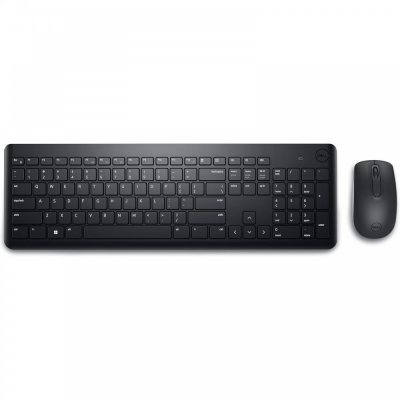
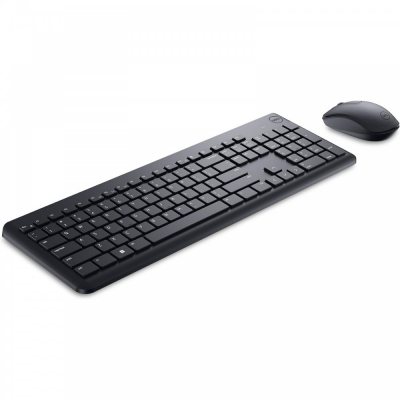
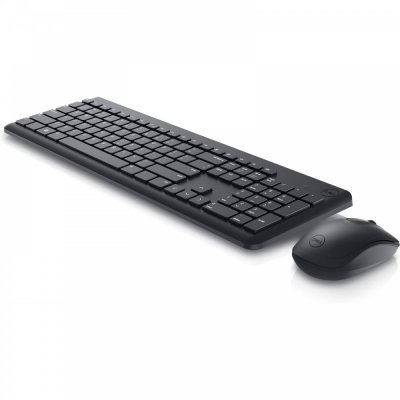

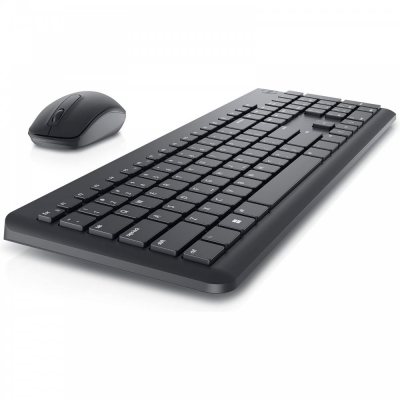

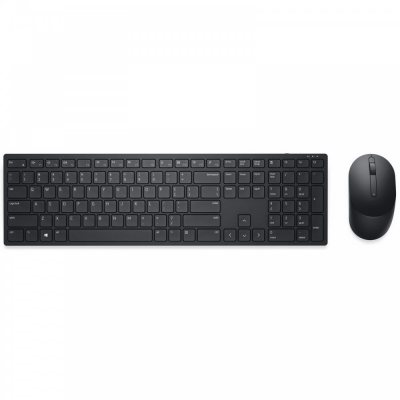
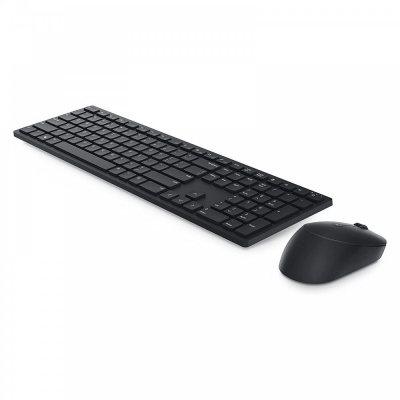
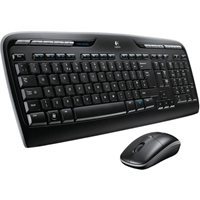
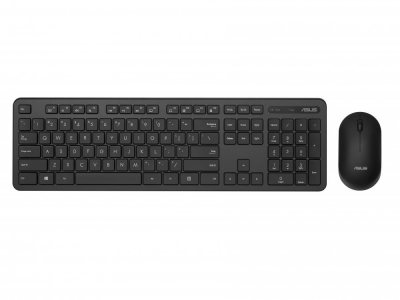
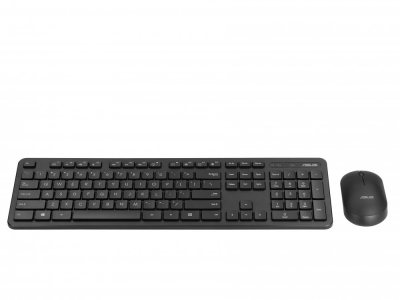
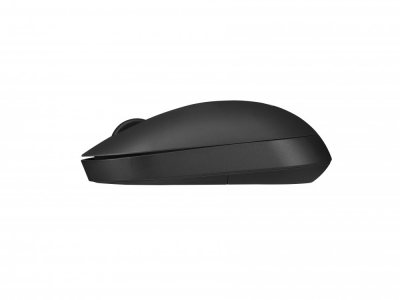
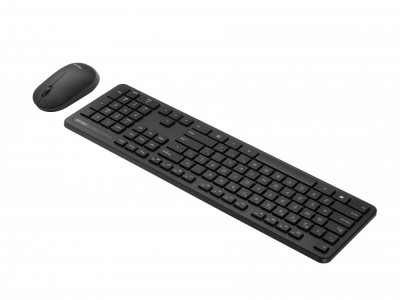
Dell Dell KM3322W-R Wireless Keyboard and Mouse Set for Windows Wireless Only 3 left· Online only
£24.99inc VAT£29.98 delivered
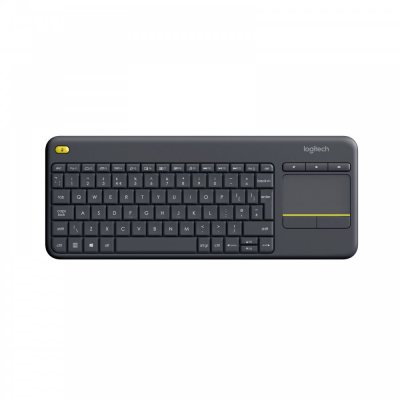
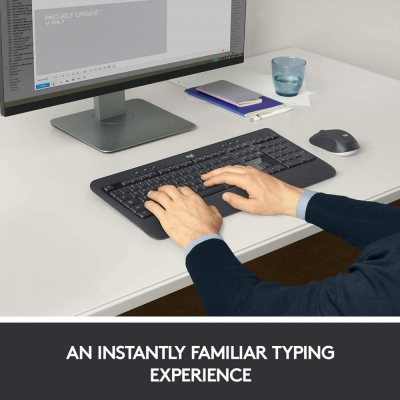
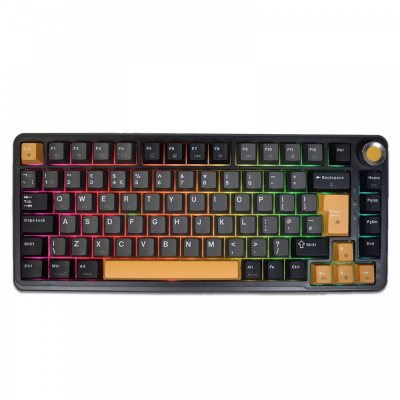
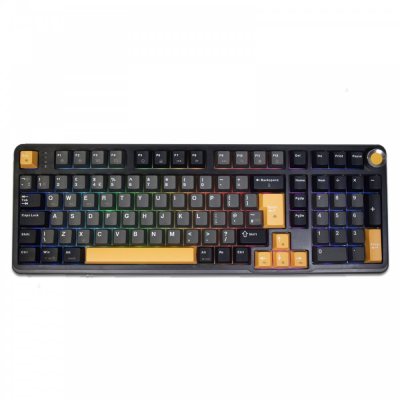
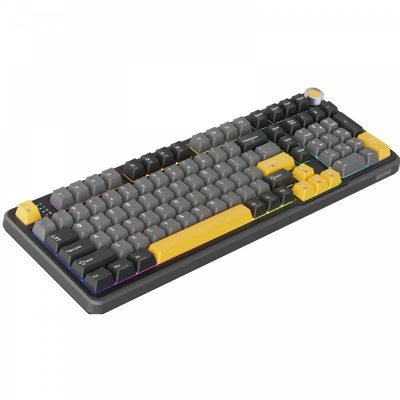
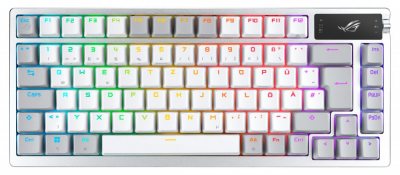
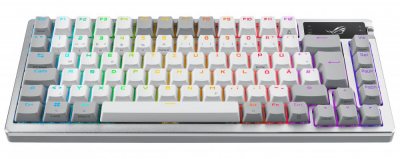
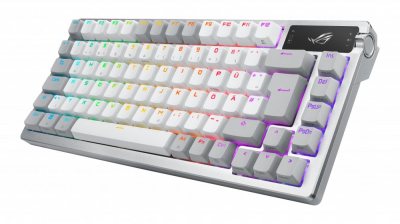
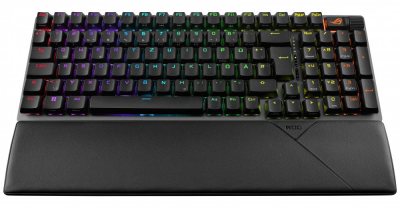
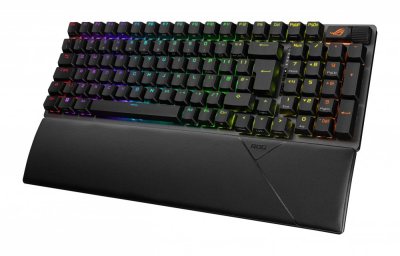
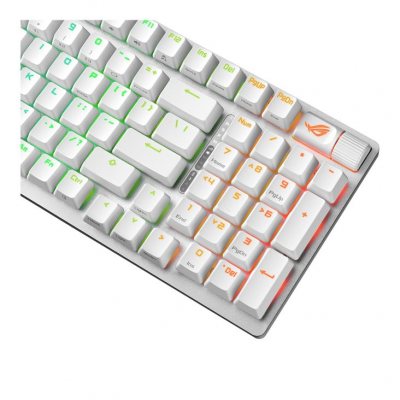
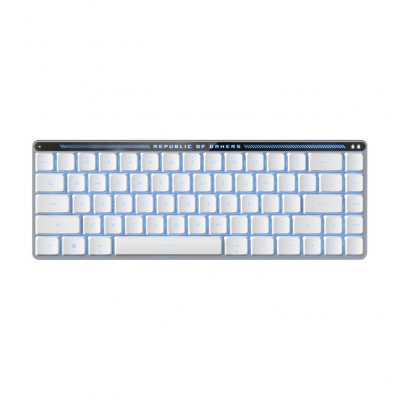
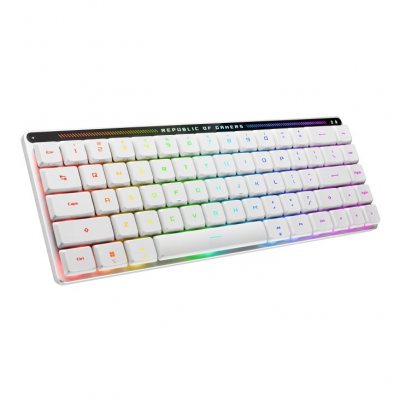
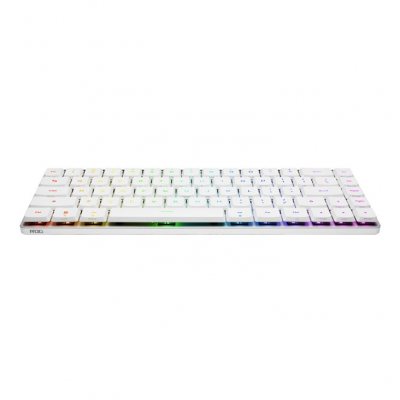
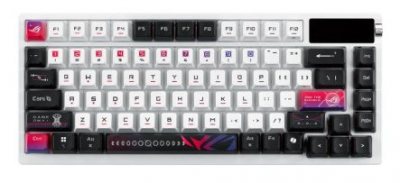
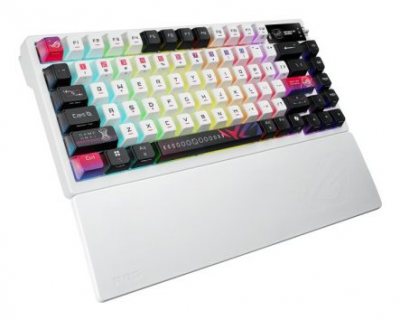
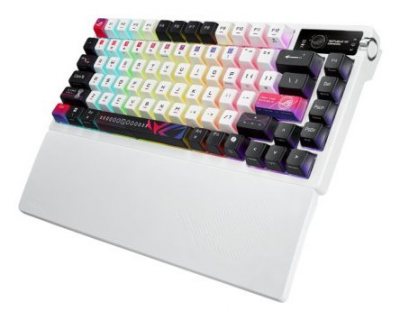
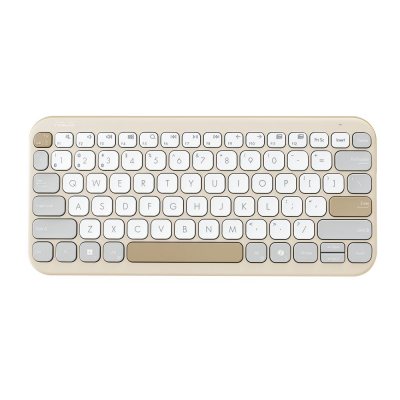
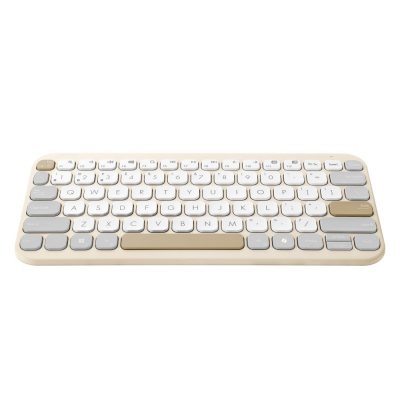
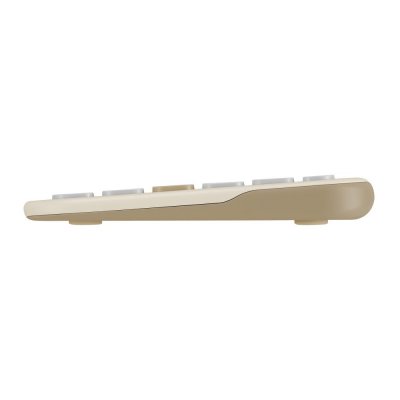
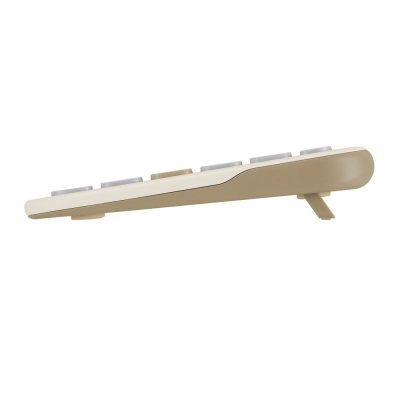
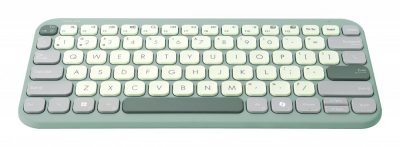
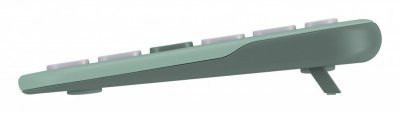
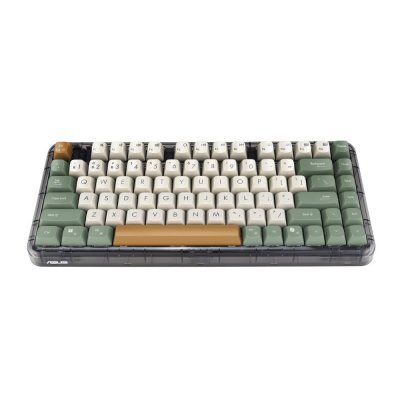
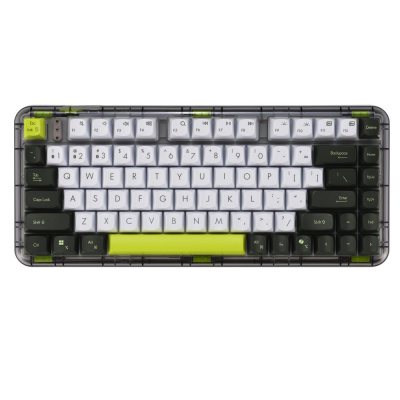
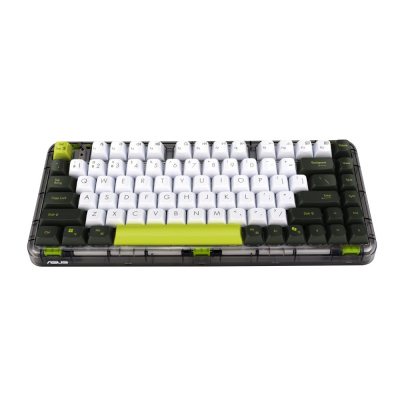
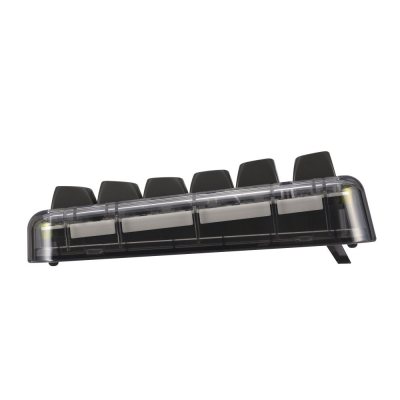
A wireless keyboard tidies your desk and lets you sit back from the screen. For most people, a model with a small 2.4GHz USB receiver is the simplest choice: plug it in and type. Bluetooth suits laptops, tablets and anyone switching between devices. Our range includes office keyboard and mouse sets from Logitech, Dell and Genius, compact ASUS Marshmallow and Jelly75 boards, a Logitech K400 Plus with a touchpad for a TV PC, a wireless number pad, and tri-mode mechanical gaming keyboards. Check the layout and how it is powered.















































Nothing matches those filters. Try removing one.
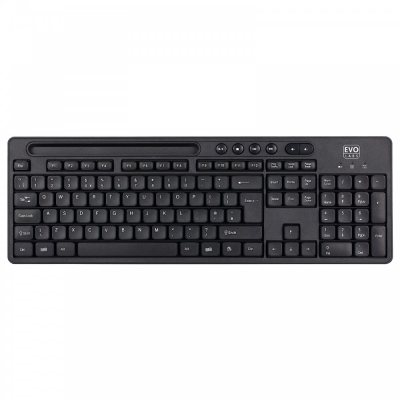
For a home office, a full-size keyboard with a number pad is easiest for spreadsheets and data entry. Compact boards save space and suit smaller desks. Buying a keyboard and mouse together usually means one shared receiver and one box: see our keyboard and mouse sets. Laptop users who miss a number pad can add the wireless Genius NumPad 1000.
Bluetooth keyboards pair without a receiver, and some can switch between a laptop, tablet and phone. One thing to know: a Bluetooth keyboard usually does not work in the BIOS or boot menu, because Bluetooth only starts once Windows loads. Keep a wired or receiver keyboard handy for troubleshooting. Match it with one of our wireless mice.
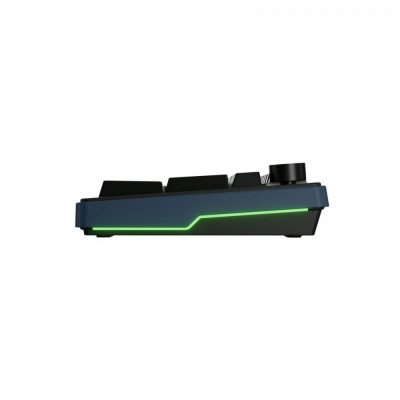
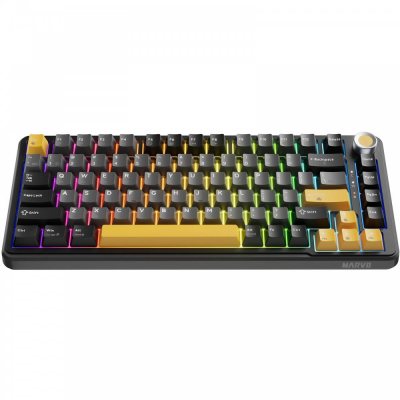
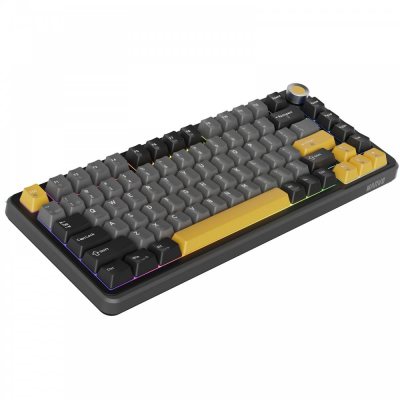
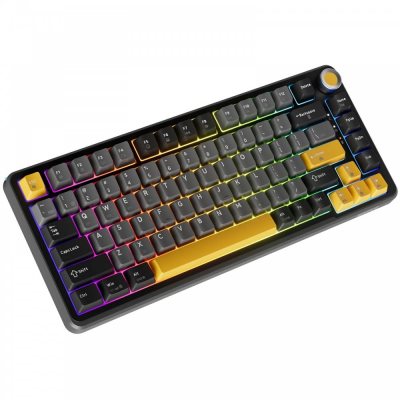
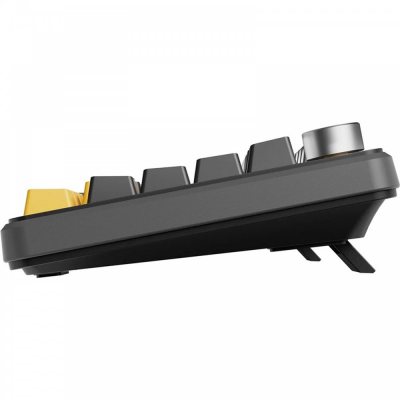
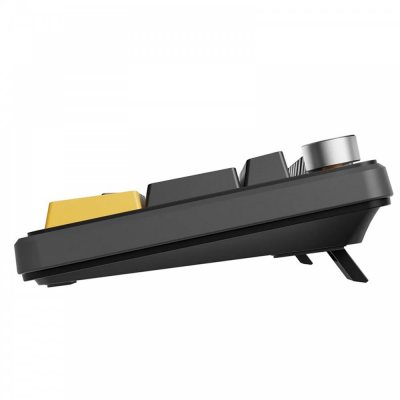
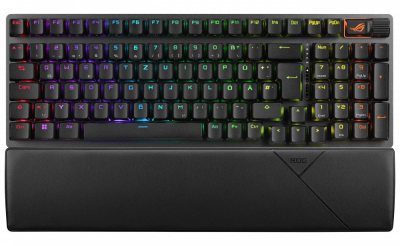
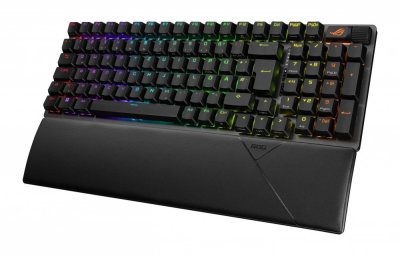
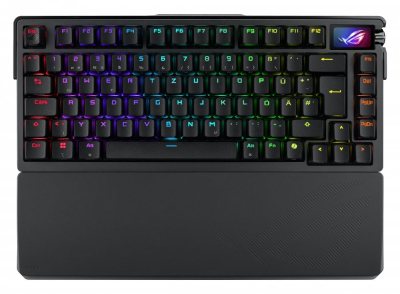
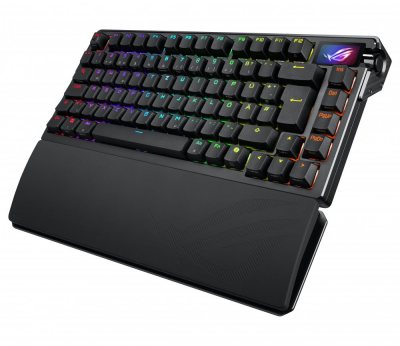
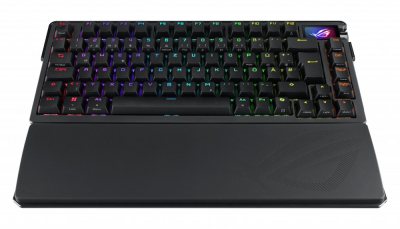
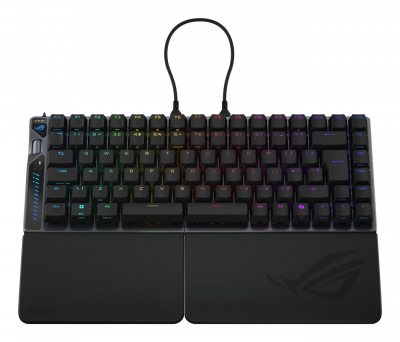
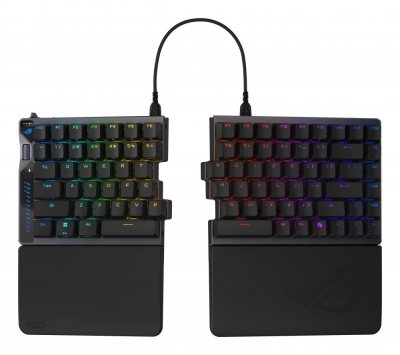
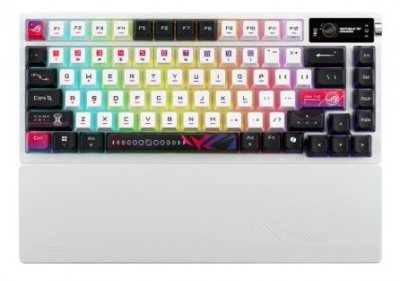
Tri-mode gaming keyboards, such as the ASUS ROG Azoth and Strix Scope II 96, the Marvo Titan and the Ducky OK-M, connect by cable, 2.4GHz receiver or Bluetooth. For games, use the receiver or cable, as Bluetooth adds a little delay. Mechanical switches and RGB lighting use more power, so expect to charge these more often. Browse all gaming keyboards.