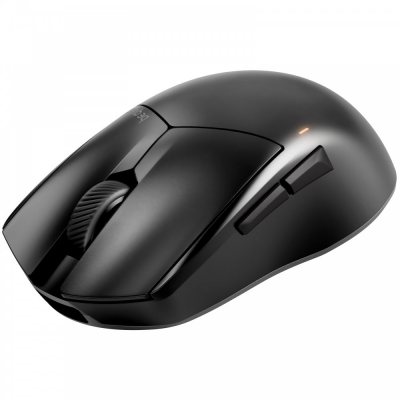
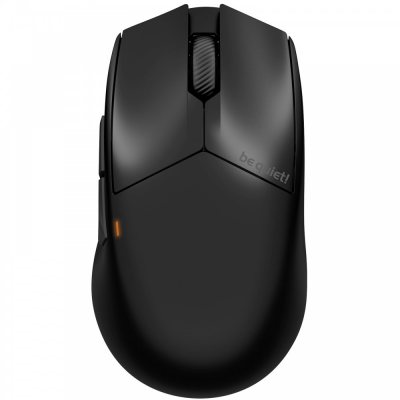
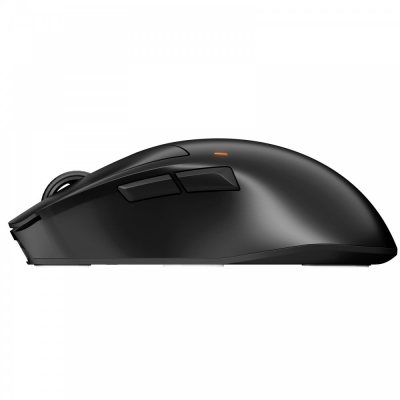


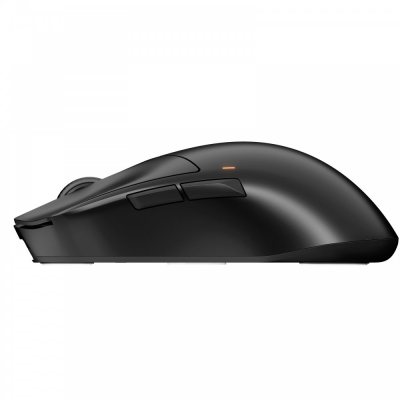
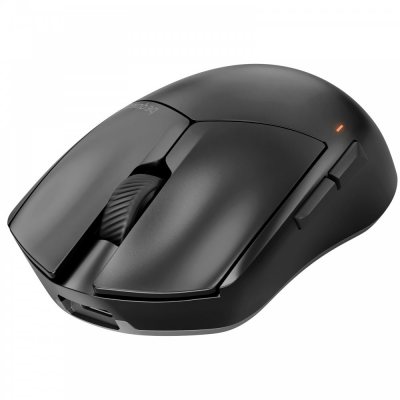
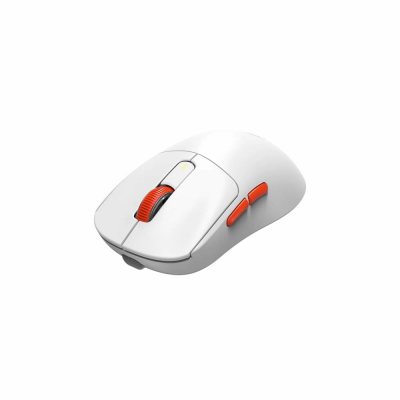
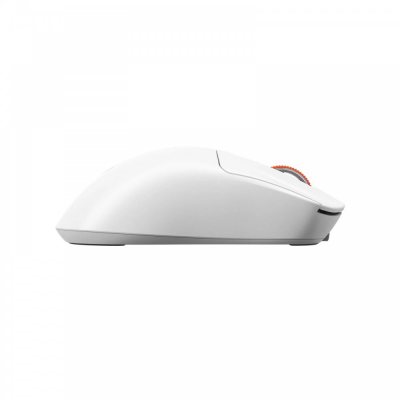
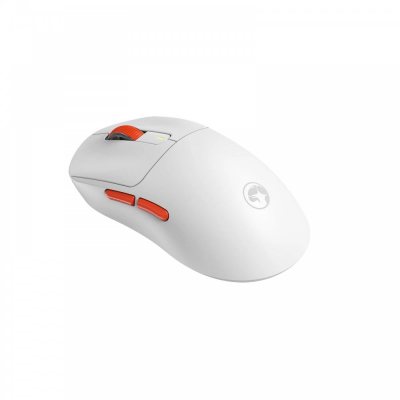
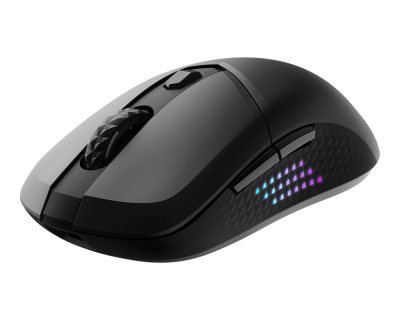
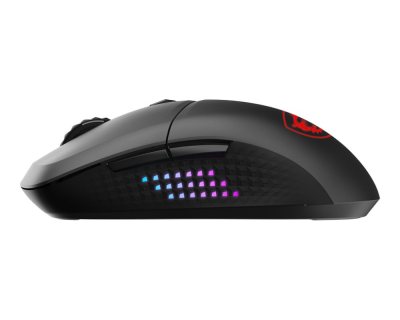
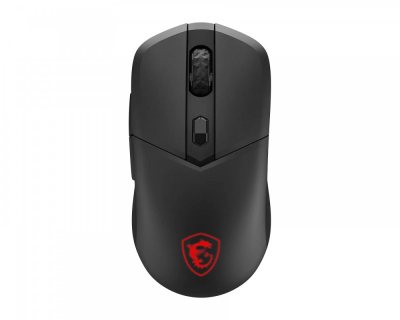
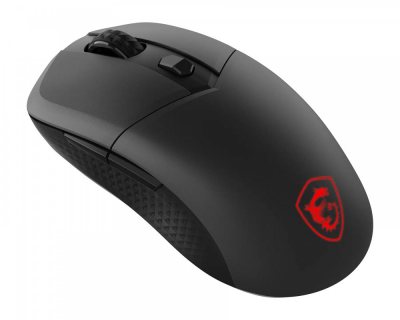
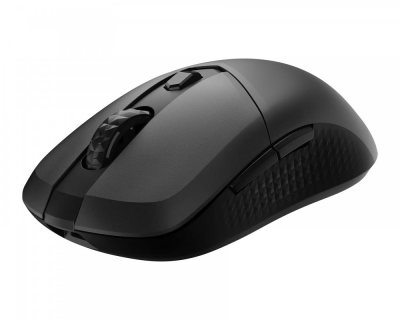
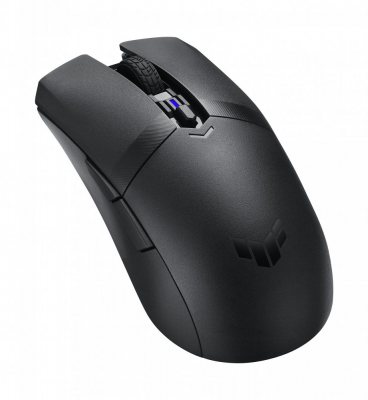
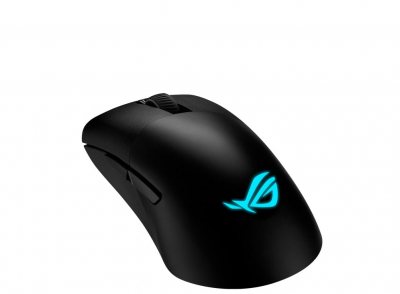
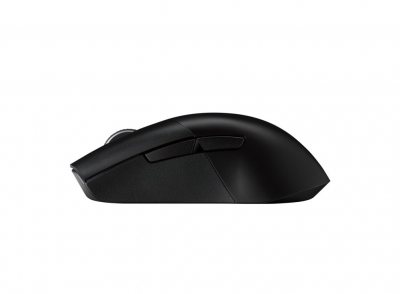
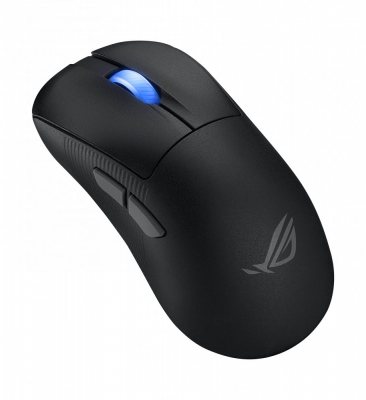
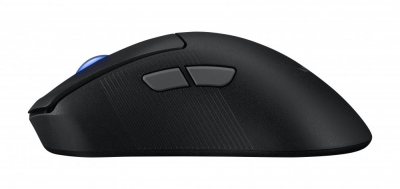
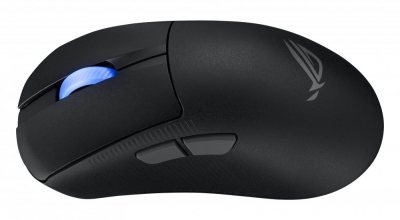
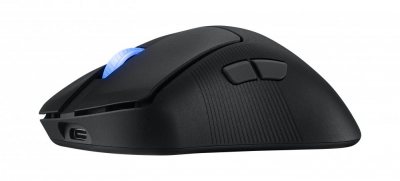
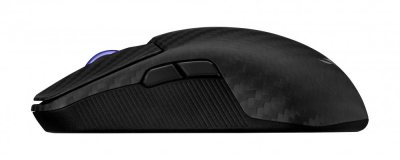
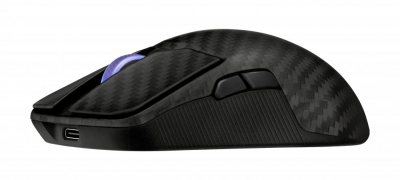
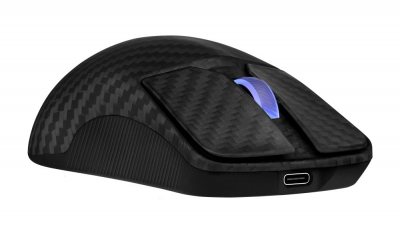
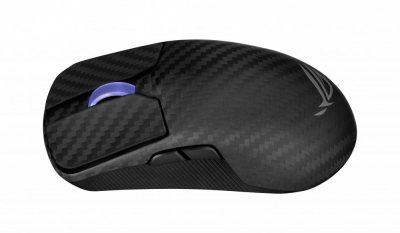
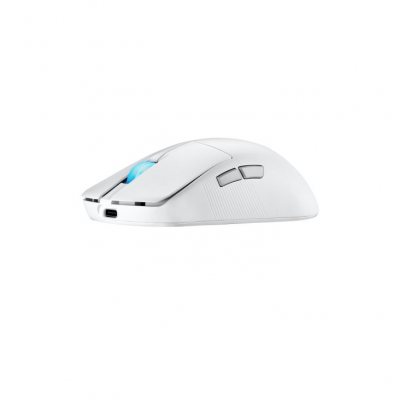
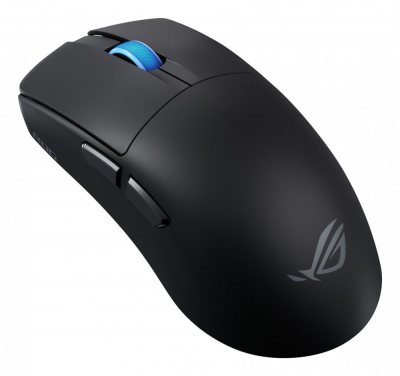
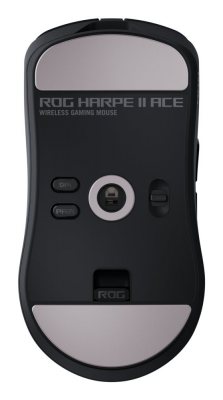
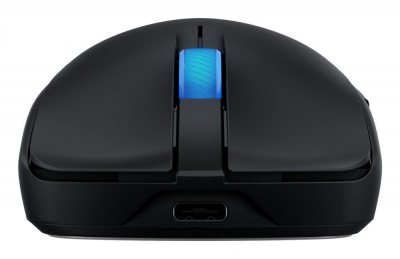
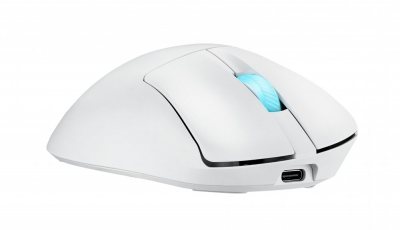
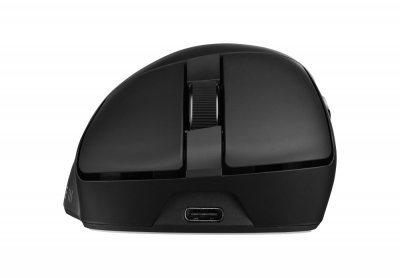
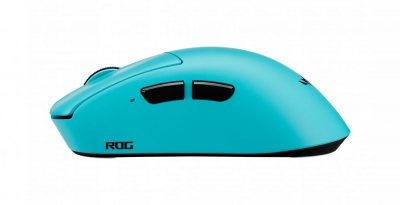
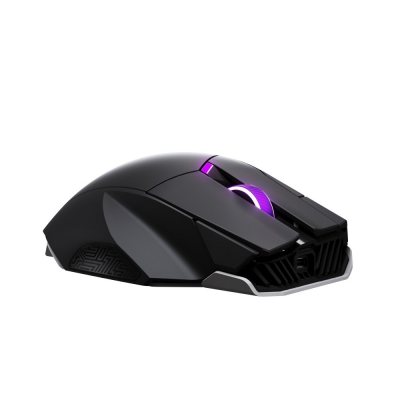
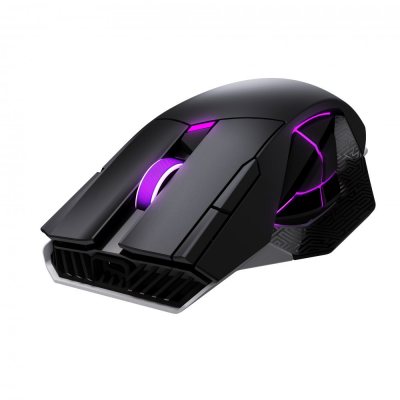
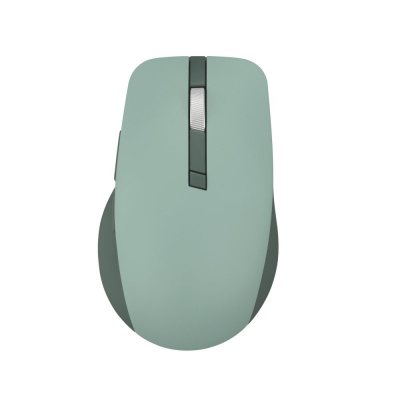
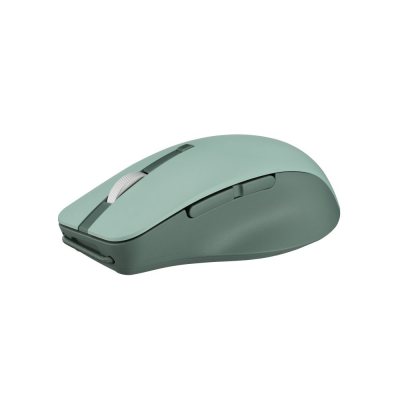
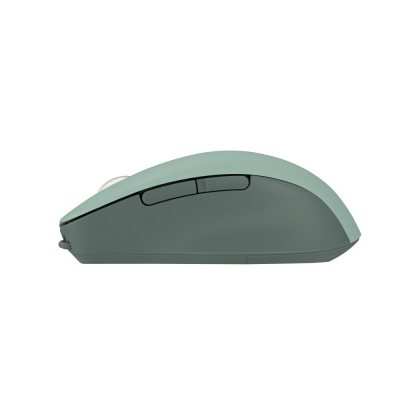
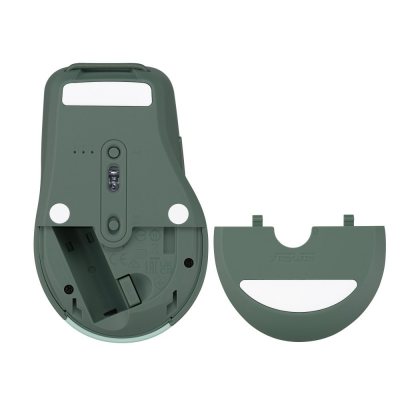
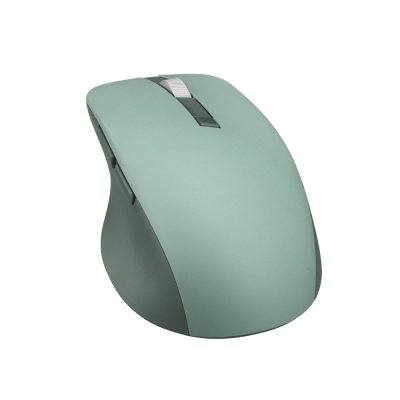
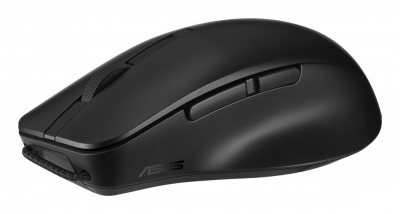
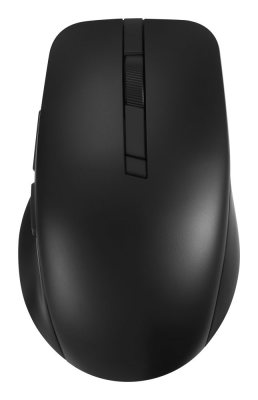
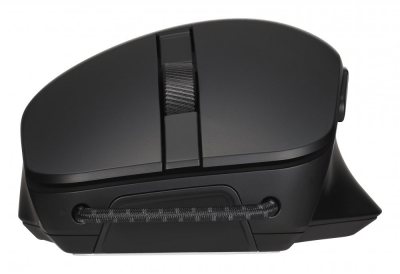
be quiet! be quiet! Dark Perk Ergo Lightweight Ergonomic 32000dpi Mouse Wireless · Lightweight Gaming In stock· Online only
£72.99inc VAT£77.98 delivered
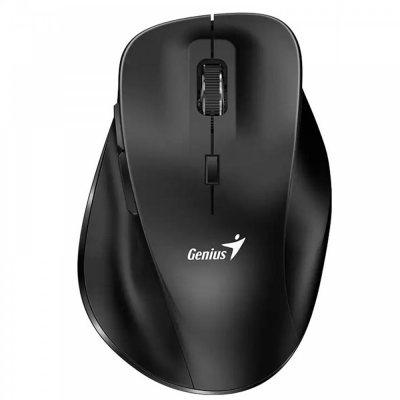
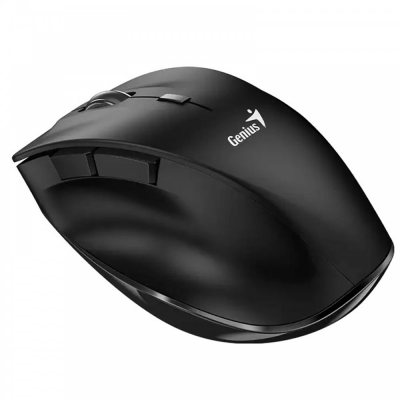
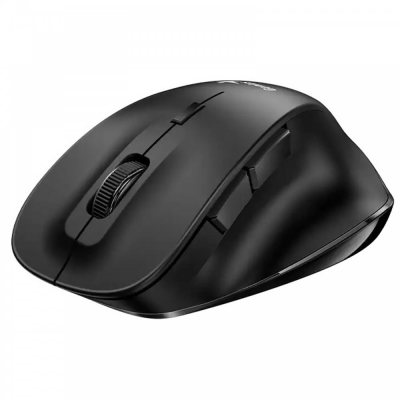
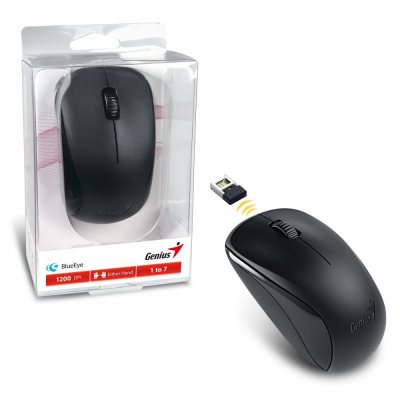
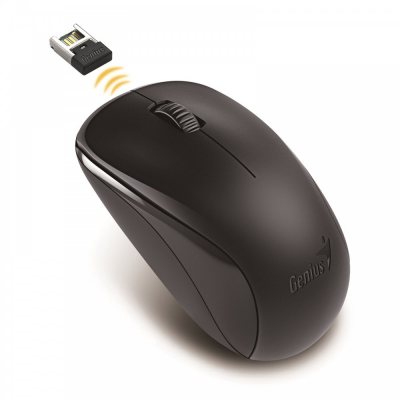
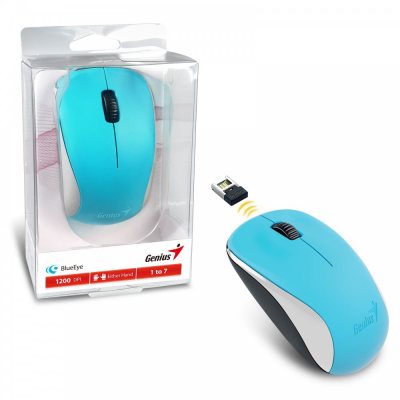
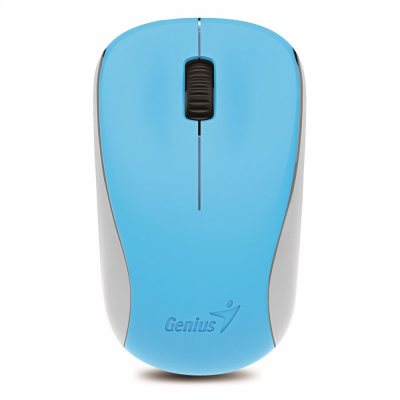
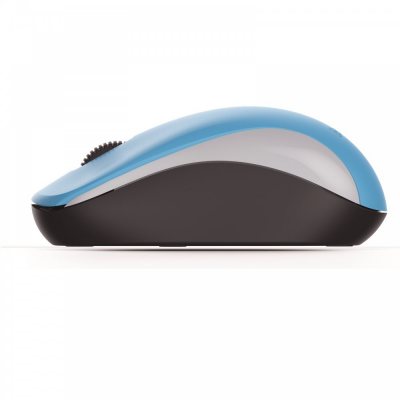
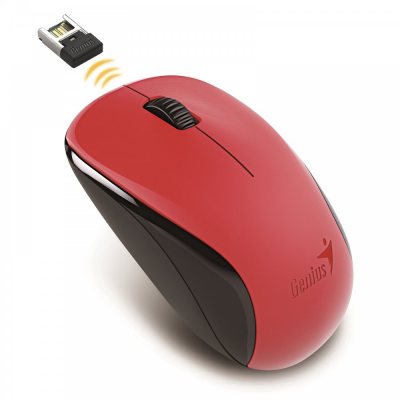
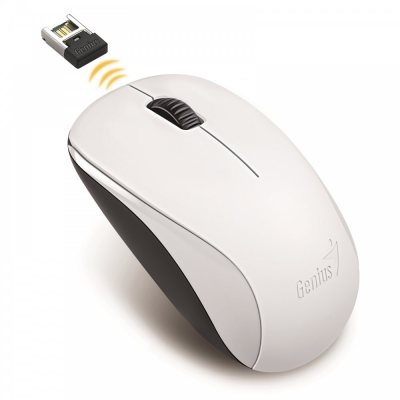
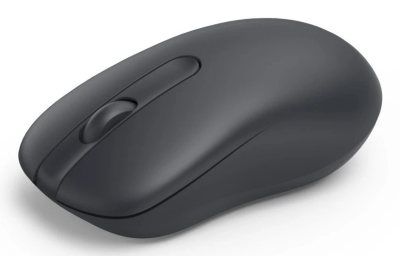
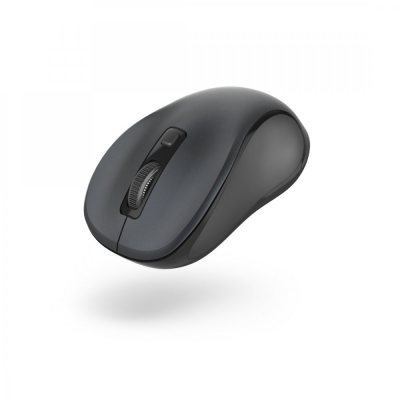
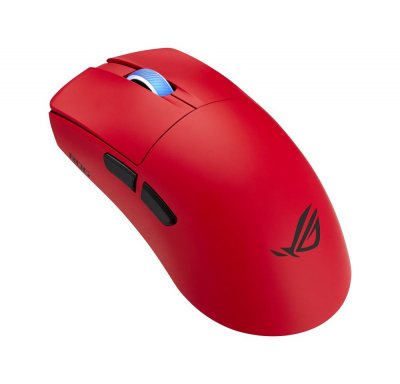
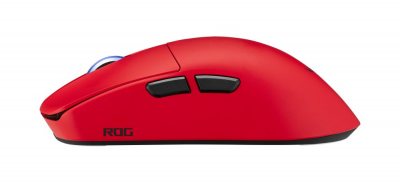
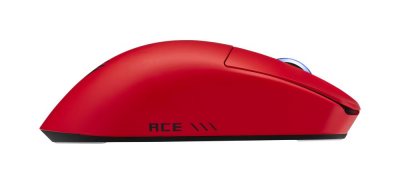
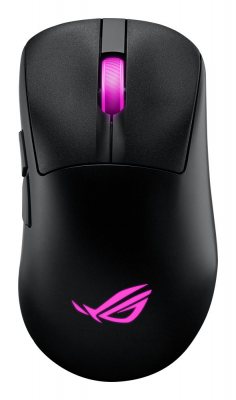
A wireless mouse clears cable clutter from your desk and travels well with a laptop. Most connect in one of two ways: a small USB receiver using 2.4GHz wireless, which is plug and play and very steady, or Bluetooth, which needs no receiver and leaves your USB ports free. Many models do both. Our range runs from simple office mice by Logitech, Hama and Genius to silent-click and vertical ergonomic designs, and fast gaming mice from be quiet!, MSI and ASUS ROG. Think about grip, power and which devices you will use it with.





























































































Nothing matches those filters. Try removing one.
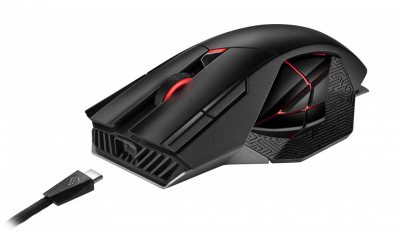
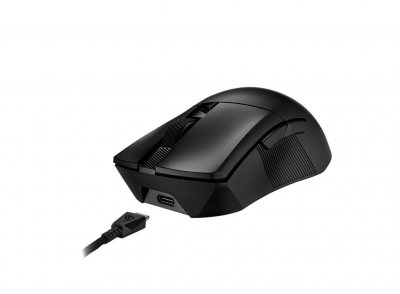
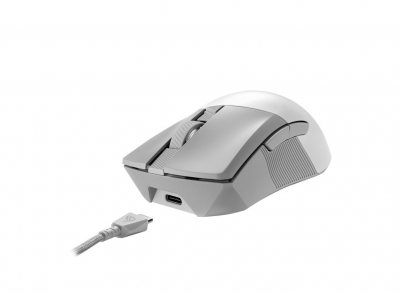
A 2.4GHz receiver works with any computer as soon as you plug it in, including in the BIOS, and gives a quick, steady response. It is the safer choice for desktops and gaming. Bluetooth suits laptops with few ports, tablets and Macs, and some mice can switch between several paired devices. Tri-mode gaming mice add a USB-C cable for charging while you play.
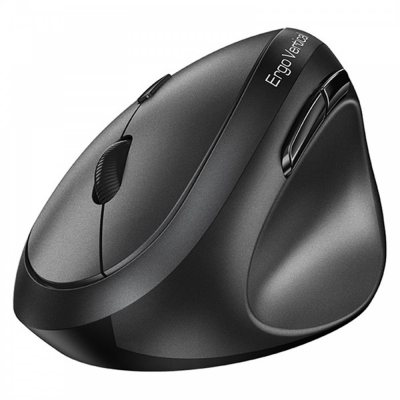
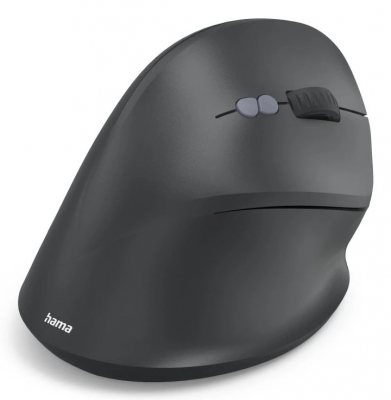
If you use a mouse all day, shape matters more than features. A vertical mouse, such as the Genius Ergo 8350S, holds your hand in a handshake position, which some people find eases wrist strain. Silent-click mice suit shared offices and late nights. Left-handed users should choose an ambidextrous design. A good surface helps too, so take a look at our mouse mats.
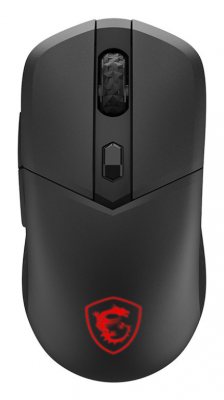
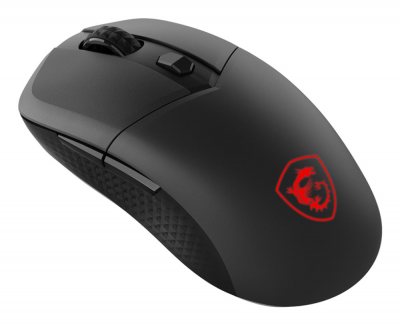
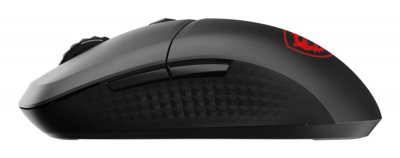
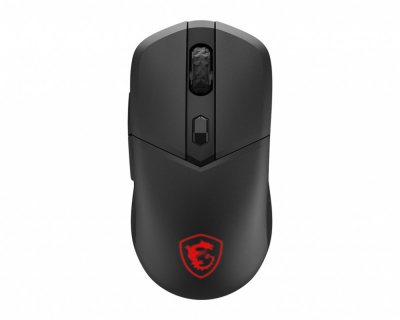
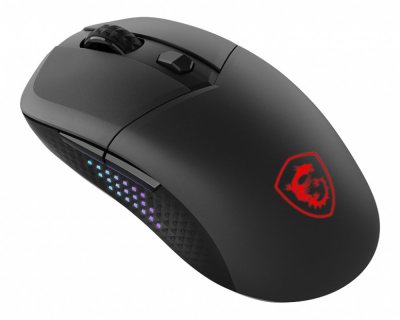
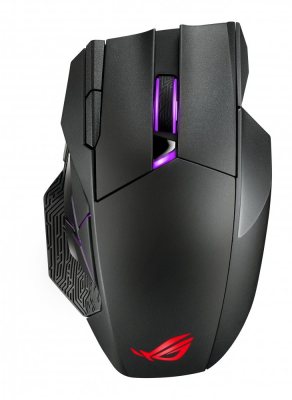
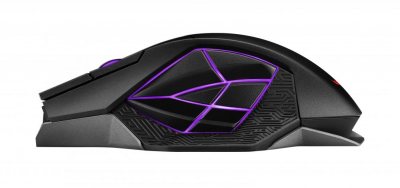
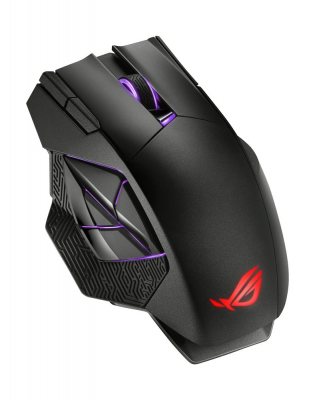
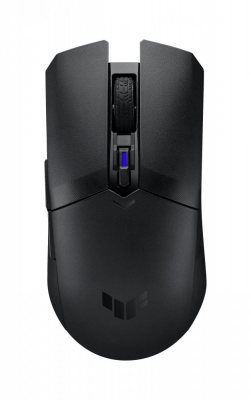
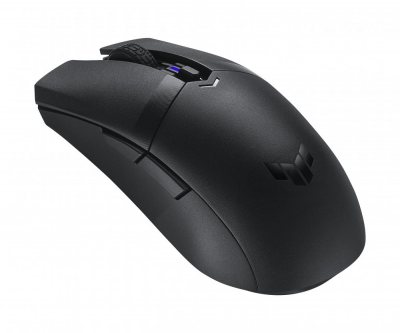
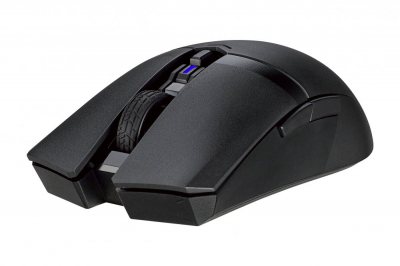
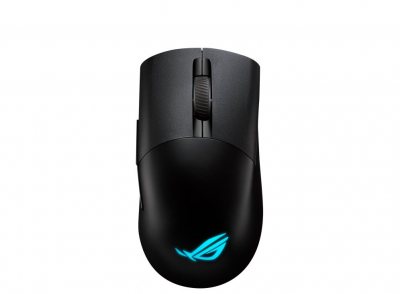
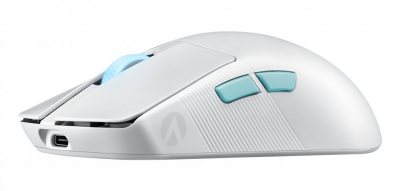
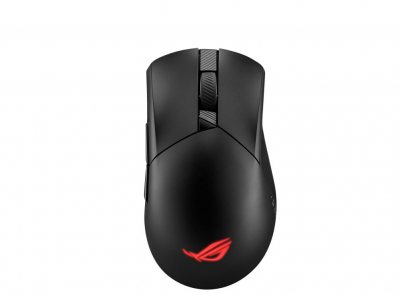
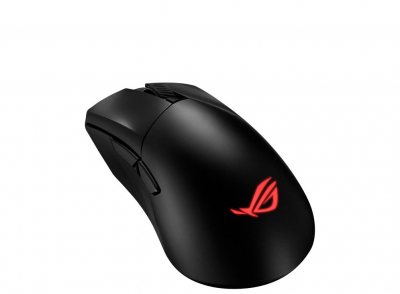
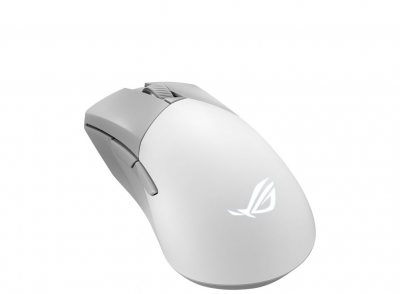
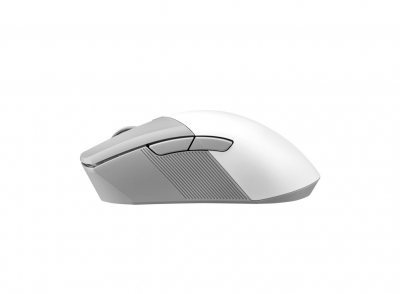
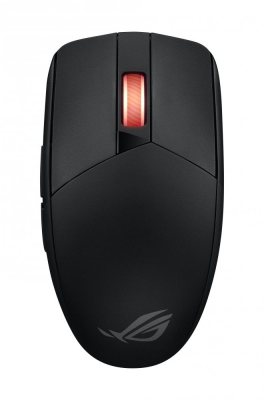
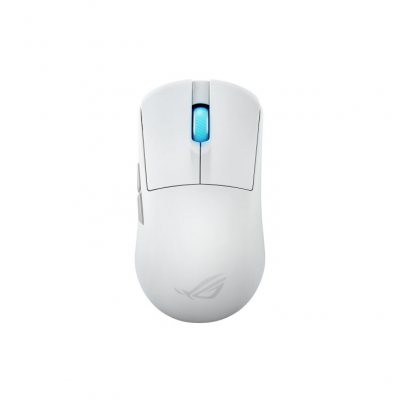
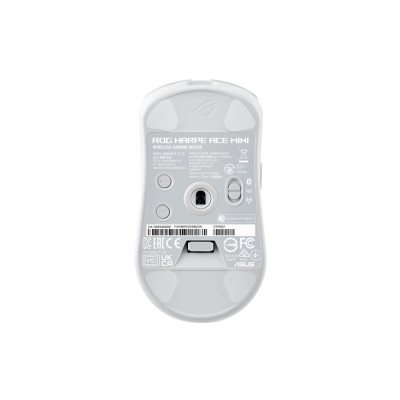
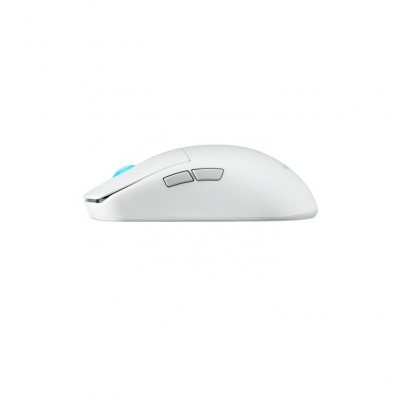
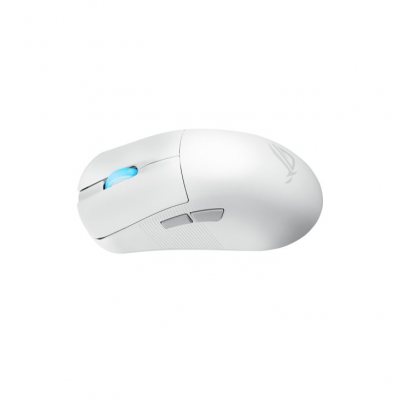
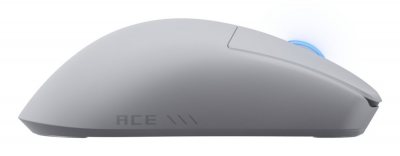
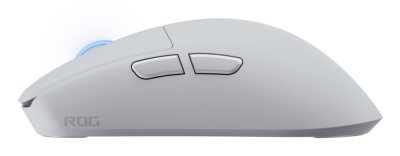
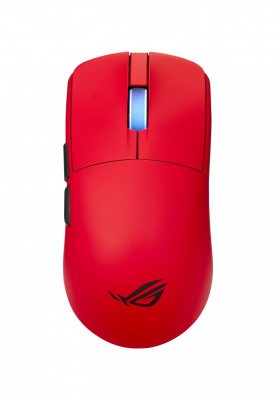
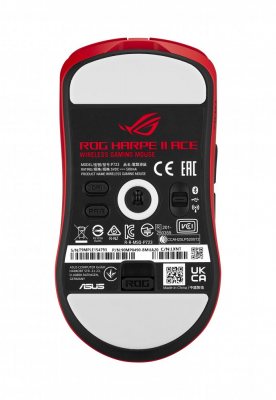
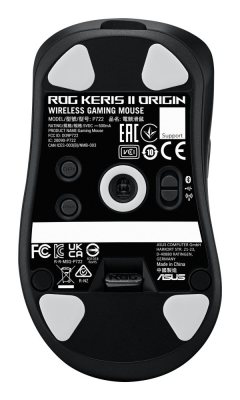
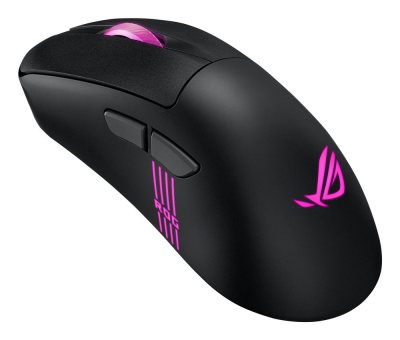
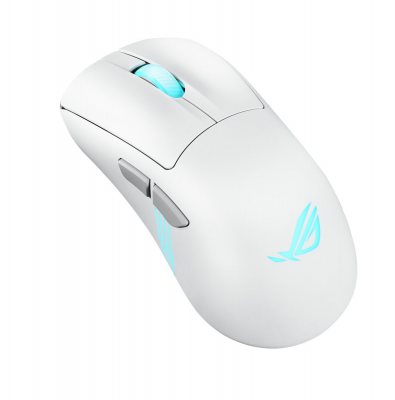
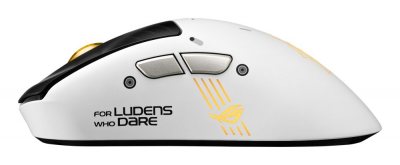
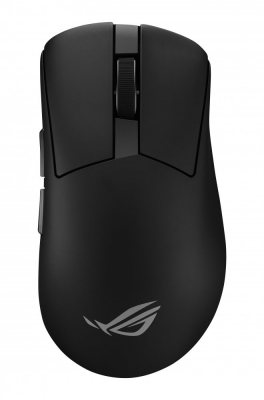
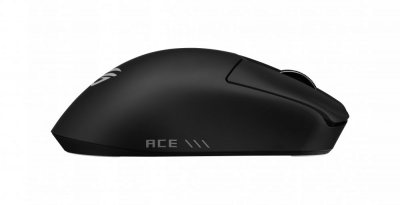
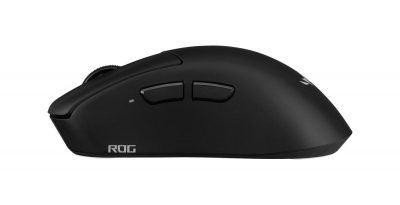
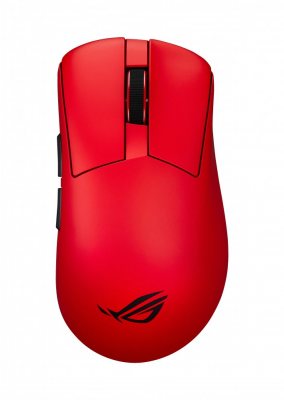
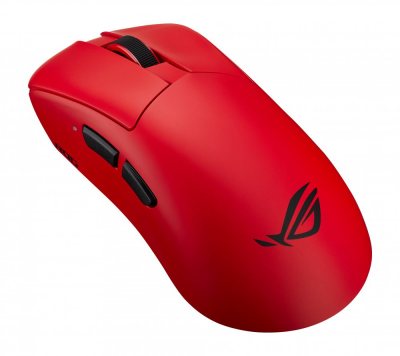
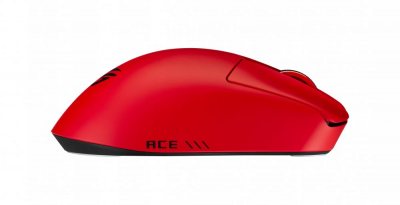
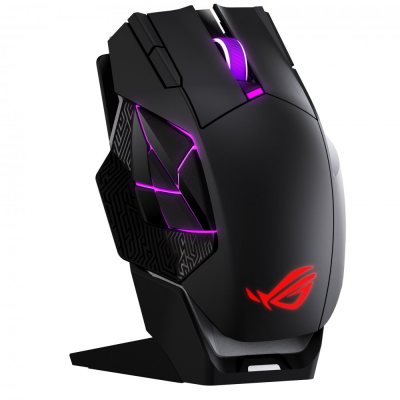
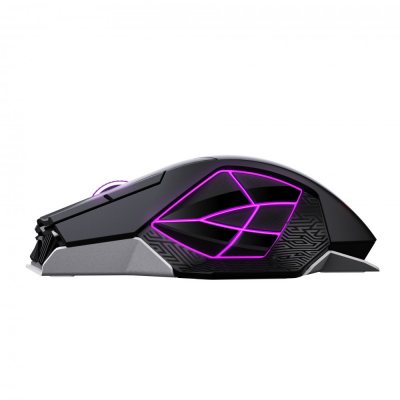
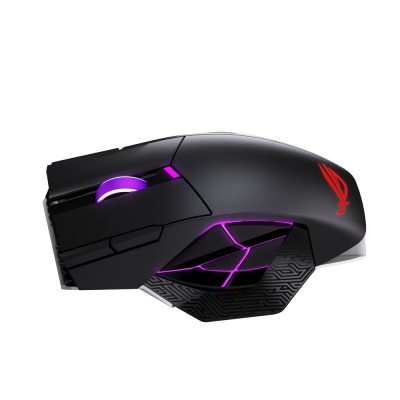
Modern 2.4GHz gaming mice respond as quickly as wired ones, so there is little reason to put up with a cable. Our wireless gaming range includes ASUS ROG Harpe, Keris and Gladius models, the MSI Versa 300 and the be quiet! Dark Perk. Read our Dark Perk review, or browse all gaming mice, wired and wireless.