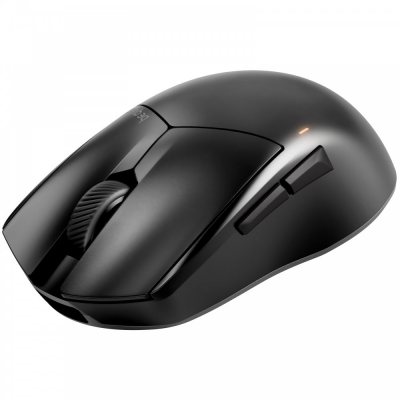
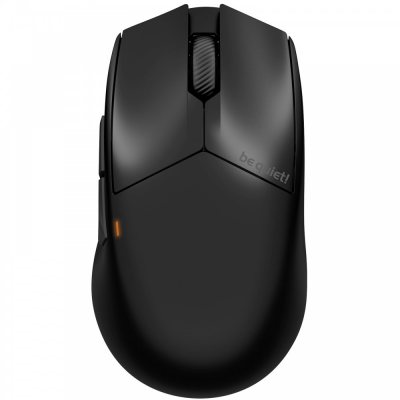
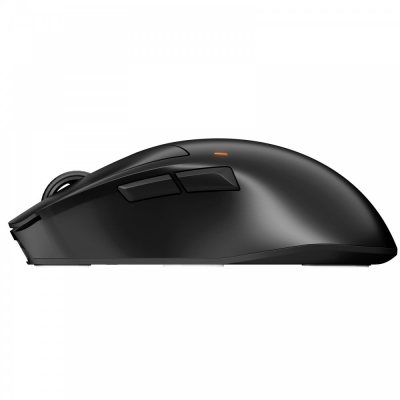


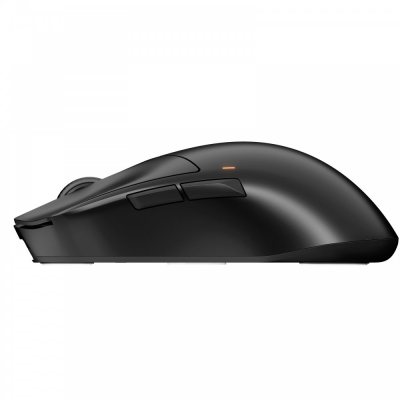
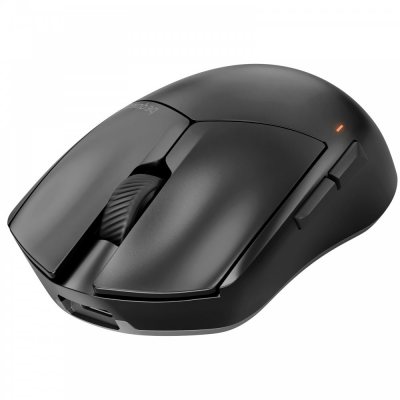
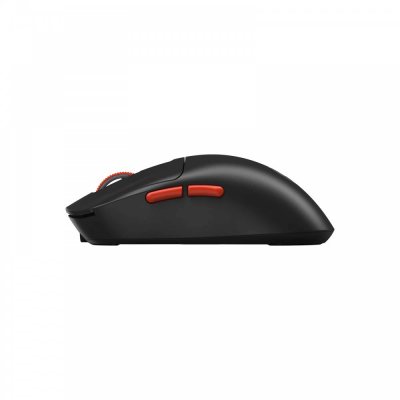
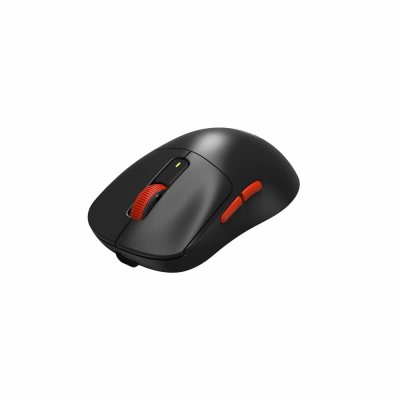
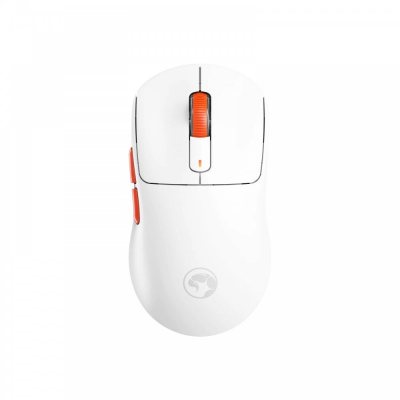
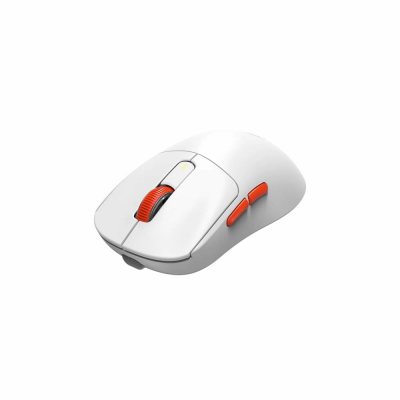
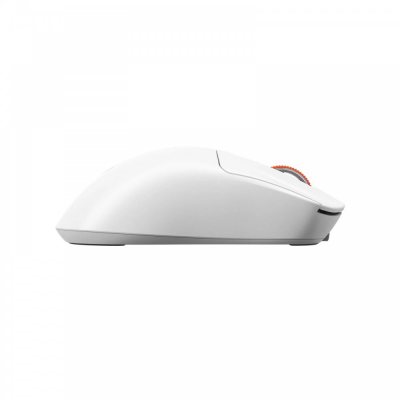
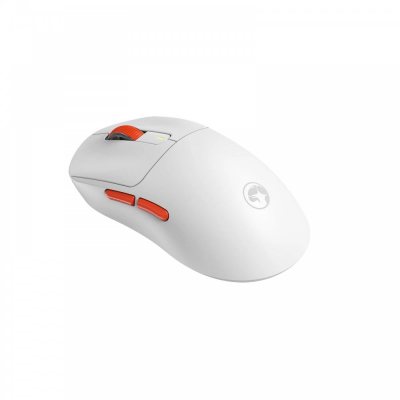
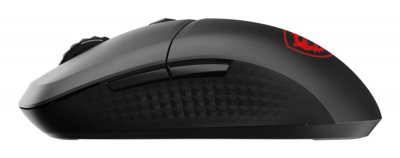
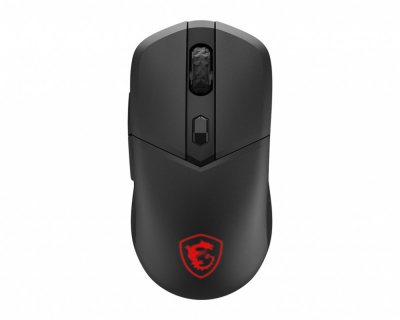
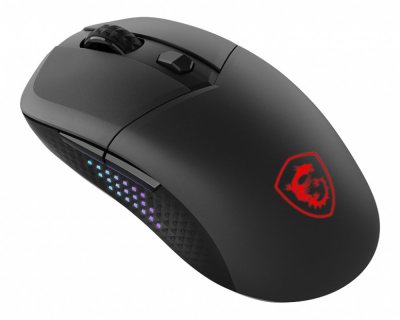
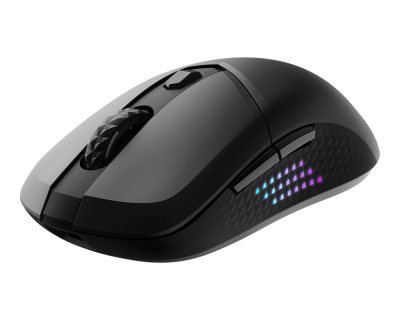
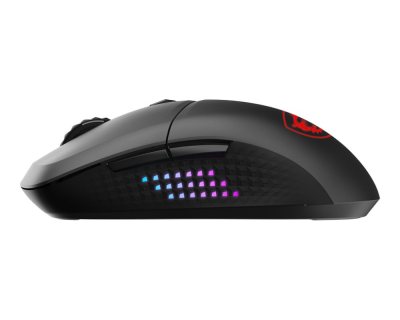
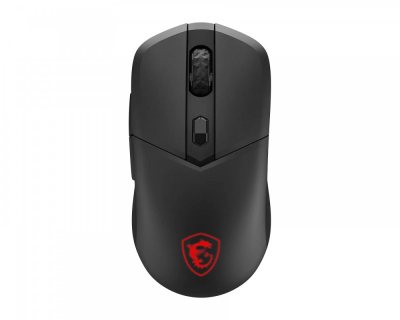
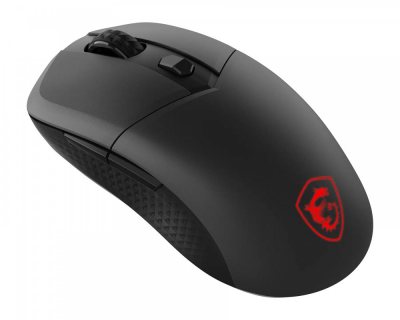
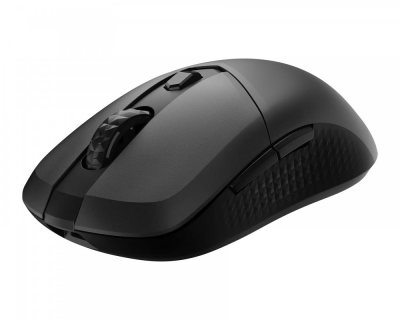
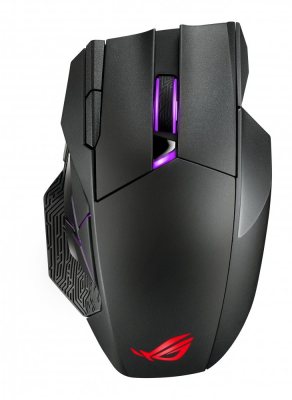
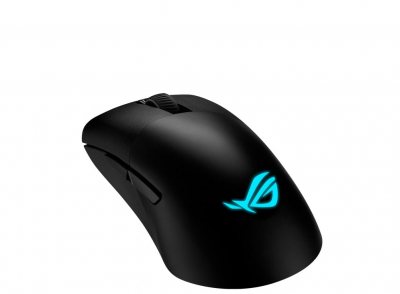
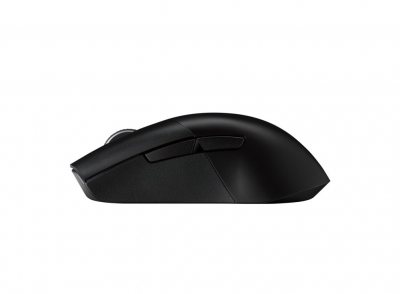
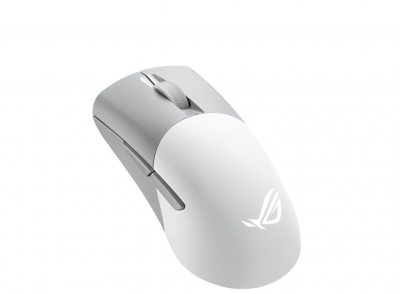
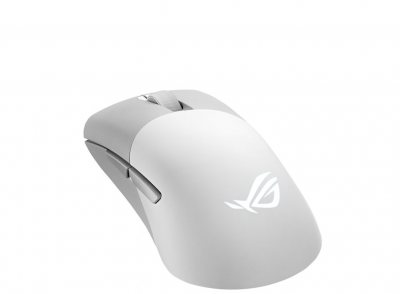
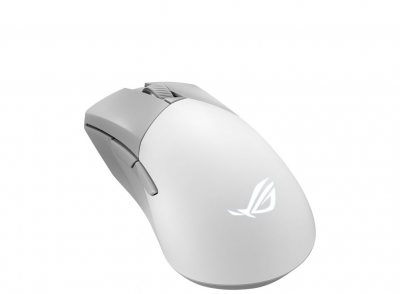
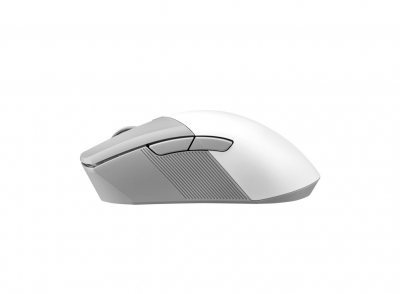
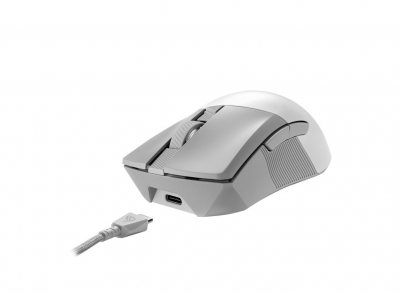
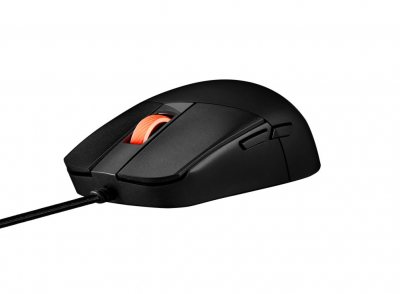
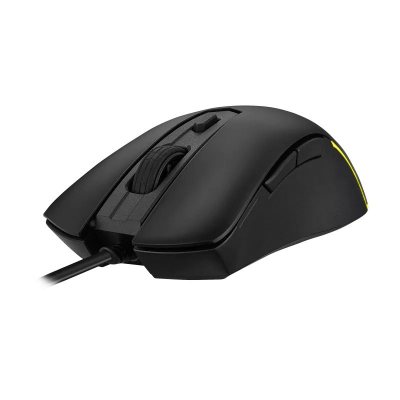
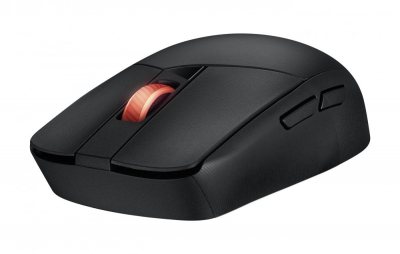
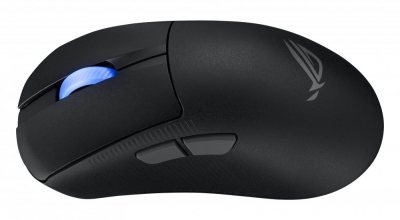
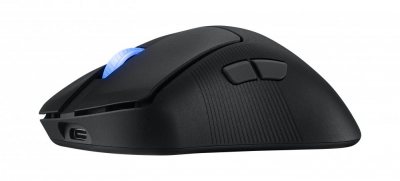
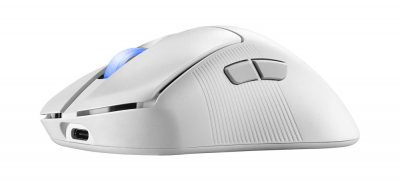
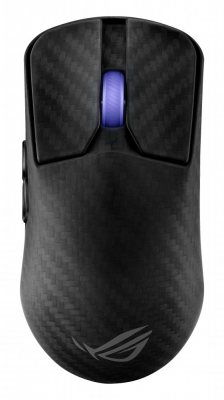
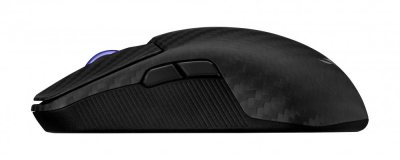
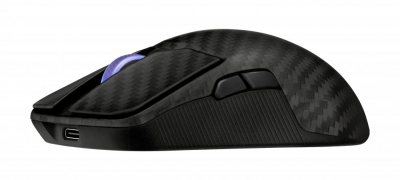
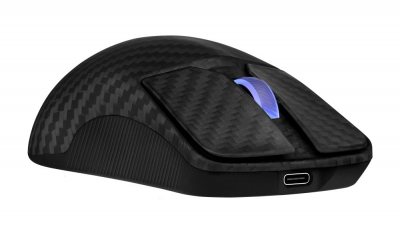
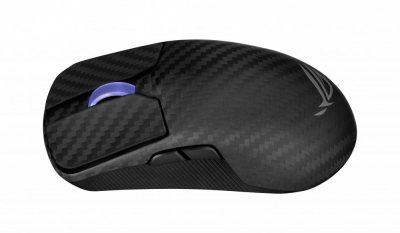
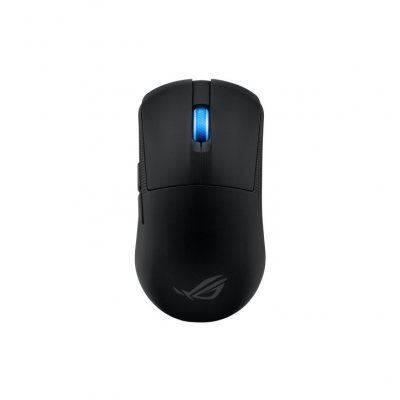
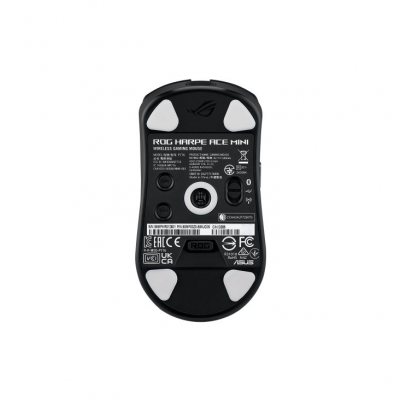
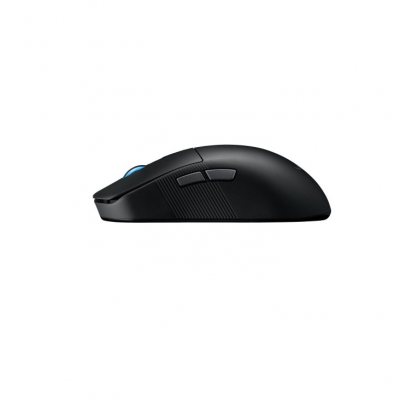
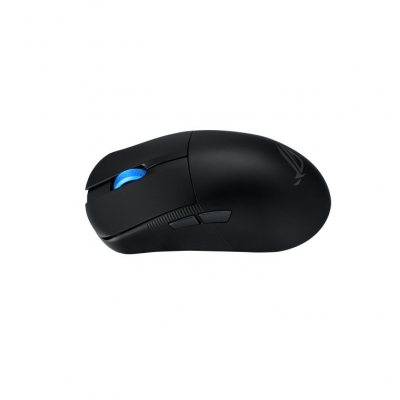
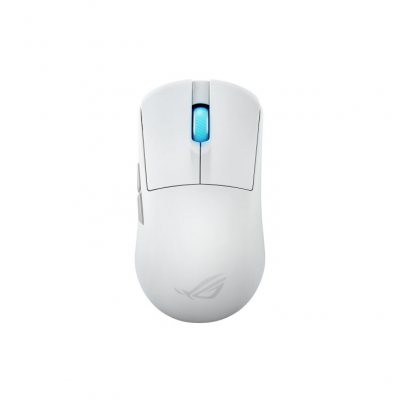
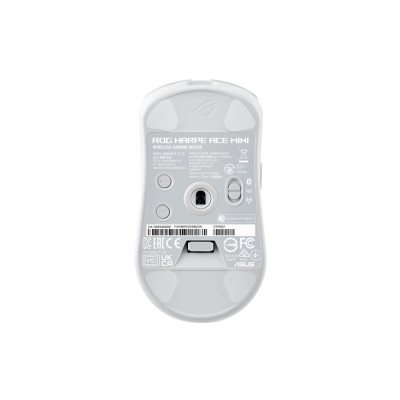
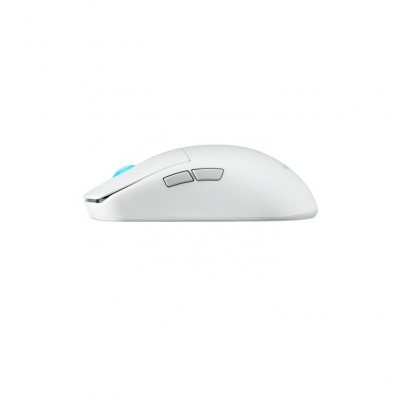
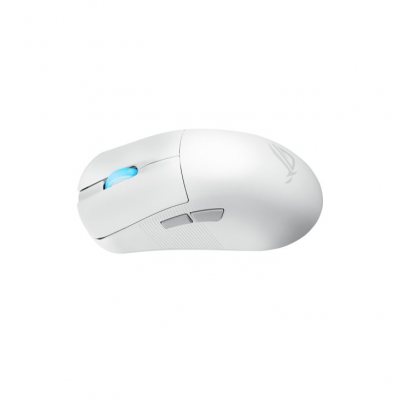
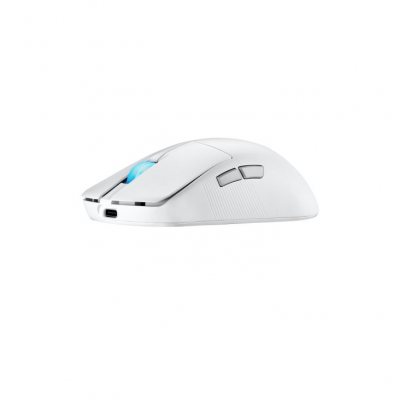
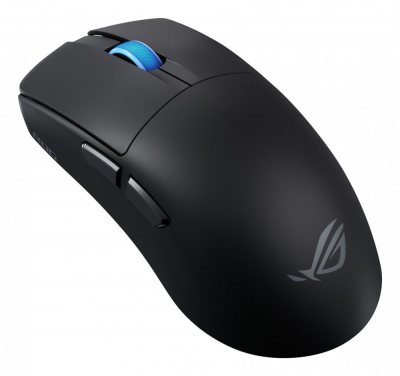
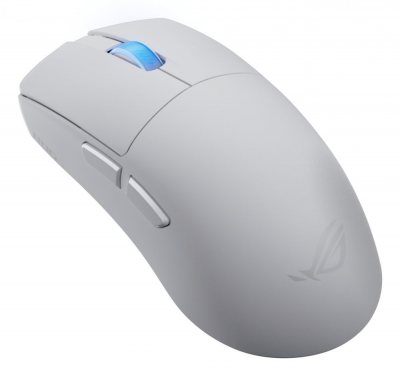
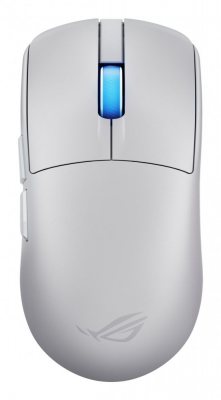
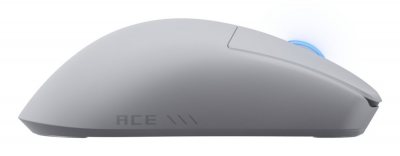
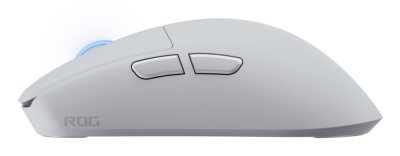
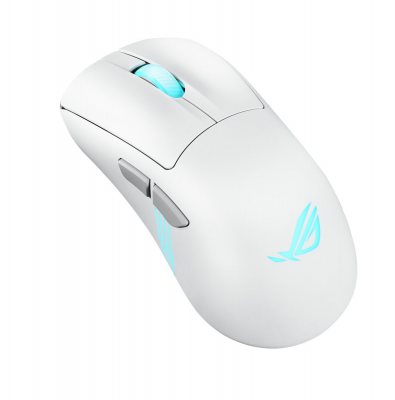
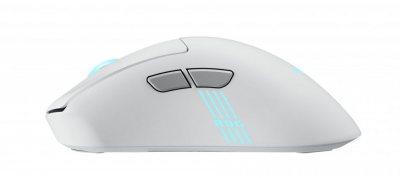
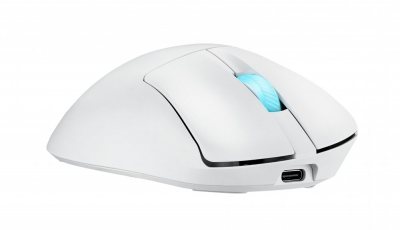
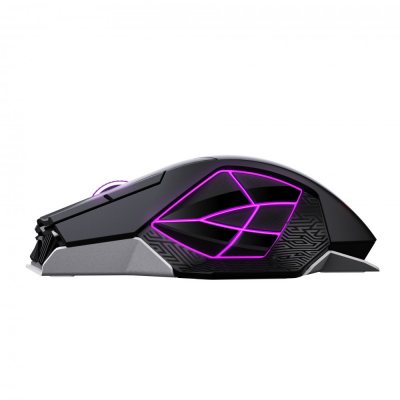
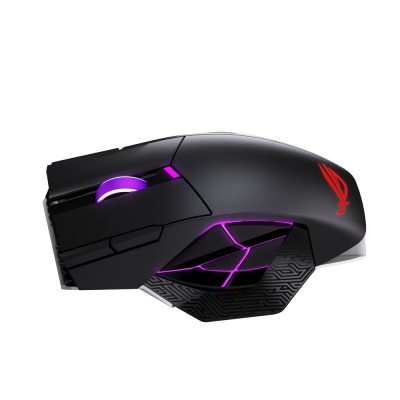
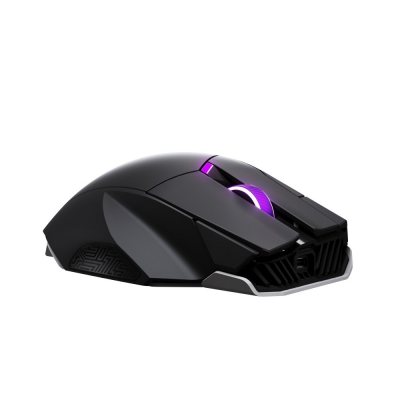
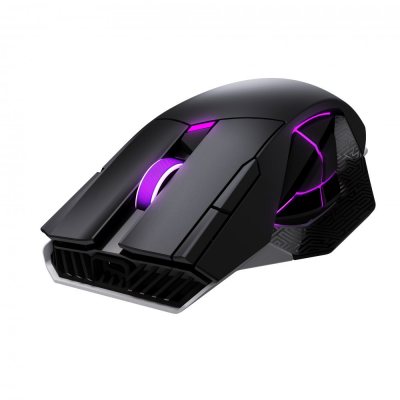
be quiet! be quiet! Dark Perk Ergo Lightweight Ergonomic 32000dpi Mouse Wireless · Lightweight Gaming In stock· Online only
£72.99inc VAT£77.98 delivered
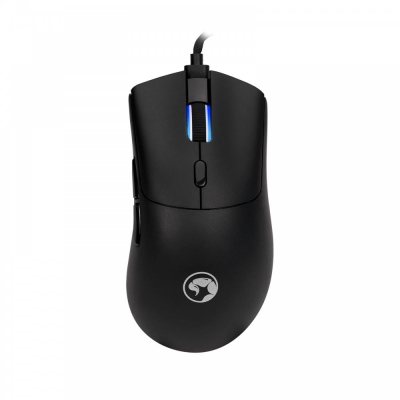
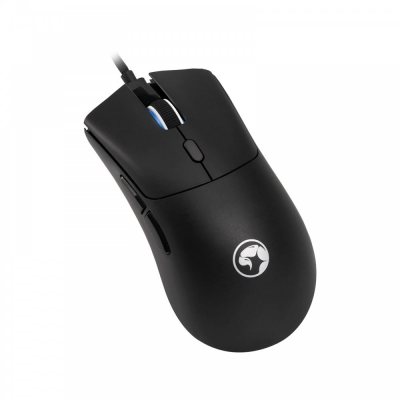
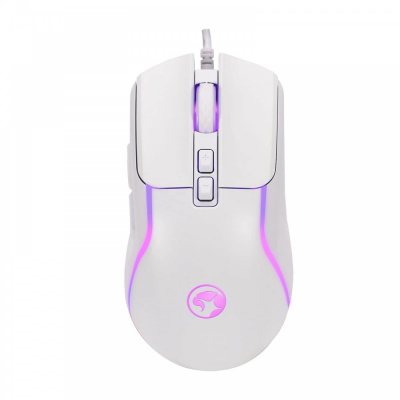
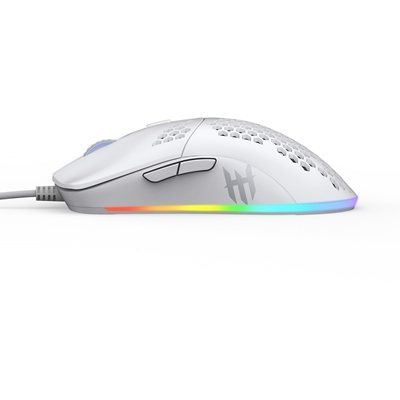
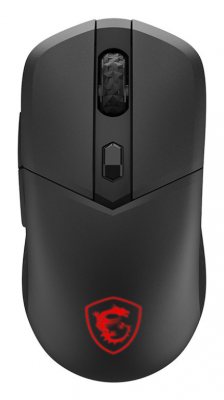
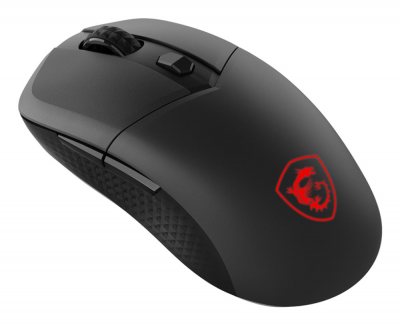
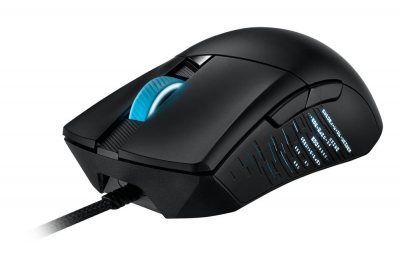
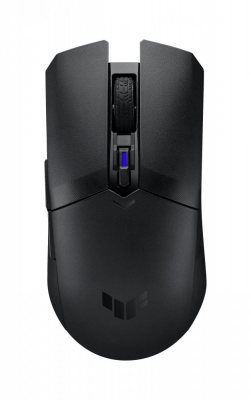
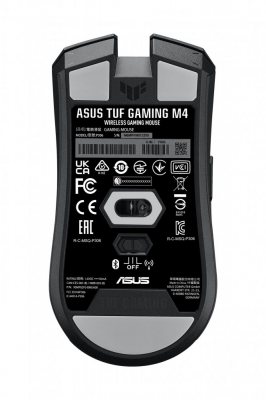
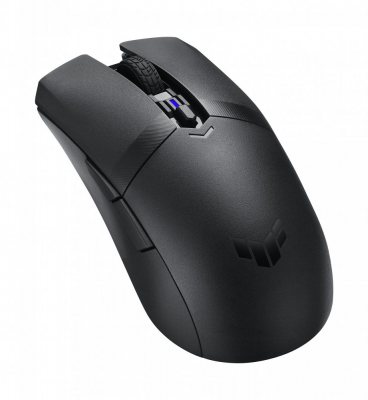
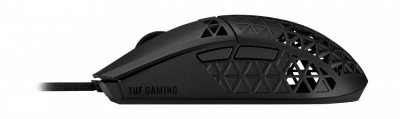
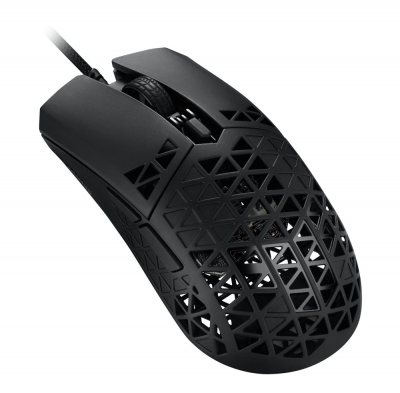
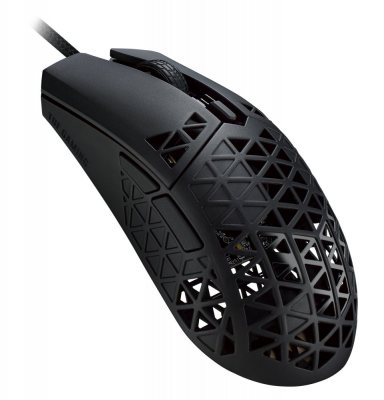
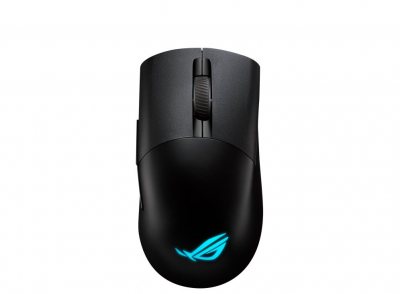
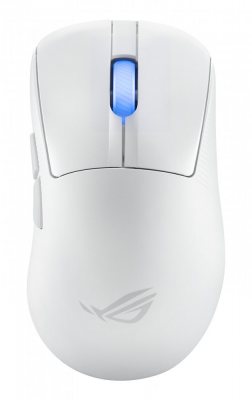
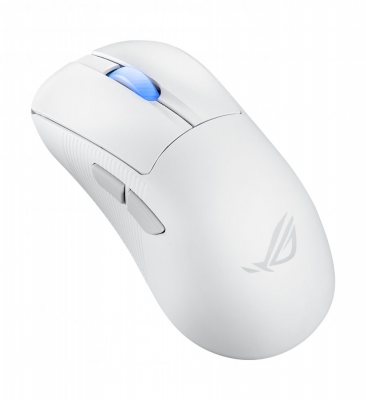
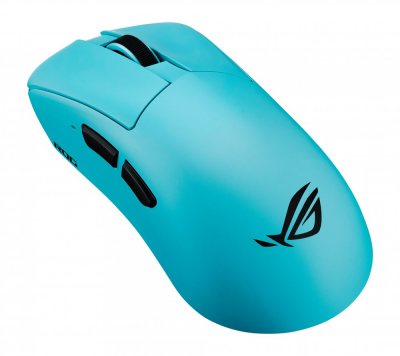
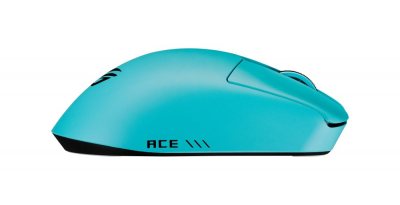
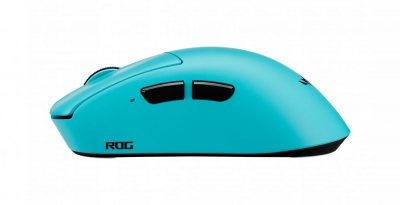
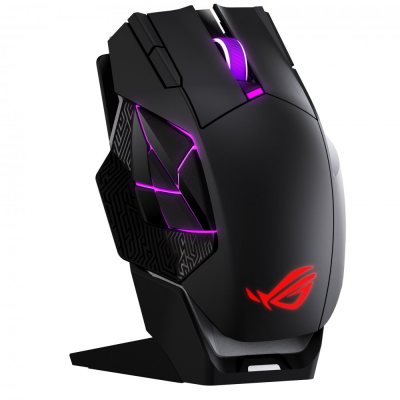
A gaming mouse is built for accuracy and speed: a precise optical sensor, quick clicks and a shape you can hold for hours. Our range runs from wired RGB mice by Marvo, Tecware and Vida, a good start for a first gaming setup, to lightweight wireless models from be quiet!, MSI and ASUS ROG. The most important choice is shape: a right-handed ergonomic mouse or an ambidextrous symmetrical one, sized to your hand and the way you grip. After that, decide between wired and wireless.





















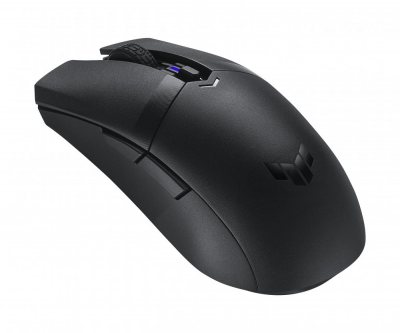
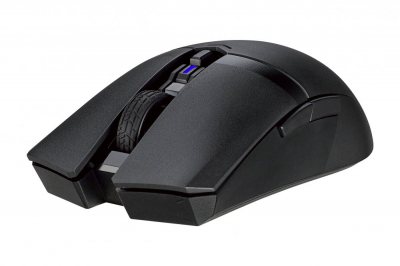

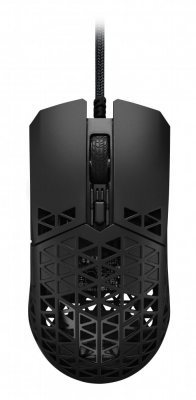
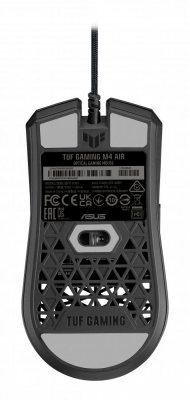













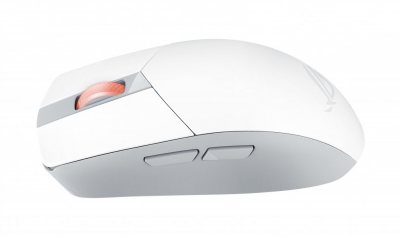
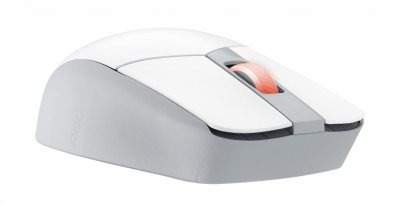


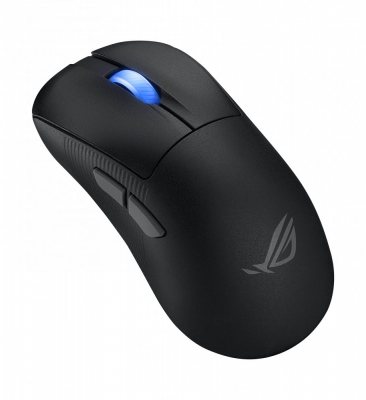
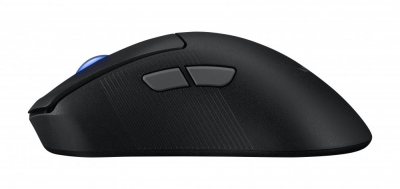











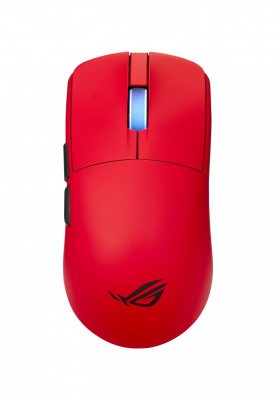
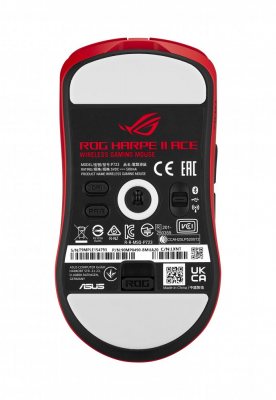
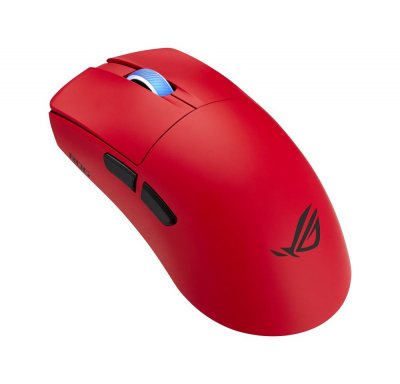
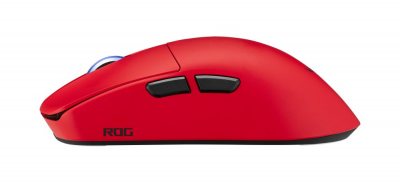
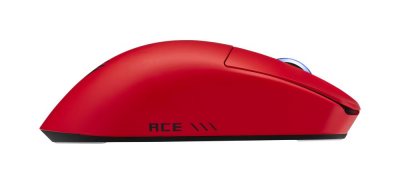

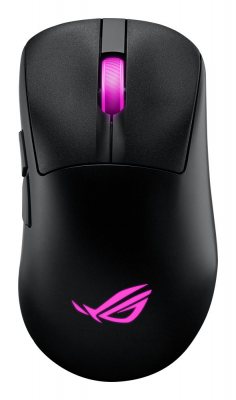
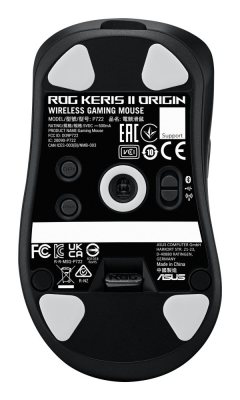

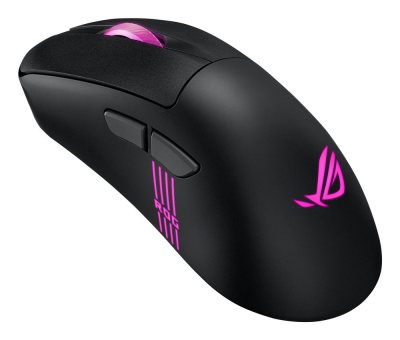





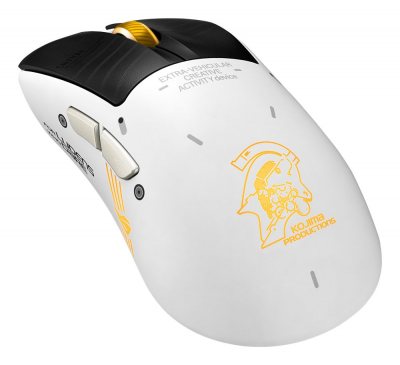
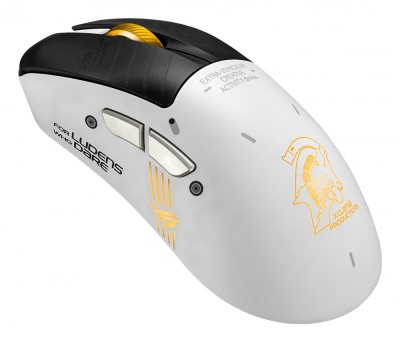
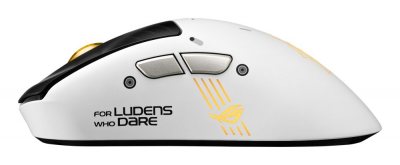

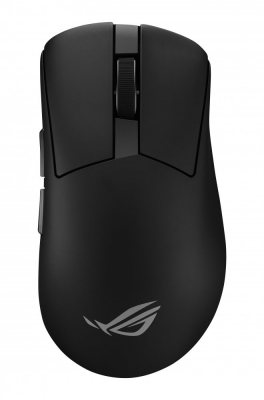

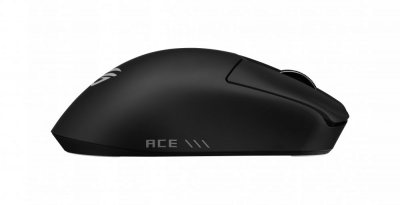
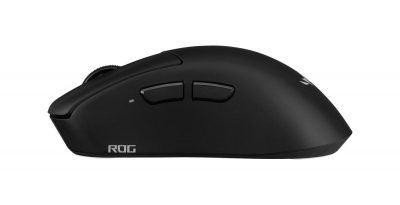
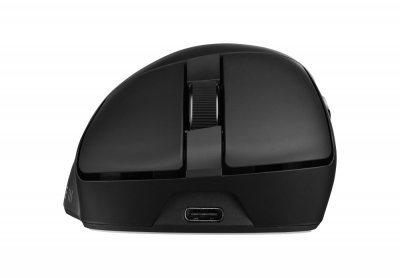

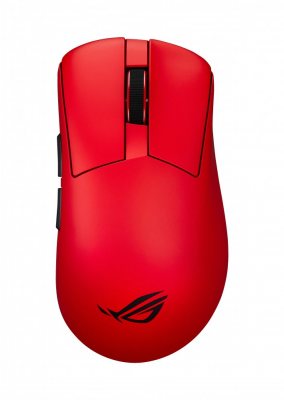
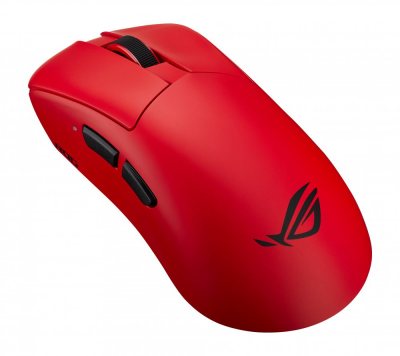
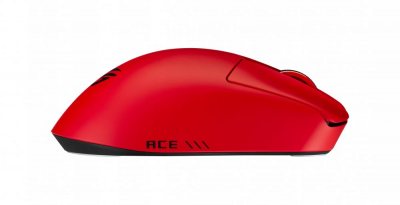
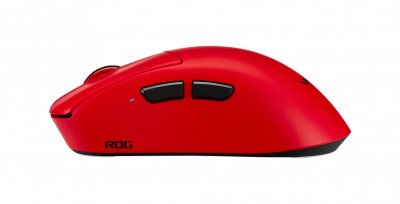
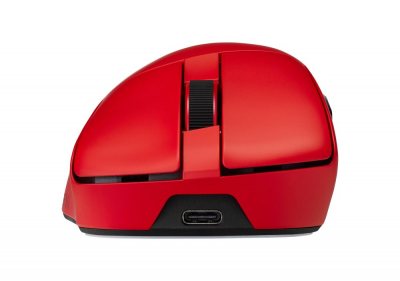






Nothing matches those filters. Try removing one.
Most players use one of three grips. A palm grip rests the whole hand on the mouse and suits larger ergonomic shapes. A claw grip arches the fingers, and a fingertip grip touches the mouse only with the fingers, both suiting smaller, symmetrical mice. Measure your hand from wrist crease to fingertip and compare with the mouse length on the product page. Lighter mice are easier to flick quickly in shooters.
Sensor DPI figures now run into the tens of thousands, far more than anyone uses. Most players aim at 400 to 1600 DPI and adjust in-game sensitivity. Polling rate is how often the mouse reports its position: 1000Hz is standard, and some models go up to 8000Hz. Higher polling only helps a little, mostly with a high refresh screen. See our gaming monitors for that side of the setup.
Good wireless gaming mice are now as responsive as wired ones, and they free you from cable drag. Wired mice never need charging and cost less for similar features. Either way, a proper surface makes aim more consistent, so pair your mouse with one of our gaming mouse mats. Read our be quiet! Dark Perk review for a closer look at one wireless pair.