


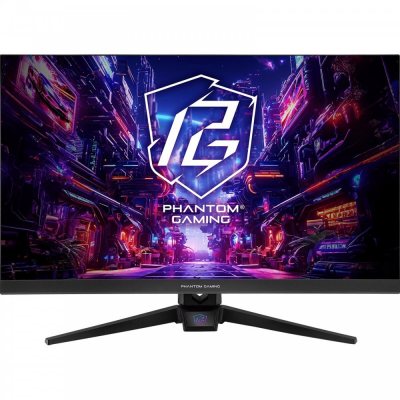
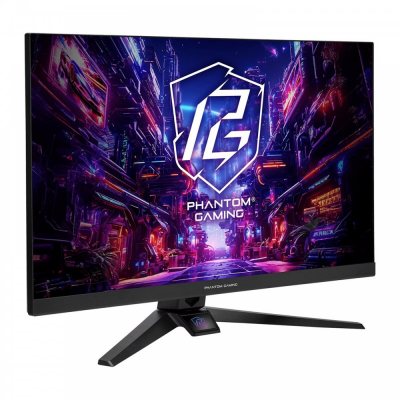
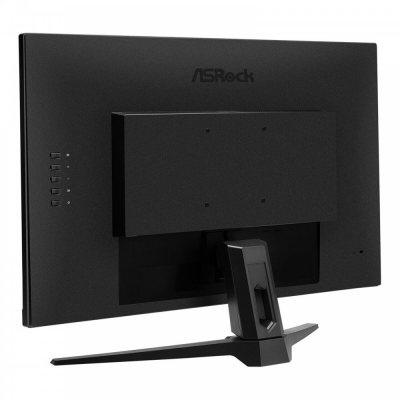
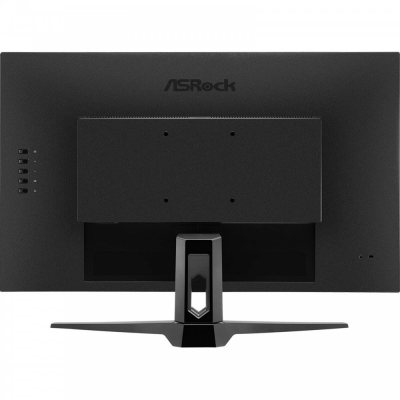
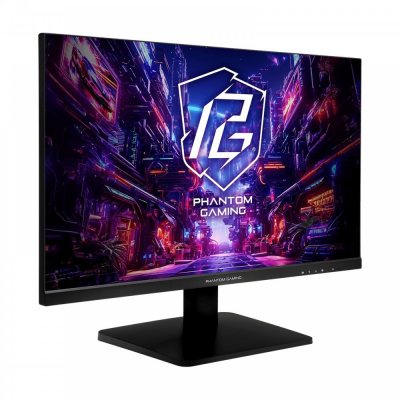
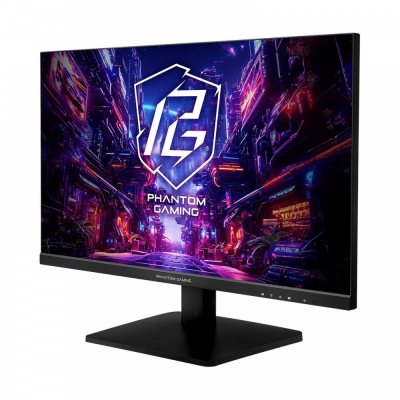
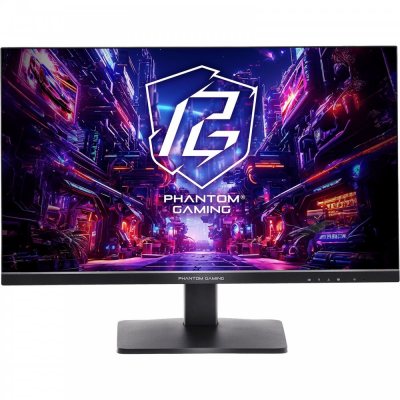
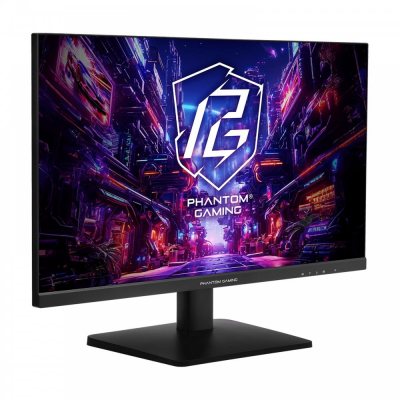
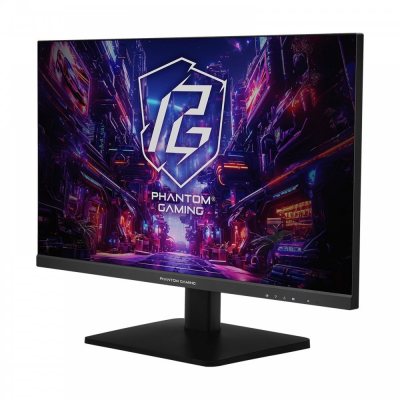
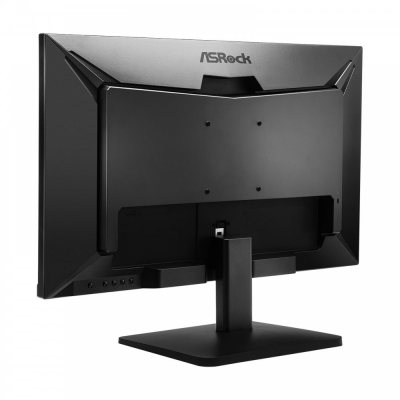
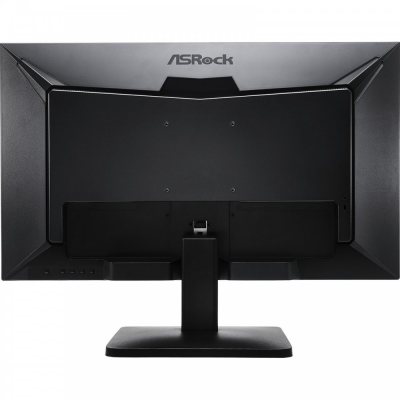
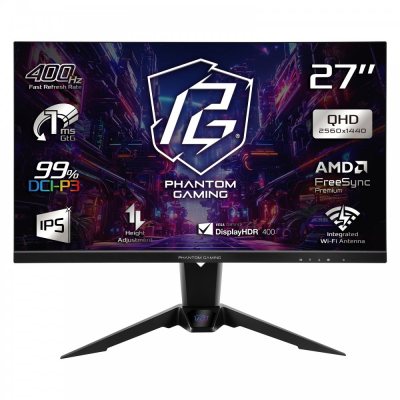
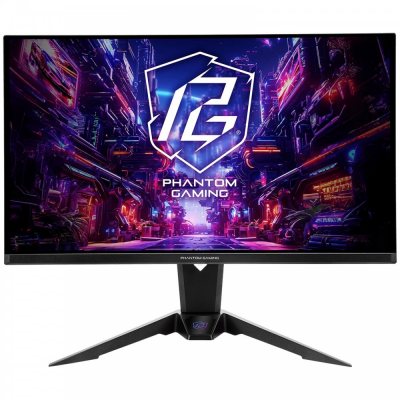
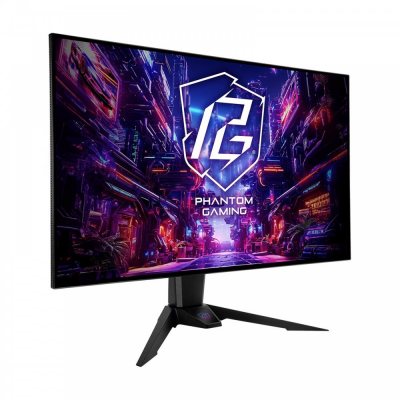
ASRock ASRock Phantom Gaming PG27FFS2E-W 27 Inch FHD Flat IPS Monitor 27" · 1920 x 1080 · 240Hz In stock· Online only
£125.99inc VAT£130.98 delivered
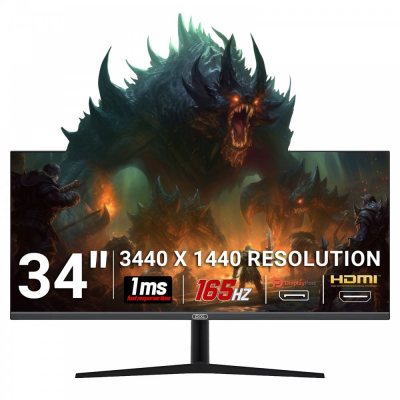
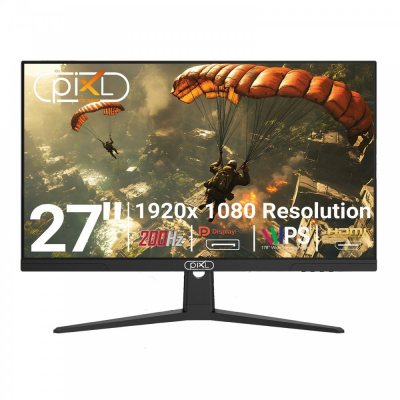
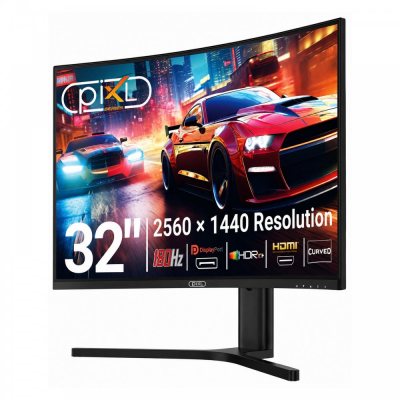
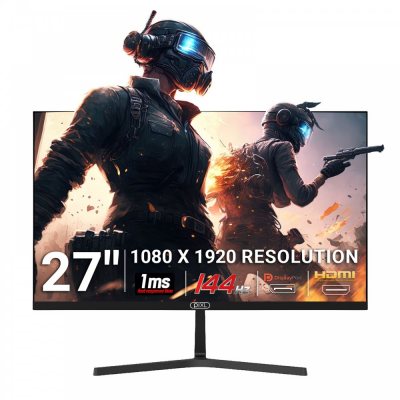
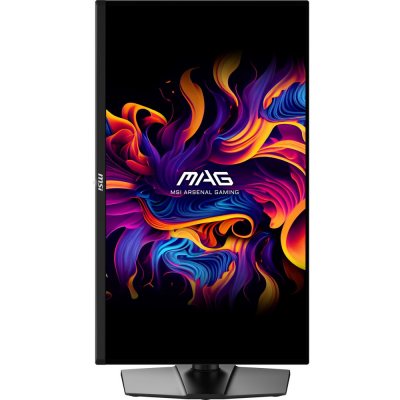
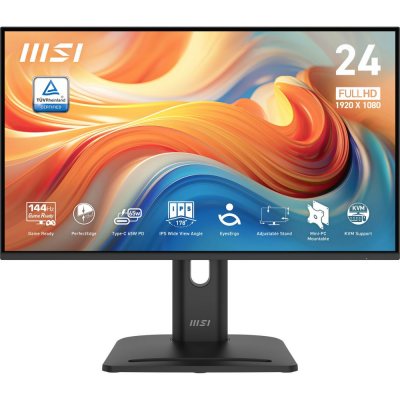
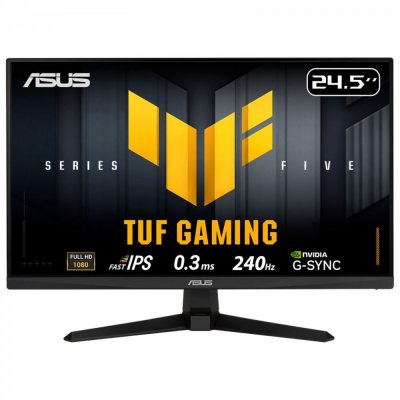
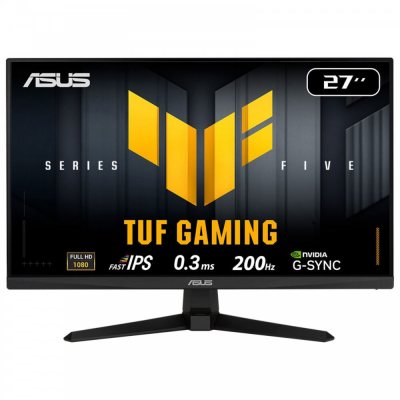
A gaming monitor is about speed: a high refresh rate and fast response time so movement looks smooth and sharp. Everything on this page runs at 144Hz or higher, up to 520Hz for competitive players. Sizes run from 24 to 34 inches, in Full HD, 1440p, ultrawide 3440 x 1440 and 4K, flat or curved, from ASUS, MSI, ASRock, Iiyama, Pixl and ViewSonic. Match the monitor to what your graphics card can actually deliver, and you will feel the difference.












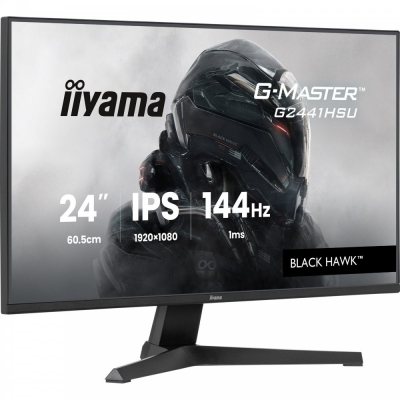



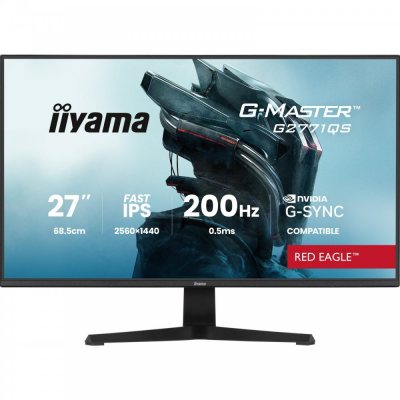
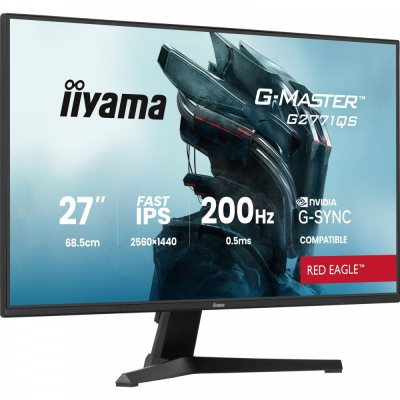








































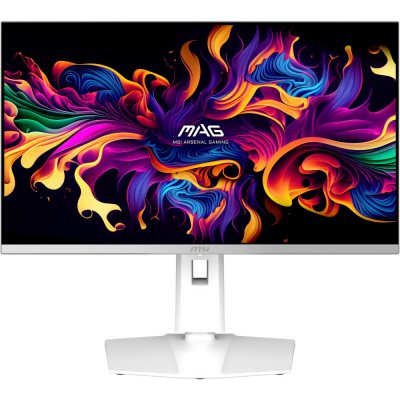


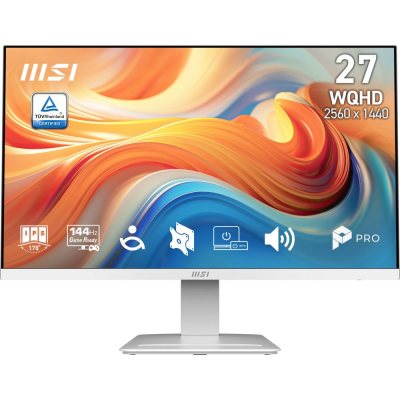


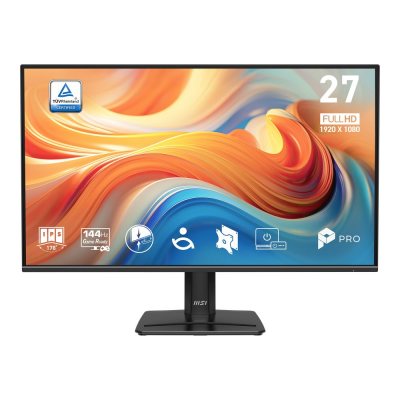


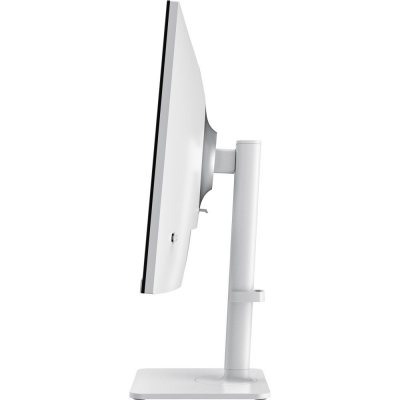

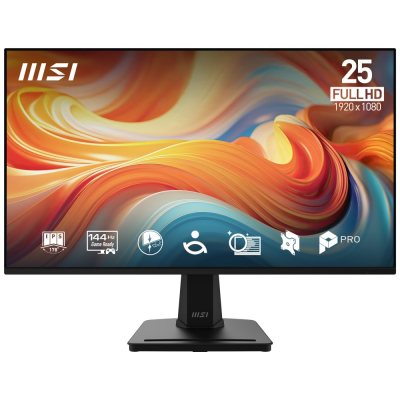
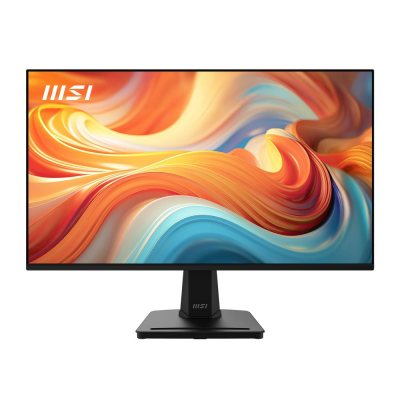
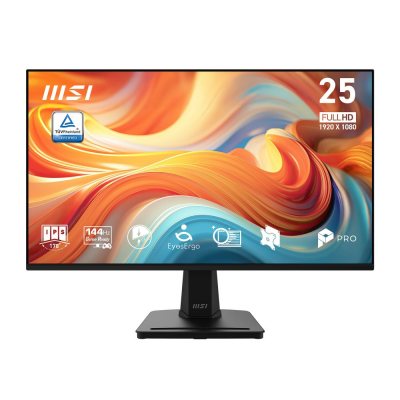
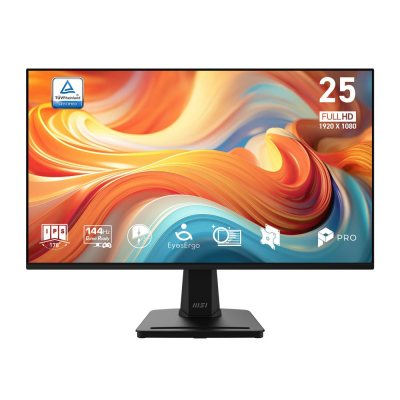


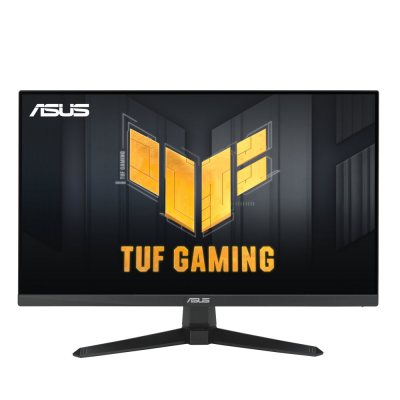
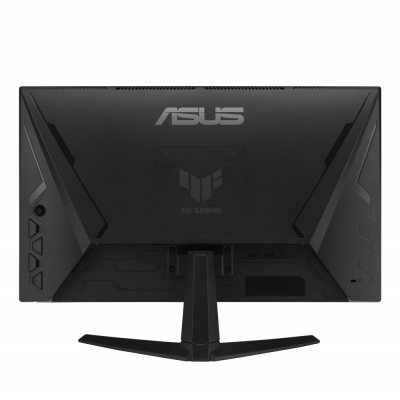
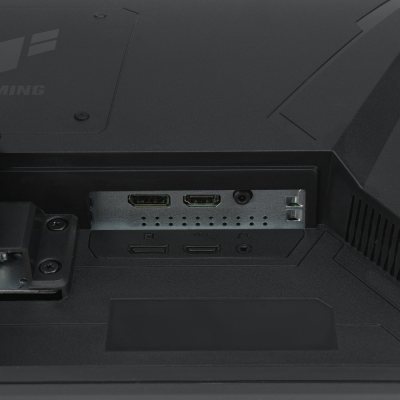









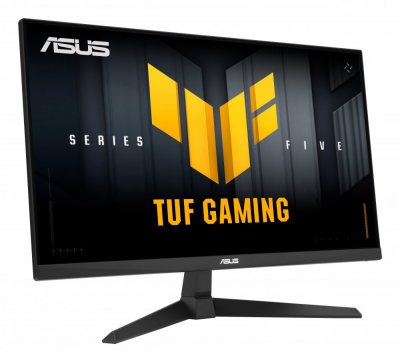







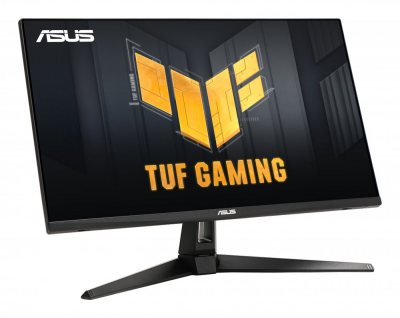
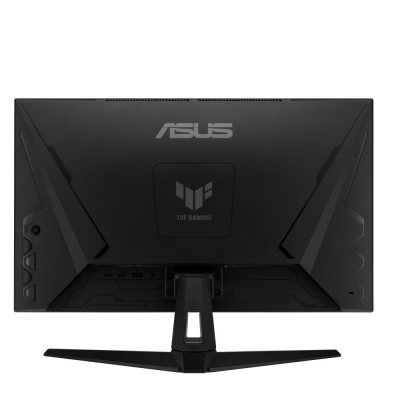

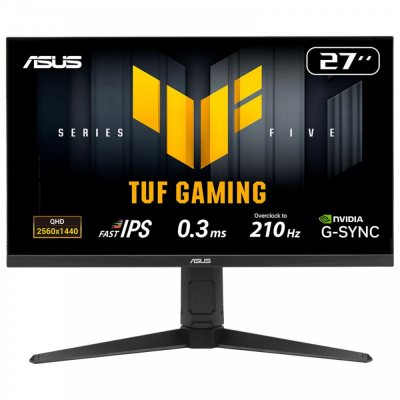
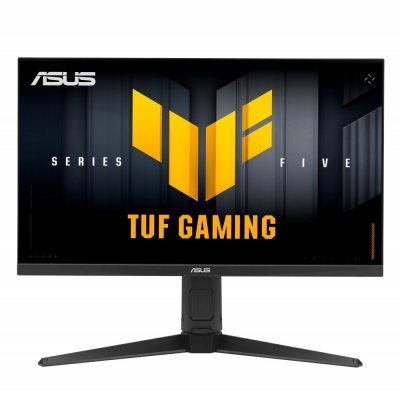















Nothing matches those filters. Try removing one.
A 180Hz screen only looks smoother if your PC can produce close to 180 frames per second. For a mid-range card, 1080p at 144 to 240Hz or 1440p at 144 to 180Hz is a realistic aim. Very high refresh rates (360Hz and above) are for competitive shooters on powerful PCs. 4K at high refresh needs a top-end card. Consoles mostly top out at 120Hz.
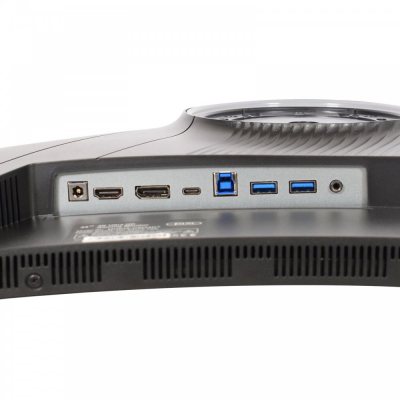
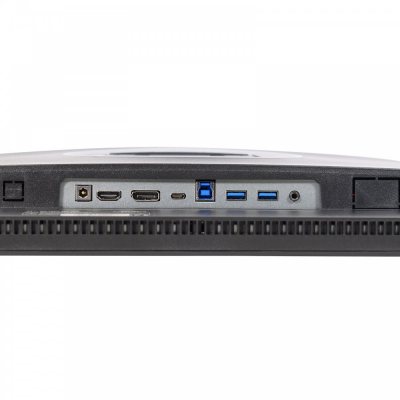
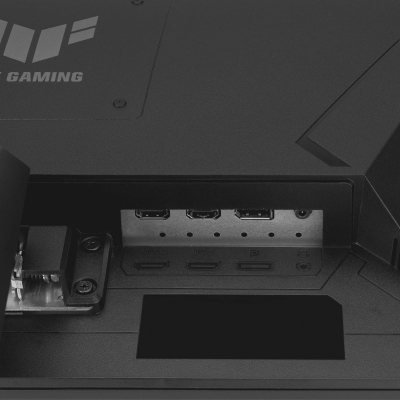
Use DisplayPort from your graphics card, or HDMI 2.1 if the monitor supports it, to get the full refresh rate. Then set the refresh rate in Windows under Display, then Advanced display. Many people run a 180Hz monitor at 60Hz for months without knowing. Turn on adaptive sync (FreeSync or G-SYNC Compatible) if your monitor supports it to stop tearing.
24 and 25-inch Full HD screens suit esports, where you want to see the whole screen at once. 27-inch 1440p is the popular all-rounder: see 1440p monitors. 34-inch ultrawide curved screens are great for racing and flight games. For a general 27-inch screen, browse 27-inch monitors.