
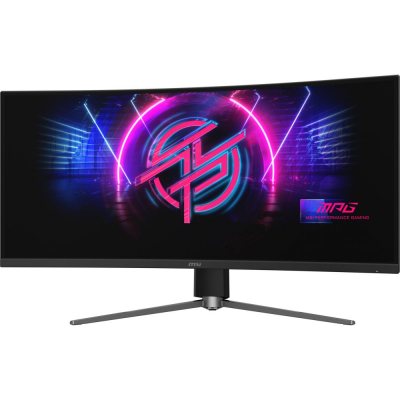
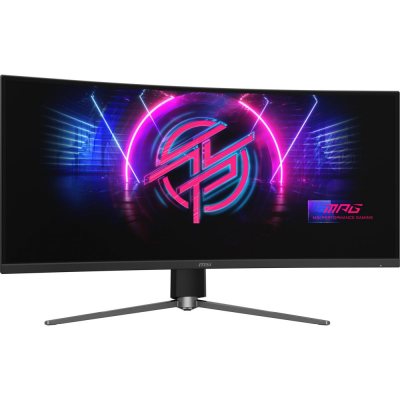
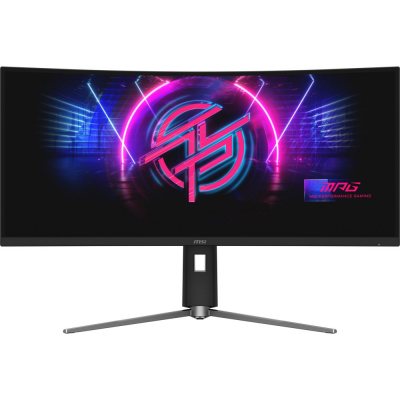
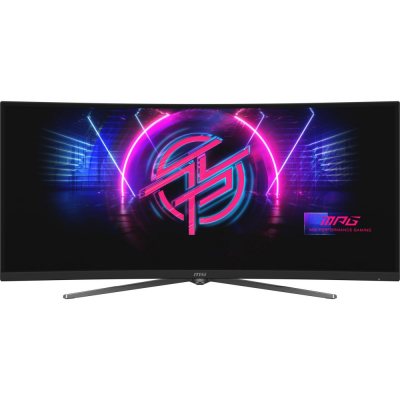

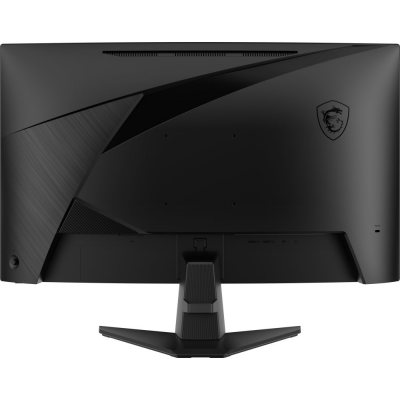
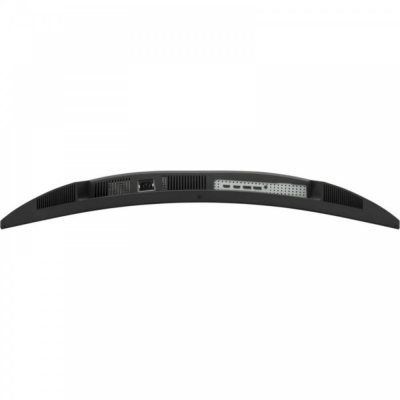
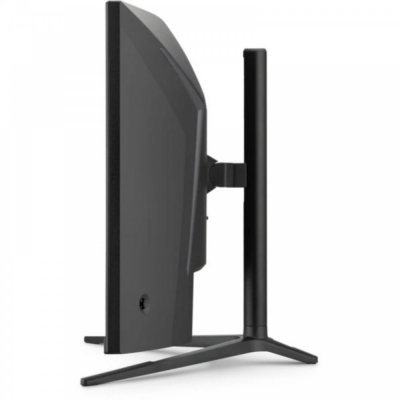
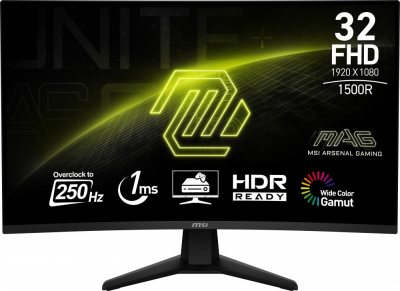
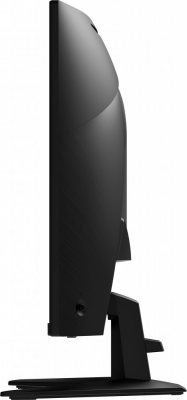
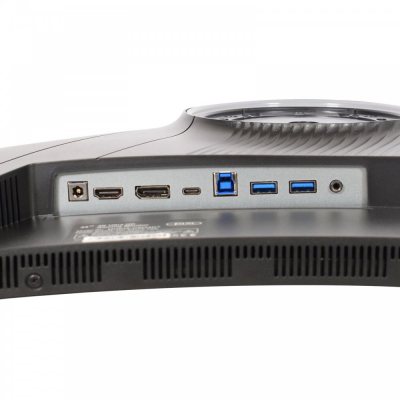
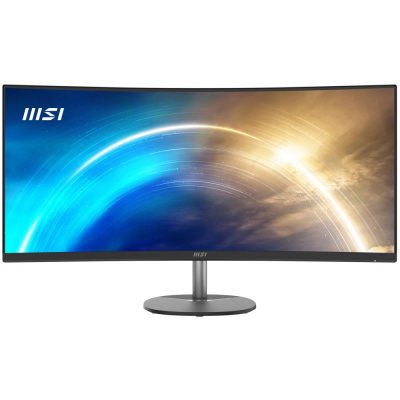
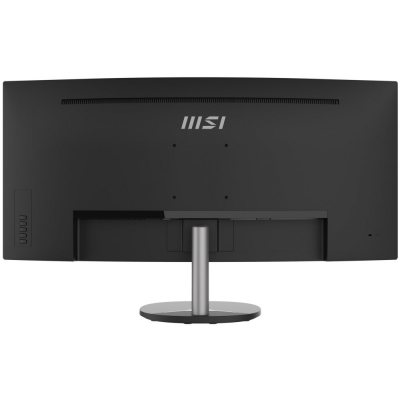
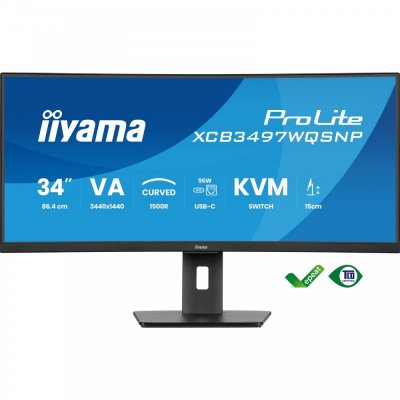
MSI MSI MPG 346CQRF X24 monitor 34" 3440 x 1440 pixels UltraWide 34" · 3440x1440 In stock· Online only
£396.99inc VATFree delivery
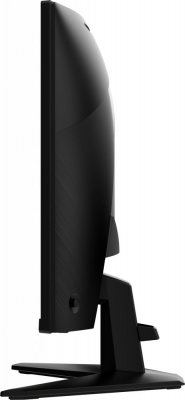
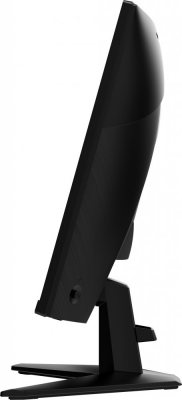
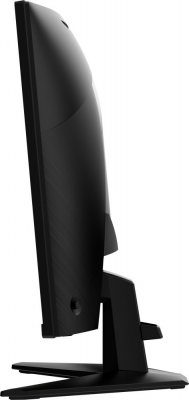
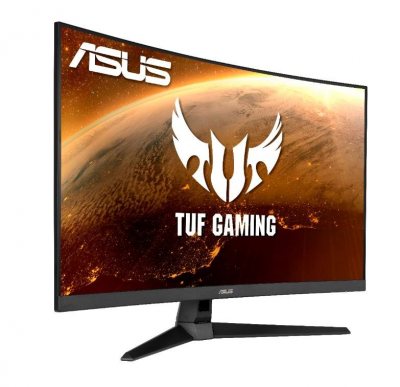
A curved monitor wraps the picture gently around you, so the edges of a wide screen sit at a more comfortable angle to your eyes. The curve earns its keep on bigger screens, so our range starts at 27 inches and goes up to 34-inch ultrawides at 3440 x 1440. Almost all use VA panels, which give deep blacks and strong contrast, and most have a 1500R curve. Refresh rates run from 100Hz for office work to 180Hz for gaming. Check your desk depth and graphics card before you choose.































Nothing matches those filters. Try removing one.
 Buying guide · 8 min Gifts for PC Gamers UK 2026: 16 Ideas They'll Actually Use
 Buying guide · 11 min Dell OptiPlex Is Now Dell Pro: Which Model Replaces Yours Office desk setupsPC, screen, keyboard and mouse in one click→MonitorsFull HD to 4K screens→Keyboards and miceWireless combos for every desk→Wi-Fi and networkingSwitches, routers and access points→Windows 11 ProFor business PCs and domain sign-in→
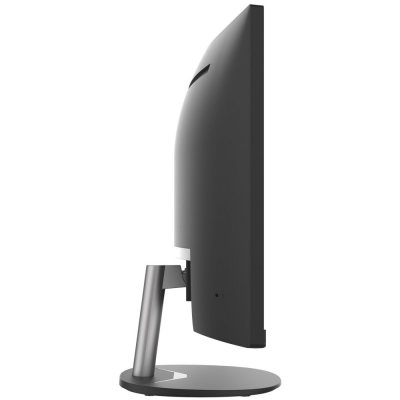
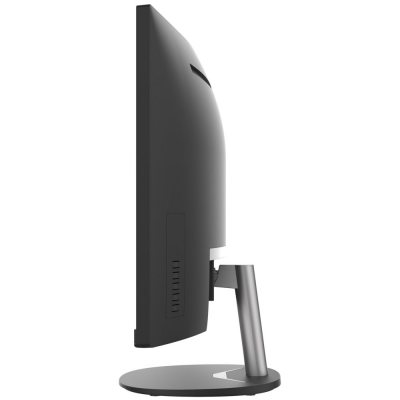
The R number is the radius of the curve in millimetres, so a smaller number means a tighter curve. 1500R is a common middle ground: noticeable, but not so strong that straight lines look bent once you are used to it. 1000R is tighter and 1800R gentler. A curve helps most on 32 and 34-inch screens, where the edges of a flat panel would sit further from your eyes than the centre.
A 34-inch 3440 x 1440 ultrawide is 21:9, a bit like two smaller screens side by side with no gap. It suits spreadsheets, editing timelines, racing and flight games. It has about a third more pixels than standard 1440p, so games need a stronger graphics card. 27 and 32-inch curved screens keep the normal 16:9 shape with a gentle wrap. Compare flat options on our 1440p monitors page.
VA panels usually have around three times the contrast of IPS, so dark films and night scenes in games look richer. The trade-off is that some VA screens show slight smearing in fast, dark scenes, and colours shift a little when viewed from the side, which the curve partly offsets. For fast competitive shooters, a flat IPS screen from our gaming monitors may suit you better. See every screen in monitors.
Want suggestions based on what you look at? (stays in your browser, switch off any time).