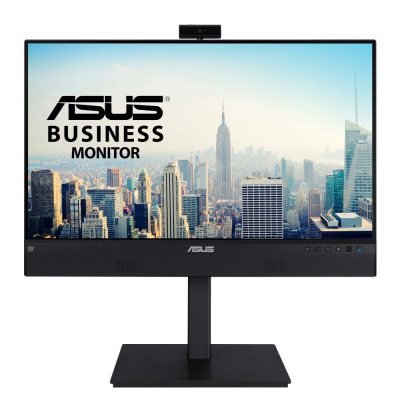




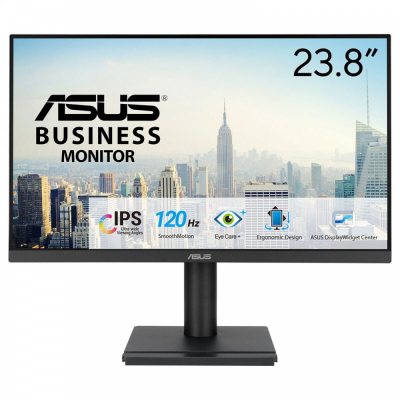
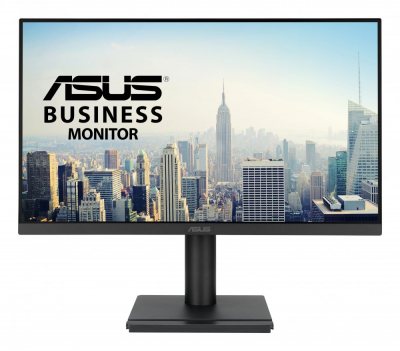
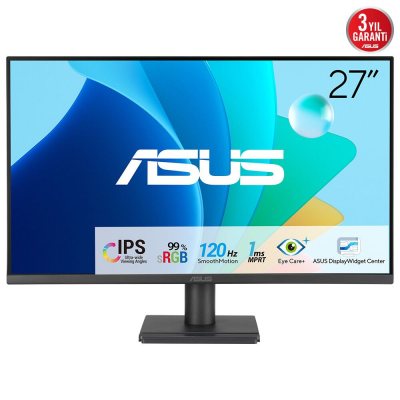
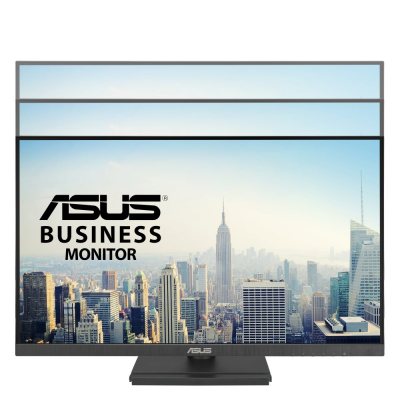
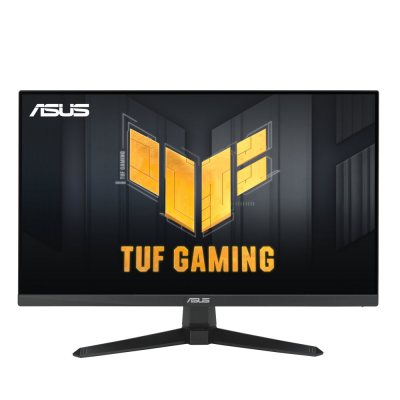
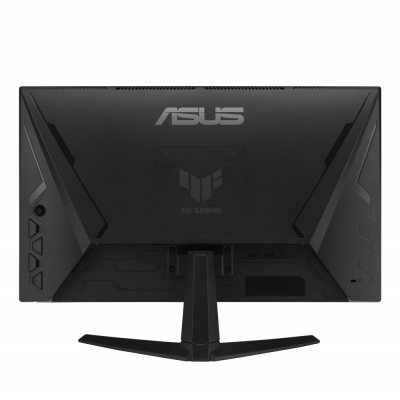
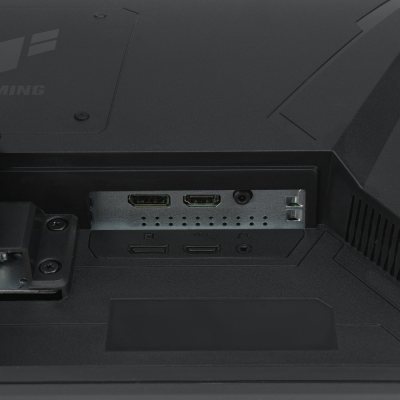
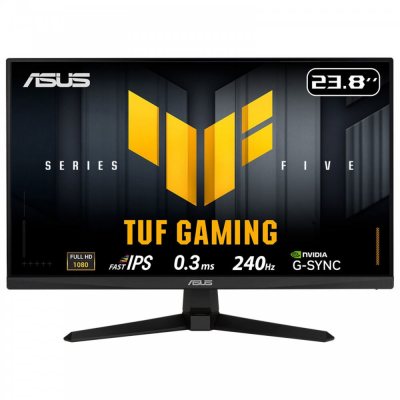
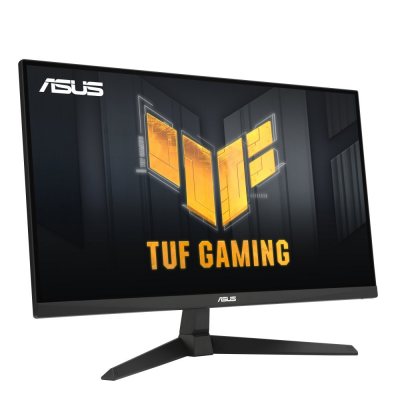
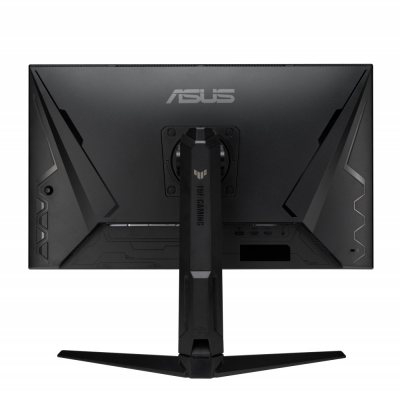
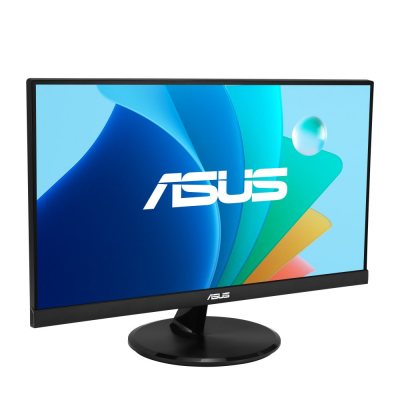
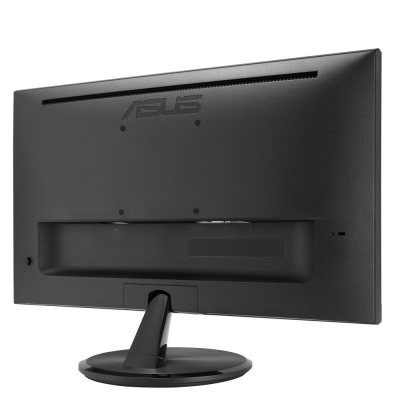
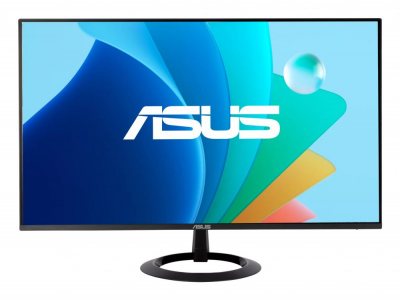
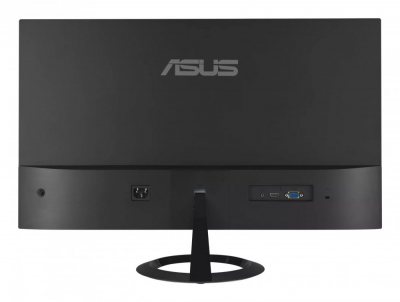
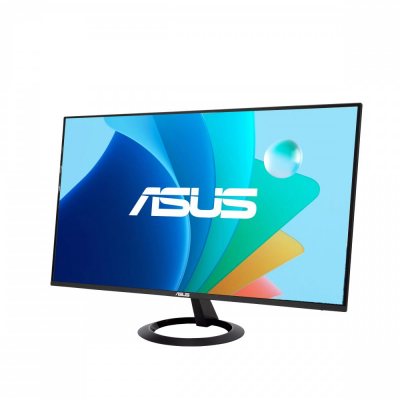
ASUS ASUS BE24ECSNK monitor 23.8" 1920 x 1080 pixels Full HD Black 23.8" · 1920x1080 · 60Hz In stock· Online only
£324.99inc VATFree delivery
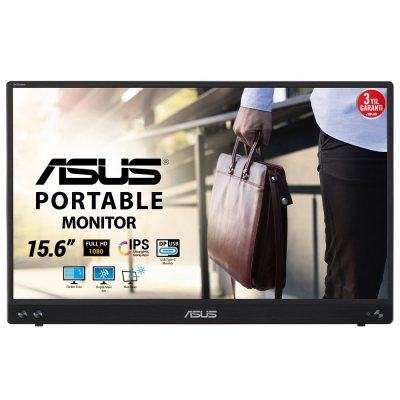
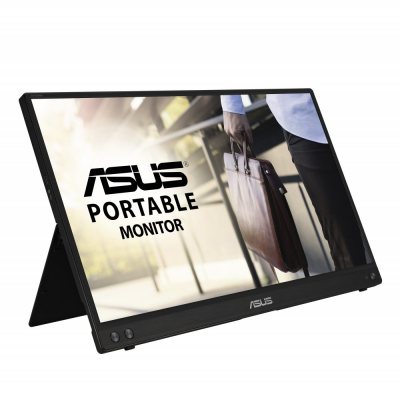
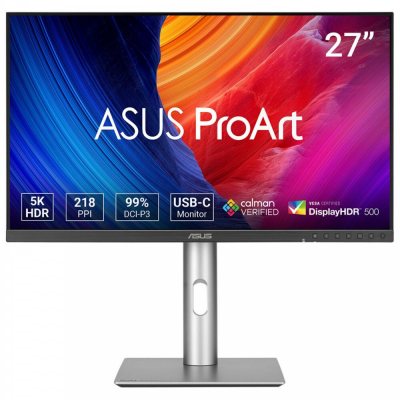
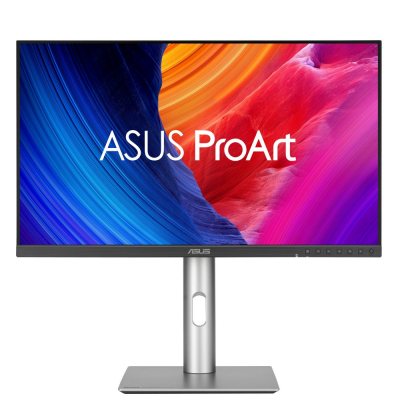
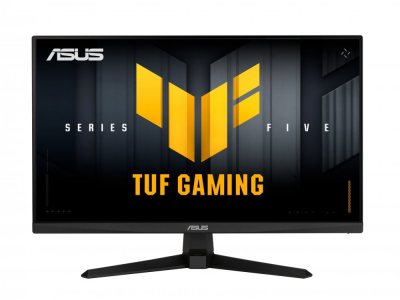
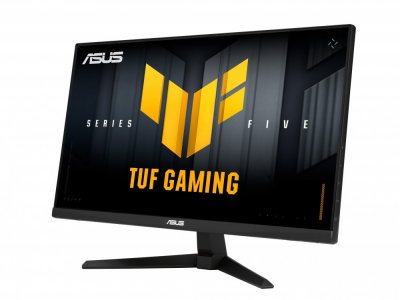
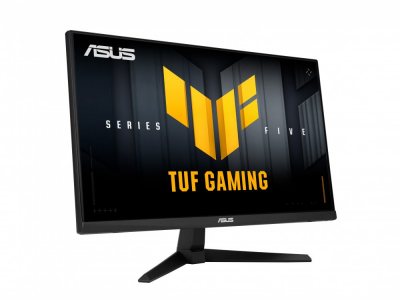
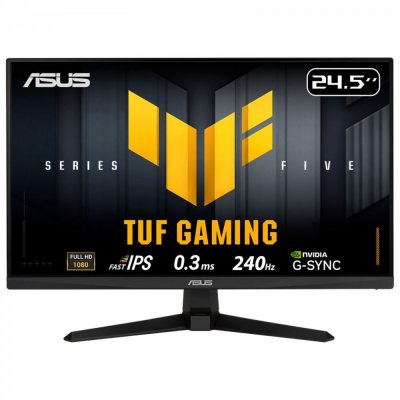
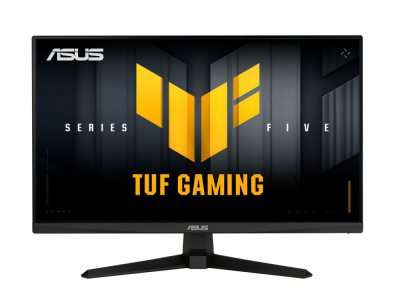
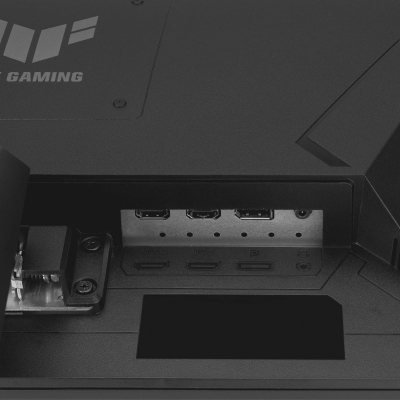
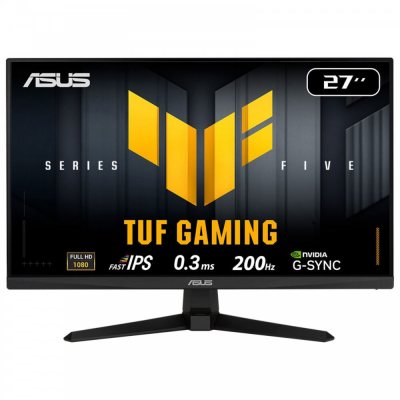
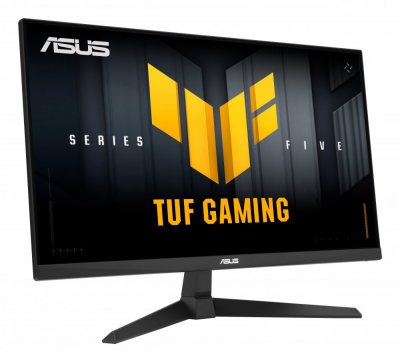
ASUS makes monitors for almost every desk, and our range shows it. TUF Gaming is the value route into high refresh gaming, mostly 24 to 27 inches at 180 to 240Hz, plus curved 31.5 and 34-inch models. ROG Strix goes further, up to 360Hz and 4K. ProArt is aimed at photo, video and design work, including a 27-inch 5K screen. ZenScreen portables are 15.6-inch screens you can carry with a laptop, and plainer office models cover the everyday desk. Pick the family first, then the size.






























































Nothing matches those filters. Try removing one.
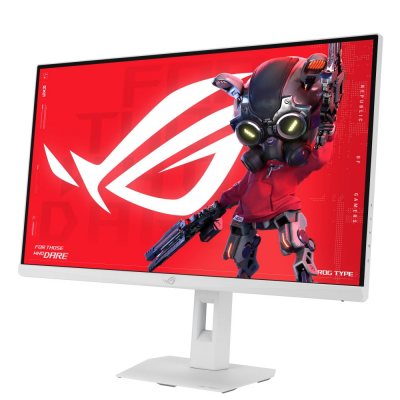
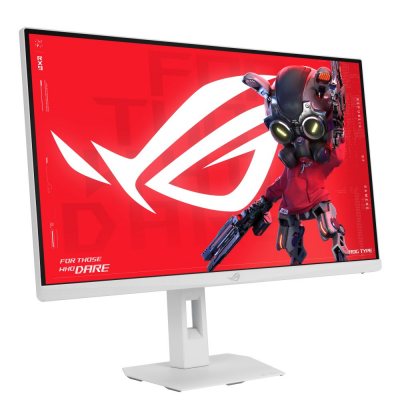
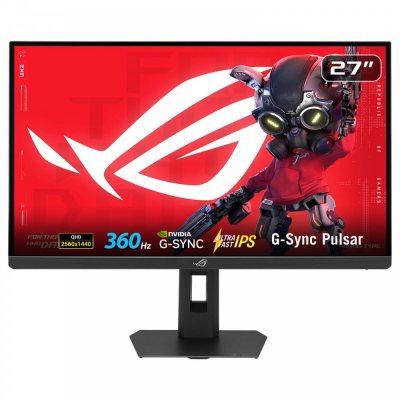
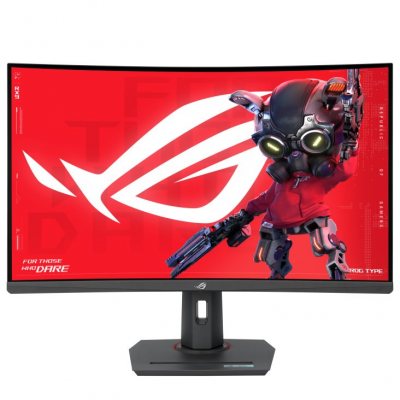
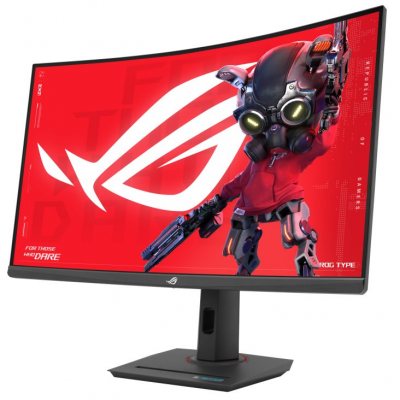
TUF Gaming covers Full HD and 1440p screens from 23.8 to 34 inches, mostly fast IPS panels at 180 to 240Hz, with VA panels on the curved models. ROG Strix is the higher tier: faster panels, such as the 360Hz Pulsar, a 27-inch 4K model and curved 1440p screens. For most gaming PCs, a 27-inch 1440p TUF or Strix screen is a sensible choice. Compare on 1440p monitors and gaming monitors.
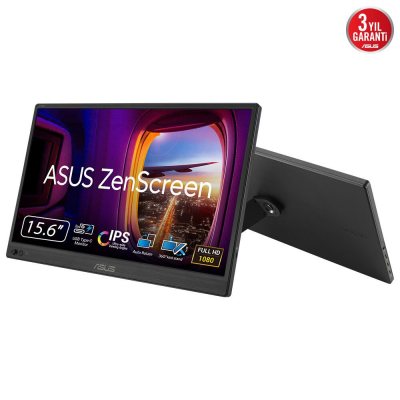
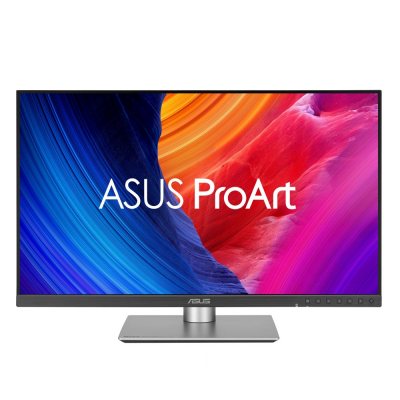
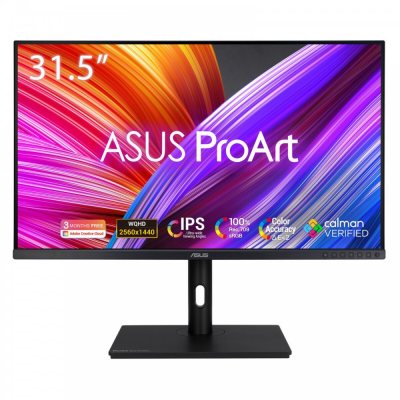
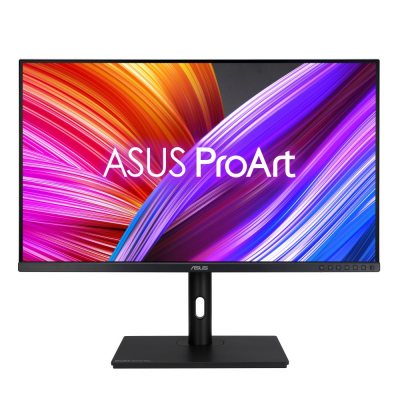
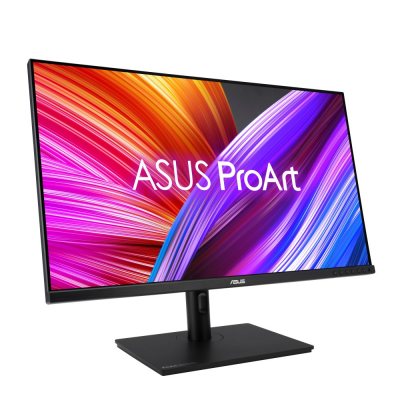
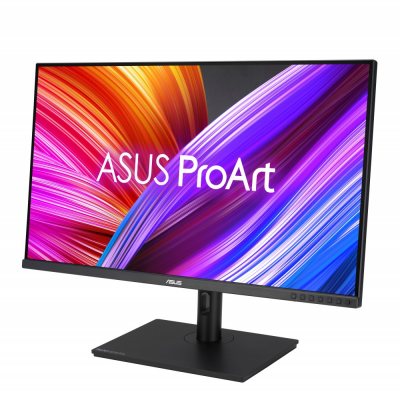
ProArt models are designed around colour accuracy for creative work. Check the colour coverage and calibration details on each product page. A 5K screen at 27 inches is very sharp, so make sure your computer can output that resolution. ZenScreen portables connect to a laptop by USB-C. Your laptop's USB-C port must support video, often shown as DisplayPort Alt Mode, for a single cable to work.
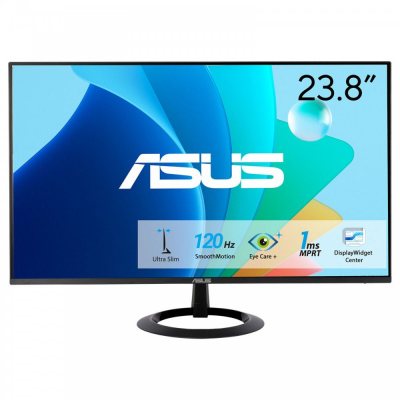
The everyday ASUS range runs from 21.4 to 27 inches, mostly Full HD IPS at 75 to 120Hz. Many carry the ASUS Eye Care label, meaning a flicker-free backlight and a low blue light mode, which helps on long days. Browse 27-inch monitors for a bigger work screen, or see all monitors.