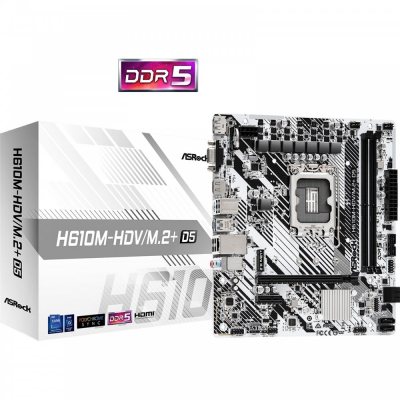

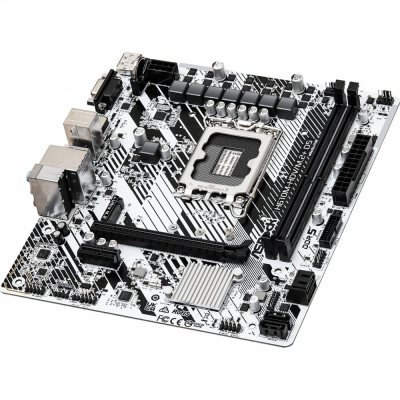


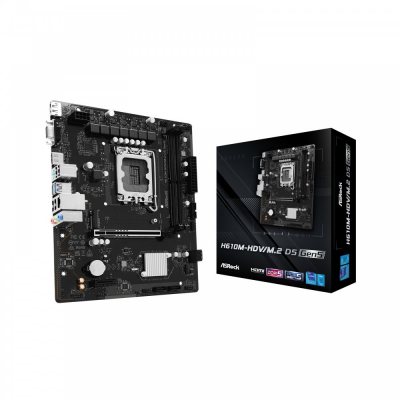
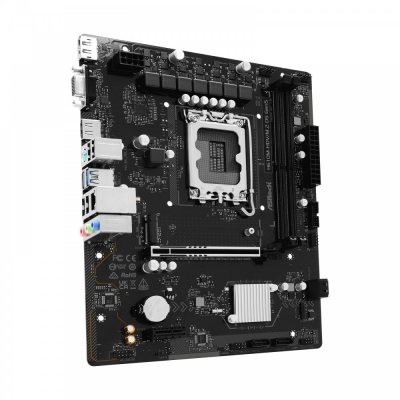
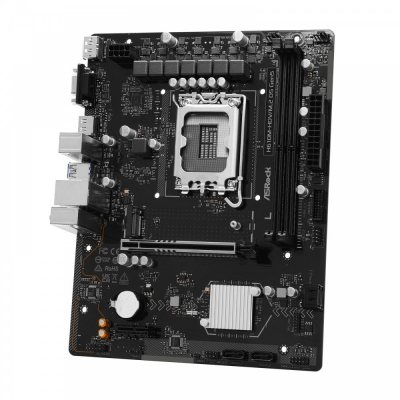
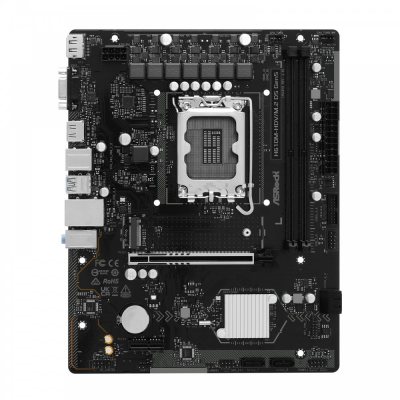
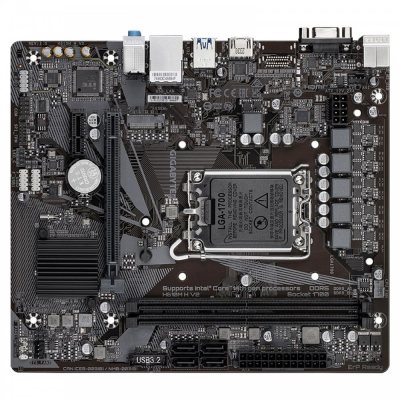
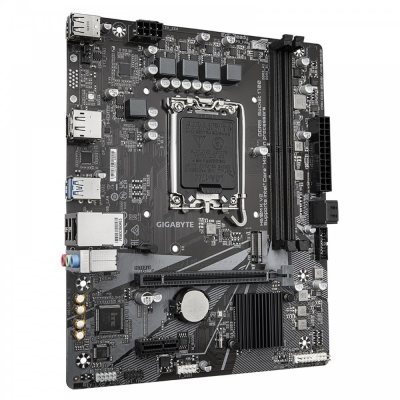
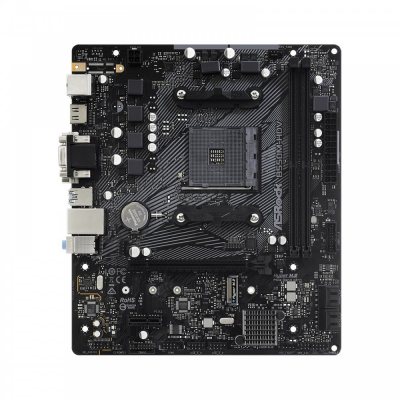
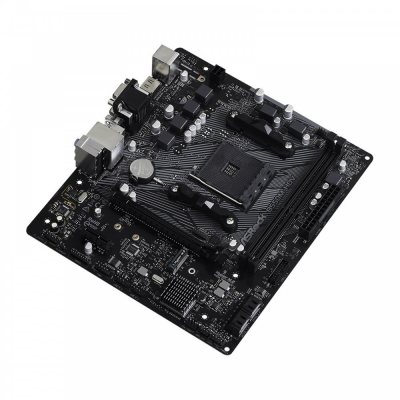
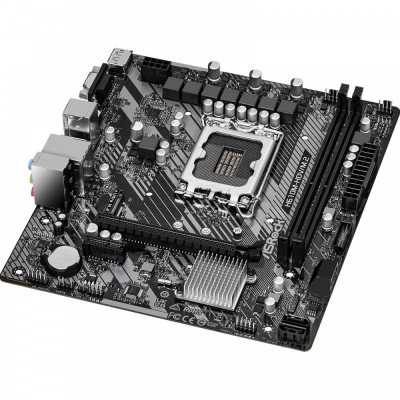
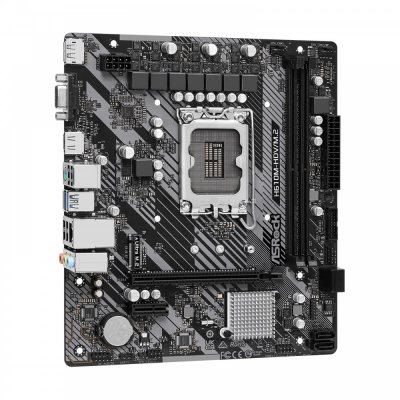
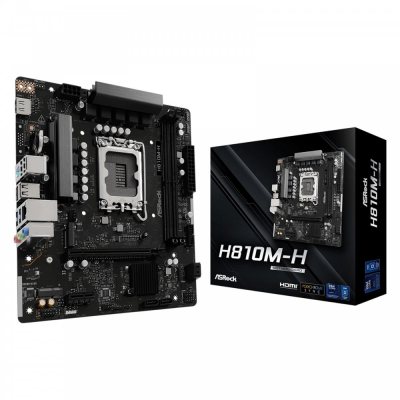
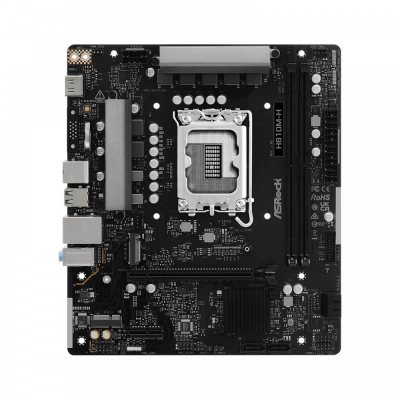
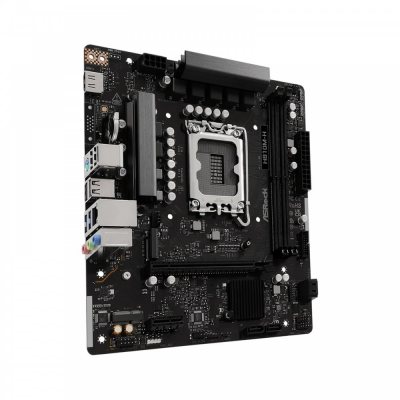
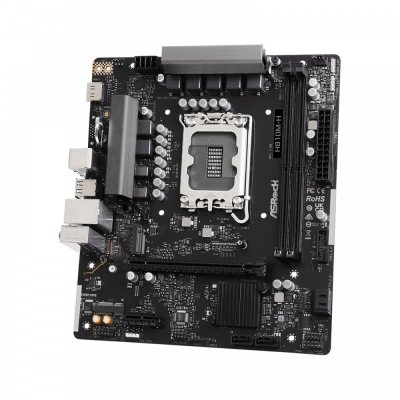
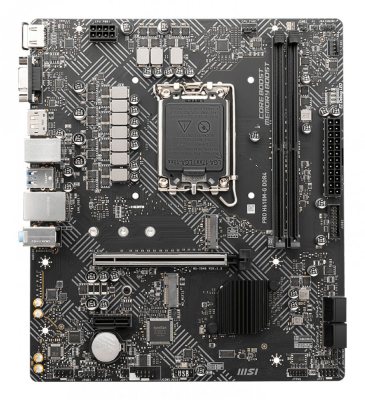
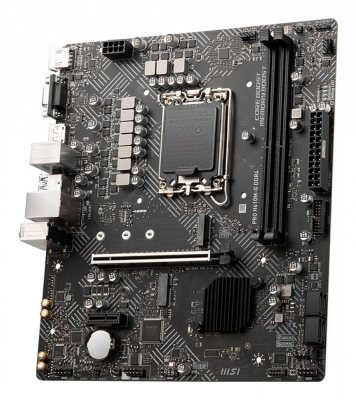
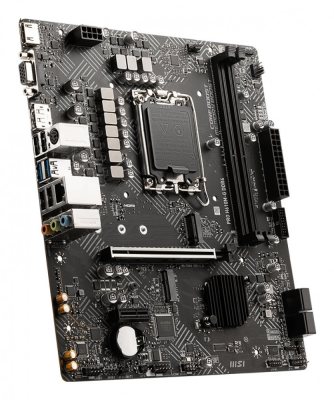
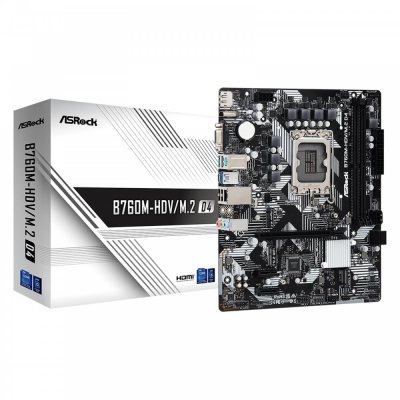
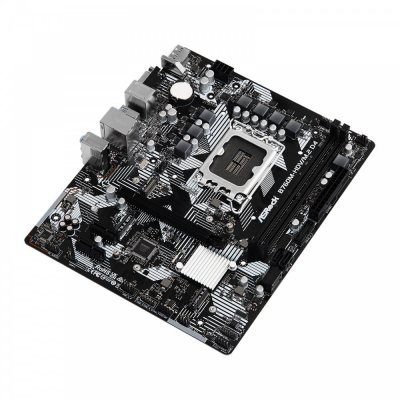
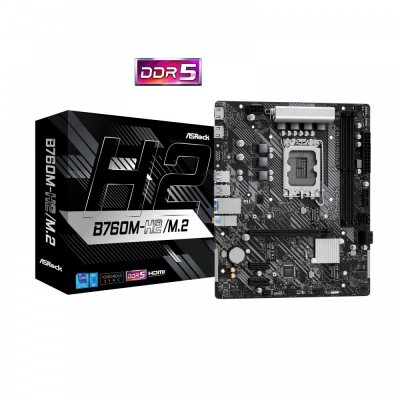
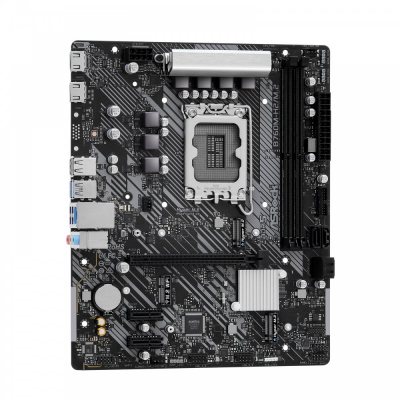
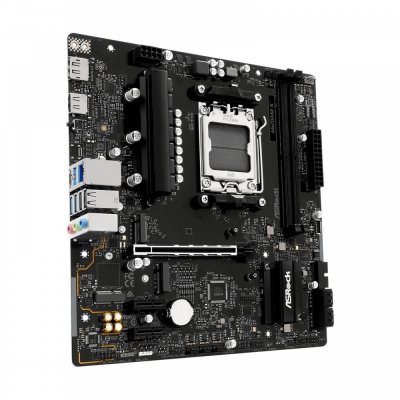
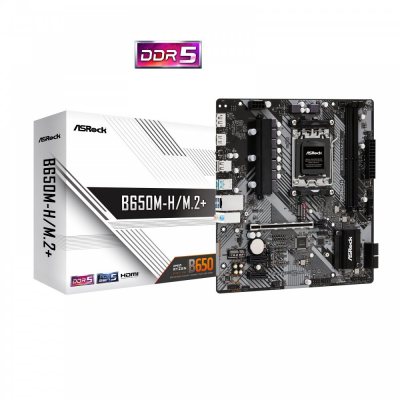
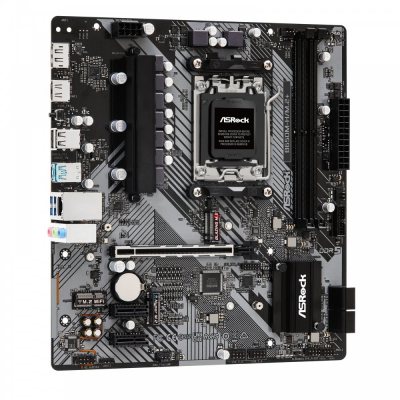
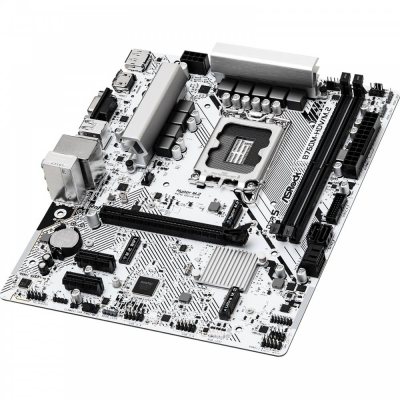
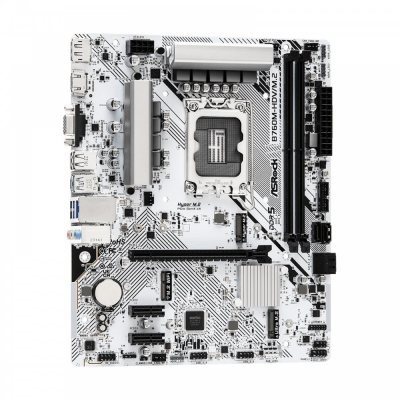
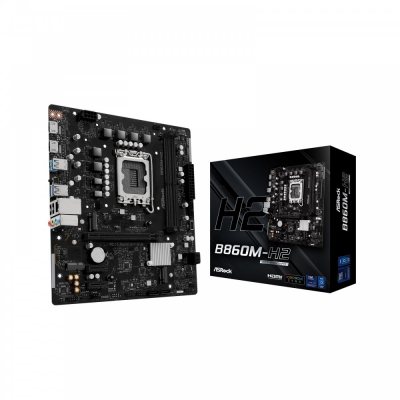
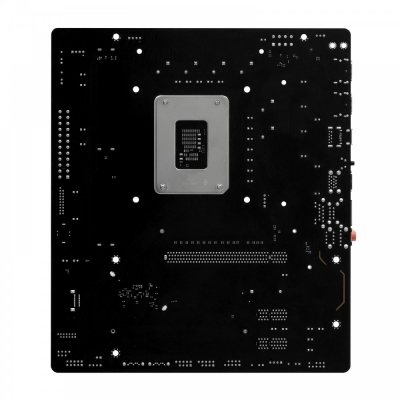
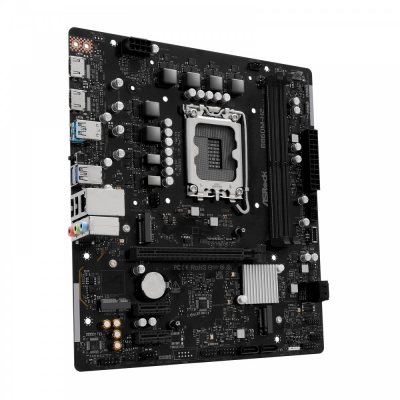
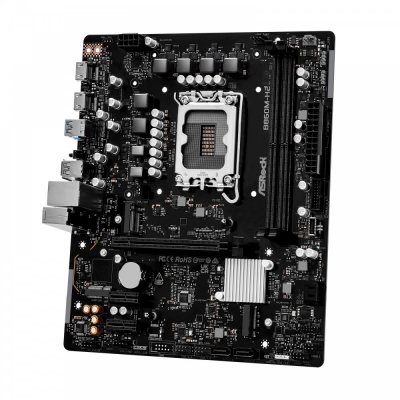
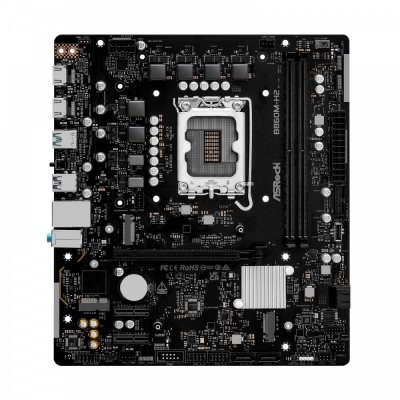
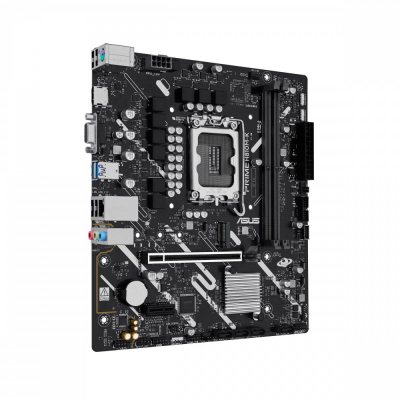
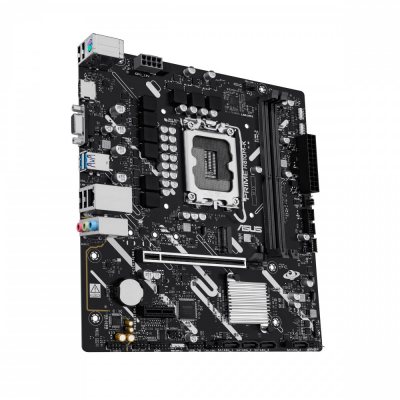
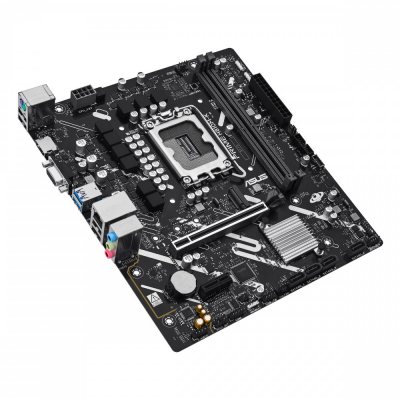
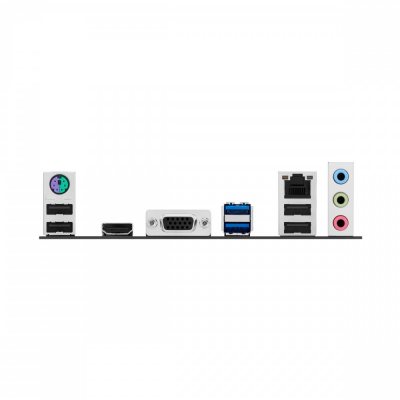
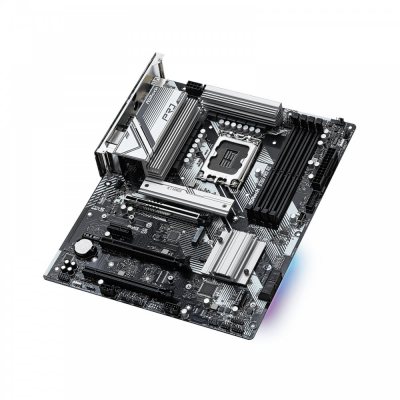
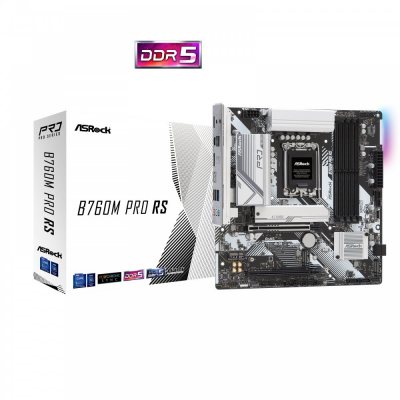
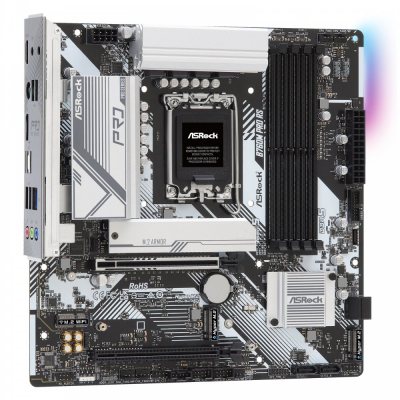
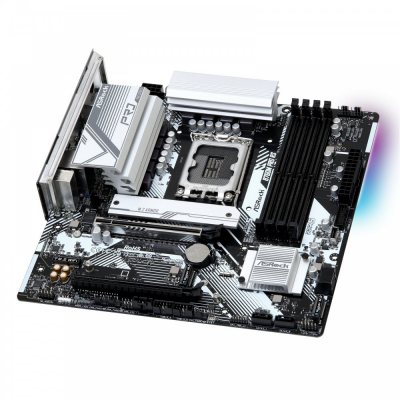
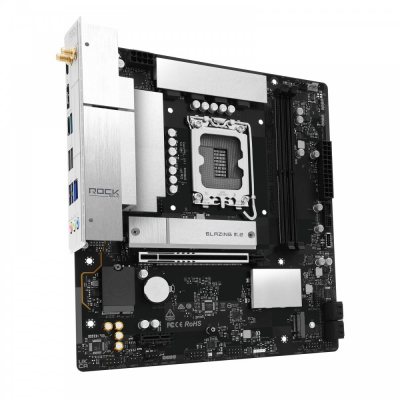
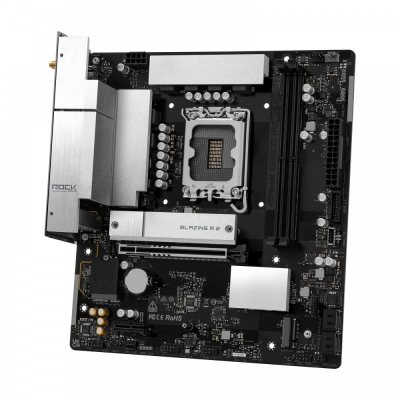
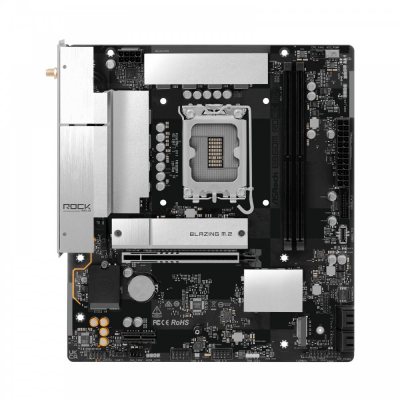
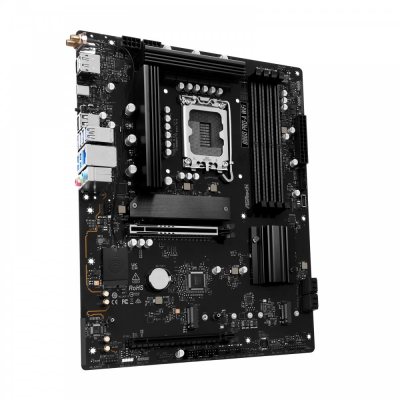
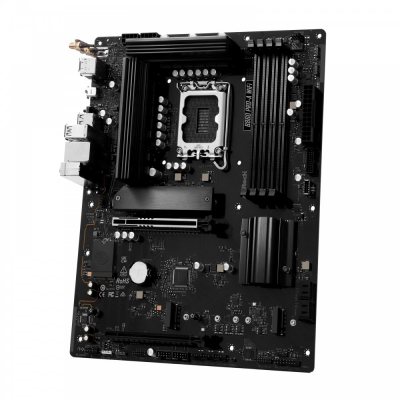
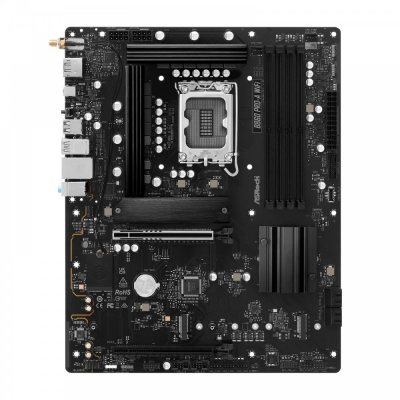
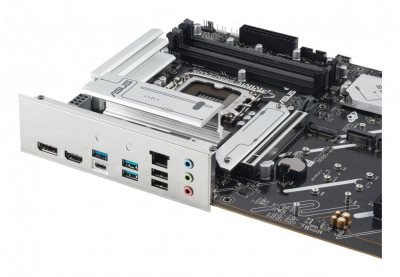
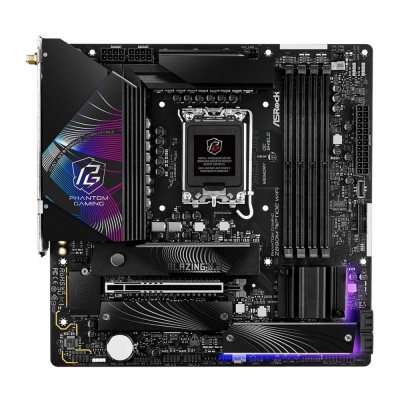
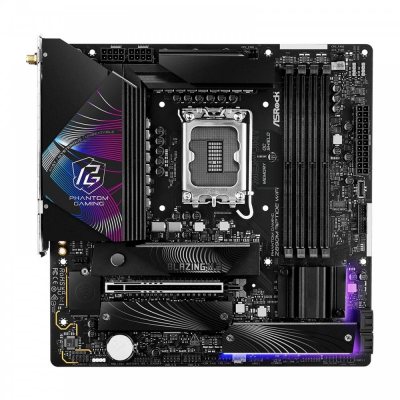
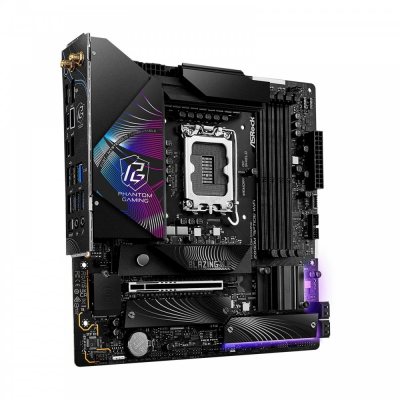
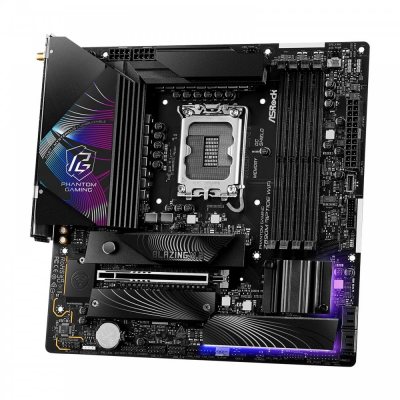
ASRock ASRock H610M-HDV/M.2+ D5 Intel 1700 Motherboard 1700 · Micro ATX · DDR5 - 2 Slots In stock· Online only
£46.99inc VAT£51.98 delivered
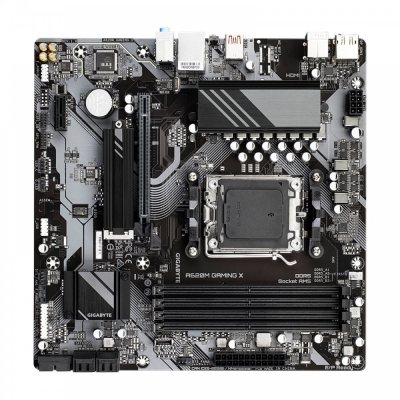
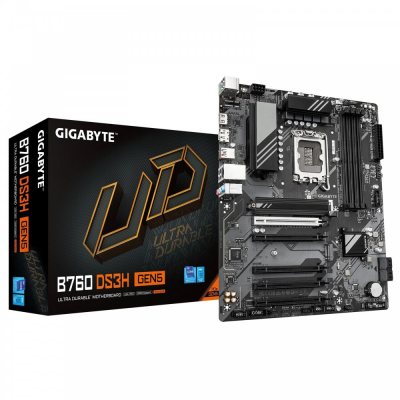
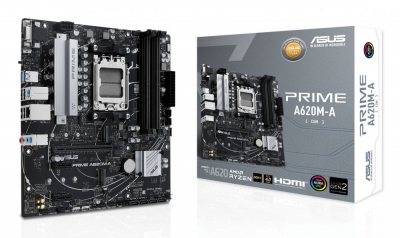
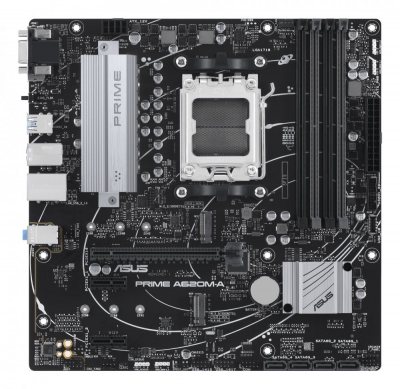
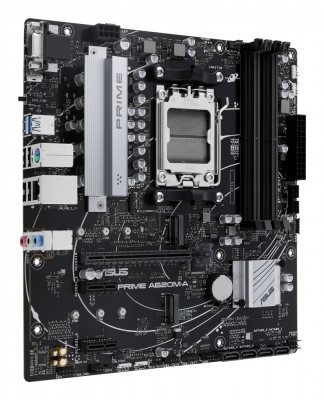
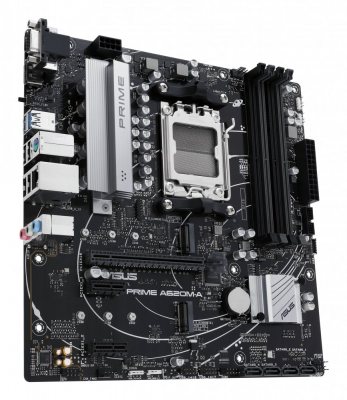
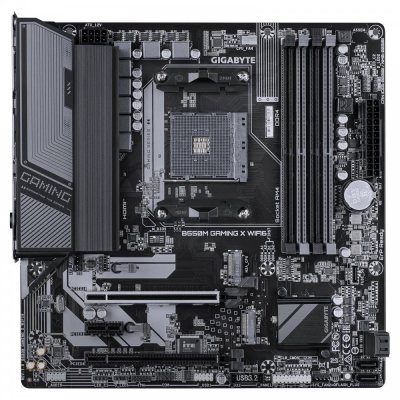
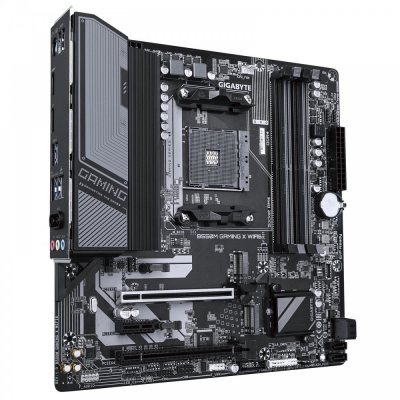
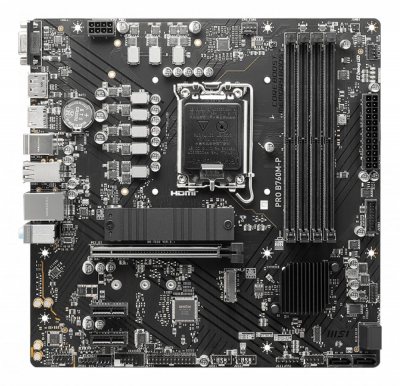
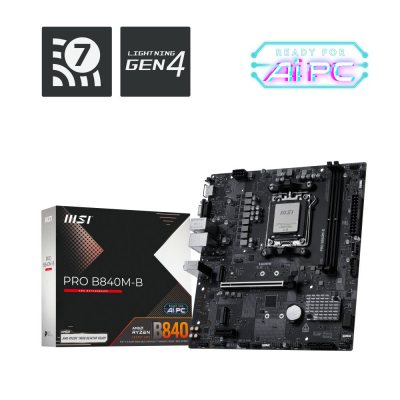
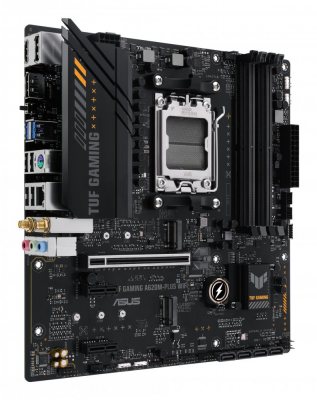
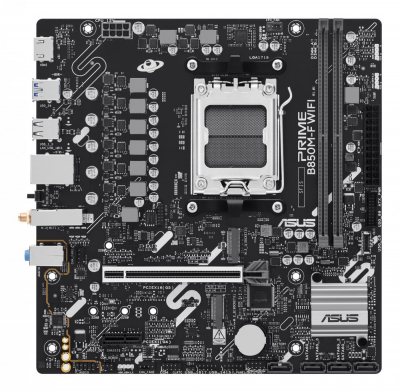
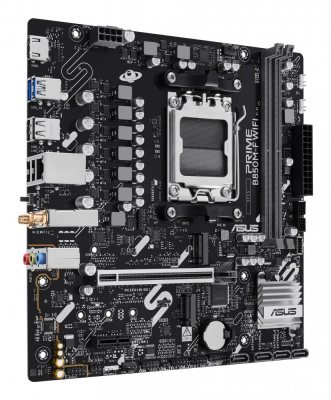
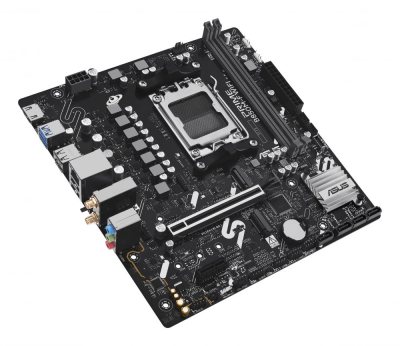
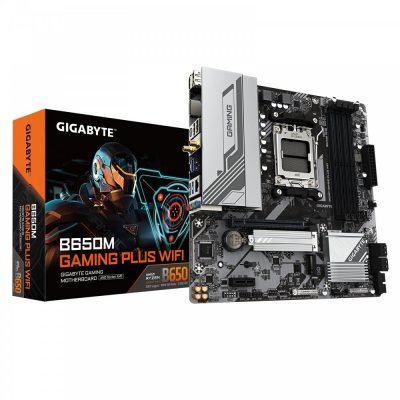
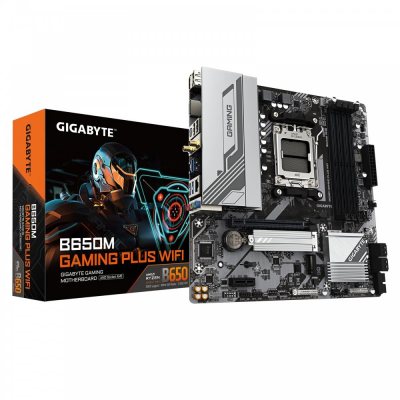
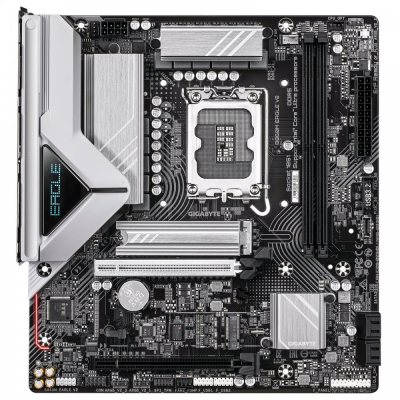
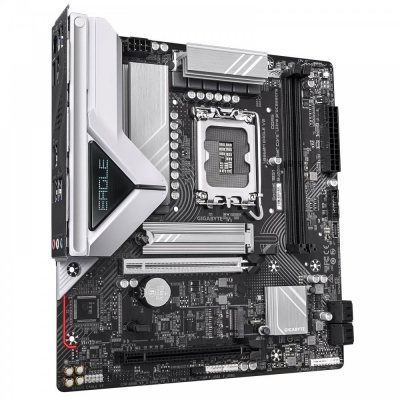
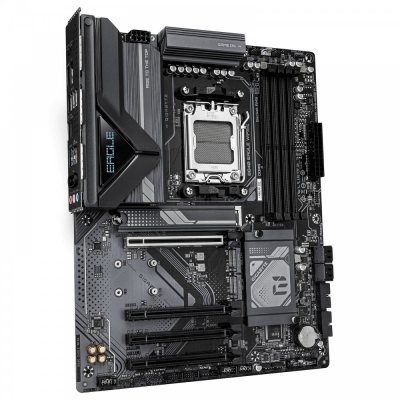
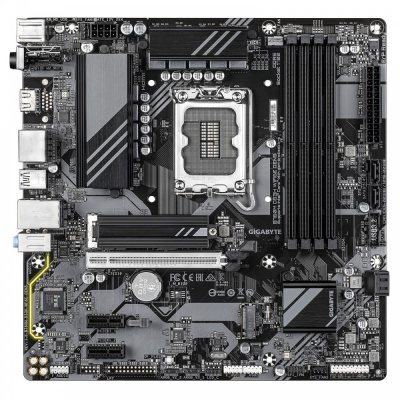
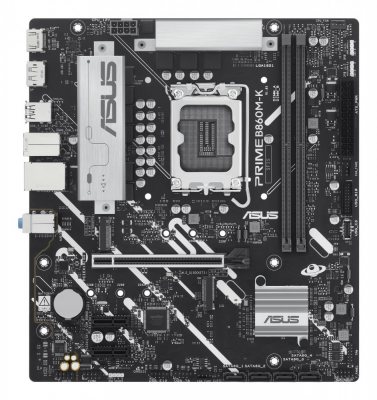
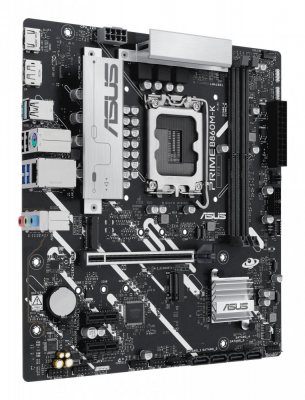
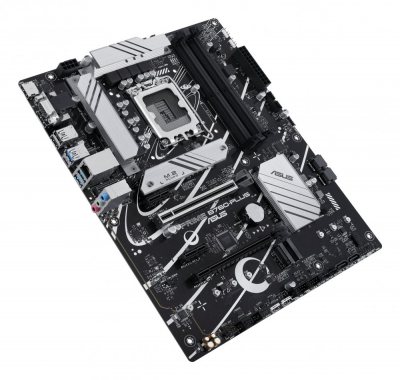
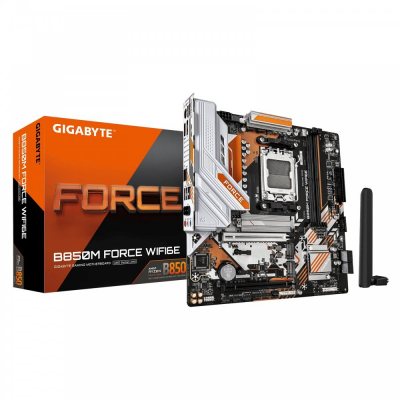
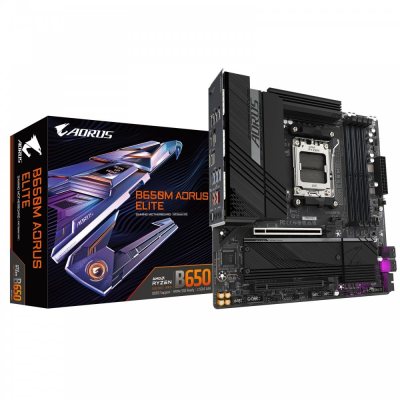
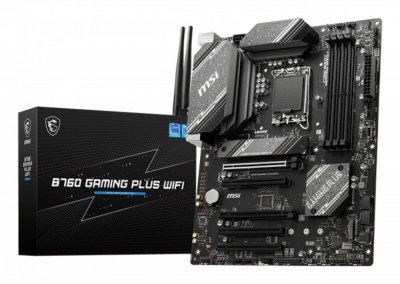
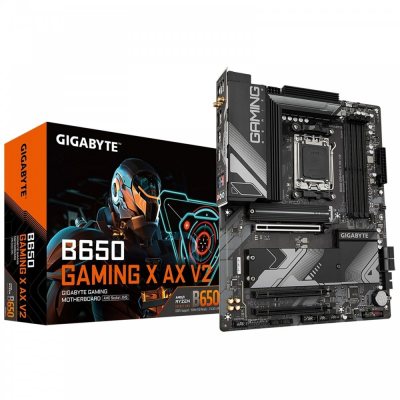
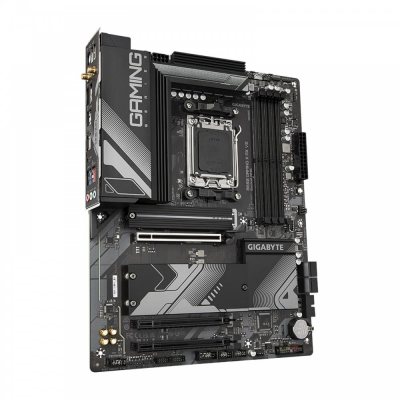
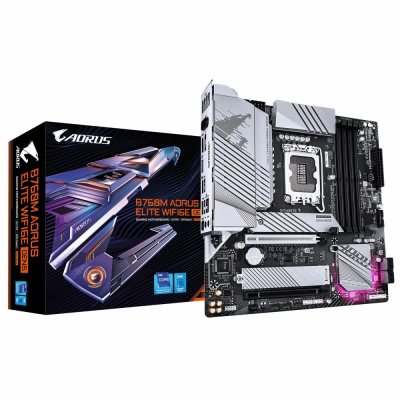
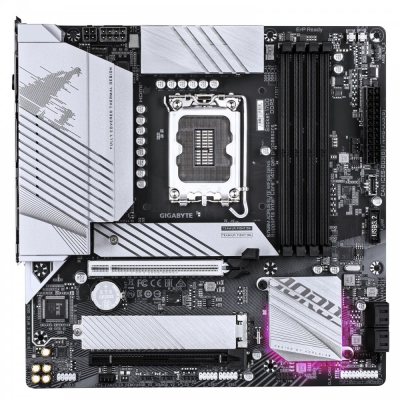
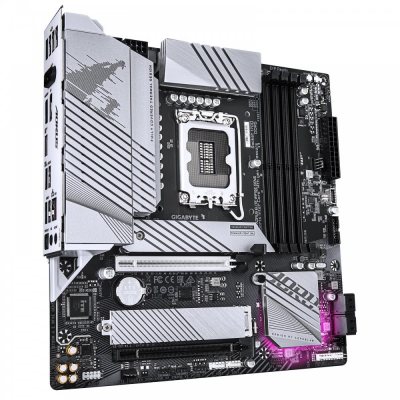
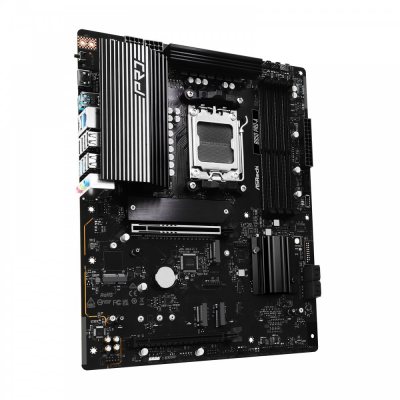
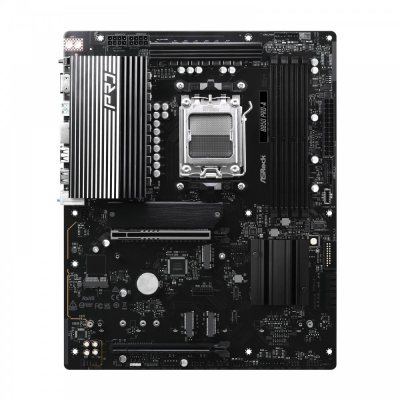
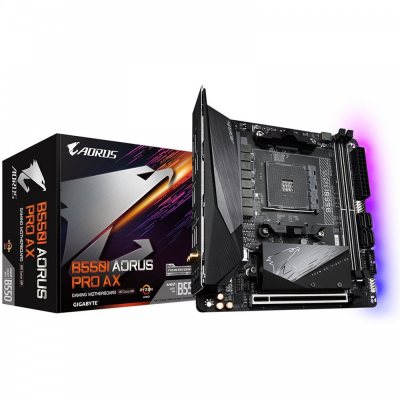
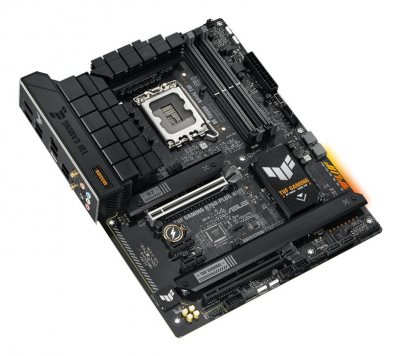
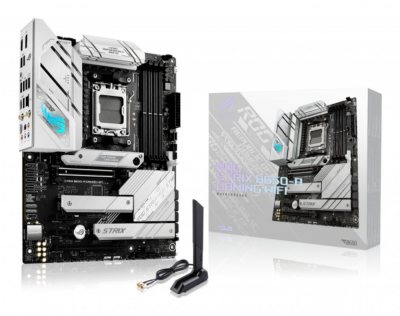
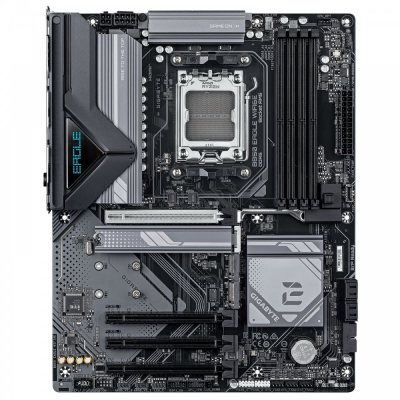
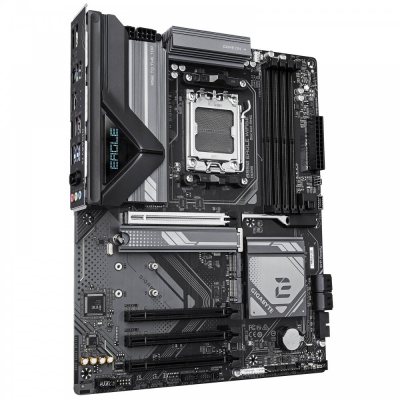
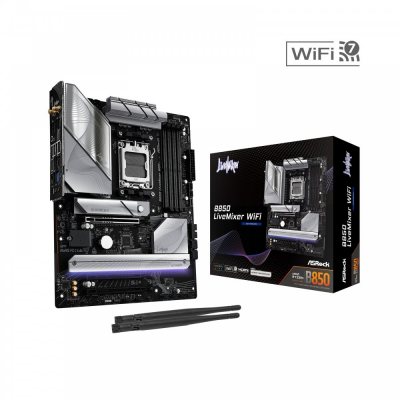
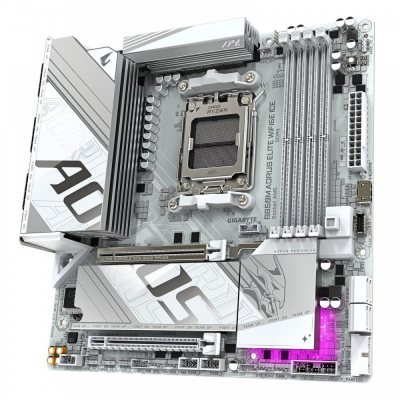
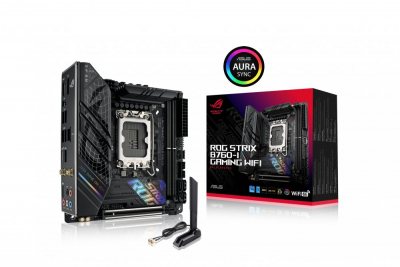
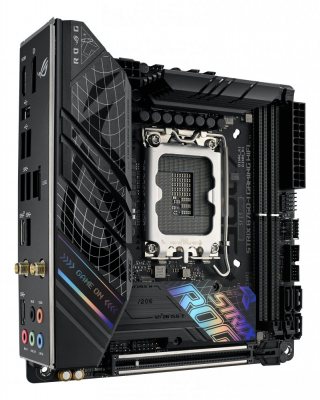
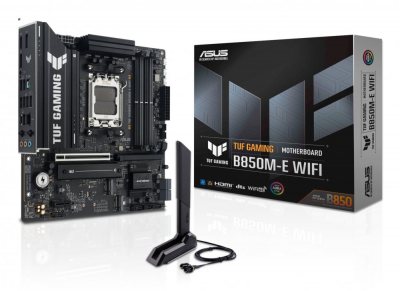
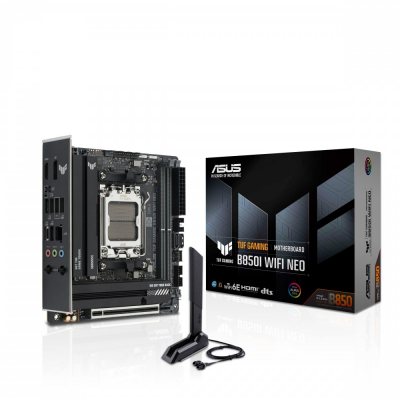
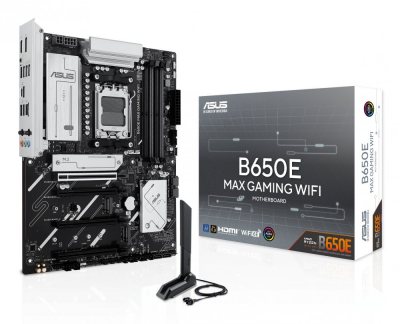
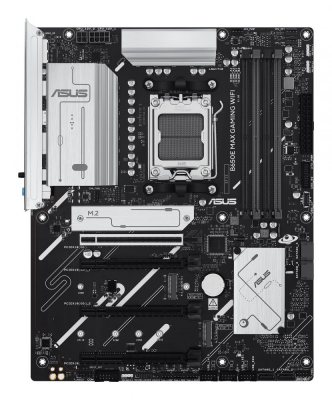
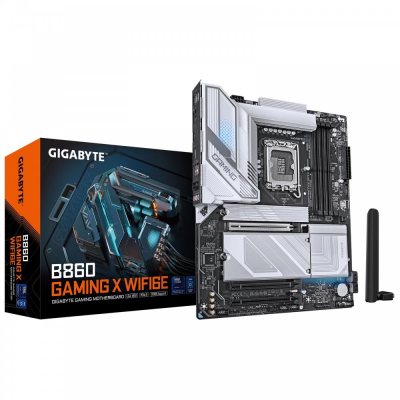
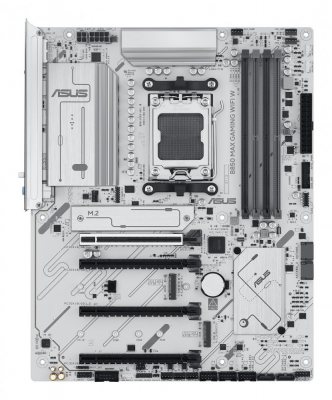
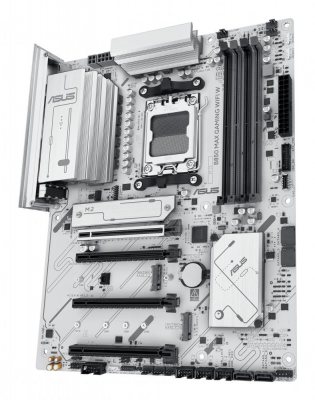
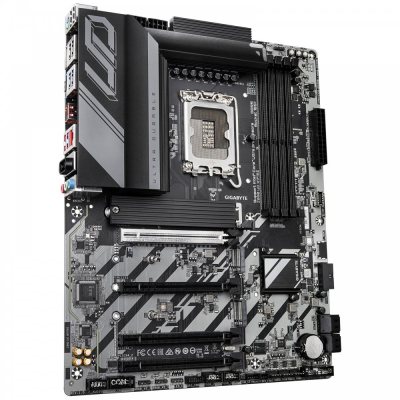
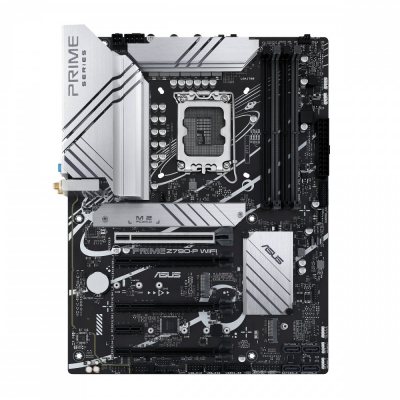
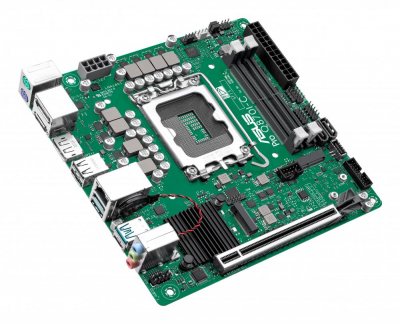
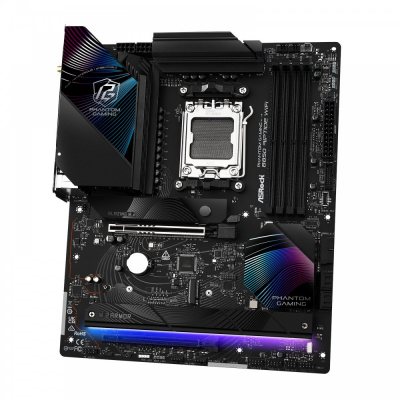
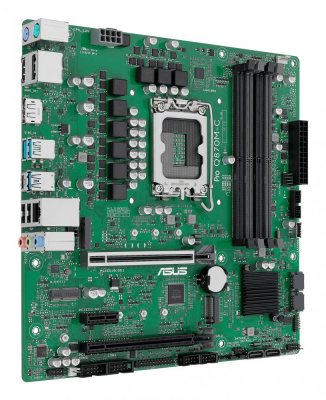
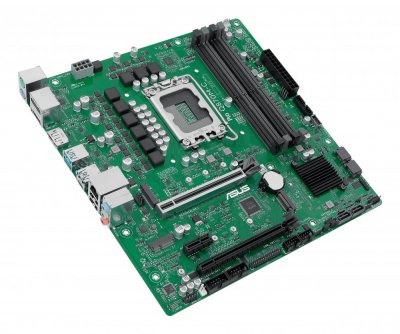
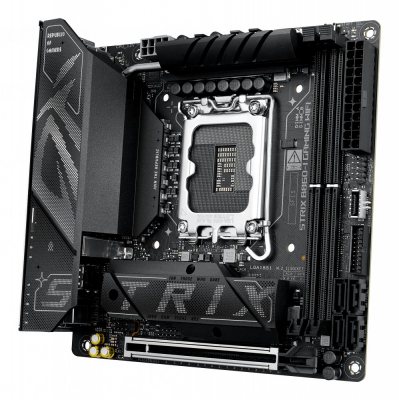
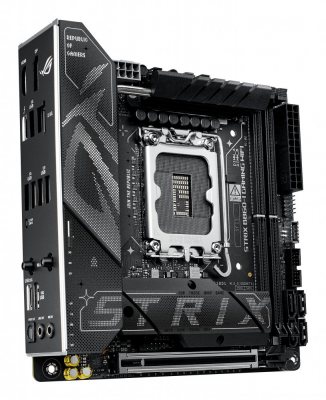
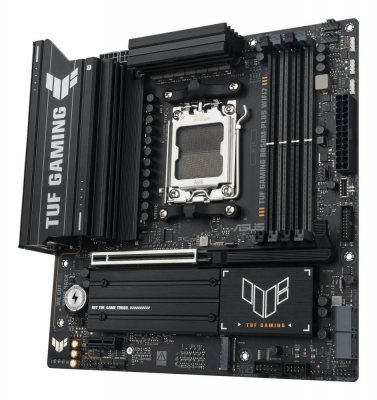
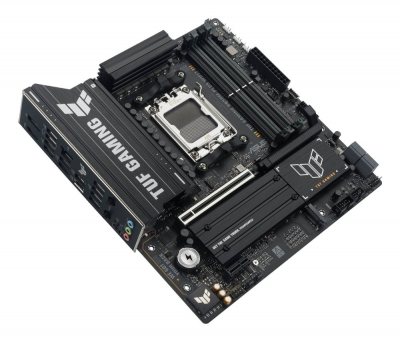
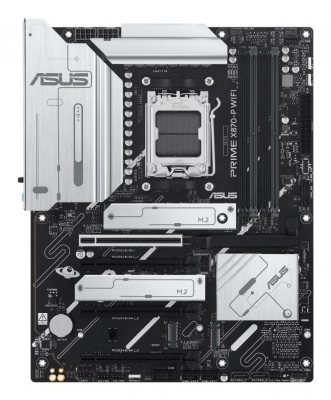
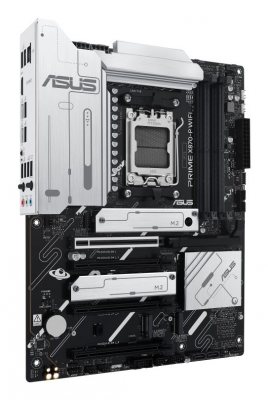
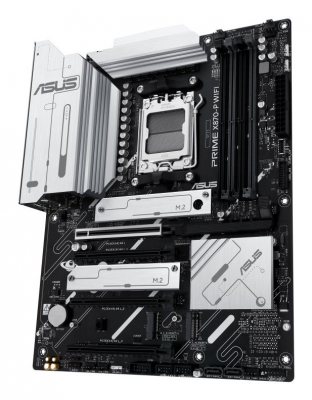
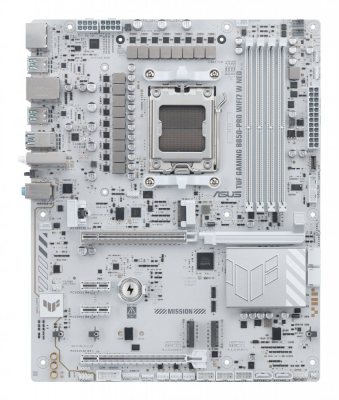
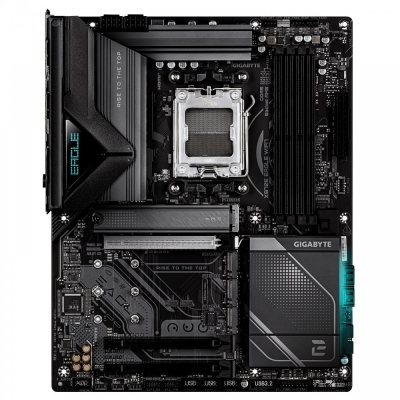
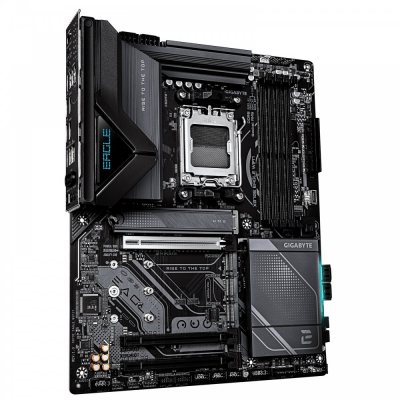
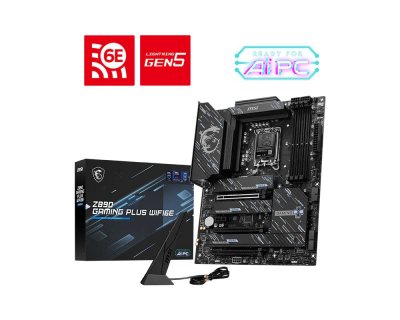
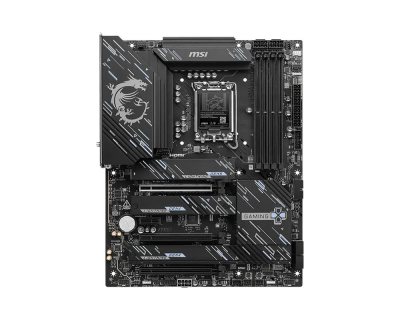
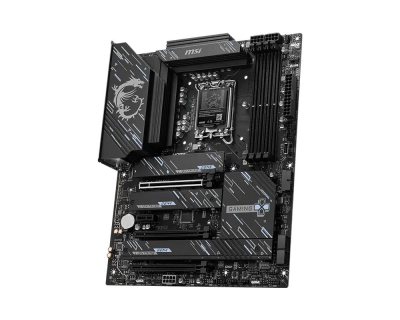
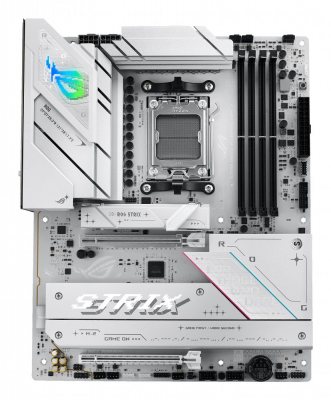
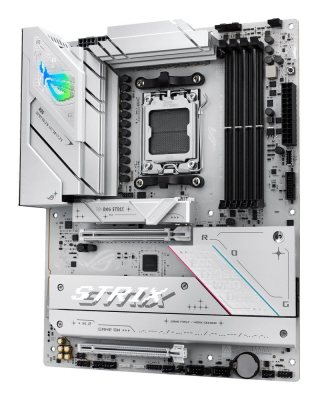
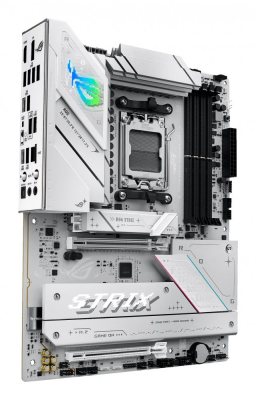
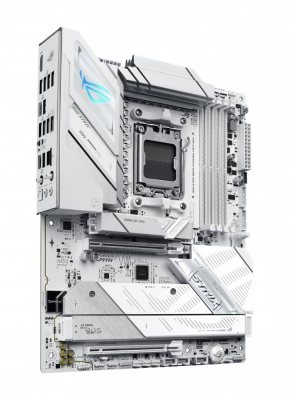
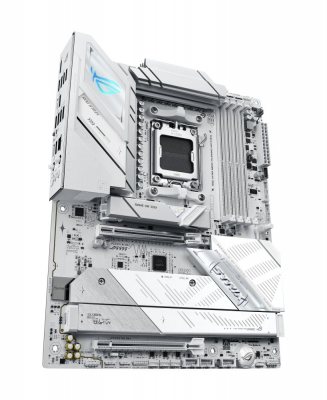
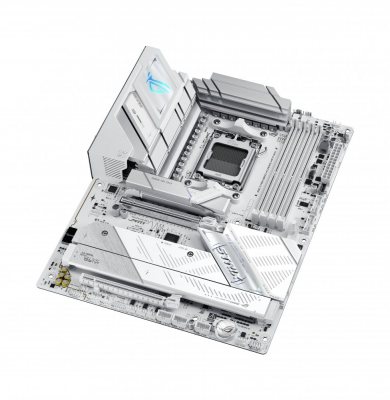
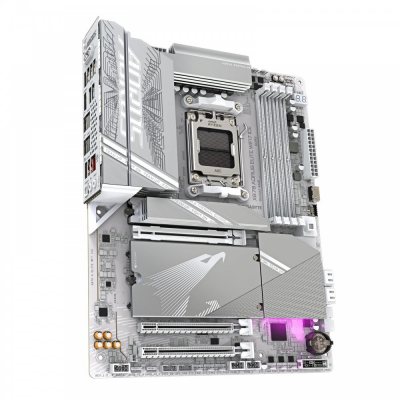
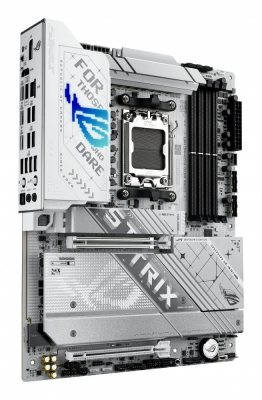
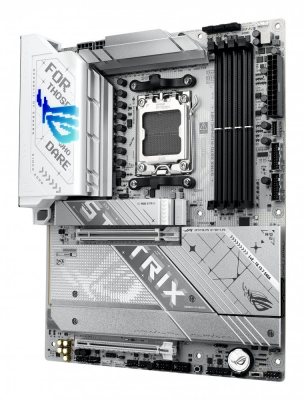
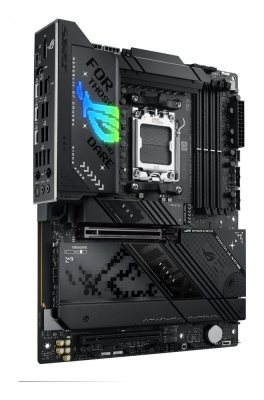
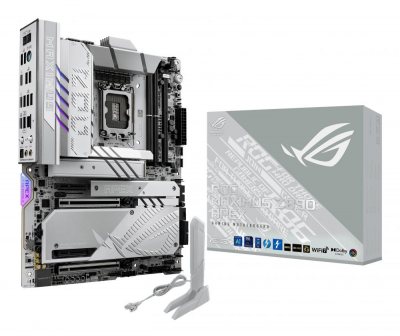
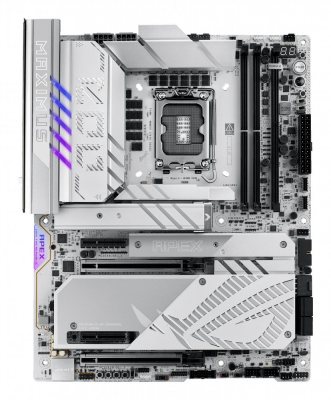
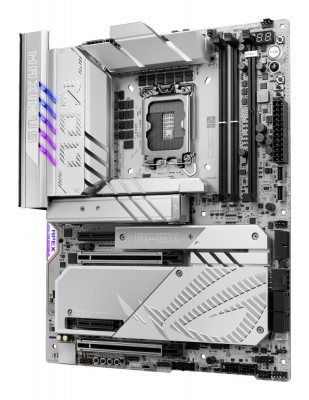
The motherboard connects everything in your PC, so it decides what else will fit. We carry boards from ASUS, Gigabyte, MSI and ASRock in ATX, Micro ATX and Mini ITX sizes, for AMD AM5 and AM4 and Intel LGA1700 and LGA1851 processors. Pick the socket to match your CPU, the size to match your case, and note the memory type the board takes. After that it comes down to features such as M.2 slots, USB ports and built-in Wi-Fi.

































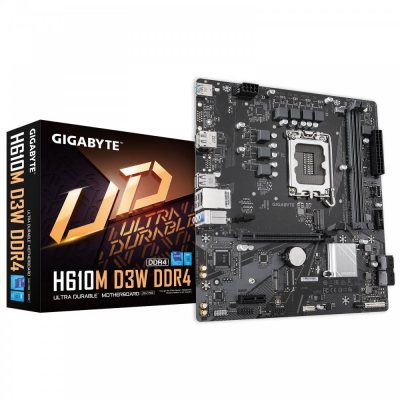

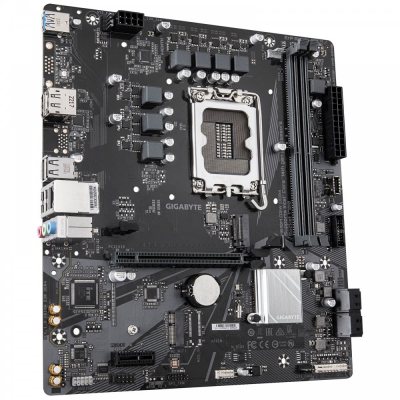

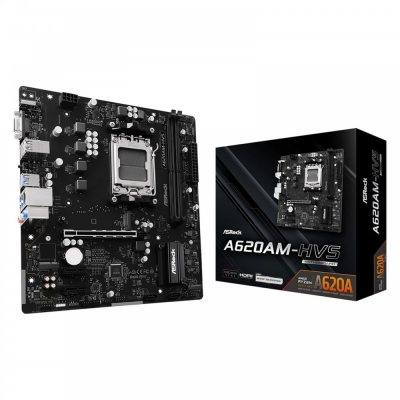
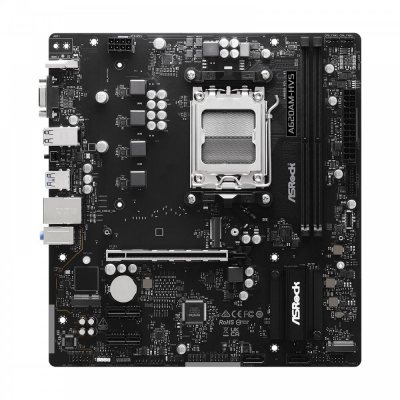























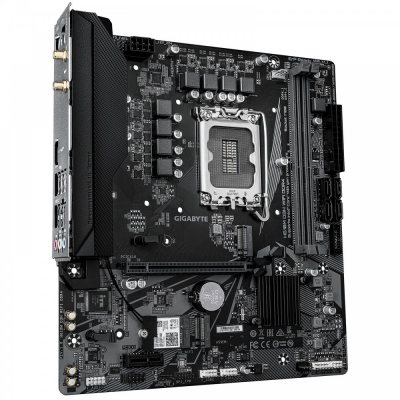


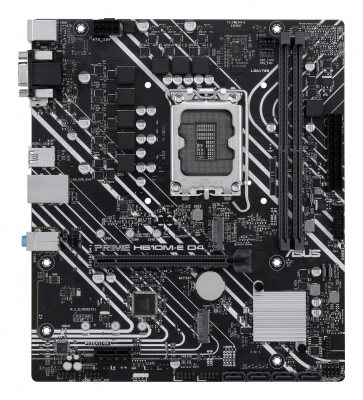


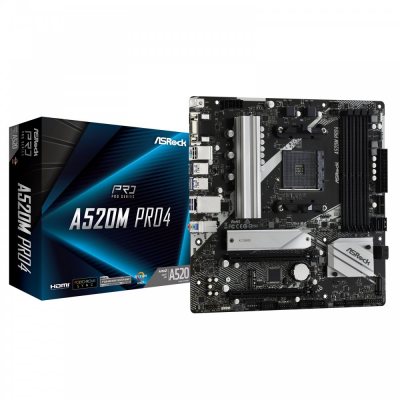


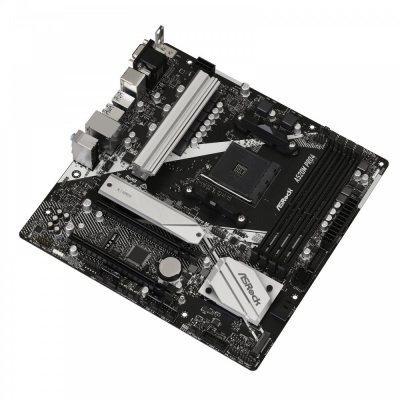






















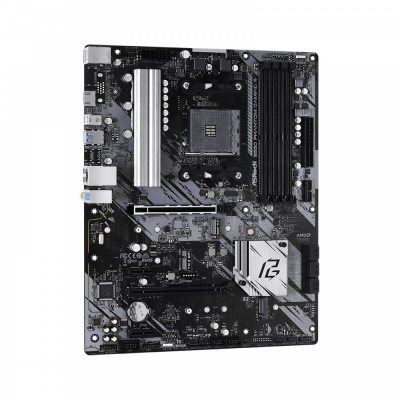

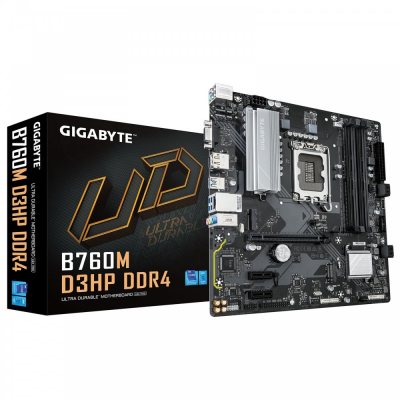

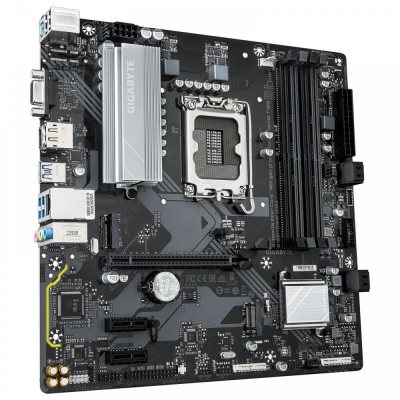


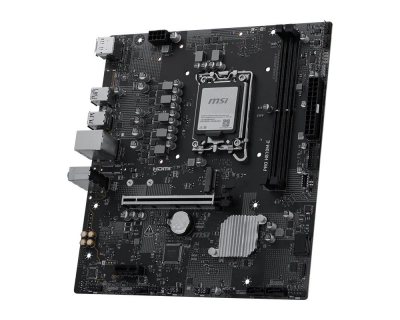

























































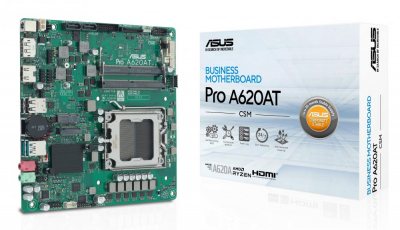

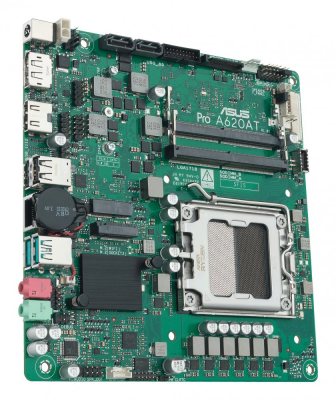


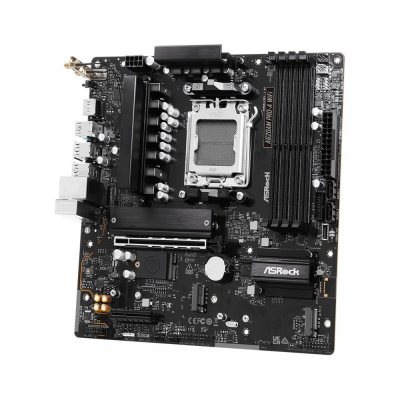


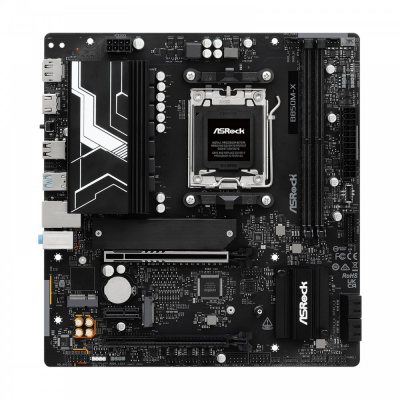





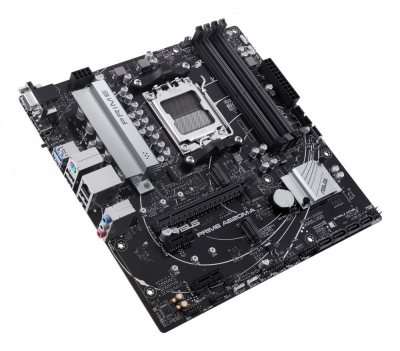

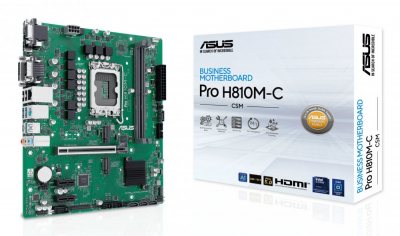


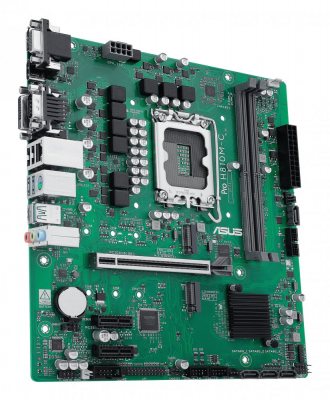
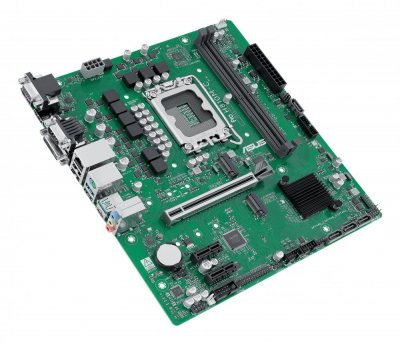







































































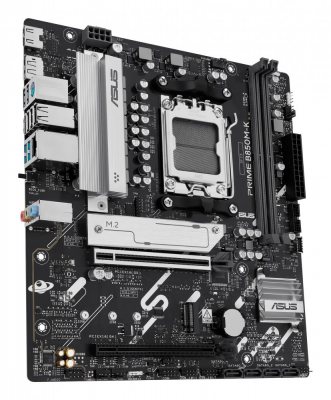

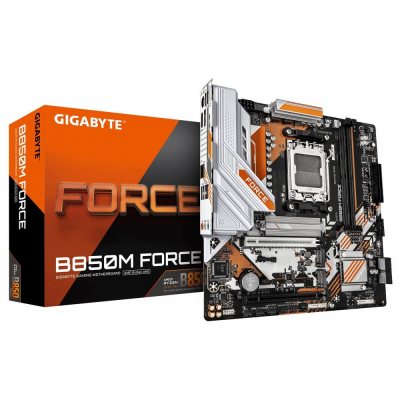

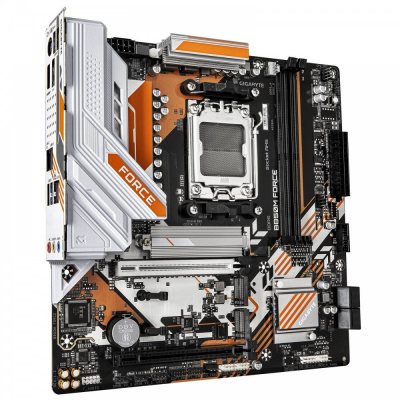


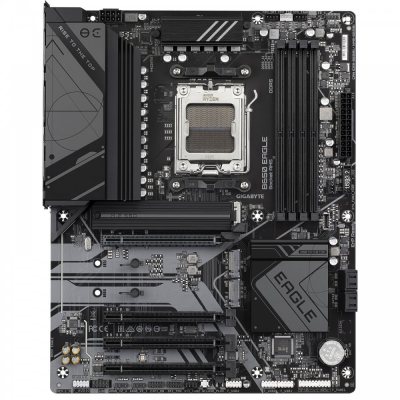































































































































































































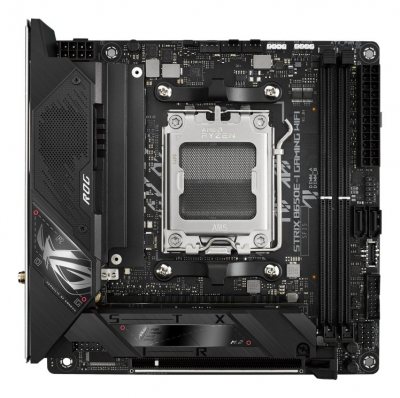
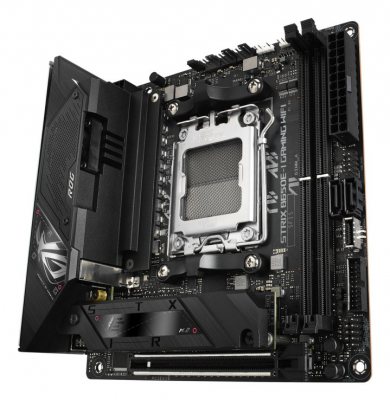


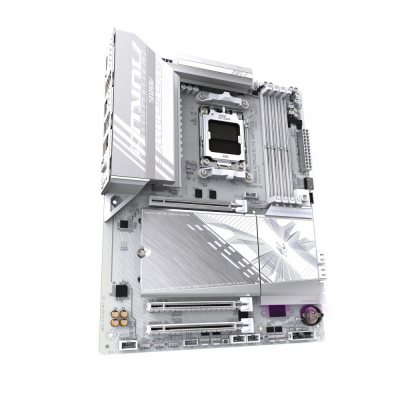


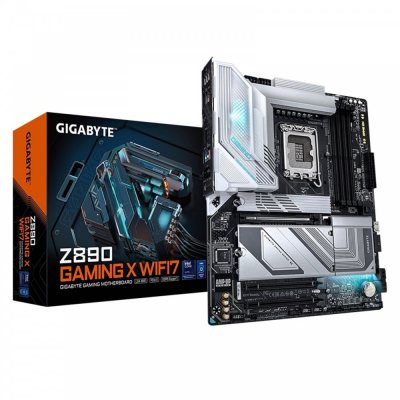























































































































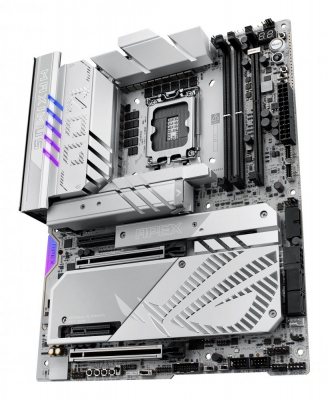
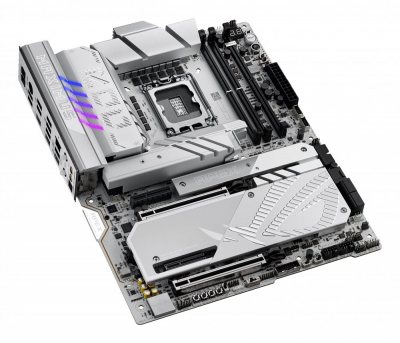


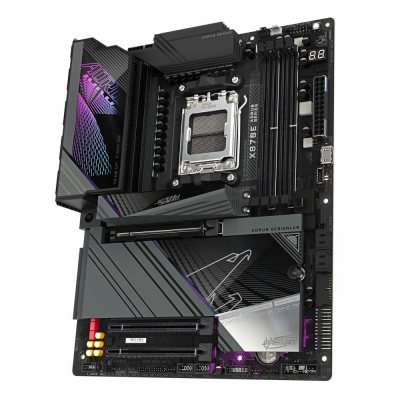

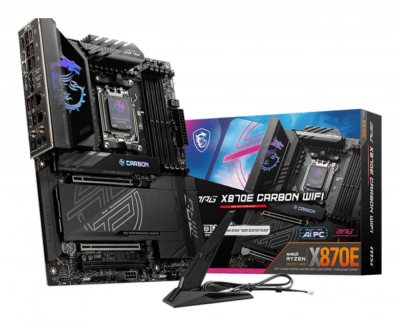



































Nothing matches those filters. Try removing one.
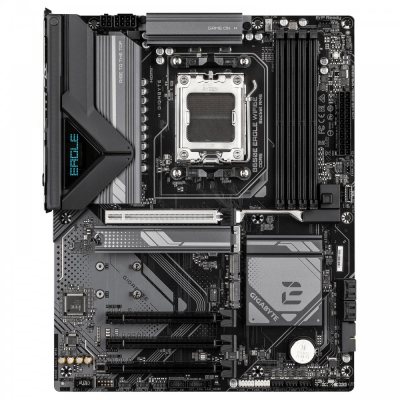
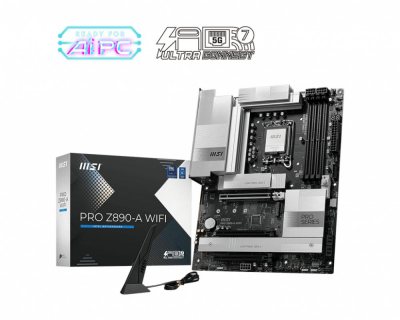
The socket must match your processor. AM5 is AMD's current platform, AM4 the older budget one, LGA1700 runs Intel 12th to 14th Gen and LGA1851 runs Core Ultra 200S. The chipset sets the features. On AMD, A-series boards are basic, B-series suits most builds and X-series adds more lanes and ports. Intel uses H, B and Z, and only Z boards let you overclock an unlocked K processor. Start with AM5 motherboards or AM4 motherboards.
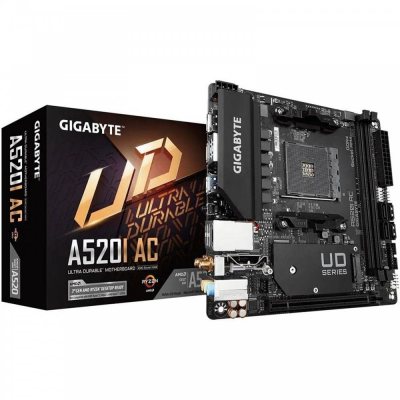
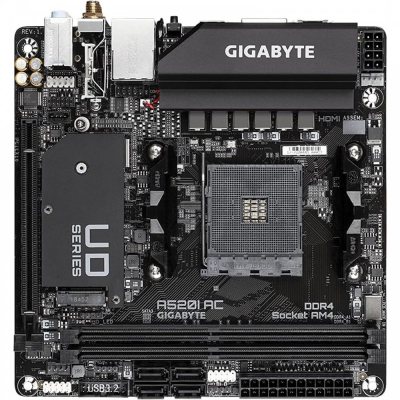
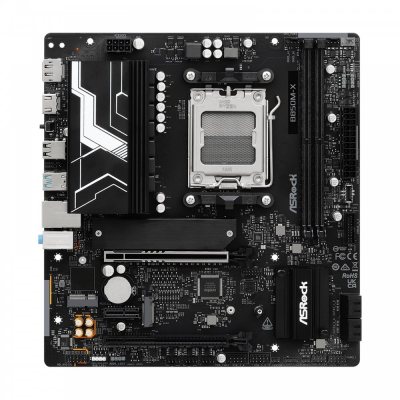
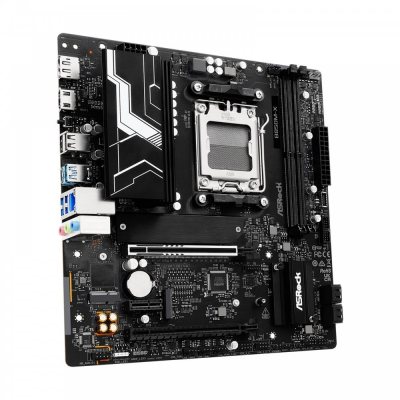
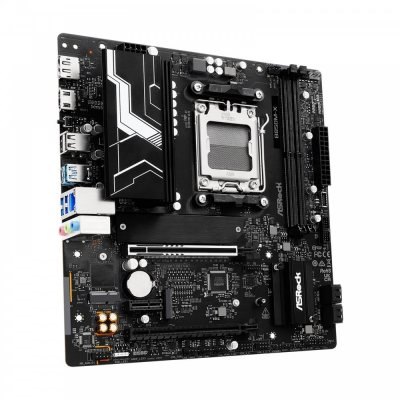
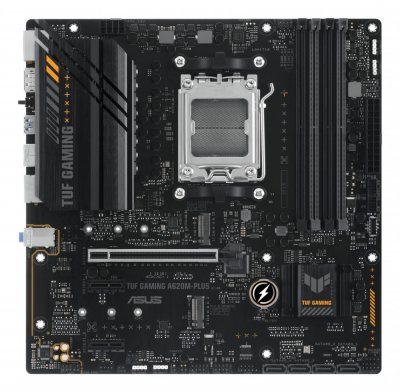
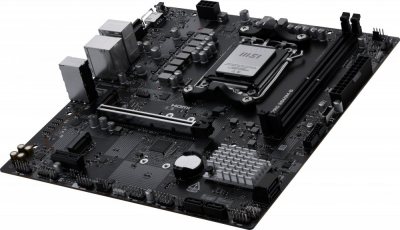
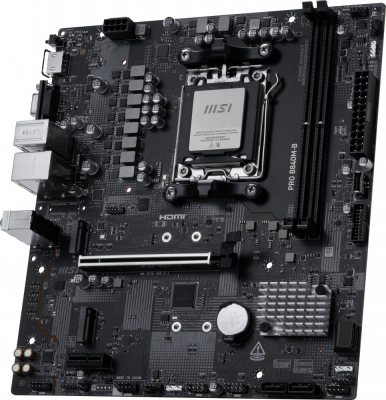
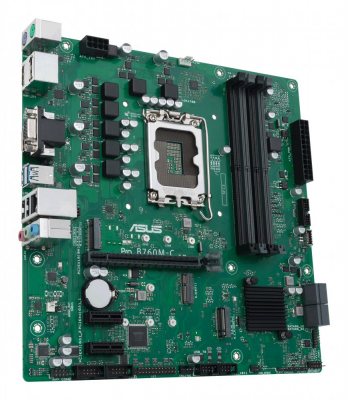
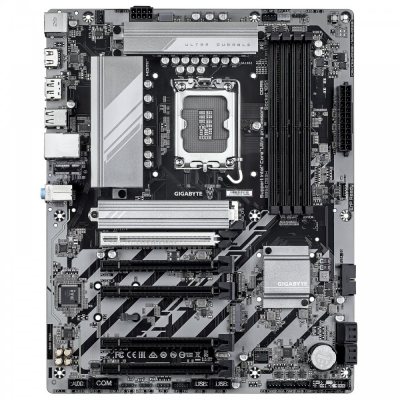
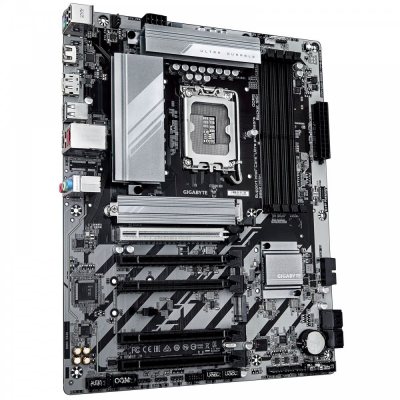
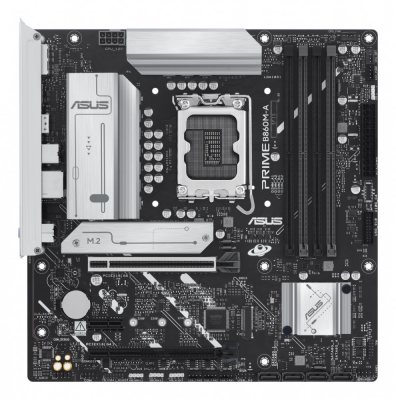
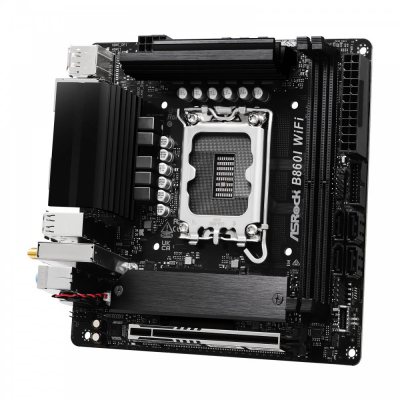
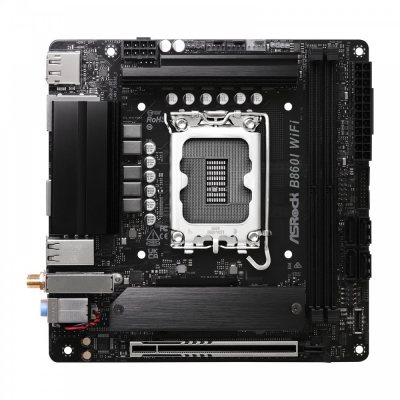
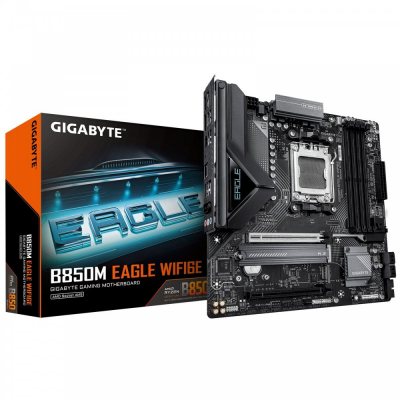
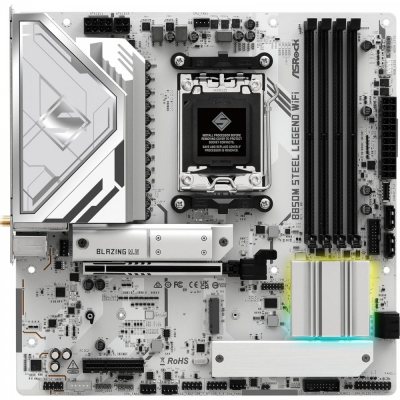
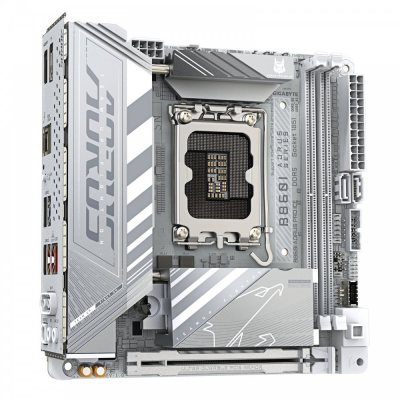
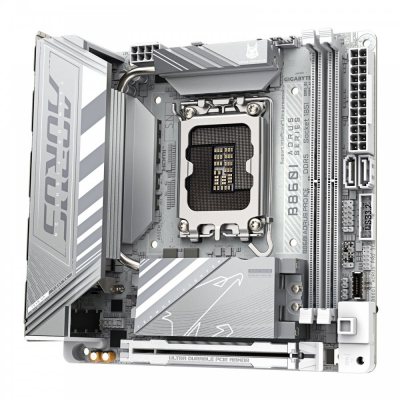
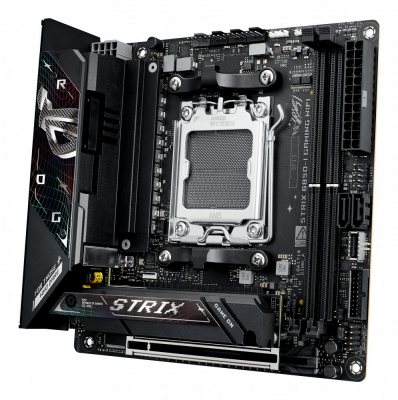
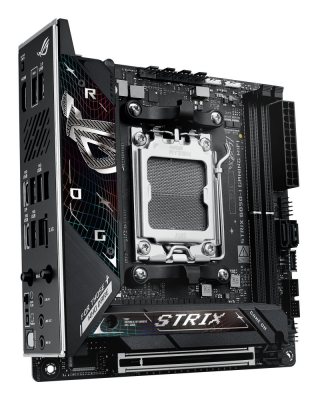
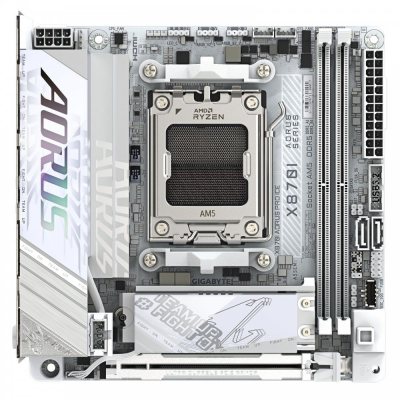
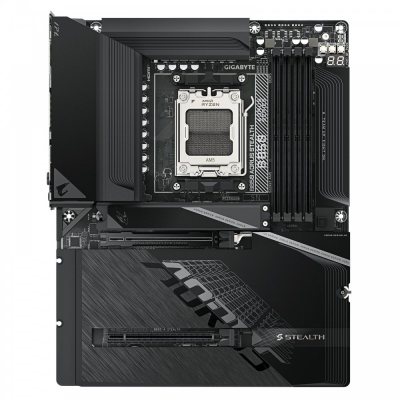
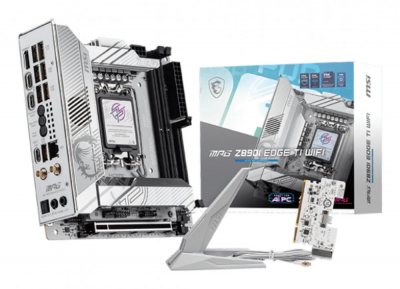
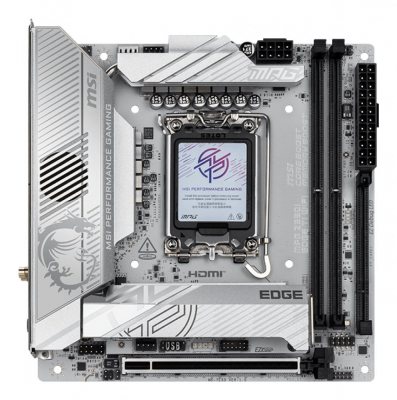
ATX is the full size, with the most slots and connectors. Micro ATX is shorter, with fewer expansion slots, and some models have only two memory slots. It fits compact towers and costs a little less. Mini ITX is tiny, with one PCIe slot and usually two memory slots, for small builds. Your case lists the sizes it takes. See our Micro ATX boards and Mini ITX boards.
AM5 and LGA1851 boards use DDR5 only, and AM4 boards use DDR4. LGA1700 boards come in DDR4 and DDR5 versions, so check before you buy RAM, because the two are not interchangeable. Count the M.2 slots for fast NVMe drives, and look for PCIe 4.0 or 5.0 support if drive speed matters to you. Four memory slots leave room to add more later.
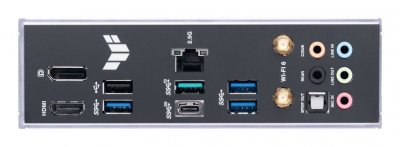
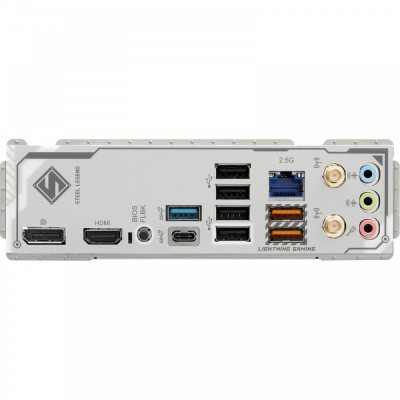
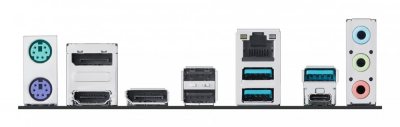
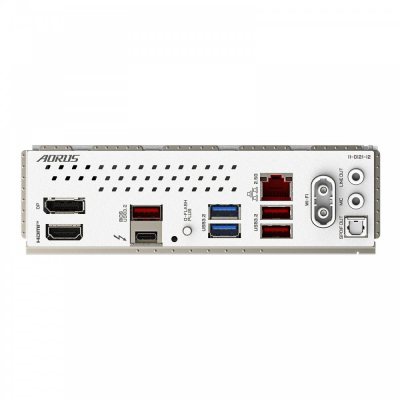
Boards with Wi-Fi in the name have wireless and Bluetooth built in, handy if your router is in another room. Check the rear USB ports, including USB-C, and the front-panel headers your case needs. A board can leave the factory with a BIOS older than the newest CPUs, so check the product page for BIOS flashback, which lets you update without a processor fitted.