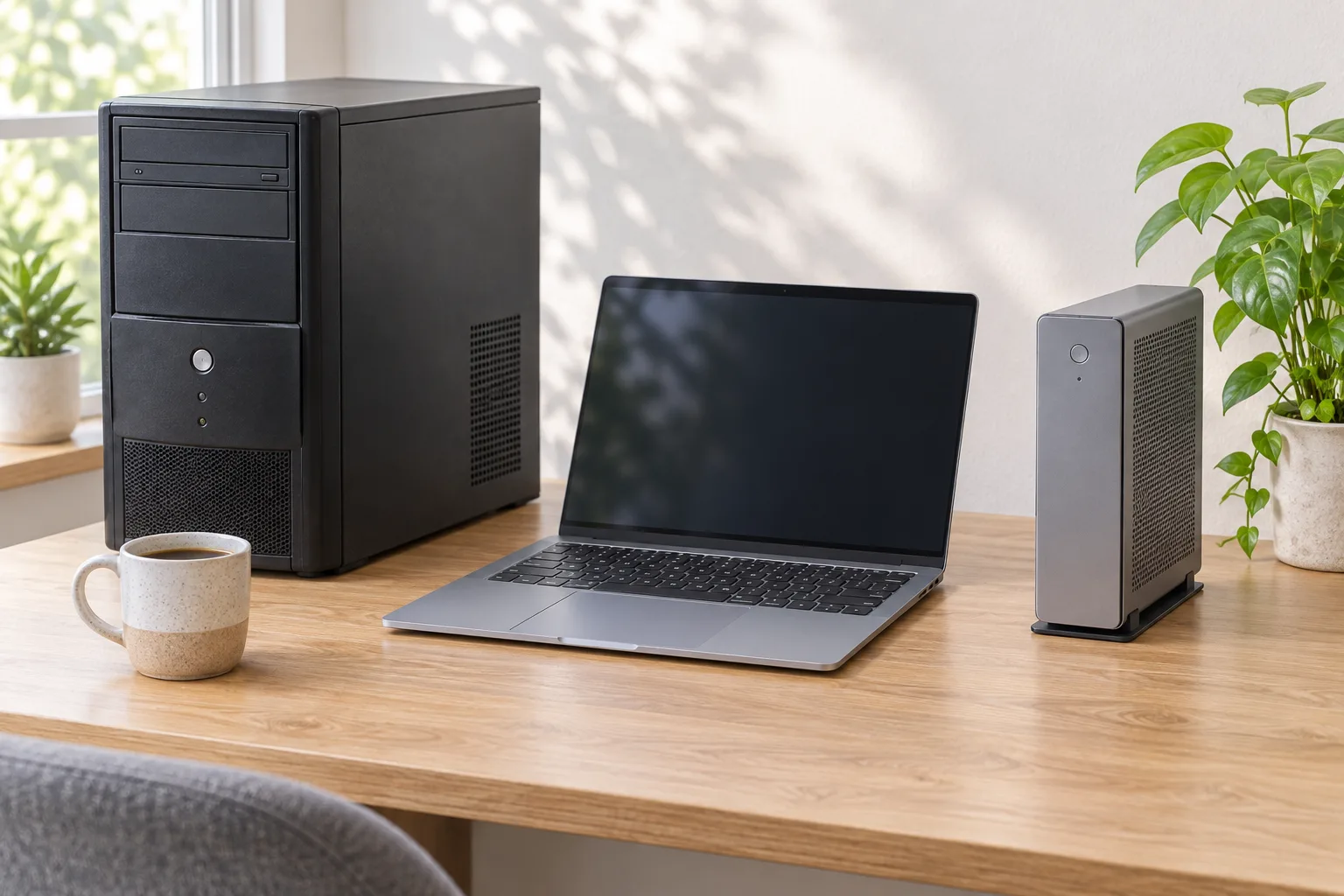
Windows 10 is no longer supported: the short answer
Microsoft ended support for Windows 10 on 14 October 2025. Your PC didn't stop working that day. What stopped is free security fixes, new features and technical help from Microsoft.
You have four sensible options, roughly from cheapest to dearest:
- Get Extended Security Updates (ESU). Home users can enrol for free, and Microsoft has extended the scheme to 12 October 2027. This buys you time, nothing more.
- Upgrade to Windows 11 for free, if your PC meets the requirements. PC Health Check tells you in a minute.
- Replace the PC with a new or refurbished one that comes with Windows 11. A good everyday laptop starts around £410.99 with free delivery.
- Sell or trade in the old one to put money towards the replacement, after wiping it properly.
The rest of this guide takes each step in turn, with the dates checked against Microsoft's own pages.
Windows 10 end of support: the key dates
| What | Date | What it means |
|---|---|---|
| Windows 10 end of support | 14 October 2025 | No more free security updates, features or Microsoft support |
| Consumer Extended Security Updates | Until 12 October 2027 | Security fixes only, if you enrol. Originally due to end on 13 October 2026; Microsoft added a second year. |
| Microsoft 365 apps on Windows 10 | Until 10 October 2028 | Word, Excel and Outlook still get security updates |
Dates from Microsoft's UK Windows 10 end of support and Extended Security Updates pages, checked on 26 November 2026. Microsoft has changed these dates before, so check its page if you're reading this much later.
Is it safe to keep using Windows 10?
If you've enrolled in Extended Security Updates, yes, for now. You get the critical and important security fixes until 12 October 2027.
If you haven't, the risk grows every month. New security holes are found in Windows all the time, and an unsupported PC never gets them fixed. That matters most for anything involving money or passwords: online banking, shopping, email.
Antivirus helps, but Microsoft itself says it isn't enough on its own. Antivirus can't patch a hole in Windows. Your browser will also stop updating on Windows 10 eventually, and some software and printers will stop supporting it.
Our honest view: enrol in ESU now, even if you plan to replace the PC. It's free and takes a few minutes. Then use the time to decide calmly, rather than buying in a rush.
How to get Windows 10 Extended Security Updates
ESU is Microsoft's paid-or-free bridge for home users. You need Windows 10 version 22H2 and a Microsoft account. Then:
- Open Settings, then Update & Security, then Windows Update.
- Install any waiting updates first.
- Look for Enrol now under the Windows 10 end of support message, and follow the steps.
Microsoft offers three ways to enrol:
- Free, if you sync your PC settings with Windows Backup.
- 1,000 Microsoft Rewards points.
- A one-off payment of $30 in local currency, plus tax.
One enrolment covers up to 10 PCs signed in to the same Microsoft account. Work PCs managed by a company are not covered by the home scheme.
If you don't see the Enrol now link, check you're on version 22H2 (Settings, System, About) and that all updates are installed.
Can my PC run Windows 11? Check with PC Health Check
The upgrade from Windows 10 to Windows 11 is free, if your PC meets Microsoft's requirements. The quickest way to find out is Microsoft's free PC Health Check app. Many PCs already have it; if not, download it from Microsoft's website. Open it and choose Check now.
It checks these minimum requirements:
| Requirement | Minimum | What usually fails |
|---|---|---|
| Processor | On Microsoft's supported list | Roughly, Intel 7th generation or older and first-generation AMD Ryzen or older |
| TPM (security chip) | TPM 2.0 | Often present but switched off in the BIOS |
| Secure Boot | UEFI with Secure Boot | Older PCs set to "Legacy" or "CSM" boot |
| Memory (RAM) | 4GB | Rare, but 8GB is a sensible real-world minimum |
| Storage | 64GB | Rare |
If it passes, go to Settings, Update & Security, Windows Update, and the Windows 11 upgrade should be offered. Back up your files first.
If it fails only on TPM or Secure Boot, the fix is often a setting in the BIOS (Intel calls TPM "PTT", AMD calls it "fTPM"). If you're not comfortable changing BIOS settings, ask someone who is.
If it fails on the processor, there is no setting that fixes it. Read on.
Still deciding whether Windows 11 is right for you? Our should you upgrade to Windows 11 guide covers the pros and cons.
Will a new SSD or more RAM make my PC Windows 11 compatible?
No. This is the most common misunderstanding we hear. Windows 11 checks the processor, the TPM chip and Secure Boot. A new SSD or more memory changes none of those.
| Upgrade | Makes it faster? | Fixes Windows 11 support? |
|---|---|---|
| SSD instead of a hard drive | Yes, often dramatically | No |
| More RAM | Yes, if you have 4GB or less | No |
| Turning on TPM and Secure Boot | No | Yes, if the processor is supported |
| New processor and motherboard | Yes | Yes, but by then it's mostly a new PC |
An SSD or more RAM still makes sense on a PC that is Windows 11 compatible but slow. Our guide on upgrading to an SSD explains why it's the best value speed-up for an older computer. On an unsupported PC, the money is usually better put towards a replacement.
What about installing Windows 11 on unsupported hardware?
There are workarounds that install Windows 11 on PCs that fail the checks. We don't recommend them for a main PC. Microsoft says unsupported PCs aren't guaranteed to receive updates, including security updates, which defeats the point of upgrading. Some features may not work, and a future update can stop it working altogether.
For an old spare PC that never touches banking or email, it's your call. For the computer you rely on, use ESU while you plan a proper replacement.
Replacing a Windows 10 laptop: Windows 11 laptops we'd choose
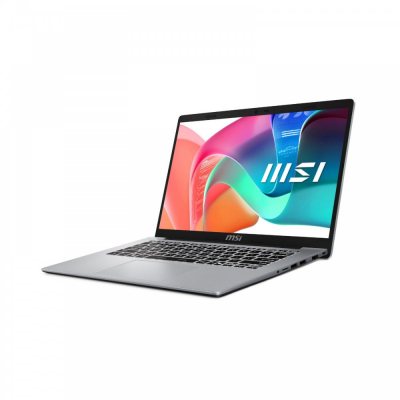
If your laptop can't run Windows 11, a new one with Windows 11 already installed is the simplest fix. For email, browsing, video calls, Office and photos, you don't need anything expensive. Look for a processor from the last few years, 8GB of RAM or more and an SSD.
See all laptops in stock.
Replacing a Windows 10 desktop PC: desktops and mini PCs
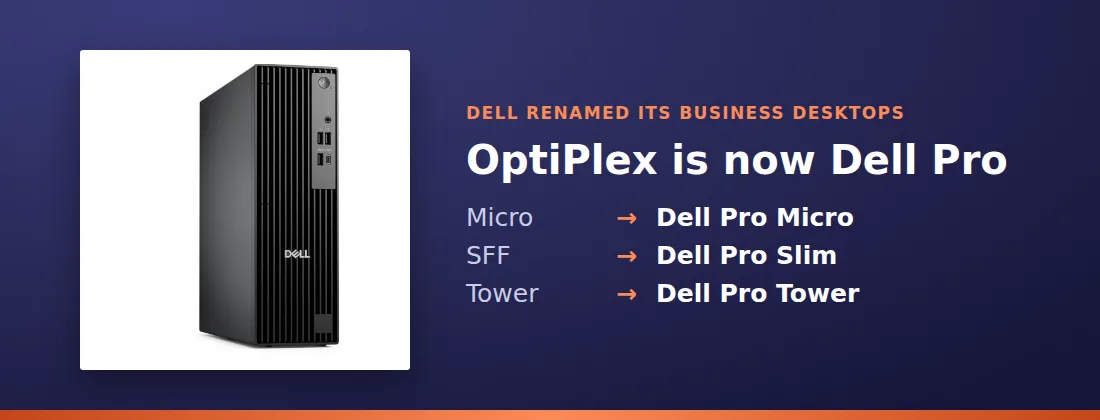
If you have a desktop, you can usually keep your monitor, keyboard and mouse and just replace the box. That saves money. Check your monitor's cable: most new PCs have HDMI and DisplayPort, but not the old blue VGA socket.
A word on mini PCs. Many mini PCs sold in the UK, including some of ours, cost more than the same model elsewhere. These two were close to or below other UK shops when we checked. Avoid "barebone" mini PCs for a straight replacement: they come without memory, storage or Windows. Our mini PC guide explains the differences.
See all desktop PCs in stock.
Refurbished Windows 11 laptops: worth it?
A refurbished business laptop can be good value, as long as it has a processor that Windows 11 supports. When you compare refurbished listings, check:
- Processor generation: Intel 8th generation or newer is supported, but we'd look for 11th generation or newer so it stays useful for longer.
- Windows 11 already installed and activated, not Windows 10.
- Battery condition and a written warranty of at least a year.
- Price: refurbished prices vary a lot between sellers, so compare like for like.
This is the only refurbished laptop we're recommending here, because it was the one priced close to other UK refurbishers when we checked. Our refurbished business laptop guide explains grades and what to look for, and our grading page shows what each grade means.
What to do with your old Windows 10 PC
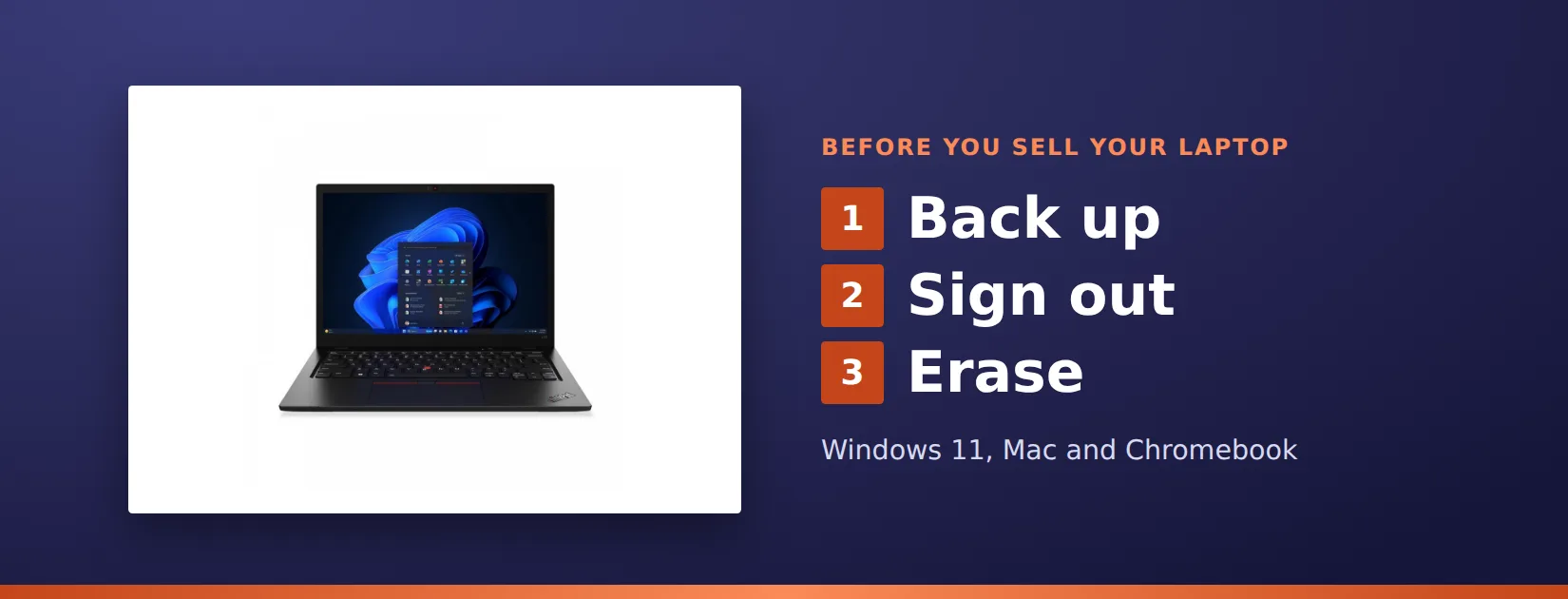
- Copy your files off. Photos, documents and anything on the desktop. Use an external drive or OneDrive, and check the copy opens before you go further.
- Sign out of everything and note any software licences you'll need on the new PC.
- Wipe it properly. Deleting files isn't enough. Our guide to wiping a laptop before selling it covers Windows reset, BitLocker and what to do if it won't turn on. The same steps work on a desktop.
- Sell it or trade it in. We buy used laptops and desktop PCs, working or faulty, as long as they're complete. Tell us about your device and, if it's something we can use, we'll email you an offer. You can put the money towards a new one: see how trading in works.
- Or recycle it. Your local council tip takes old computers. Wipe it first either way.
How we chose these computers
We only included computers that come with Windows 11 already installed and that were priced close to or below other UK shops when we checked on 26 November 2026, comparing delivered prices. Several mini PCs and refurbished laptops were left out because they cost noticeably more from us than elsewhere. Specifications and features come from each manufacturer's details; we haven't claimed anything we haven't seen in writing. Prices shown include VAT and delivery, and delivery is free on orders over £150.
Buying before Christmas? See our Christmas delivery dates.
More guides: Best Laptop for a Teenager UK 2026: School and GCSE · Best Laptop for Elderly Parents UK 2026: Easy to Use · Portable Monitor for a Laptop: UK Buying Guide 2026
Frequently asked questions
Will my Windows 10 PC stop working?
No. It keeps working as it does now. It just stops getting free security updates, unless you enrol in Extended Security Updates, which now run to 12 October 2027.
Are Windows 10 Extended Security Updates free?
For home users, they can be. Microsoft lets you enrol free if you sync your PC settings with Windows Backup, or with 1,000 Microsoft Rewards points, or for a one-off payment of $30 in local currency plus tax.
Is the Windows 11 upgrade free?
Yes, from Windows 10 on a PC that meets the Windows 11 requirements. Check with Microsoft's PC Health Check app, then look in Windows Update.
Why does PC Health Check say my PC can't run Windows 11?
Usually the processor is too old, or TPM 2.0 or Secure Boot is switched off. The last two can often be turned on in the BIOS. An unsupported processor can't be fixed with a setting.
Will upgrading my RAM or SSD let me install Windows 11?
No. They make an older PC faster, but Windows 11 support depends on the processor, TPM and Secure Boot, not memory or storage.
What should I do with my old Windows 10 laptop?
Back up your files, wipe it properly, then sell it, trade it in or recycle it. We buy complete laptops and desktops, working or faulty, and will email you an offer if it's something we can use.