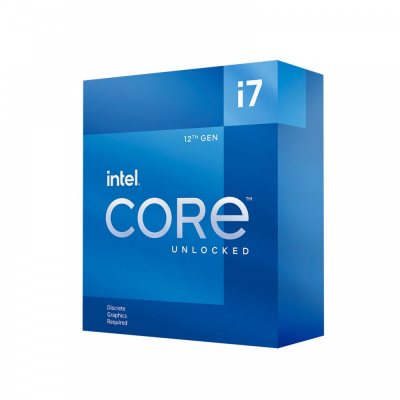


Intel Intel 12th Gen Core i7-12700KF 12 Core Processor 1700 · 12 cores In stock· Online only Not included: CPU cooler
£274.99inc VATFree delivery
Our Intel range covers two sockets. 12th and 14th gen Core i3, i5, i7 and i9 processors use LGA1700, a well-established platform with plenty of boards, using DDR4 or DDR5 depending on the board. Core Ultra 200S chips, including the newer Plus models, use LGA1851 and DDR5 only. The letters after the number matter too: K means unlocked for overclocking, and F means no built-in graphics. Match the processor to your motherboard socket first, then decide how many cores your games or work need.








Nothing matches those filters. Try removing one.
These chips fit 600 series (H610, B660, H670, Z690) and 700 series (B760, H770, Z790) boards. A 600 series board may need a BIOS update before it runs a 14th gen chip. Each board takes DDR4 or DDR5, never both. Intel has issued microcode updates for 13th and 14th gen stability, so install the latest BIOS. See LGA1700 motherboards, DDR5 RAM and DDR4 RAM.
Core Ultra 5, 7 and 9 chips, from the Core Ultra 5 225 to the Core Ultra 9 285K and the newer 250K Plus and 270K Plus, need an LGA1851 board with an 800 series chipset such as H810, B860 or Z890. They use DDR5 only. A newer Plus chip may need an up-to-date BIOS. The cooler mounting matches LGA1700, so most LGA1700 coolers fit. Browse LGA1851 motherboards or use our cooler check.
K chips are unlocked and run at higher power, and they come without a cooler. F chips have no built-in graphics, so you need a graphics card. KF is both. A Core i5 or Core Ultra 5 suits most gaming PCs, while i7, i9 and Ultra 9 chips help with video editing and heavy multitasking but need strong cooling. Size your power supply with our PSU calculator and choose from CPU coolers.