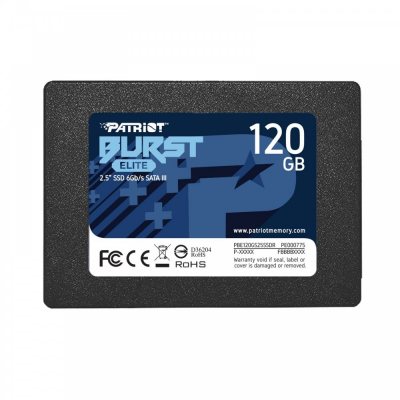
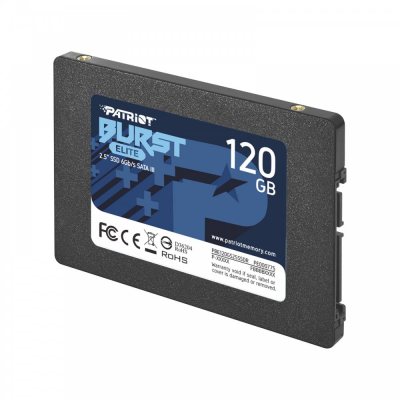
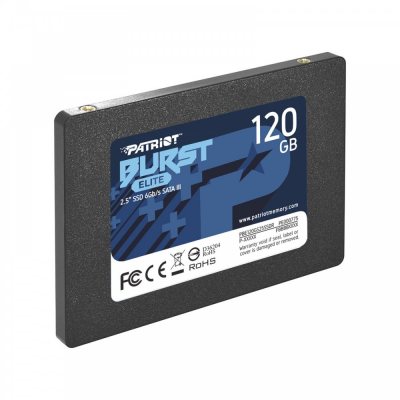
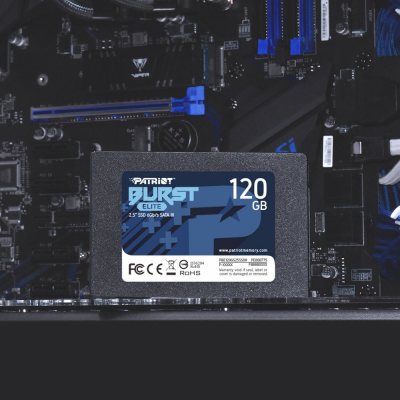
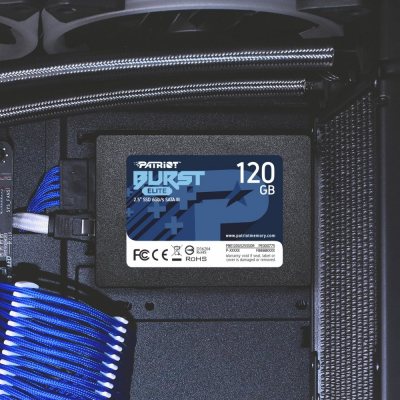

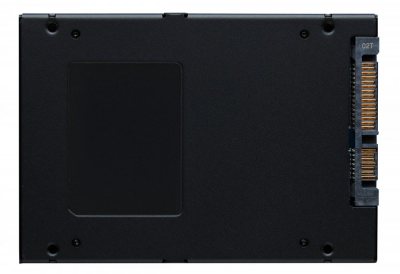
Patriot Patriot Elite 120GB 2.5 Inch SSD 120GB · 2.5 Inch · SATA III In stock· Online only
£25.99inc VAT£30.98 delivered
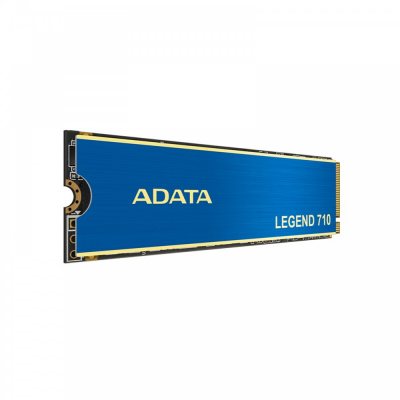
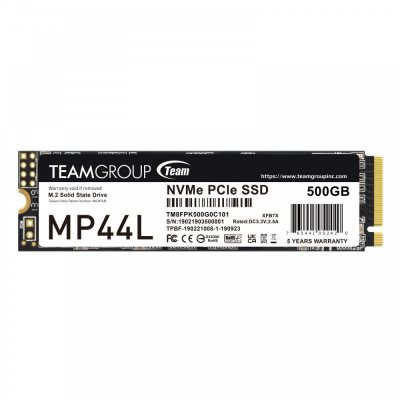
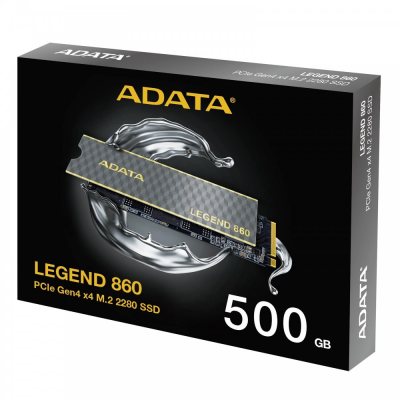
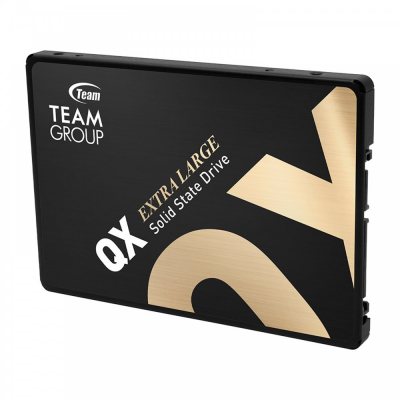
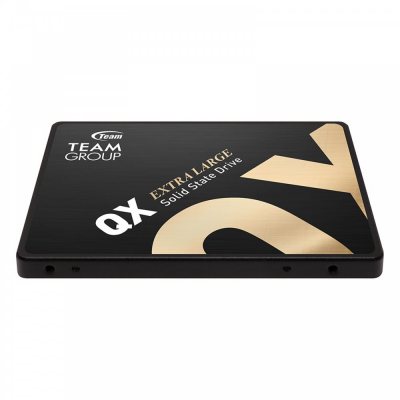
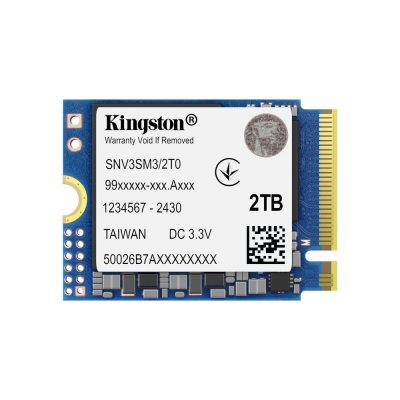
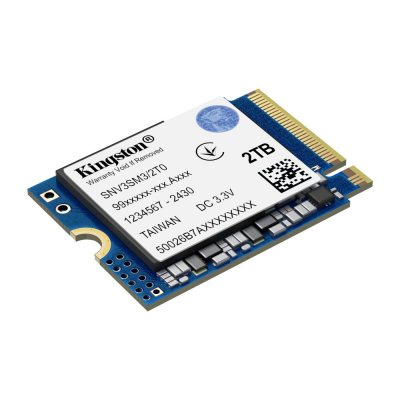
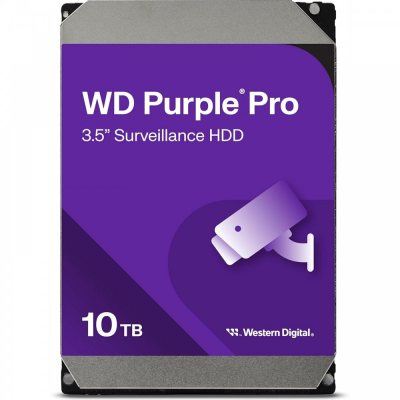
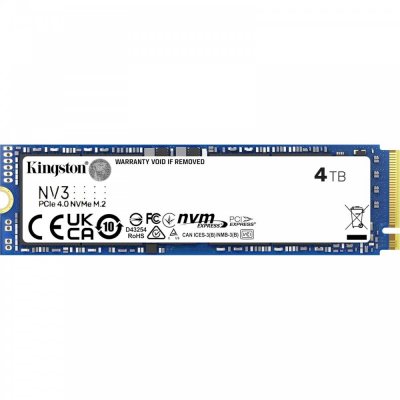
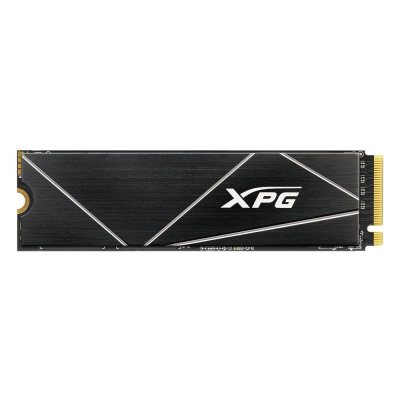
An SSD is the biggest single speed upgrade for an older PC or laptop: Windows starts faster and programs open in moments. We stock NVMe M.2 SSDs from PCIe 3.0 to 5.0, 2.5-inch SATA SSDs for older machines, and 3.5-inch hard drives for bulk storage, including NAS and surveillance drives. Brands include Samsung, WD, Kingston and Seagate. First check what your computer has room for: an M.2 slot, a 2.5-inch bay or a 3.5-inch bay.




































































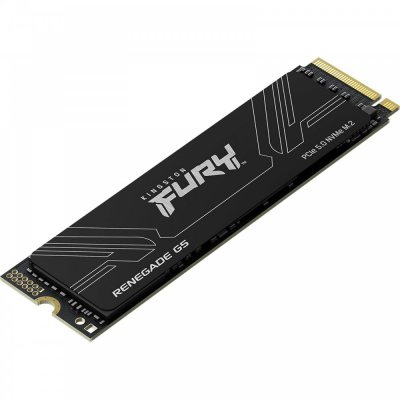

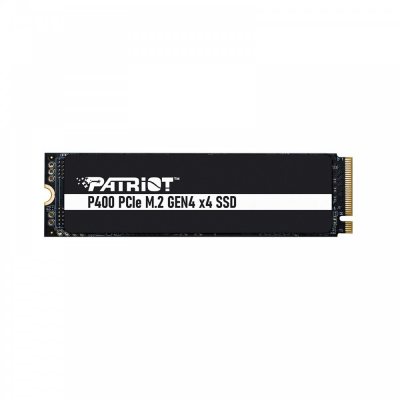

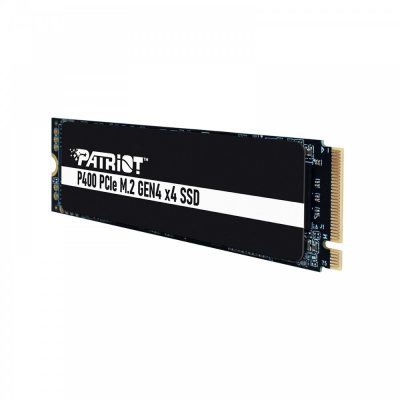


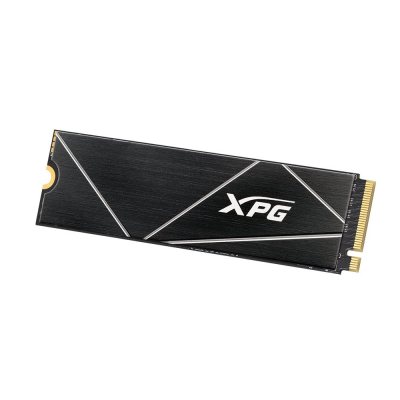























Nothing matches those filters. Try removing one.
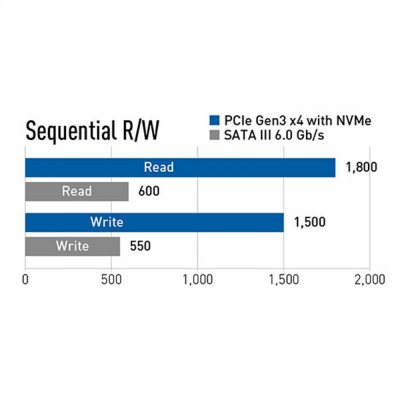
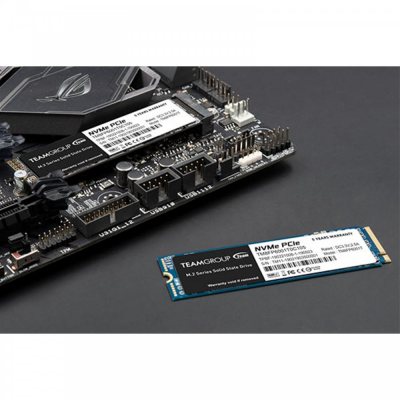
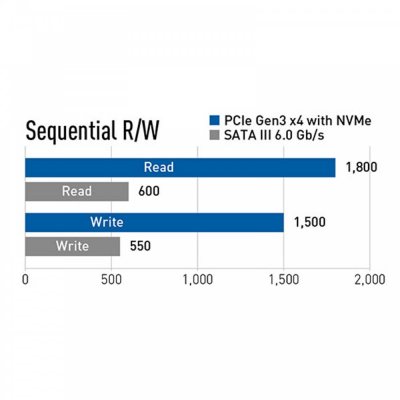
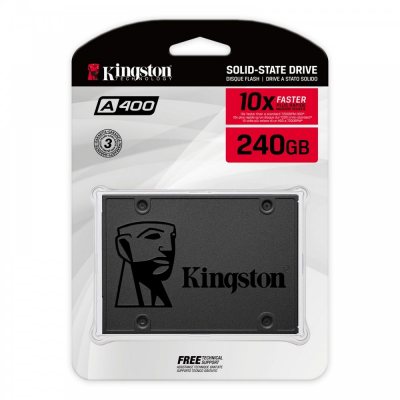
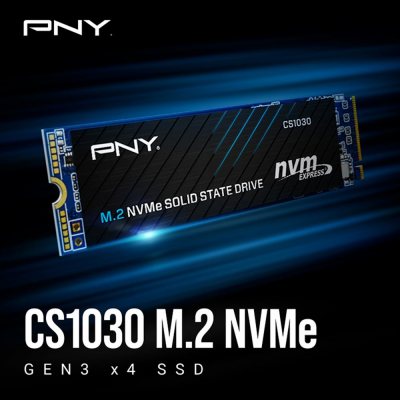
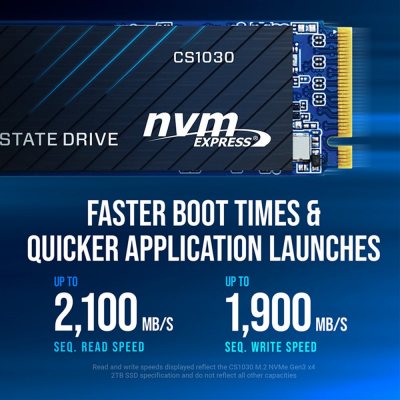
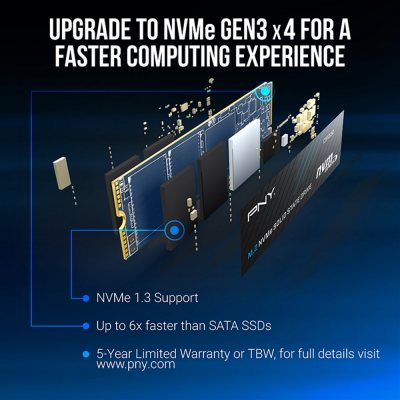
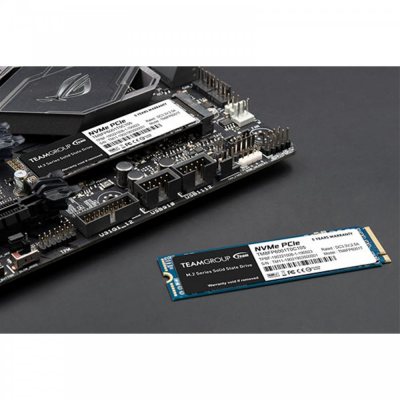
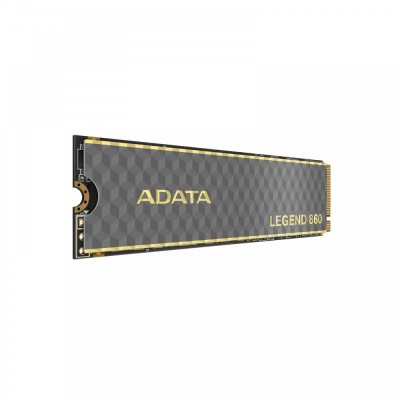
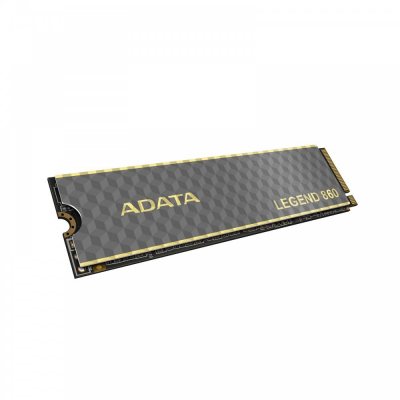
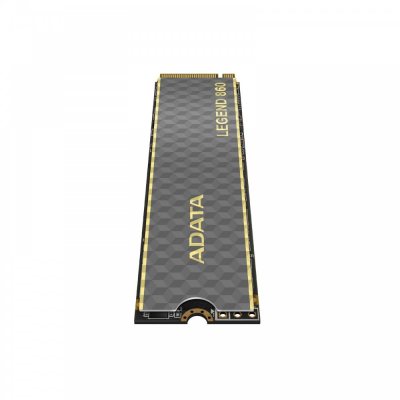
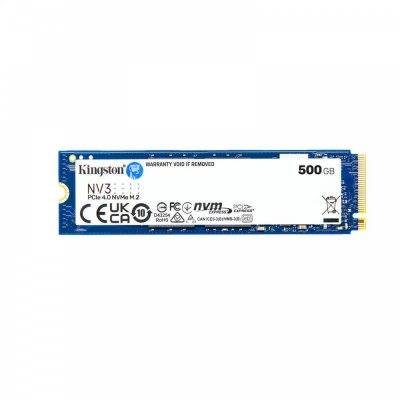
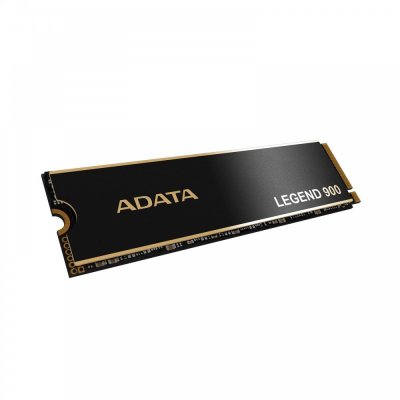
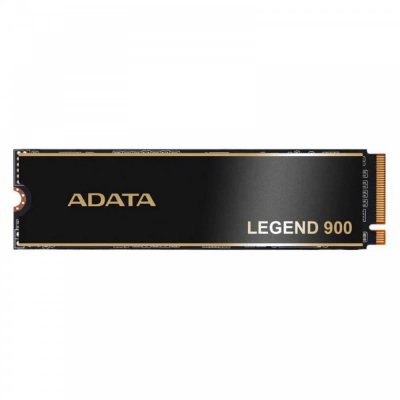
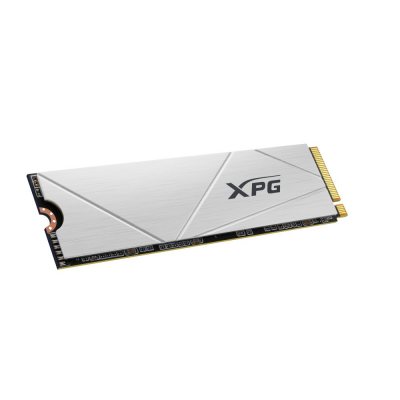
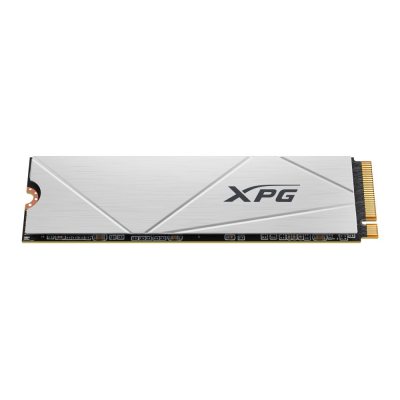
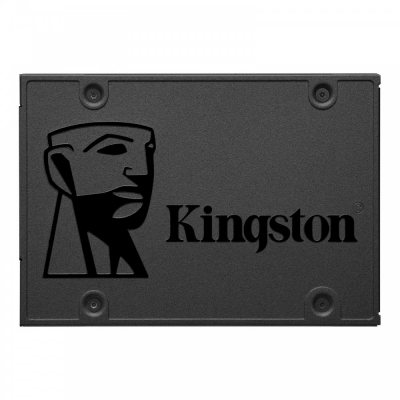
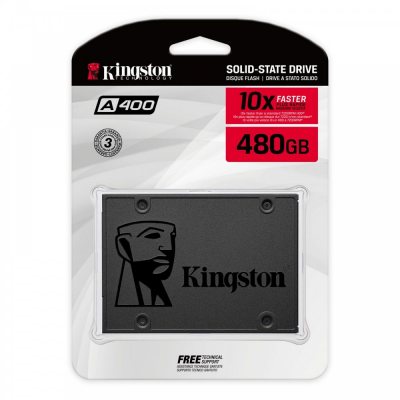
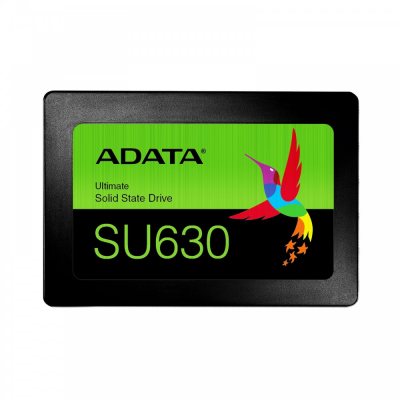
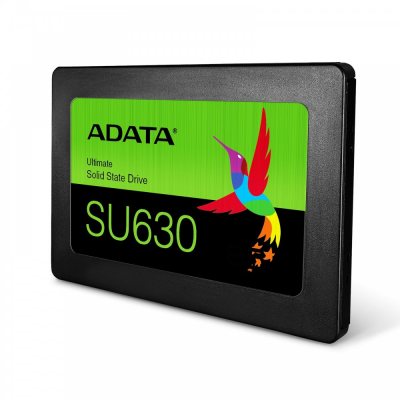
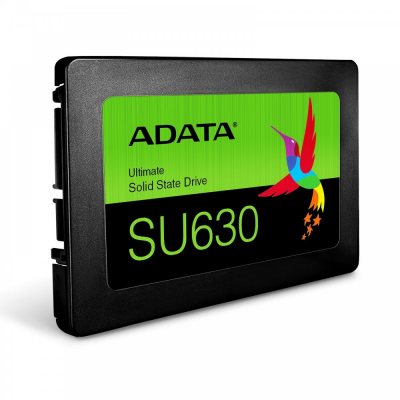
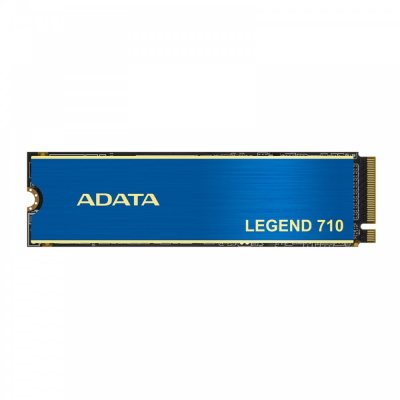
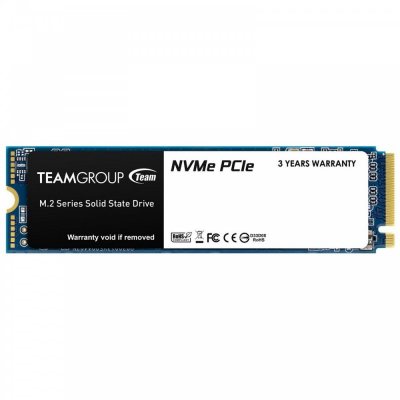
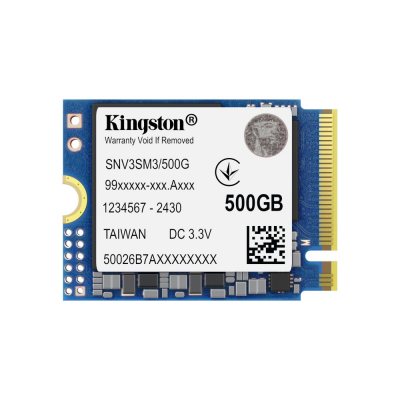
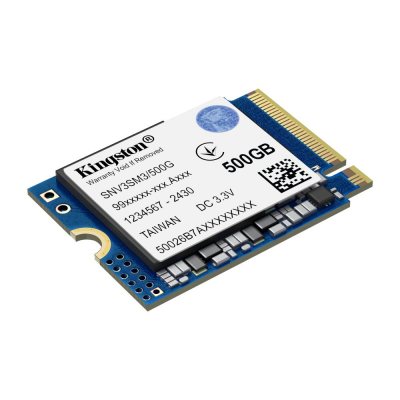
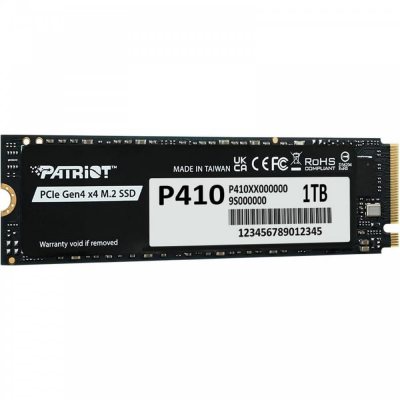
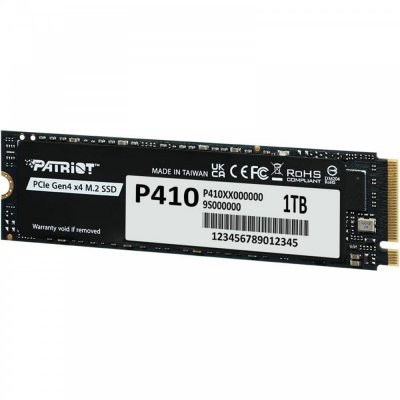
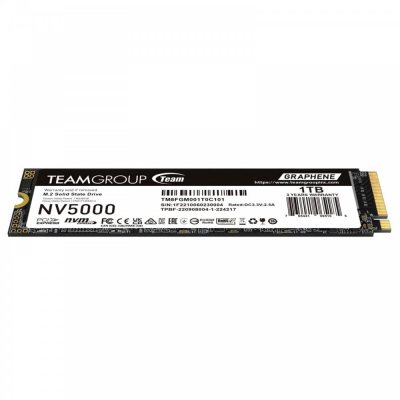
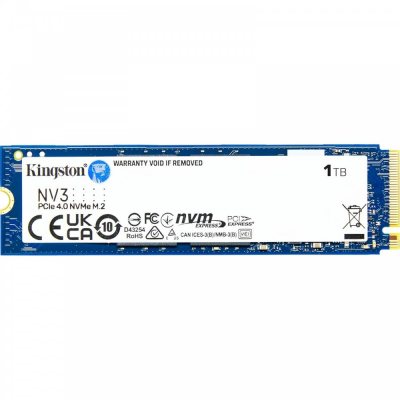
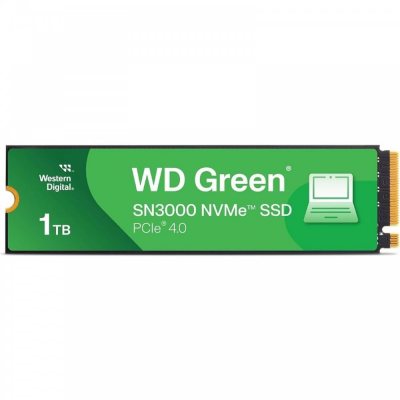
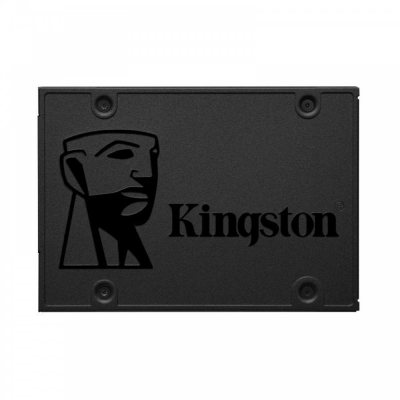
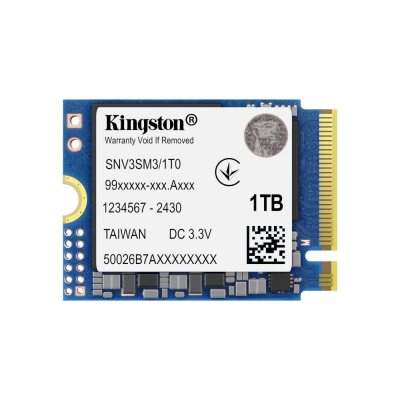
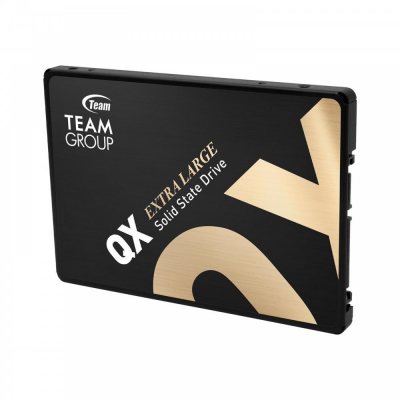
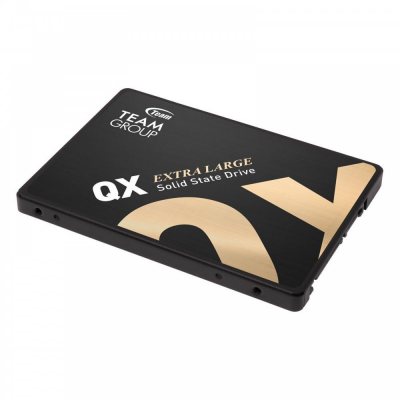
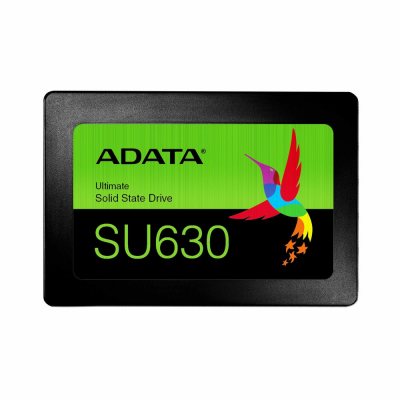
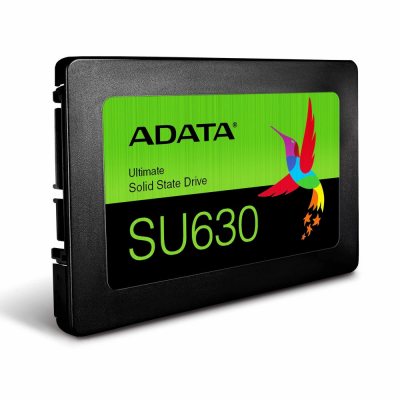
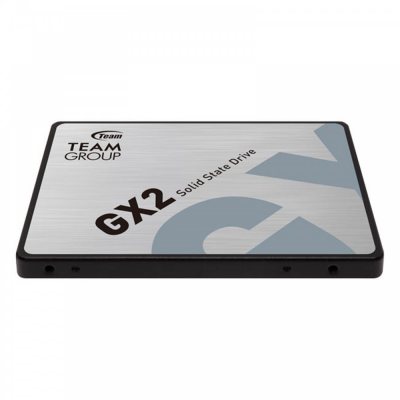
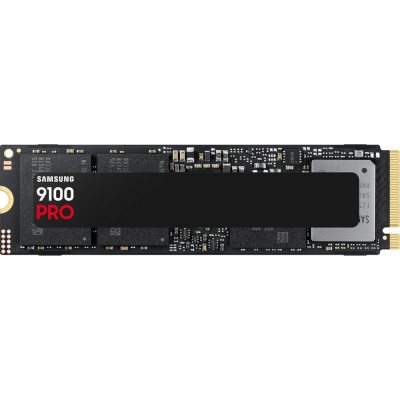
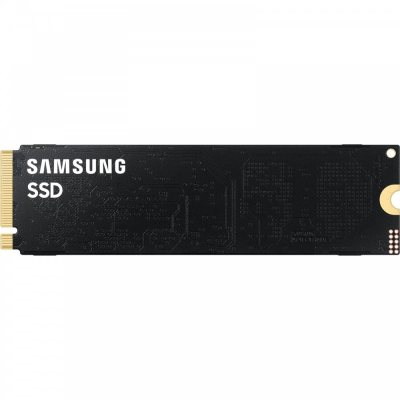
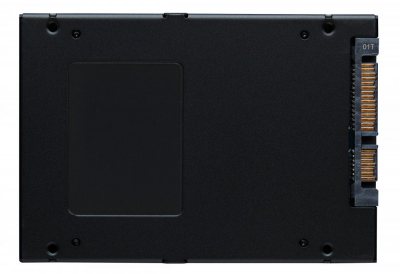
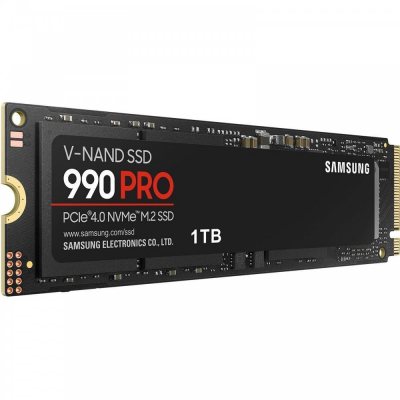
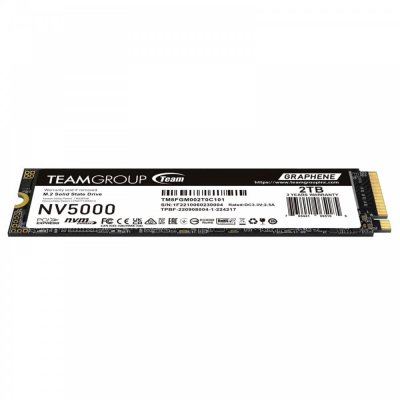
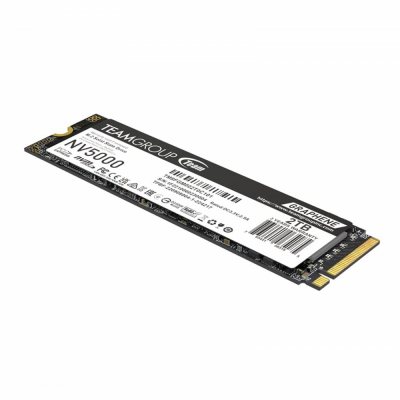
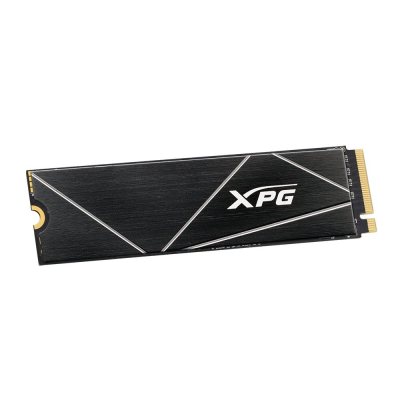
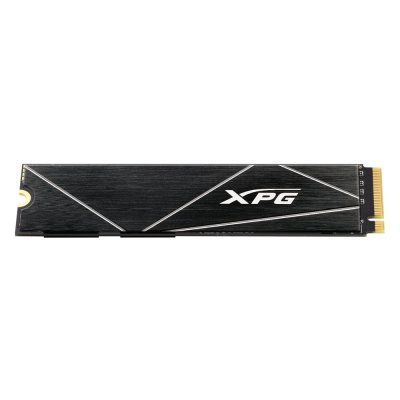
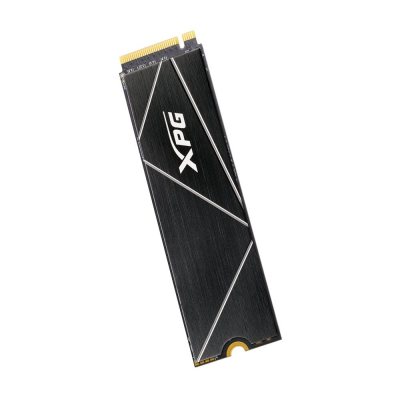
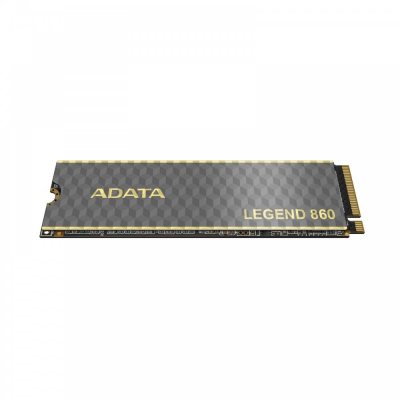
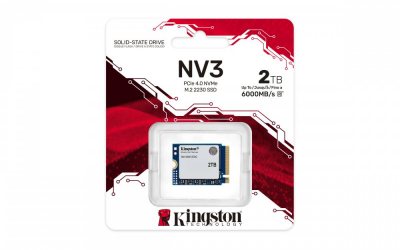
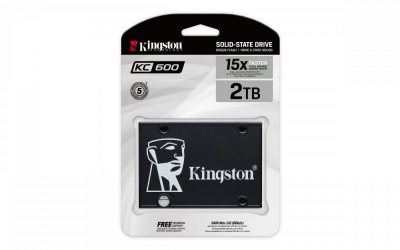
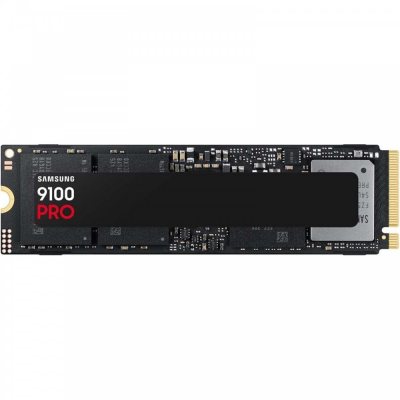
NVMe SSDs plug straight into an M.2 slot on the motherboard and are several times faster than SATA. 2.5-inch SATA SSDs connect with a data and power cable, which makes them the easy upgrade for older PCs and laptops with a hard drive bay. Some M.2 slots accept only one type, so check your manual. Shop NVMe M.2 SSDs or 2.5-inch SATA SSDs.
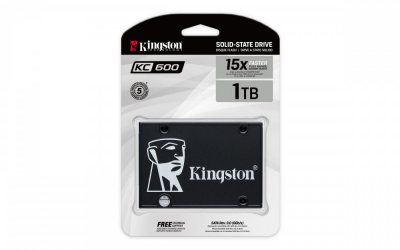
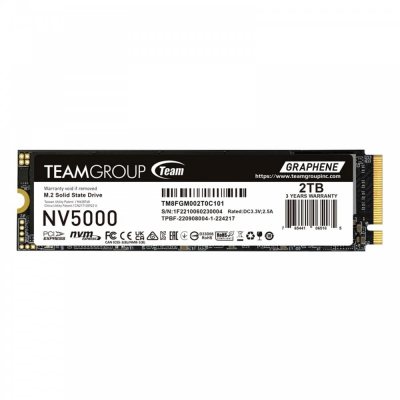
500GB is fine for Windows and everyday programs. 1TB is a comfortable size for most people and holds a handful of large games. Many games now take 100GB or more each, so gamers often go for 2TB. Compare our 1TB SSDs and 2TB SSDs.
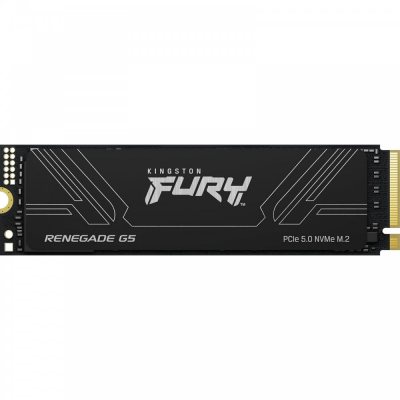
Each PCIe generation roughly doubles the top speed. PCIe 4.0 drives suit most current boards. PCIe 5.0 drives need a PCIe 5.0 M.2 slot to reach full speed, and they run warm, so use the board's M.2 heatsink. Any of them works in an older slot, just at that slot's speed. In everyday use, the gap between 4.0 and 5.0 is hard to notice.
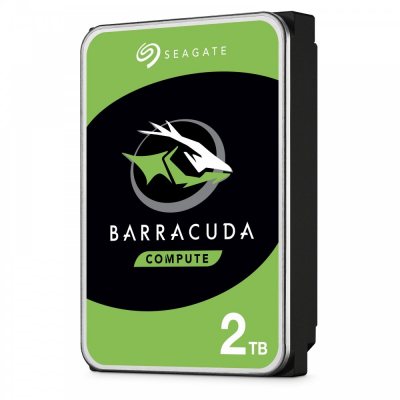
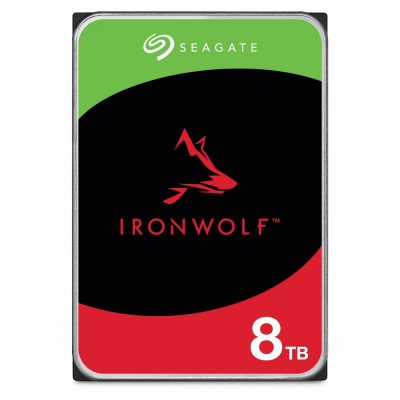
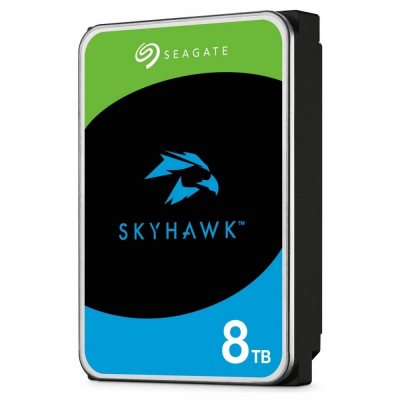
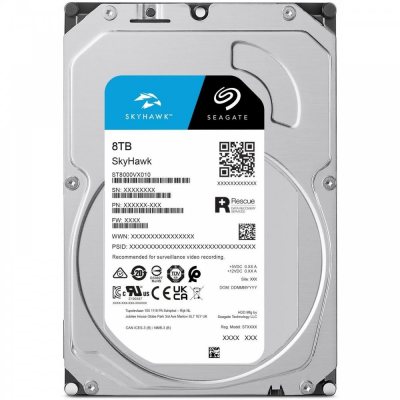
For backups, photo libraries and media, a 3.5-inch hard drive gives far more space for the money than an SSD. Keep Windows and programs on an SSD and use the hard drive for files. Surveillance drives are made for CCTV recorders and NAS drives for always-on network storage. Browse internal hard drives.