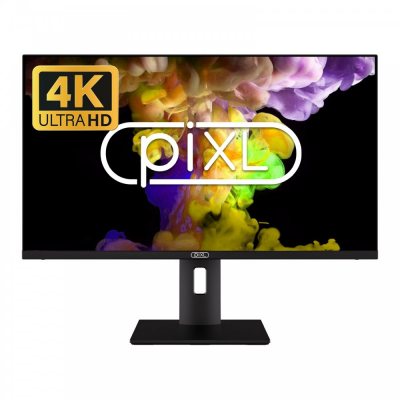
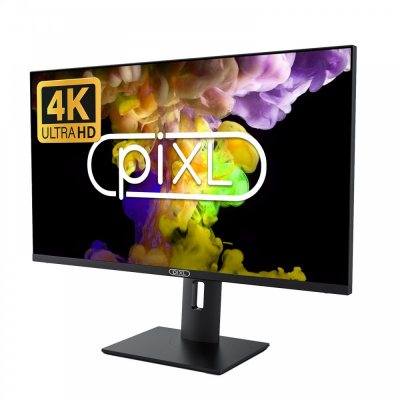
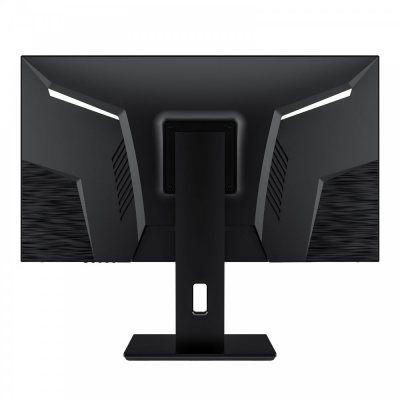
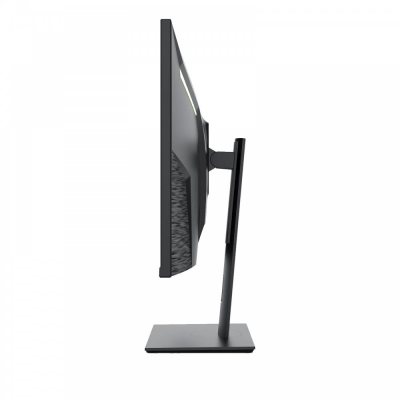
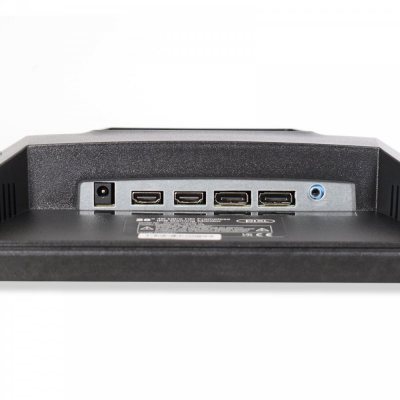

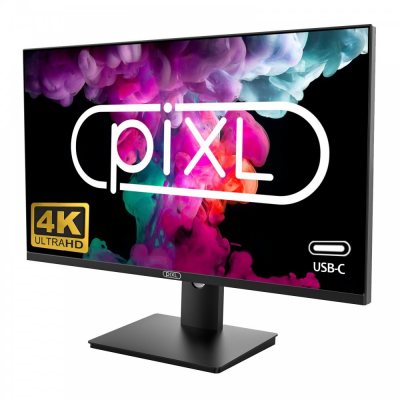
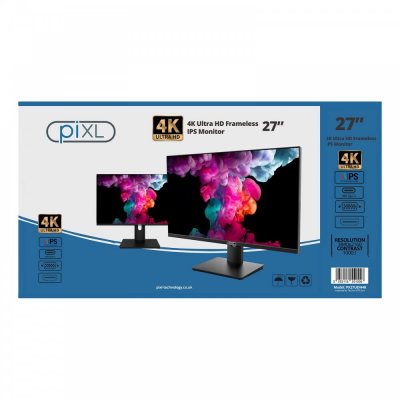
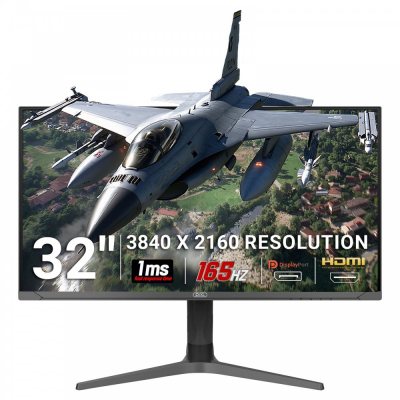
Pixl piXL 28 Inch 60Hz 4K Widescreen Monitor 28" · 3840x2160 · 60Hz In stock· Online only
£120.99inc VAT£125.98 delivered
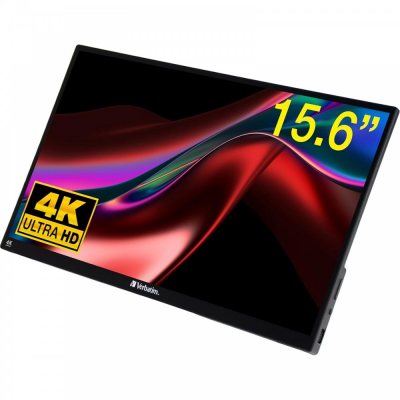
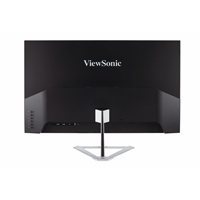
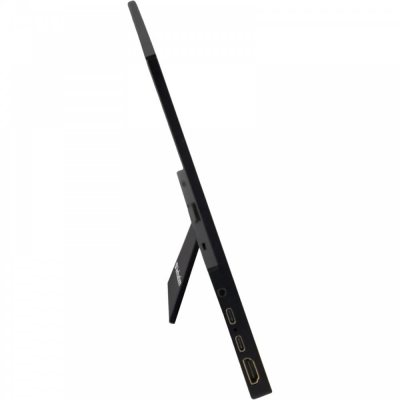
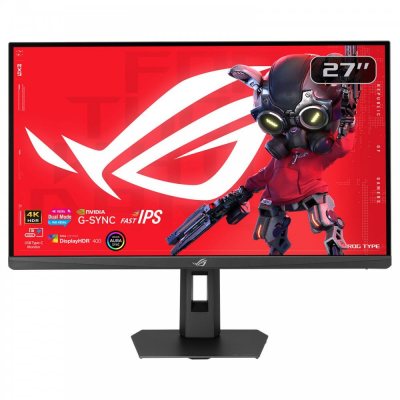
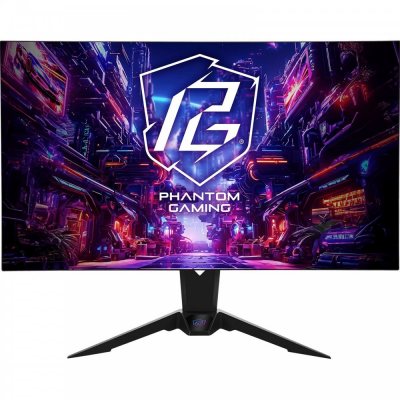
A 4K monitor has 3840 x 2160 pixels, four times as many as Full HD, so text and photos look much sharper. The size most people search for is 32 inches, where 4K gives lots of room without tiny text. We also stock 27 and 28-inch 4K screens, which look even crisper, and portable 4K touchscreens. Refresh rates run from 60Hz for office and photo work up to 240Hz on a 32-inch OLED for gaming. Check your computer can output 4K before you buy.


















Nothing matches those filters. Try removing one.
 Buying guide · 10 min Christmas Gifts for PC Gamers UK 2026: Unique Ideas
 Buying guide · 11 min Dell OptiPlex Is Now Dell Pro: Which Model Replaces Yours Office desk setupsPC, screen, keyboard and mouse in one click→MonitorsFull HD to 4K screens→Keyboards and miceWireless combos for every desk→Wi-Fi and networkingSwitches, routers and access points→Windows 11 ProFor business PCs and domain sign-in→
At 32 inches, 4K text is readable at normal size, so you get far more working space than a 1440p screen. It is a good fit for spreadsheets, photo editing and films. At 27 or 28 inches, 4K looks very sharp, but most people turn on scaling in Windows or macOS, so you gain sharpness rather than space. If you want a balance of sharpness and graphics card demand, compare our 1440p monitors.
For office work, photos and films, a 60Hz 4K screen is fine and costs less. For gaming, 144Hz and above at 4K needs a powerful graphics card, and a cable and port that support it: DisplayPort 1.4 or HDMI 2.1. Many people with a mid-range graphics card play at a lower resolution and use the 4K screen for everything else. Browse gaming monitors for high refresh screens at all resolutions.
Most desktop PCs and laptops from the last few years can show 4K at 60Hz for everyday work. Check the port: HDMI 1.4 tops out at 30Hz in 4K, which feels sluggish, so use HDMI 2.0, DisplayPort or USB-C with DisplayPort Alt Mode. On a laptop, look for a USB-C or Thunderbolt port with video output. Use the cable supplied with the monitor where you can.
Want suggestions based on what you look at? (stays in your browser, switch off any time).