


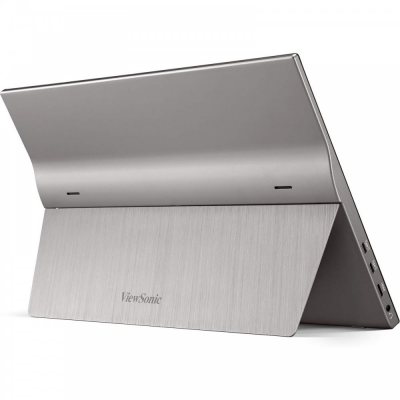
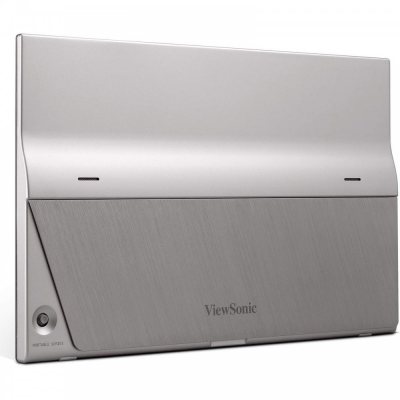
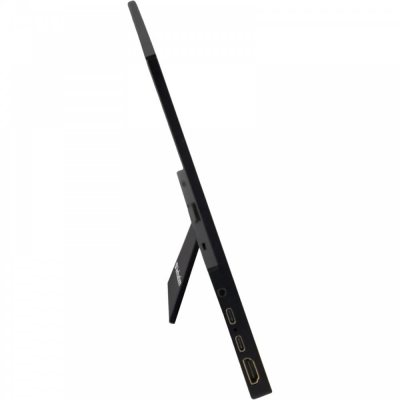
Verbatim Verbatim Portable 14" FHD Touchscreen IPS Monitor Aluminium 14" · 1920x1080 · 60Hz In stock· Online only
£158.99inc VATFree delivery
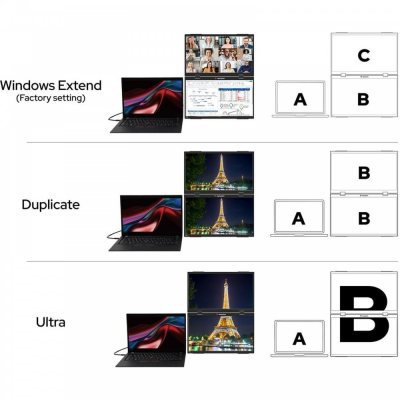
A portable monitor is a thin screen that folds into a laptop bag and gives you a second display wherever you work. Our range runs from 14 to 17.3 inches, in Full HD or 4K, and most models are touchscreens. Nearly all connect with one USB-C cable that carries picture and power, with HDMI as a fallback. The one thing to check first is your laptop's USB-C port: it needs to output video, which is called DisplayPort Alt Mode.

















Nothing matches those filters. Try removing one.
 Buying guide · 10 min Christmas Gifts for PC Gamers UK 2026: Unique Ideas
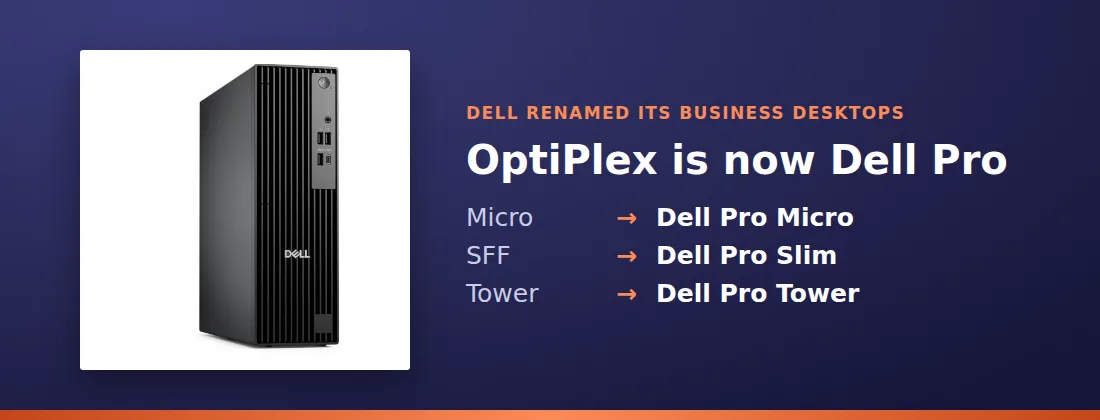 Buying guide · 11 min Dell OptiPlex Is Now Dell Pro: Which Model Replaces Yours Office desk setupsPC, screen, keyboard and mouse in one click→MonitorsFull HD to 4K screens→Keyboards and miceWireless combos for every desk→Wi-Fi and networkingSwitches, routers and access points→Windows 11 ProFor business PCs and domain sign-in→
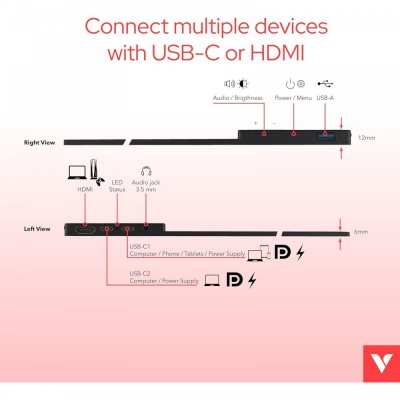
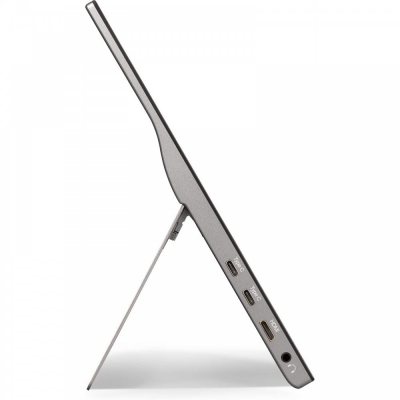
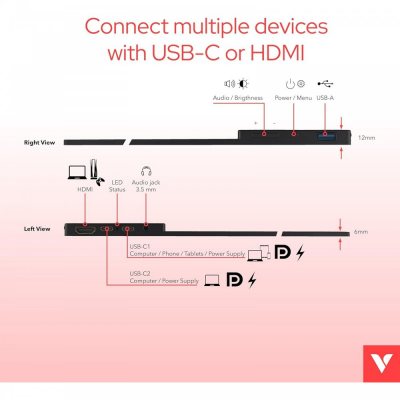
Only if the laptop's USB-C port outputs video (DisplayPort Alt Mode) and can supply power. Look for a small DisplayPort or Thunderbolt symbol next to the port, or check the laptop's spec sheet. If the port is charge or data only, use the HDMI input instead. Over HDMI a portable monitor needs its own power, so plug it into its power adapter or a USB charger. Use the cable that came in the box, as a basic charging cable will not carry a picture.
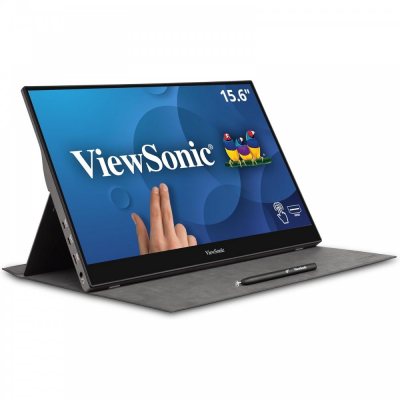
A touch portable monitor lets you tap, scroll and pinch on the second screen, which suits presentations, drawing notes and showing a client something across a table. Over USB-C, touch works through the same cable. Over HDMI you also need a USB cable for the touch signal, because HDMI only carries the picture. Touch is most useful on Windows and Android. macOS is not designed for touch, and iPads and iPhones do not support touch on an external screen.
14 inches is the lightest to carry and sits nicely next to a 13 or 14-inch laptop. 15.6 and 16 inches match most laptops and are the usual choice. 17.3 inches gives more room for spreadsheets but weighs more. Full HD is sharp enough at these sizes for most people. 4K looks crisper for photos and small text, and uses more power. For a full-size desk screen instead, see our 27-inch monitors.
Want suggestions based on what you look at? (stays in your browser, switch off any time).